
When you have logged in to the TuCalendi App with your user and you see the list of events:
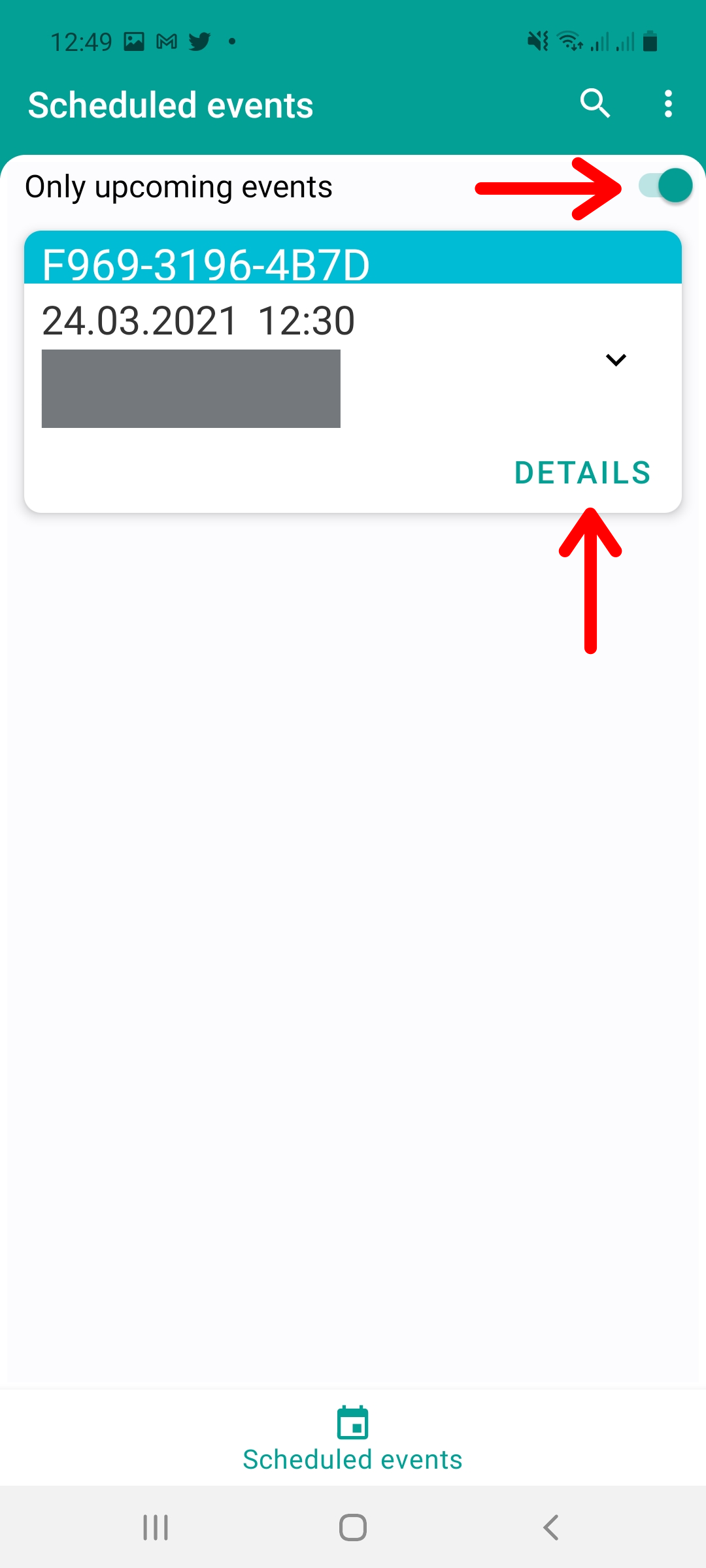
You can access the complete information on each event by clicking on "DETAILS":
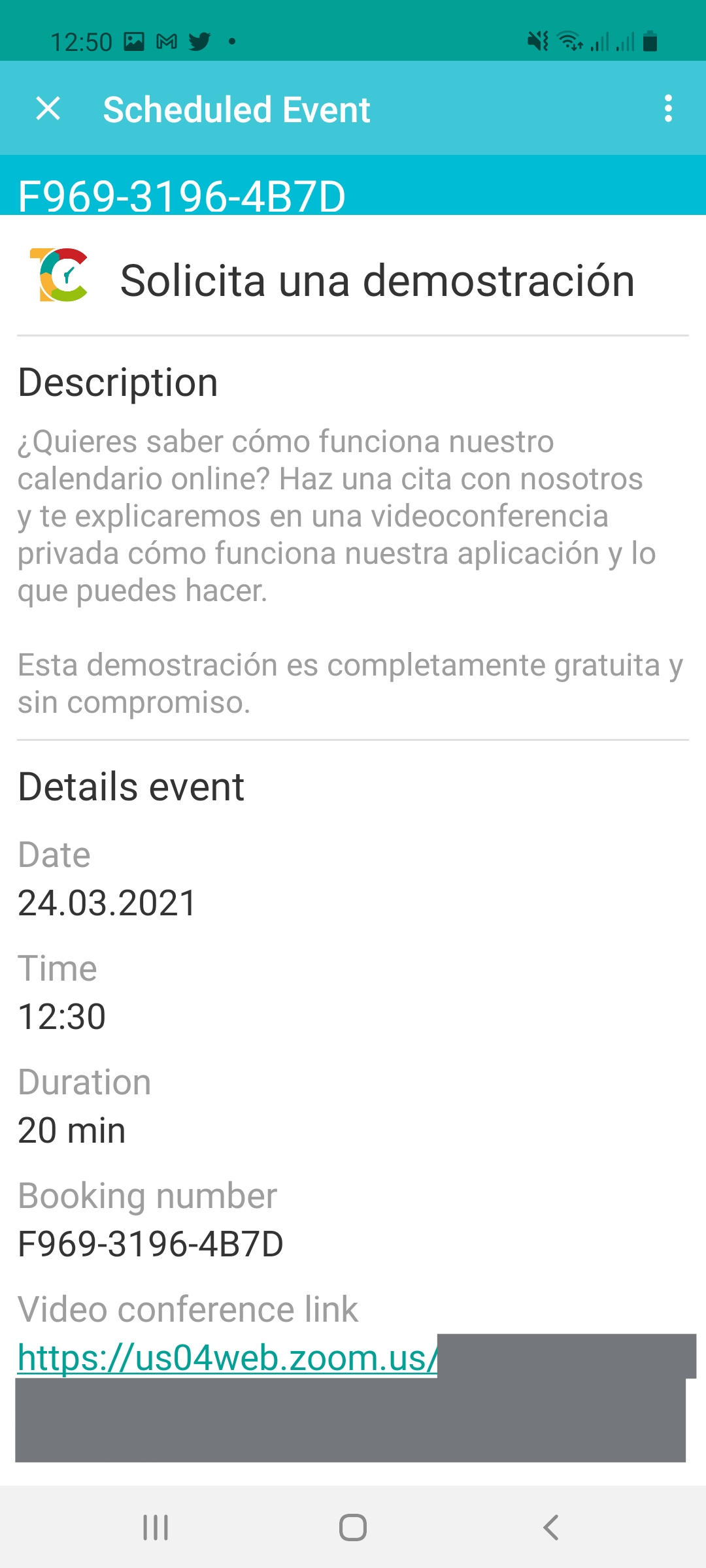
You will see the full event details. If it is a virtual meeting, you will also be able to enter the meeting room.
Scroll down the screen to see the rest of the information.