
After you have integrated TuCalendi with your KlickTipp account, connecting events with KlickTipp is very simple. This way, customers who book a meeting with you are passed on to your preferred marketing automation tool.
Log in to TuCalendi with your username and password and go to the "Calendars" option:
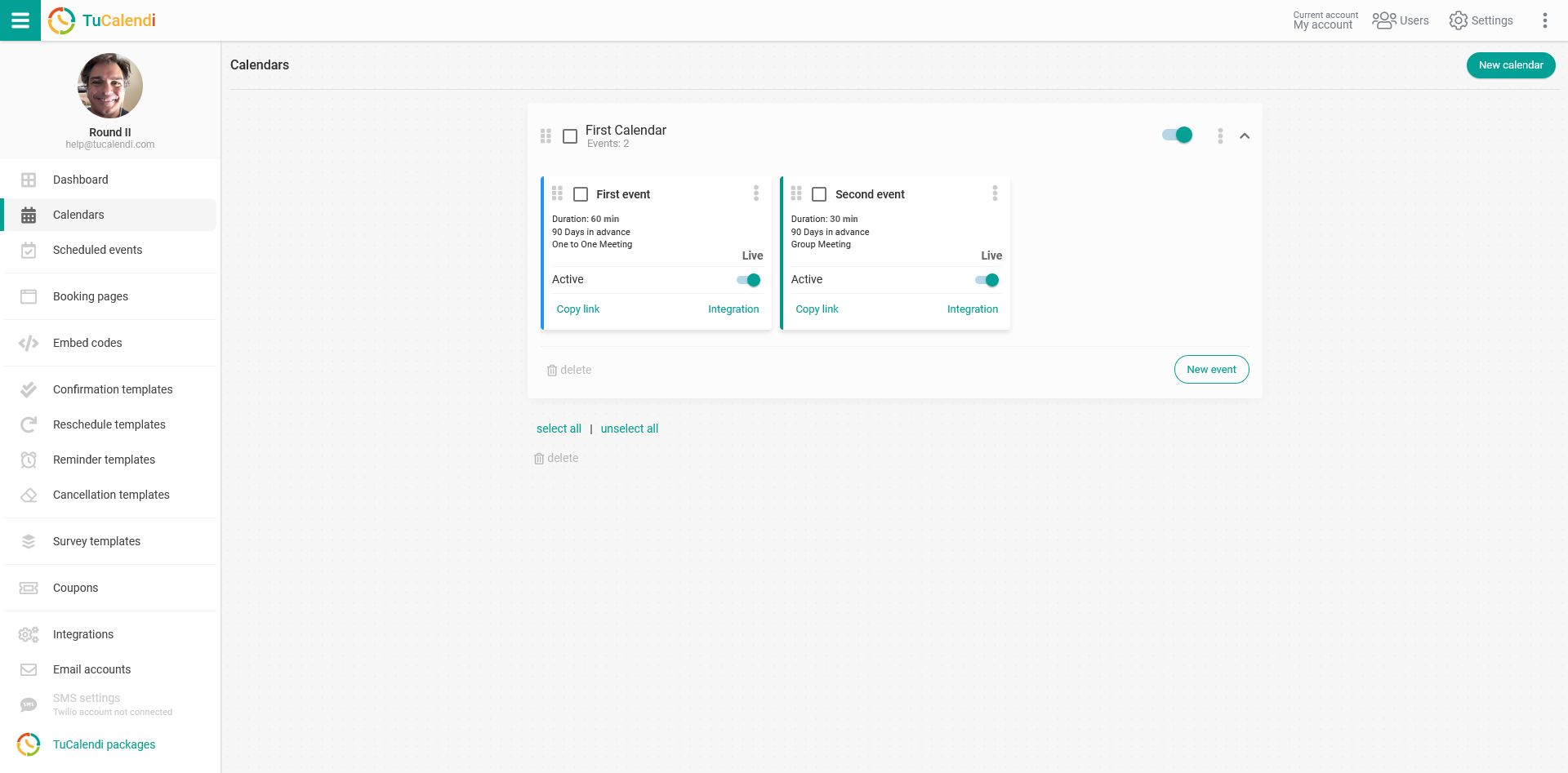
Locate the event you want to connect with KlickTipp when your customers book a meeting with you or your team, and click on the event name.
All event configuration options appear in the horizontal menu.
Click on "Integrations":
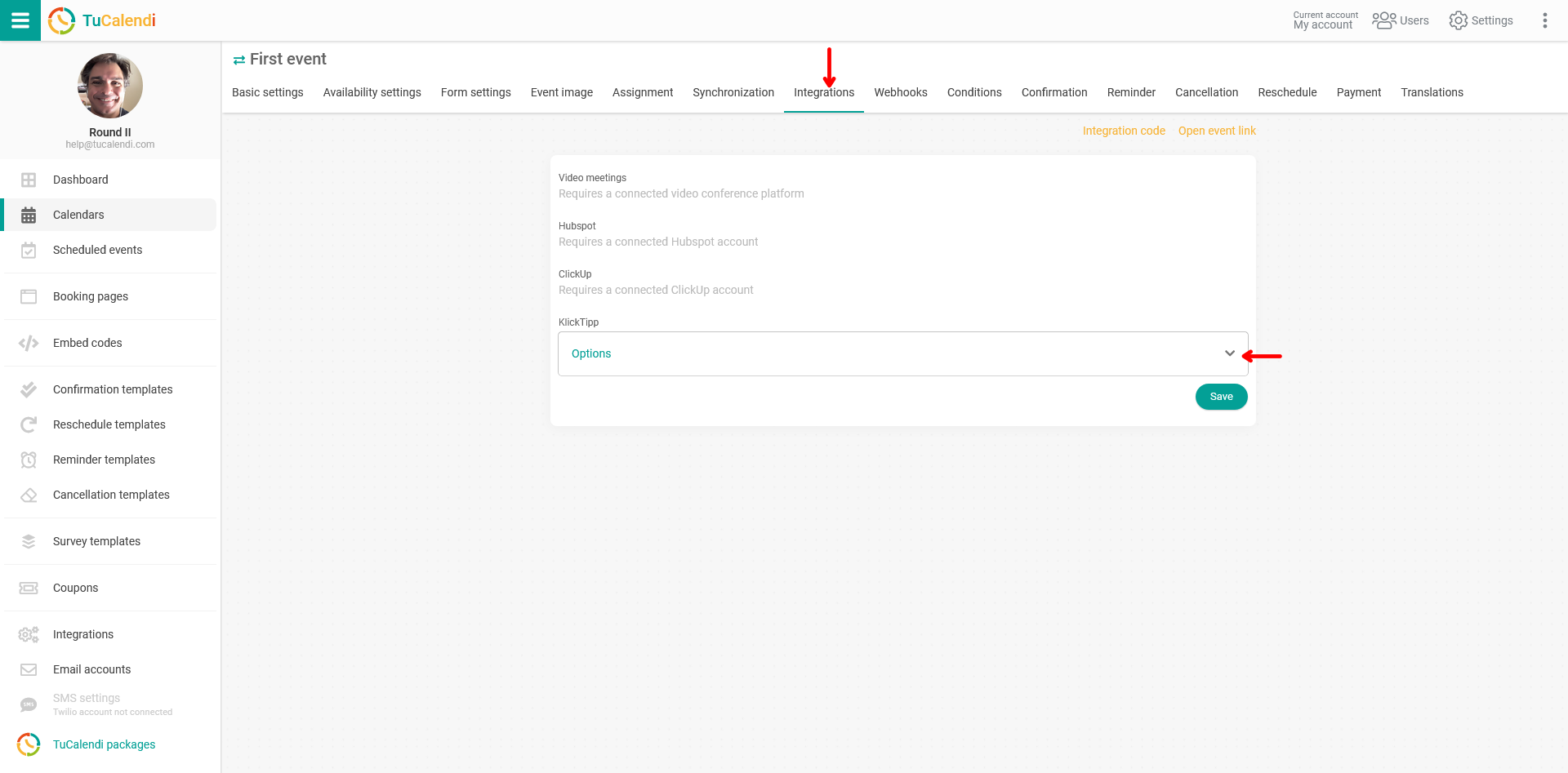
In the "KlickTipp" block, open the drop-down menu and check the available option.
Once you have done this, click on "Save" and the event will be connected to your KlickTipp account.