
Sharing a TuCalendi calendar is done through a link to the calendar. You can customize a calendar link, although there are limitations on the number of characters (maximum 28 characters) and the use of special characters.
You can include the calendar link in your email signature, share it via social networks and even WhatsApp.
When creating a new calendar, the calendar link is a required field.
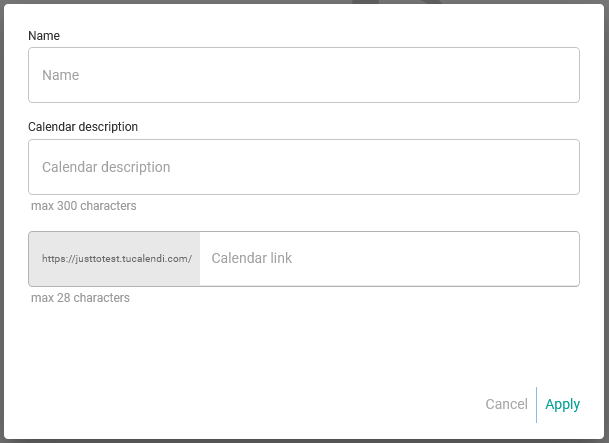
If you decide to change the link later, you can do it easily at any time.
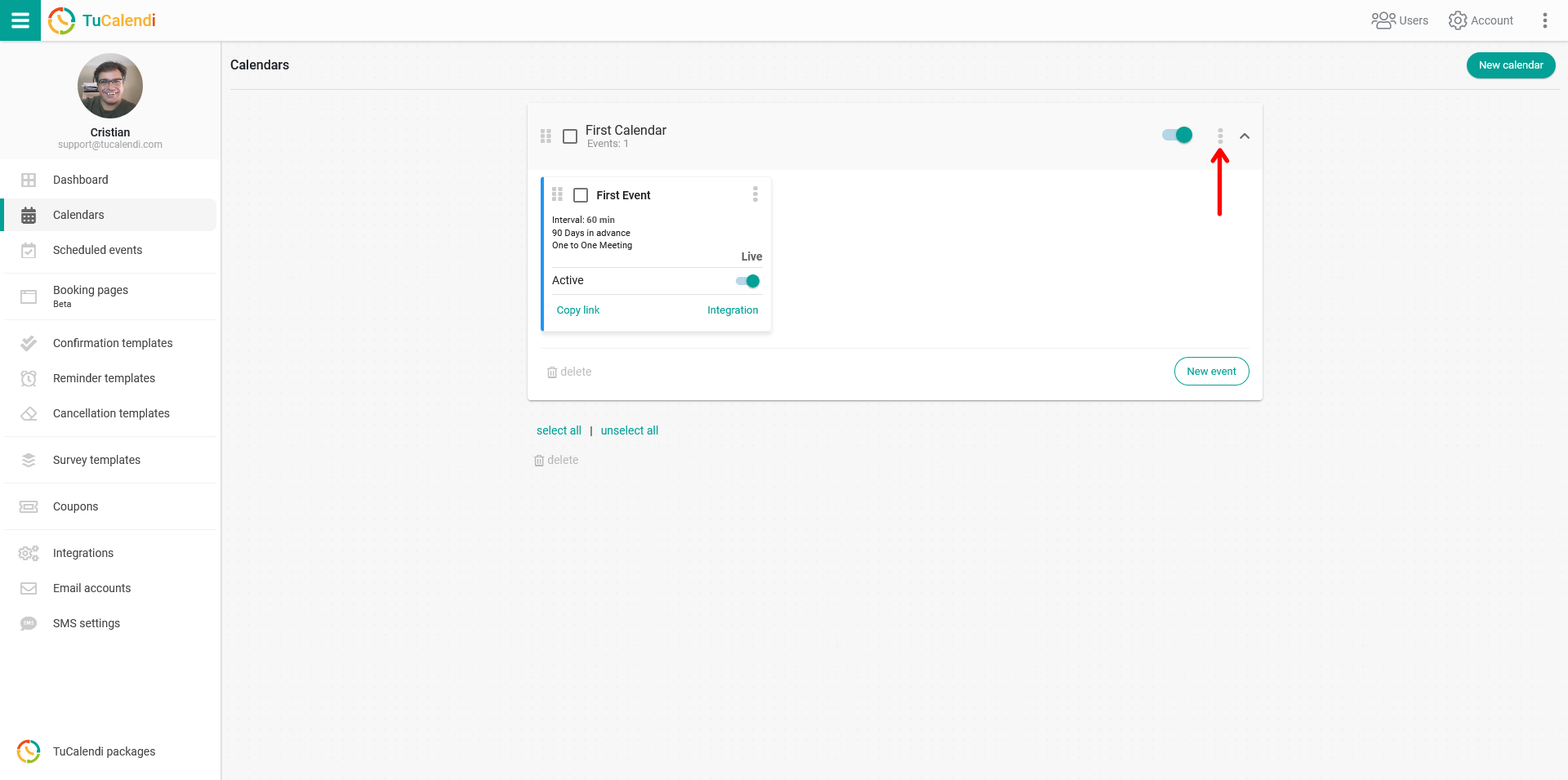
Log in to TuCalendi with your username and password. Go to the "Calendars" option.
Select the calendar whose link you want to change and click on the three vertical dots.
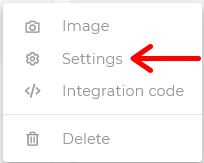
A menu will be displayed. Click on "Settings".
The horizontal menu displays all calendar configuration options.
Click on "Basics".
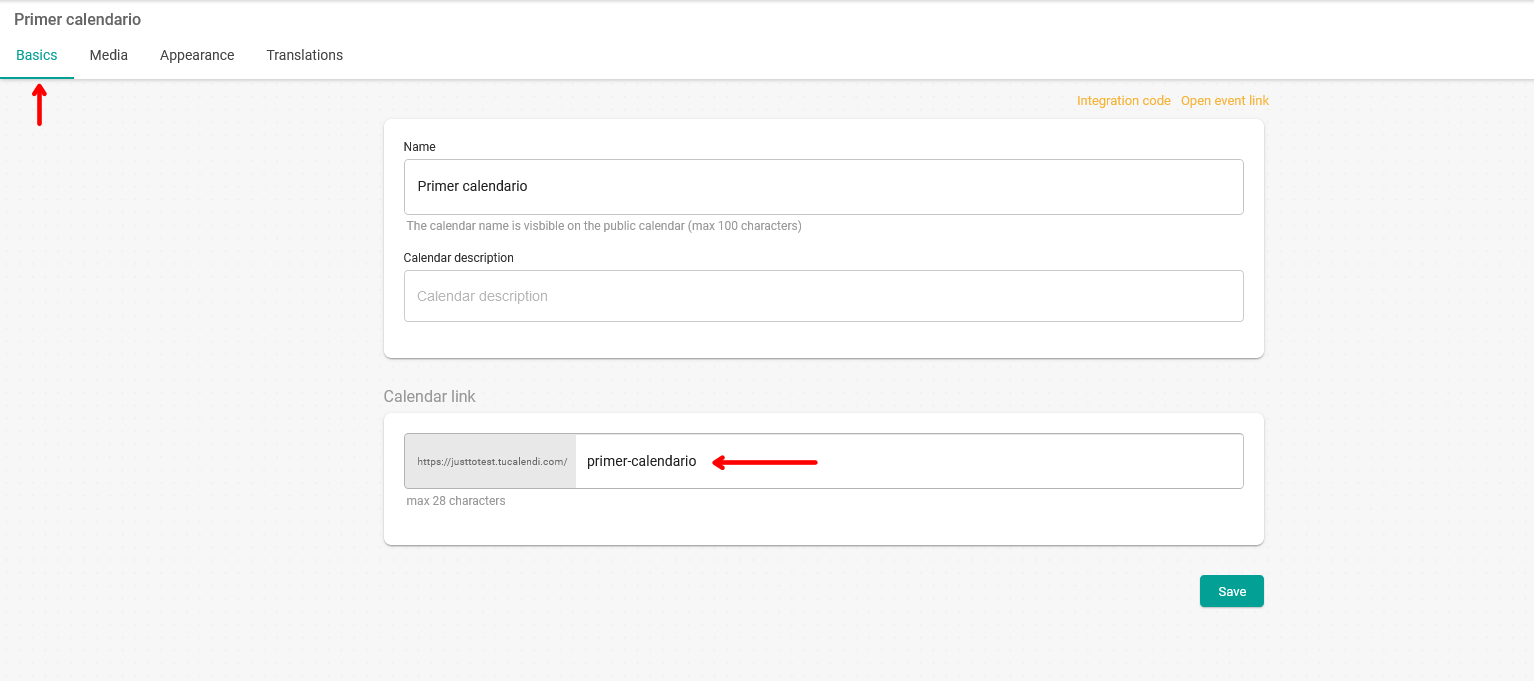
In the "Calendar link" field, you can enter the link your calendar will have. In this case, it is "primer-calendario".
The maximum number of characters is 28. Special characters cannot be used. Only letters, numbers and - are allowed.