
Setting the minimum number of hours in advance so that clients can book an appointment with you is an option you should consider if you want to prepare your meetings with the time you consider necessary.
Let's see how easy it is to set the minimum number of hours in advance to be able to book.
Log in to TuCalendi with your username and password. Go to "Calendars".
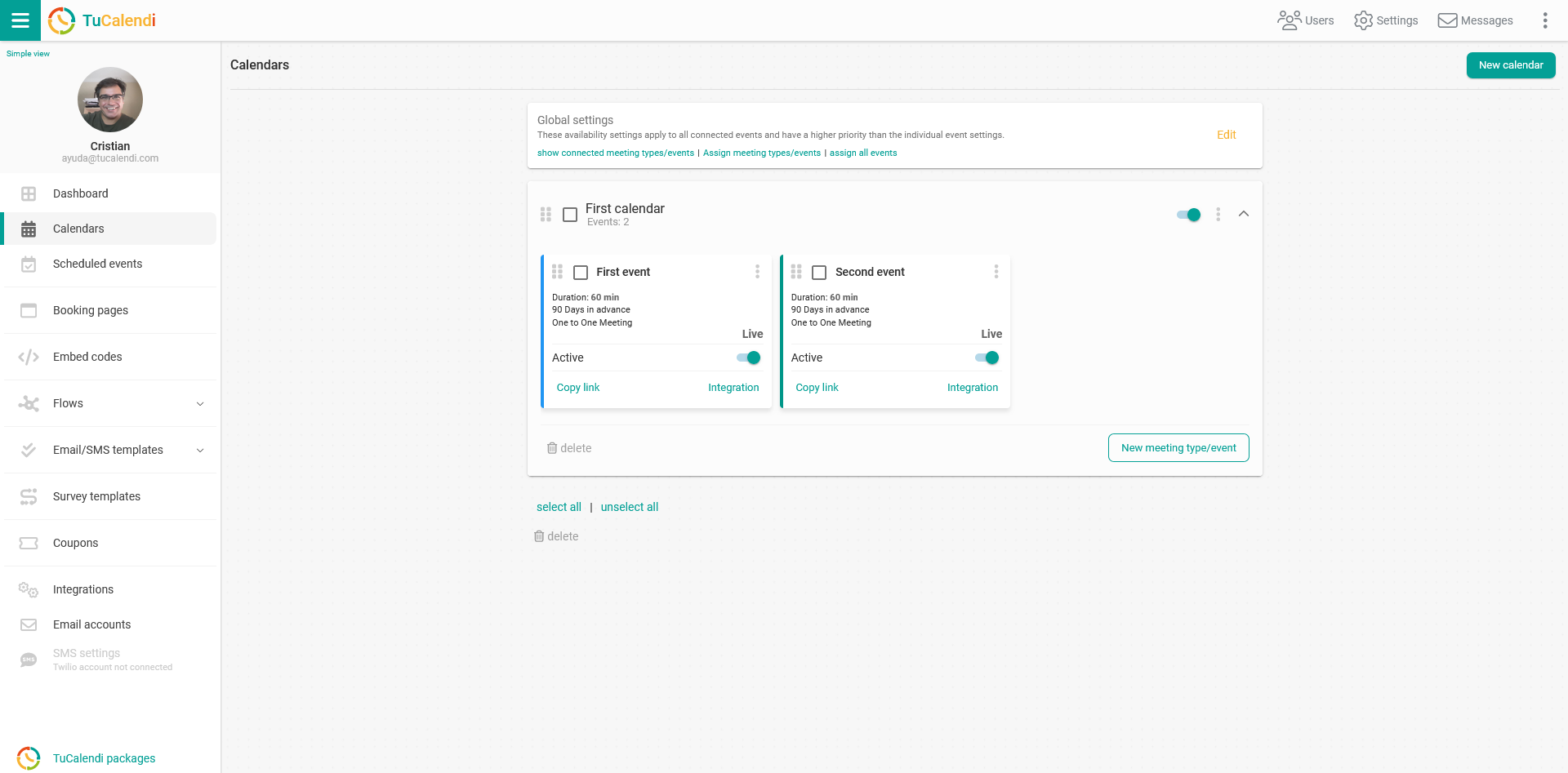
Locate the event for which you want to set the minimum number of hours in advance for booking and click on the name of the event.
The horizontal menu displays all event configuration options.
Click on "Availability".
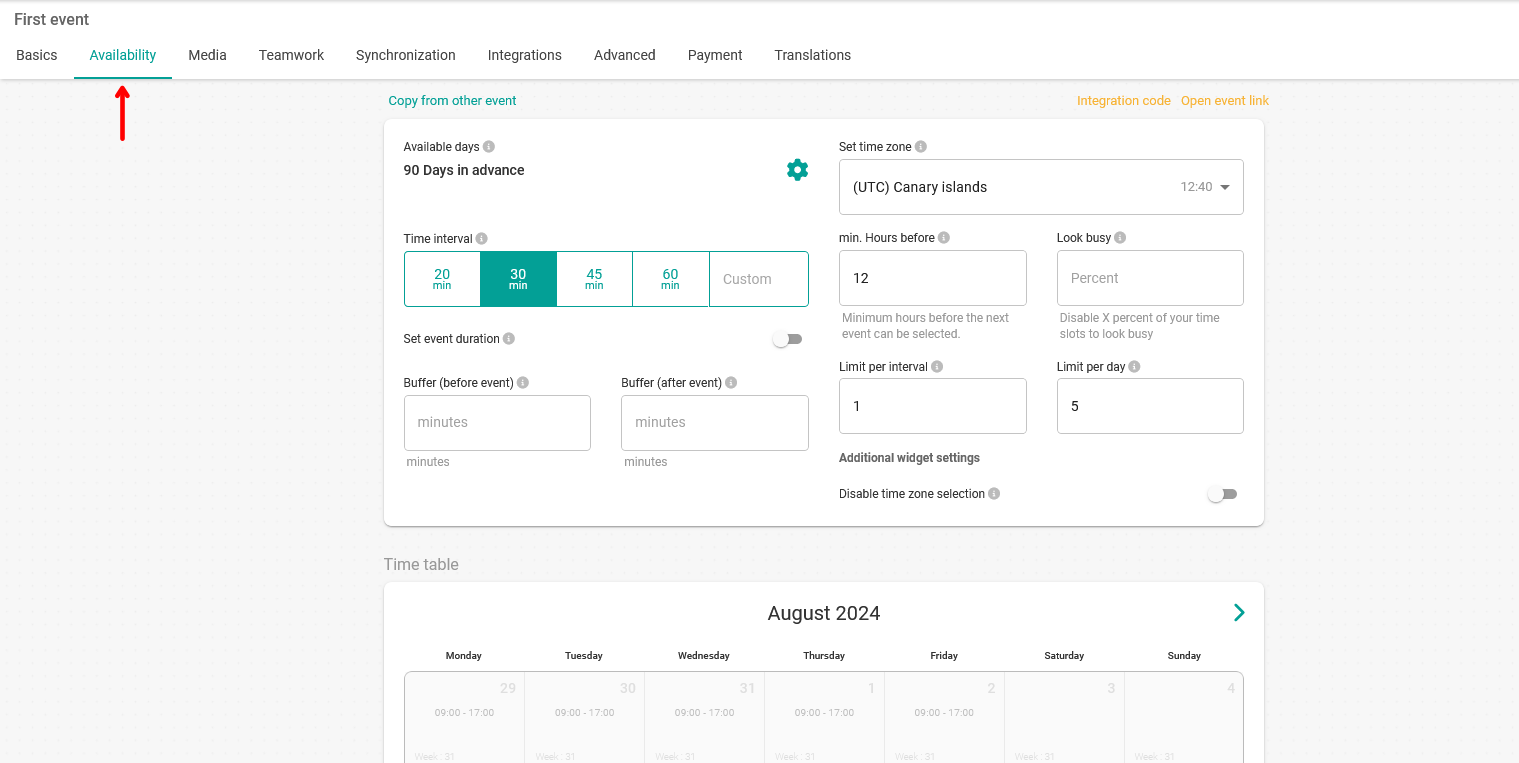
You will access the availability settings, where you can set the minimum number of hours before an appointment that customers can book.
The value is always set in hours and can be between 0 and 9999 hours.
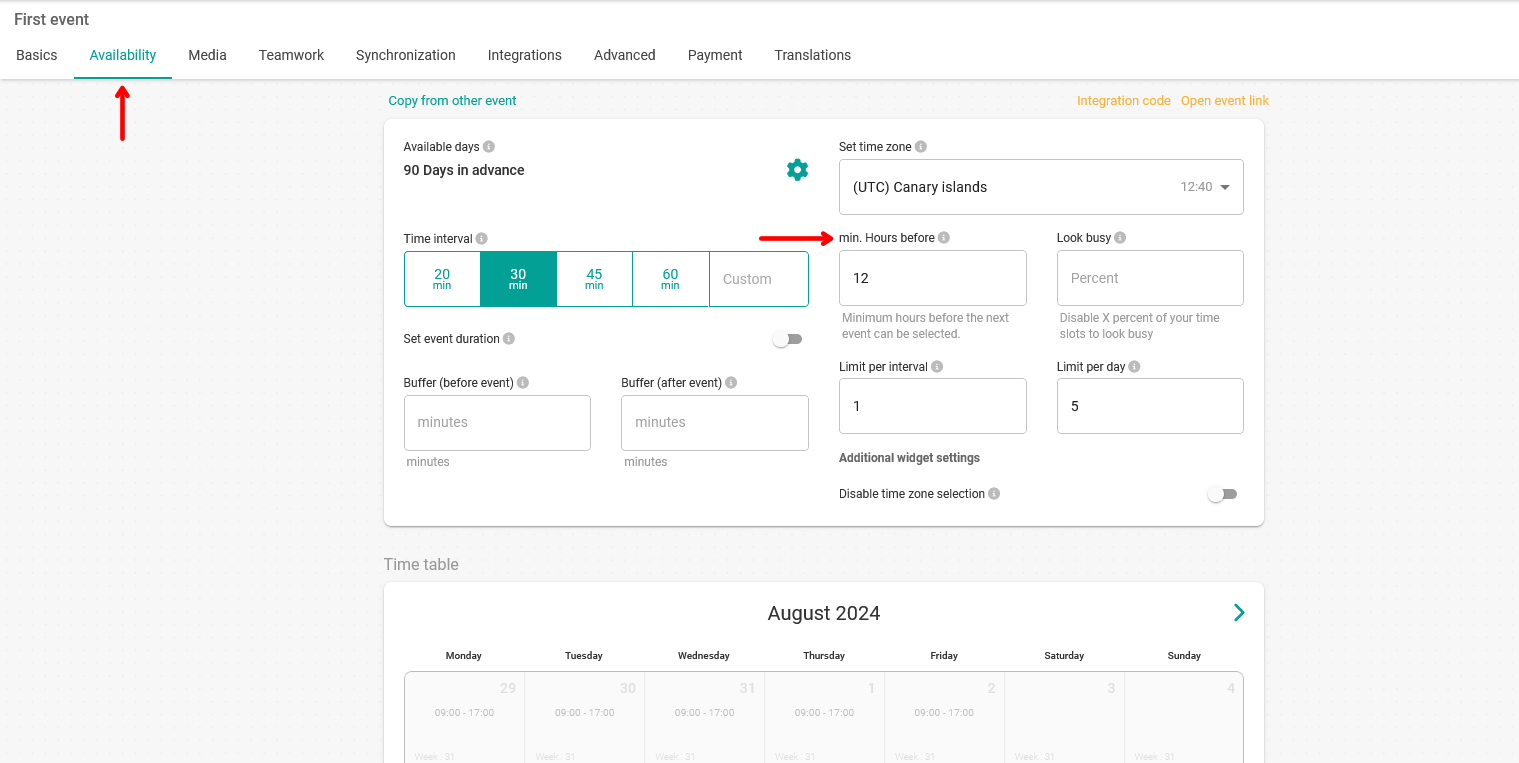
This means that your customers will not be able to book a specific time if there are less than 12 hours left before the appointment takes place. This way you can set the time you need to prepare for the meetings.
Once you have set the minimum number of hours in advance, click on "Save" to save the changes you made to the event's availability.