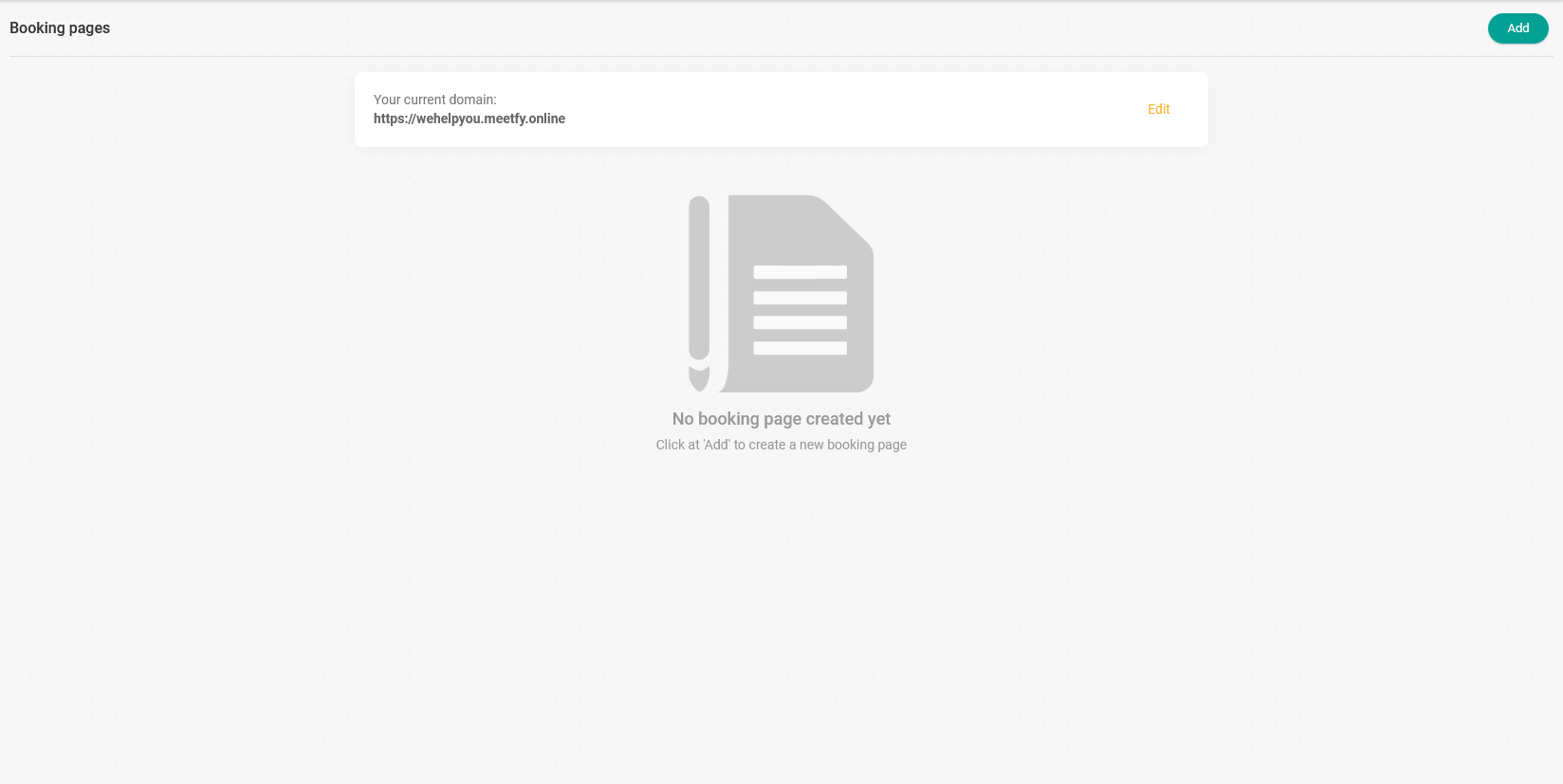
To start using TuCalendi's booking pages, you first need to create the domain for your booking page at meetfy.online.
You can customize the domain to match your name or your business name. It would look something like this:
https://yourname.meetfy.online
where "yourname" is the part you can customize.
Please note that you will only be able to set your domain name once. Once you have chosen and saved it, you will not be able to change it. However, if you want to change it later, please contact our support team at support@tucalendi.com so we can modify it manually, as long as the new name you want is available.
Creating the domain for your booking page is very easy.
Just log in with your TuCalendi username and password. Go to the "Booking pages" option:
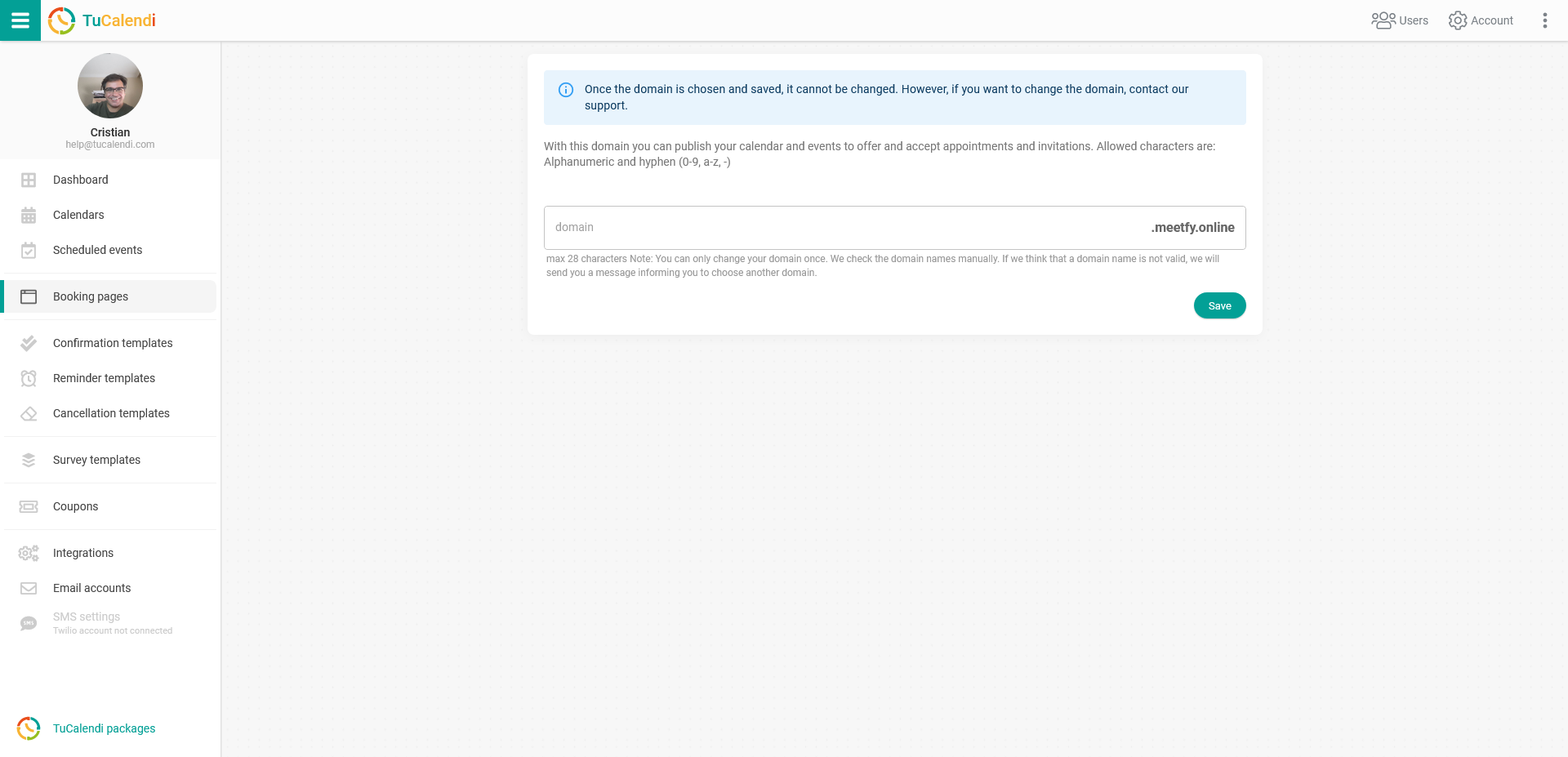
Your domain name must be at least 6 characters long and can contain letters, numbers and a hyphen.
In the "Domain" field, enter the name you want your TuCalendi booking page to have. Once you have entered it, click the "Save" button.
In this example the field is empty because we have not yet assigned any domain name to our meetfy.online domain.
After you have created the domain for your booking page, you can start creating your booking page: