
When you create a booking page, or even after you have configured it, the page is inactive. It is not displayed, and if you try to access it you get a 404 error saying the page was not found. Changing this is very simple: you only need to enable show booking page.
In just two steps you will have activated the booking page so it is shown when you access it from a browser.
Log in to TuCalendi with your username and password. Go to the "Booking page" option:
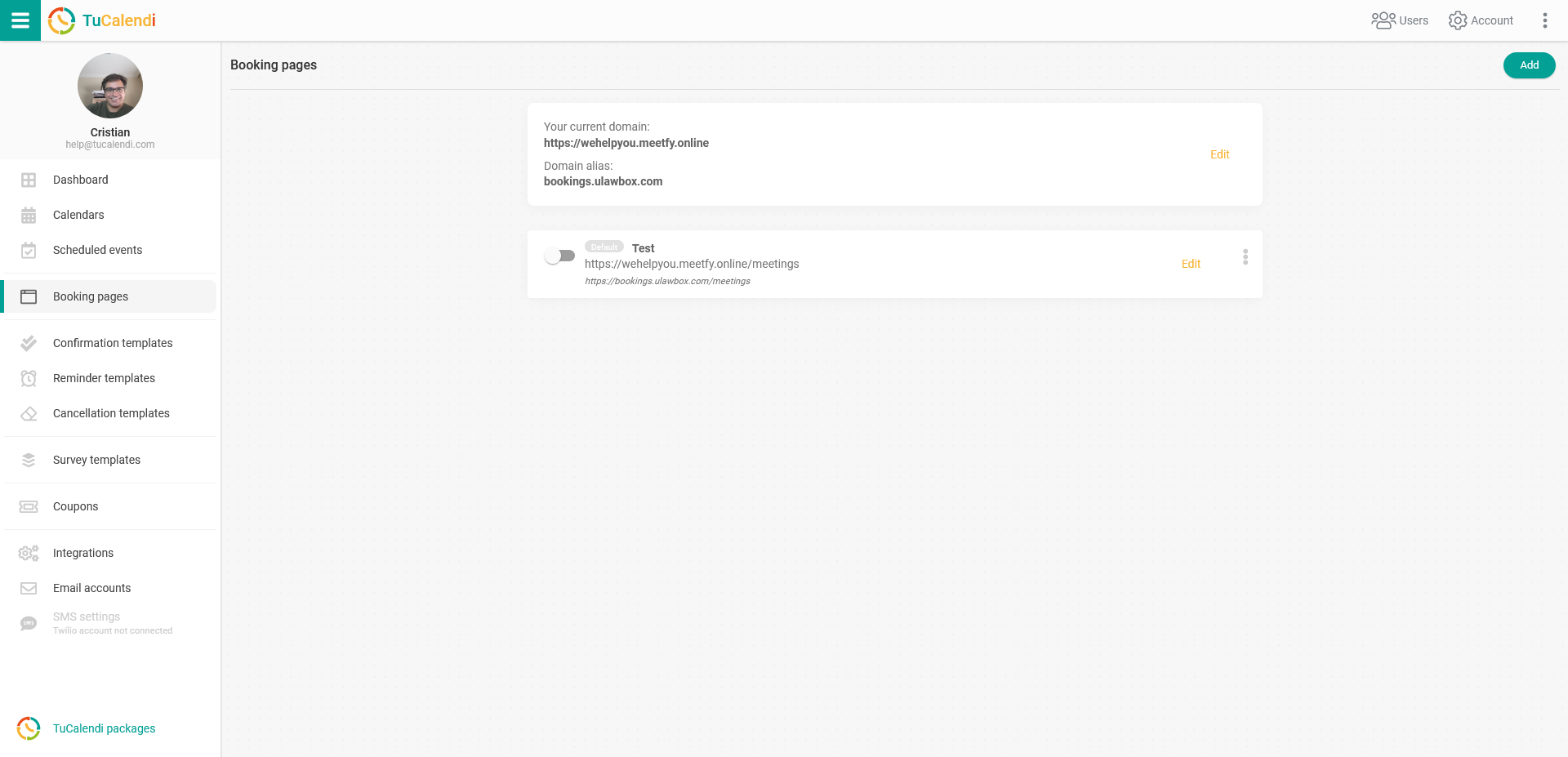
On the booking page you want to display, just change the switch to make it visible:
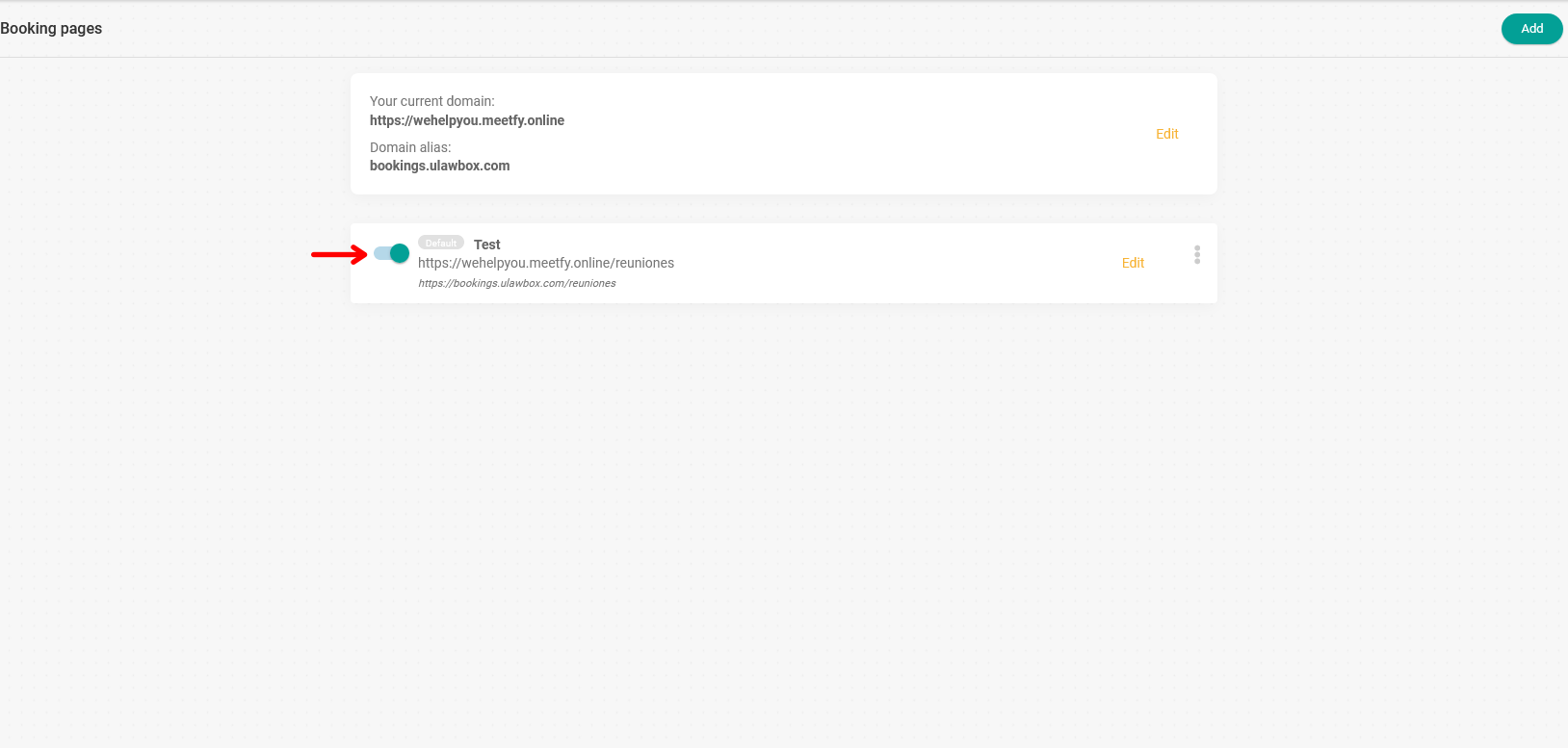
From that moment on, the page is activated and will be displayed when you or your customers access it from any browser.