
On booking pages it is very important that you can give information about your professional profile so that your customers or users who visit your booking page have detailed information about you.
Log in to TuCalendi with your username and password. Go to the "Booking page" option:
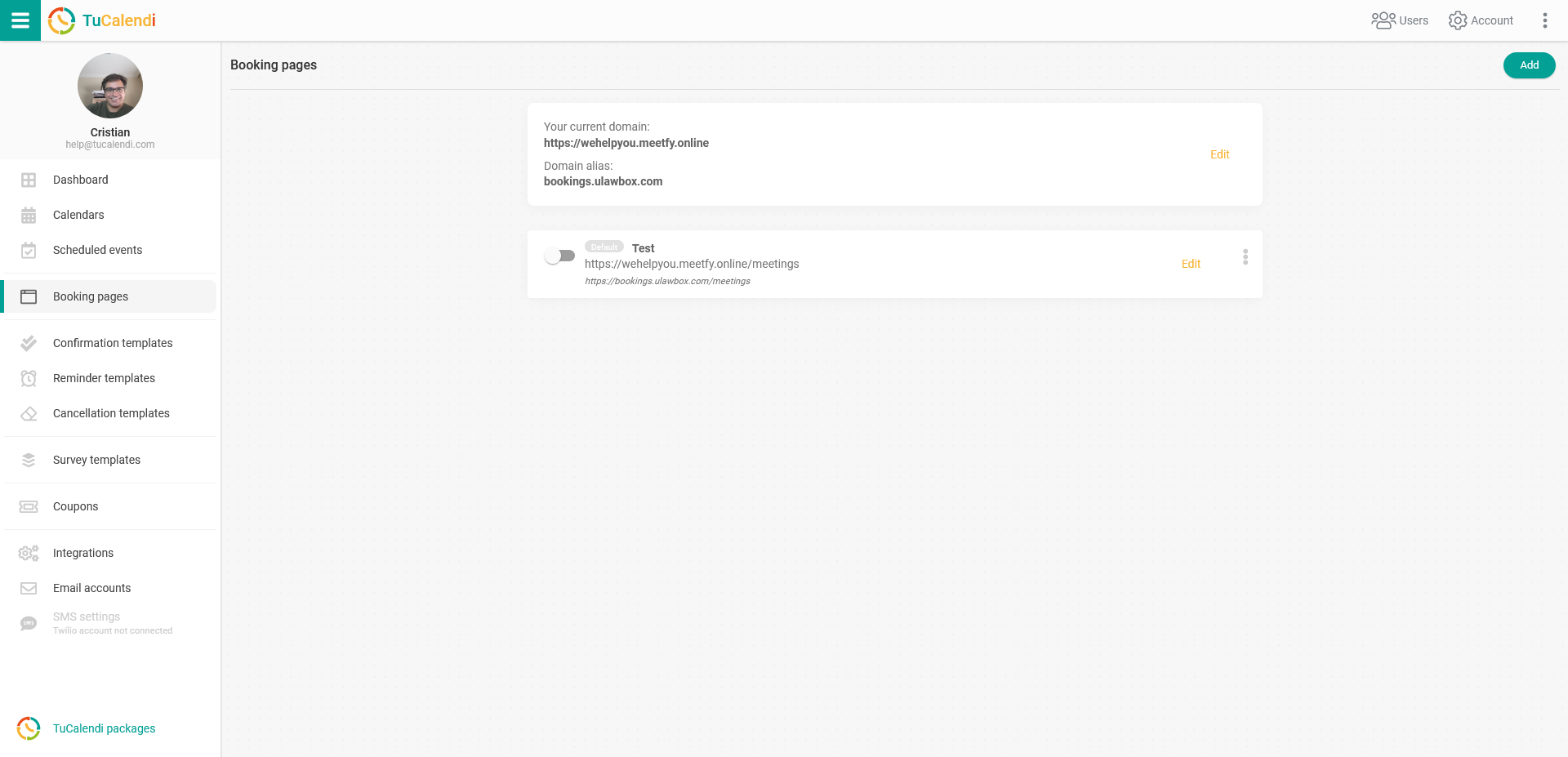
Click on "Edit" on the booking page you want to set up.
From the "Profile" tab you can set the most relevant information of your profile:
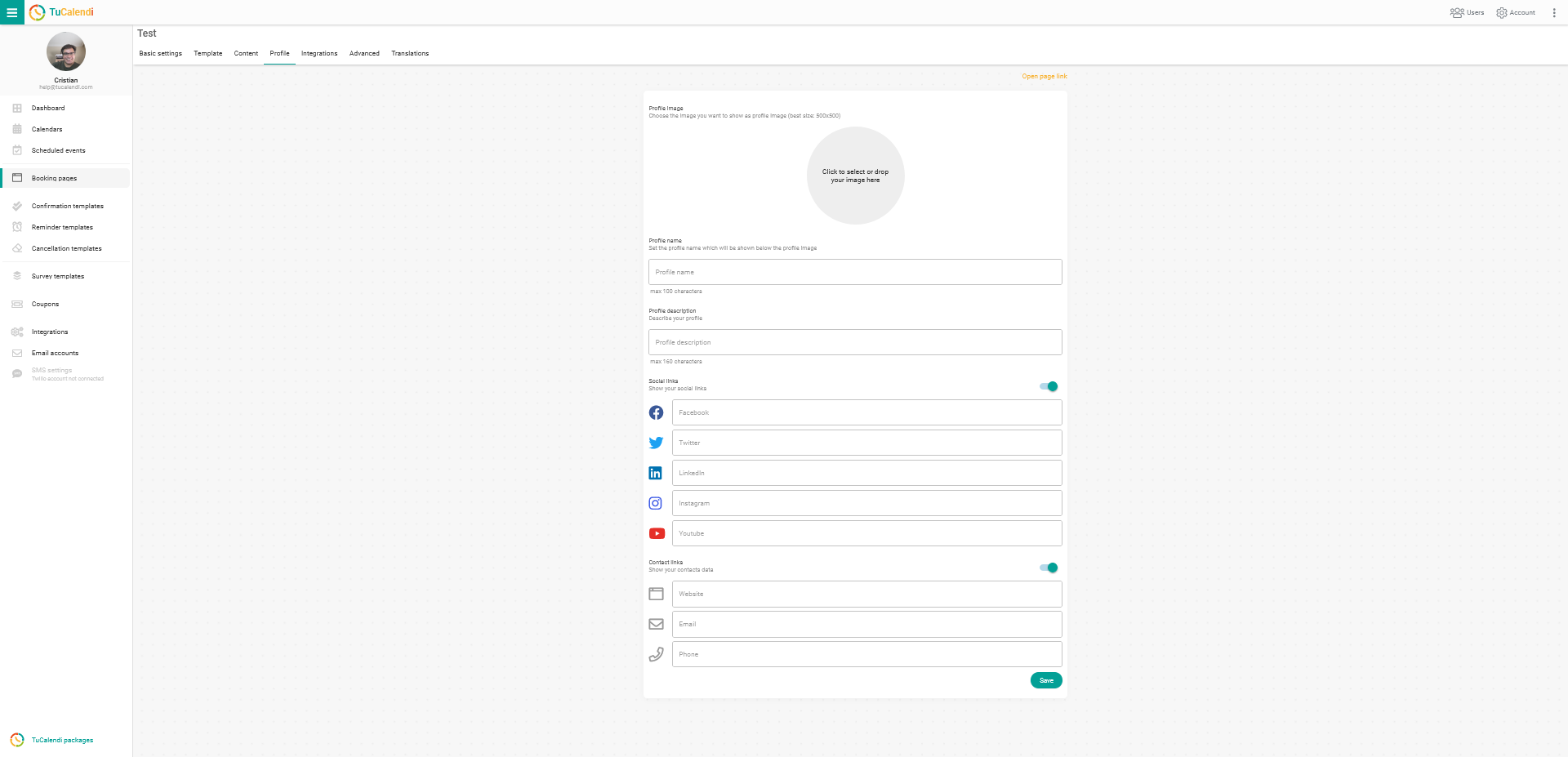
You can set all the important information, such as:
- General information: An image, your name and a brief description about you.
- Social networks: Create a direct link to your social networks from your booking page.
- Contact information: Where your customers can contact you with any questions they have.
When you have completed the information, just click on "Save".