
Another basic setting you should make is to select the calendar or event you want to display on the booking page so that your customers can book with you.
First, you must have created your calendars and also created the events in the calendars.
Log in to TuCalendi with your username and password. Go to the "Booking pages" option:
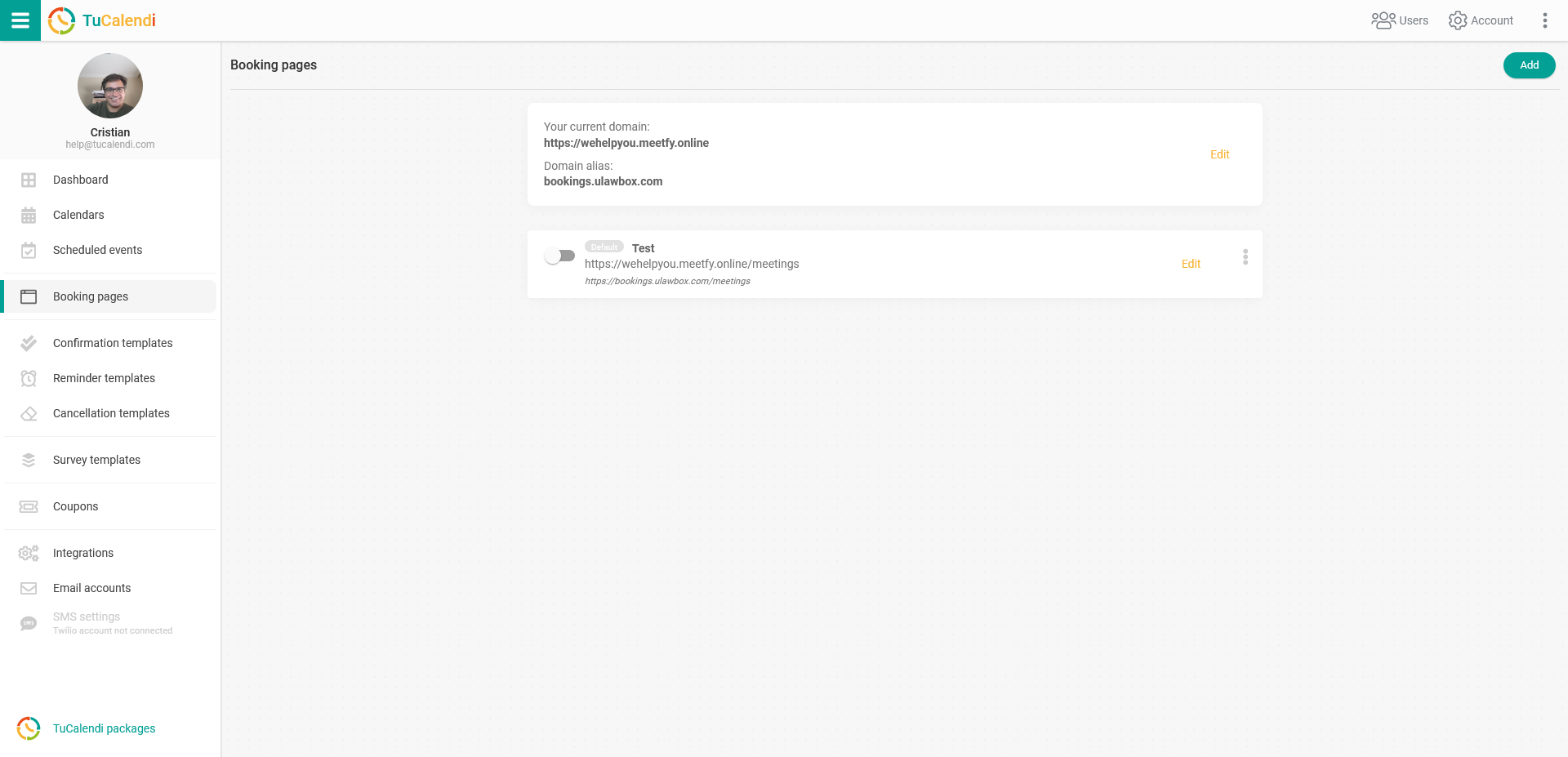
Click on "Edit" to open the editing and configuration of your booking page.
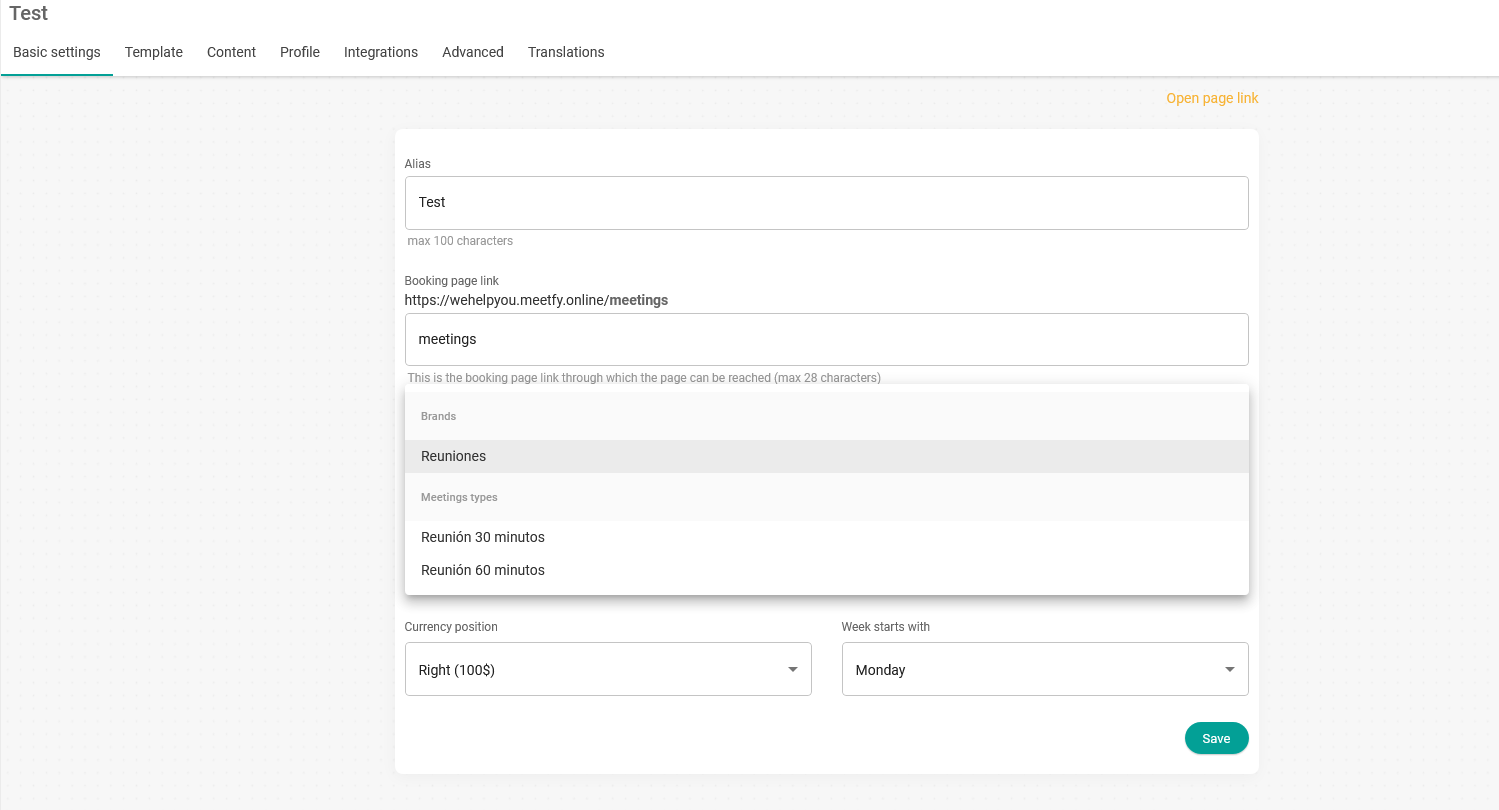
Click on the "Type of meetings" field and the calendars and events you have created will be displayed. Just select the calendar or event you want to display on the booking page and click "Save".
If you select a calendar, the booking page will display all the events contained in the calendar and clients will be able to choose which type of event or meeting they want to book with you. On the other hand, if you only want to display one event, you can select just that event and it will be displayed on the booking page.