
By default, the date format in the reminder email templates is "YYYY-MM-DD", but you can change it to the format you prefer.
Making this change is very simple. Log in with your TuCalendi username and password and go to the "Email/SMS Templates" option.
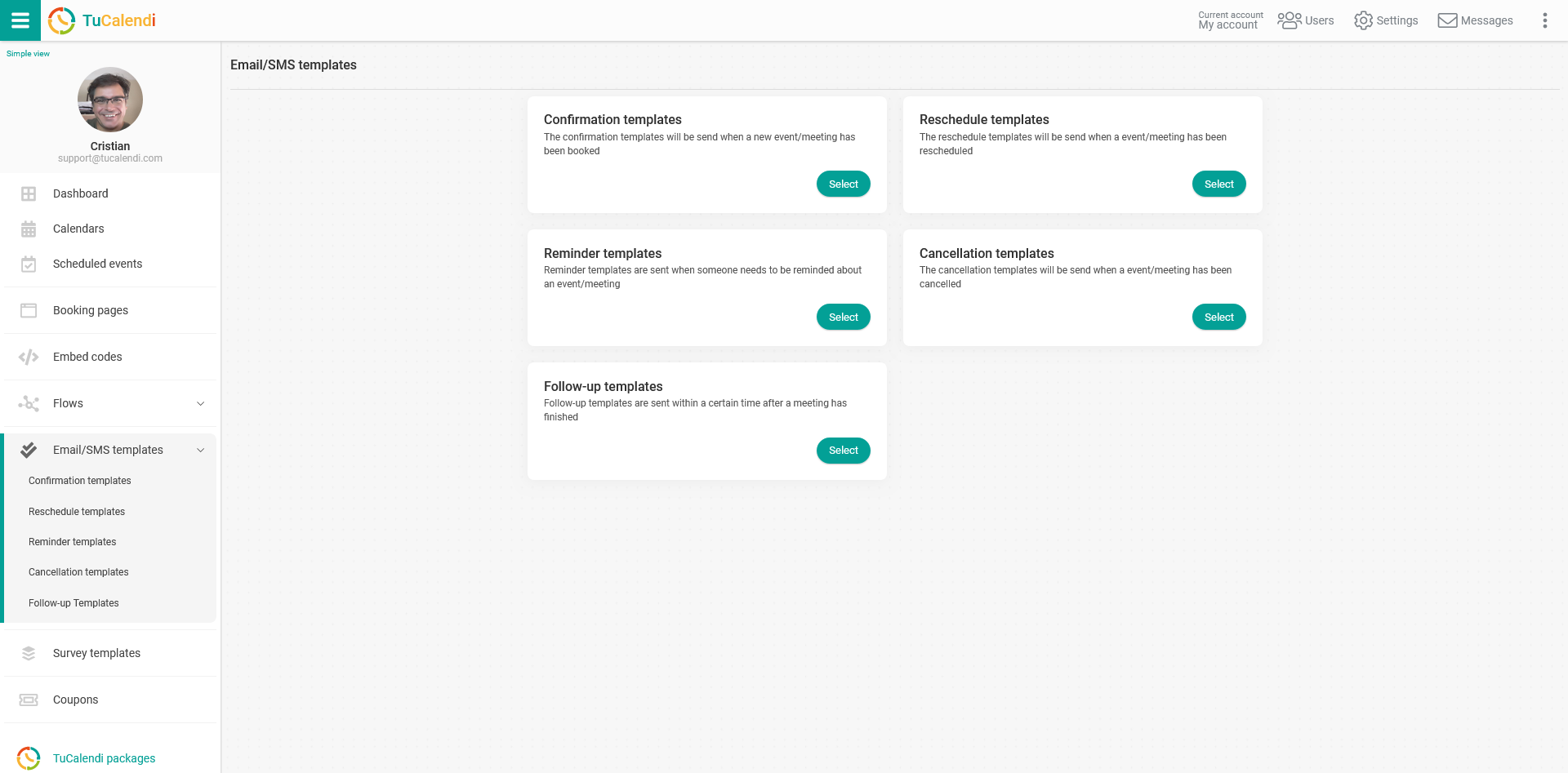
In the "Reminder templates" option, click on "Select":
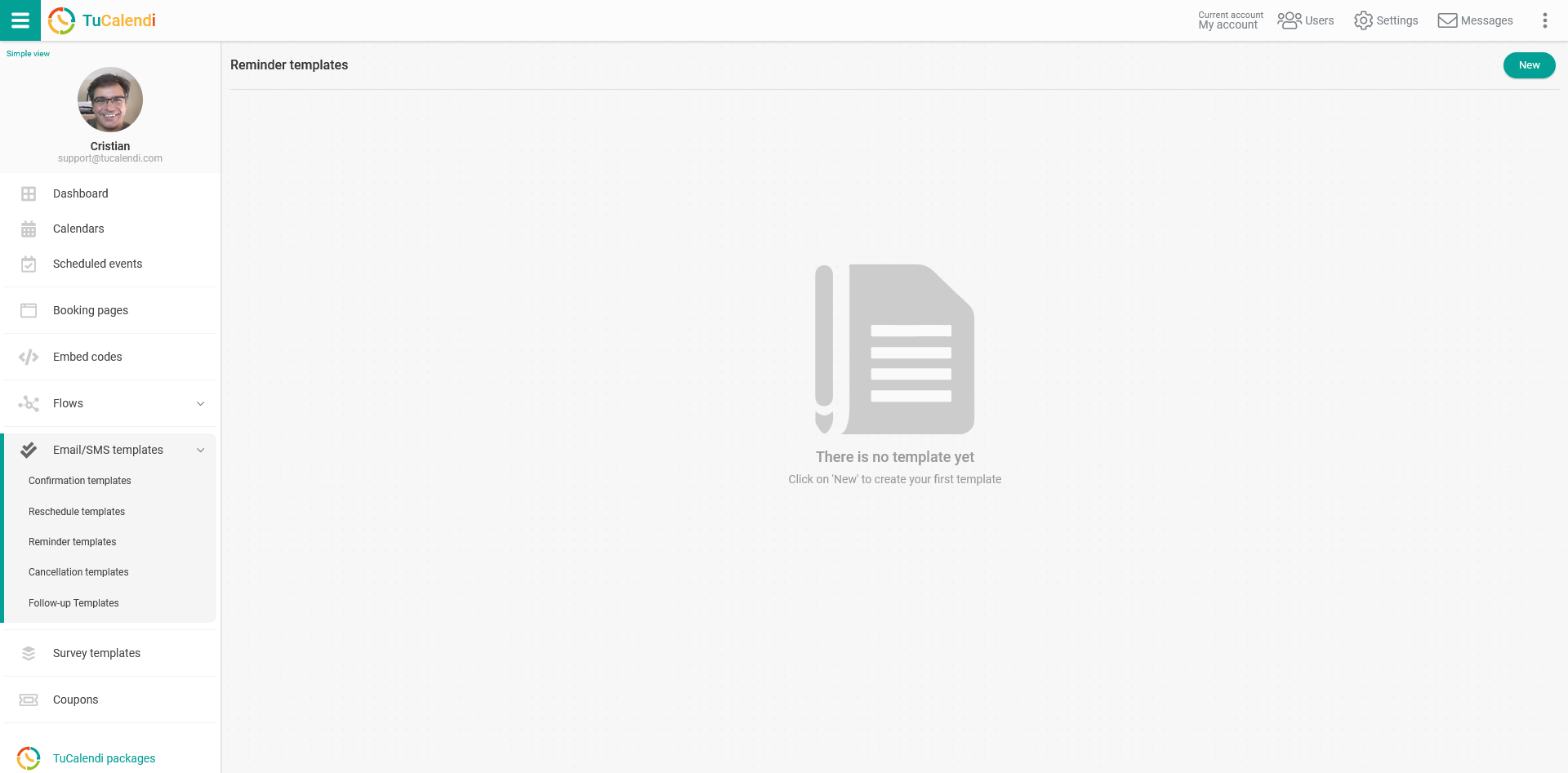
If you have not created a template yet, click on the "New" button and enter the name you want the reminder template to have:
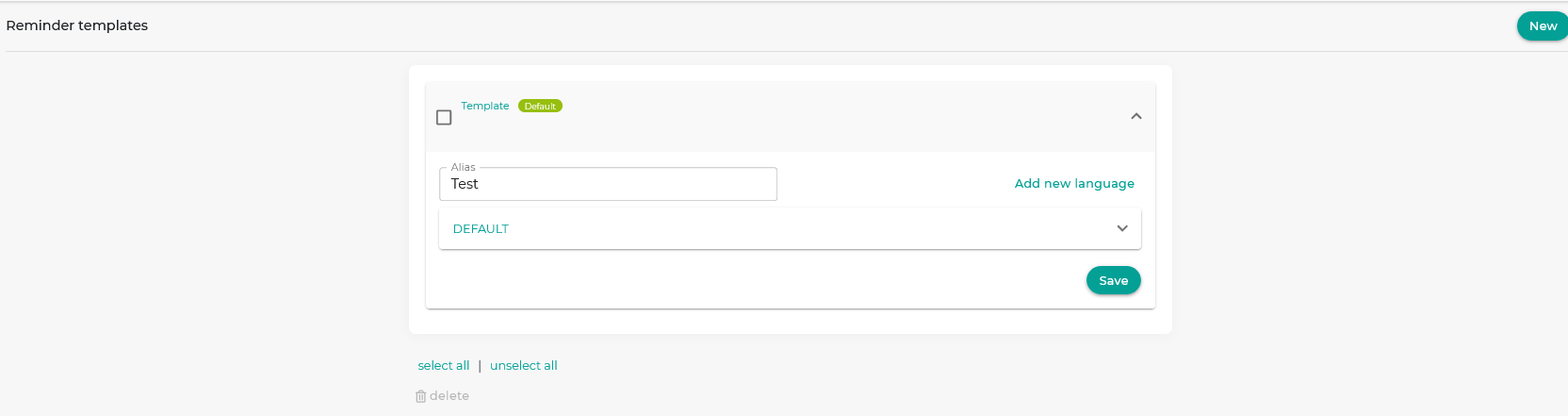
Initially, the template is empty so that you can fully customize it. Click on the field called "DEFAULT":
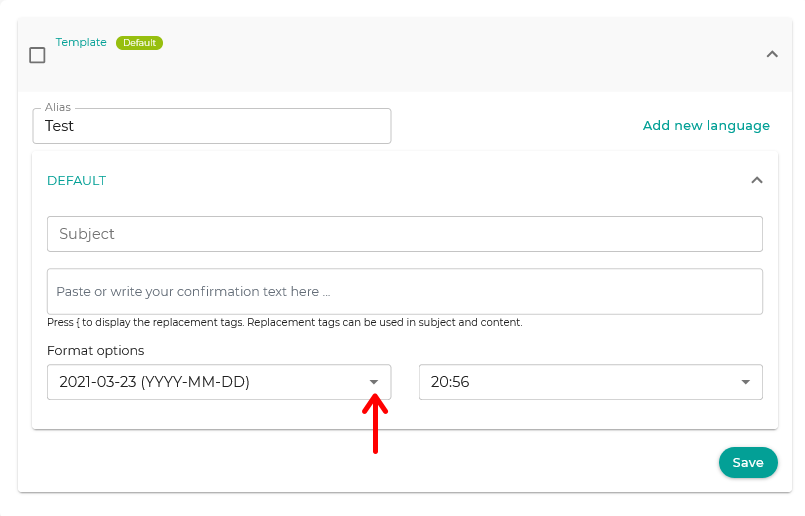
In the "Format options", click on the dates to display the available options.
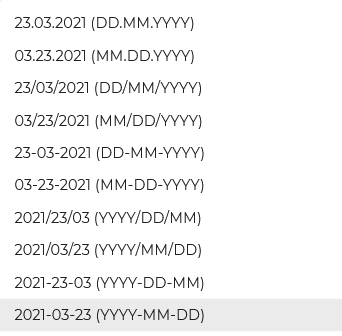
Just select the one you want to appear in the event reminder emails.
When you are finished, click "Save" and the date format will be stored in the event reminder template of your online calendar.