
To work in any spreadsheet with the bookings your customers have made for your events through your TuCalendi online calendar and booking page, you can export the bookings to a CSV file and open it in a spreadsheet.
Log in with your TuCalendi username and password and go to the "Scheduled events" option.
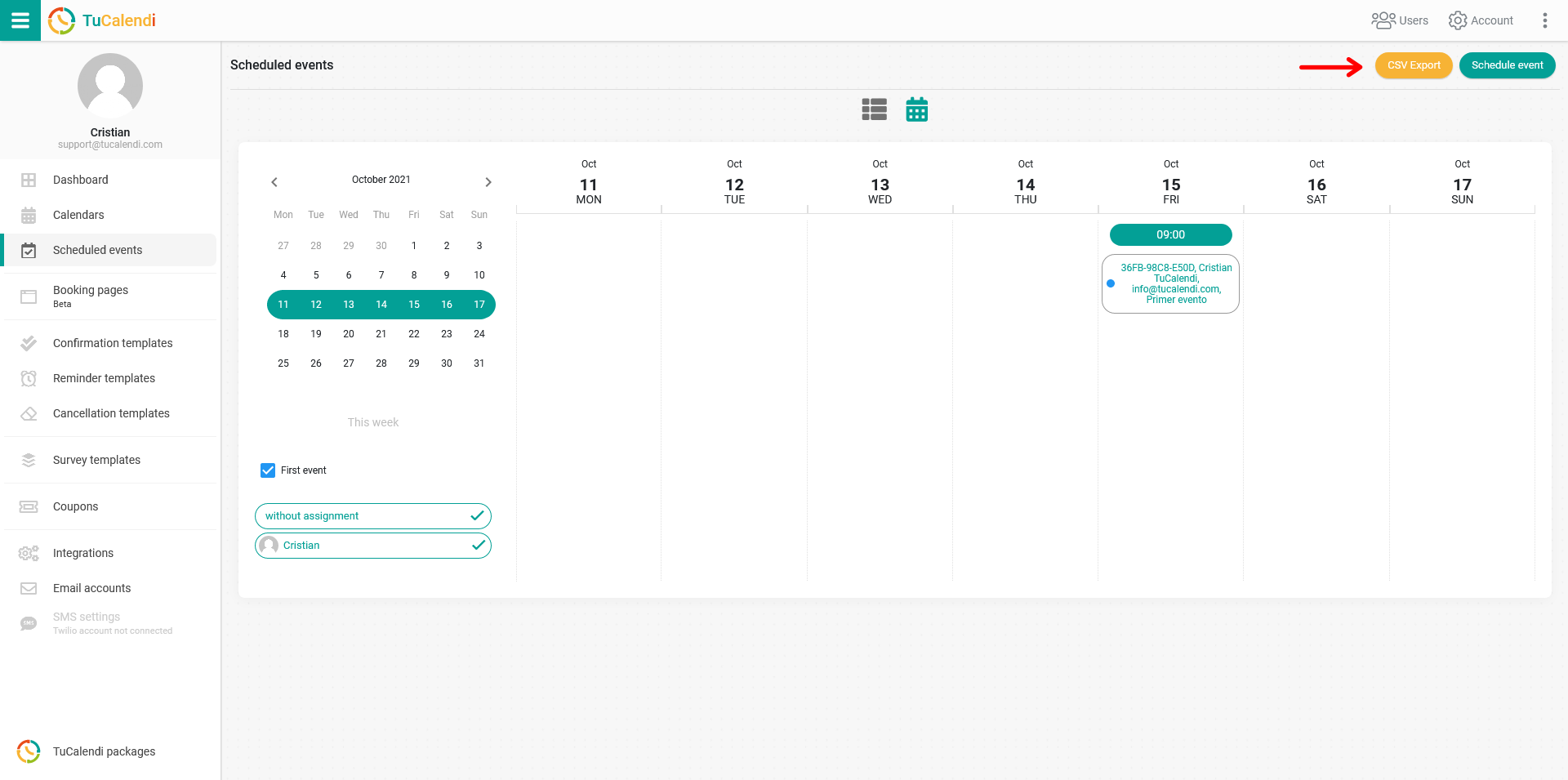
You'll find the "CSV Export" button both in the calendar view of the scheduled events:
and in the list view of the scheduled events:
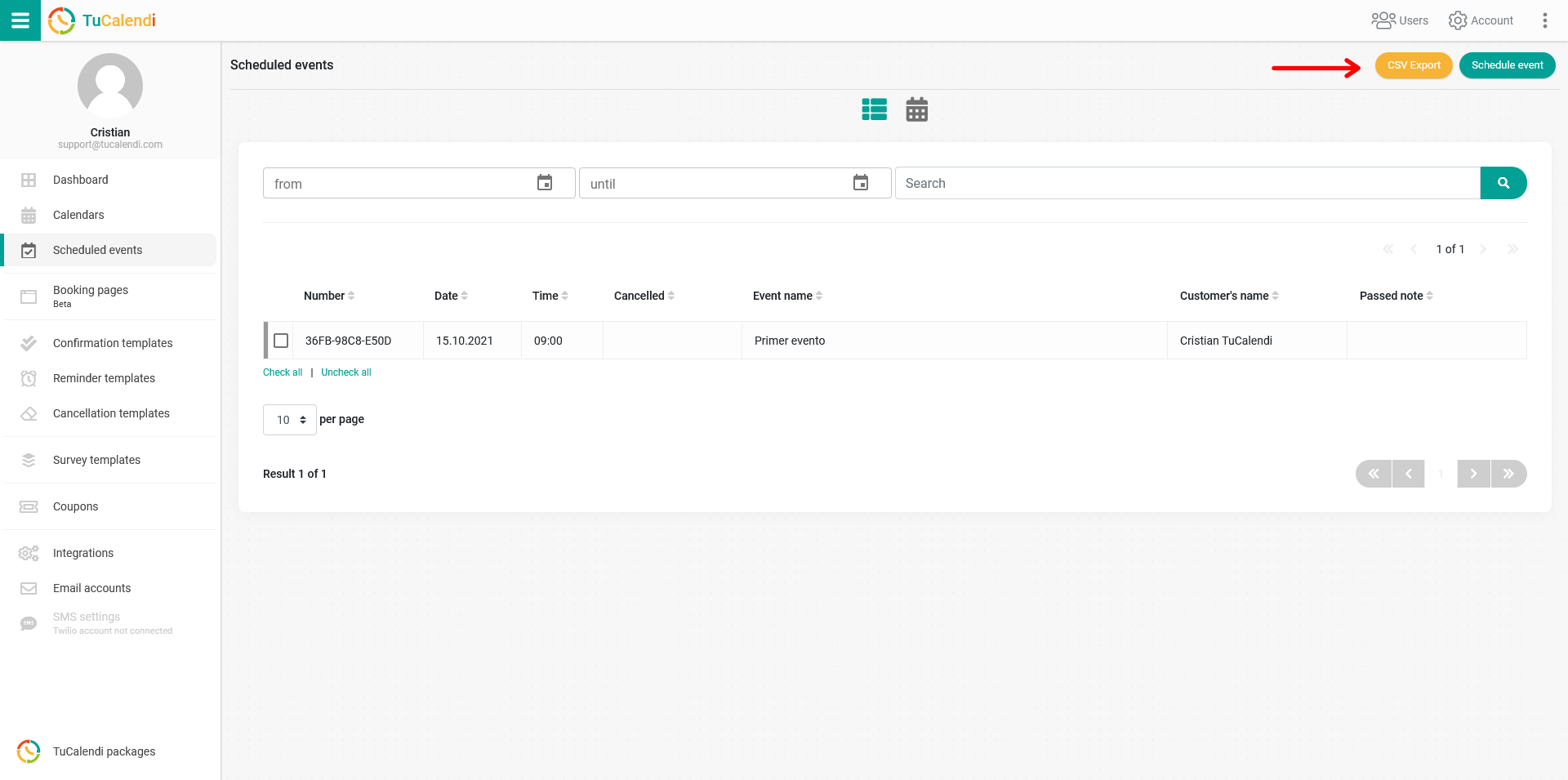
From either scheduled events view, click the "CSV Export" button to export the scheduled events to a CSV file.
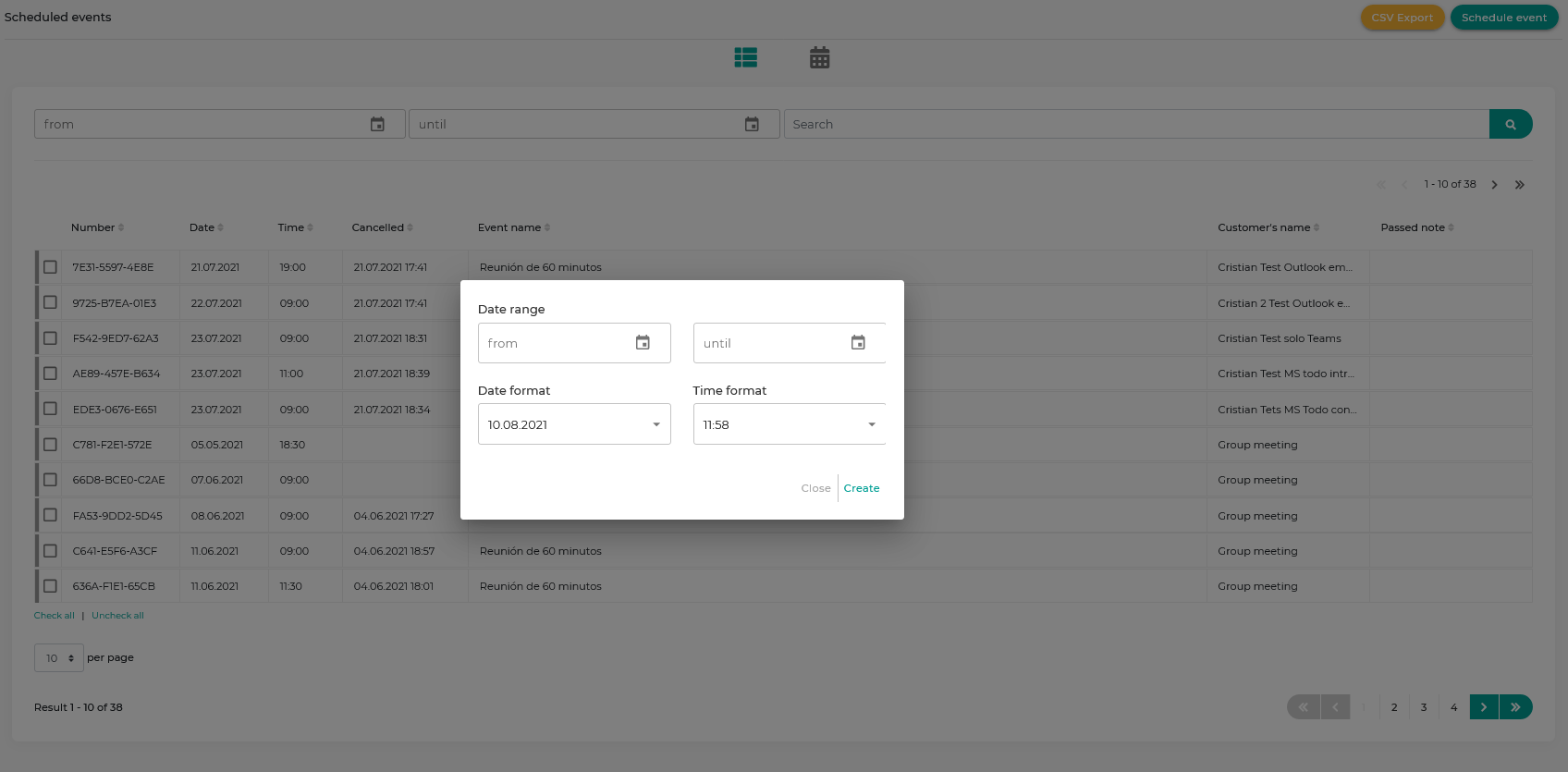
You can filter the events by date range and select the date and time formats that will appear in the export.
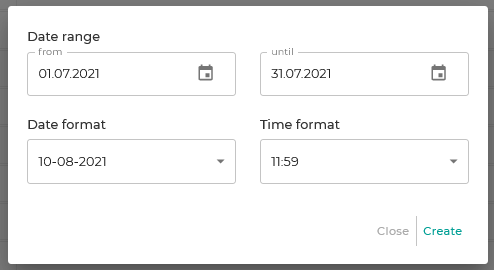
Click "Create" to generate the corresponding file.
Finally, just click "Download CSV file" to save the file and open it in Excel or Google Spreadsheets to work with the file and the generated data.