
Checking the meetings, appointments or any other type of events that have been scheduled through TuCalendi is very easy and intuitive.
Once you have logged in with your username and password, click on the "Scheduled events" option.
You will see a list of all scheduled events, where you can filter by dates or search by the different fields.
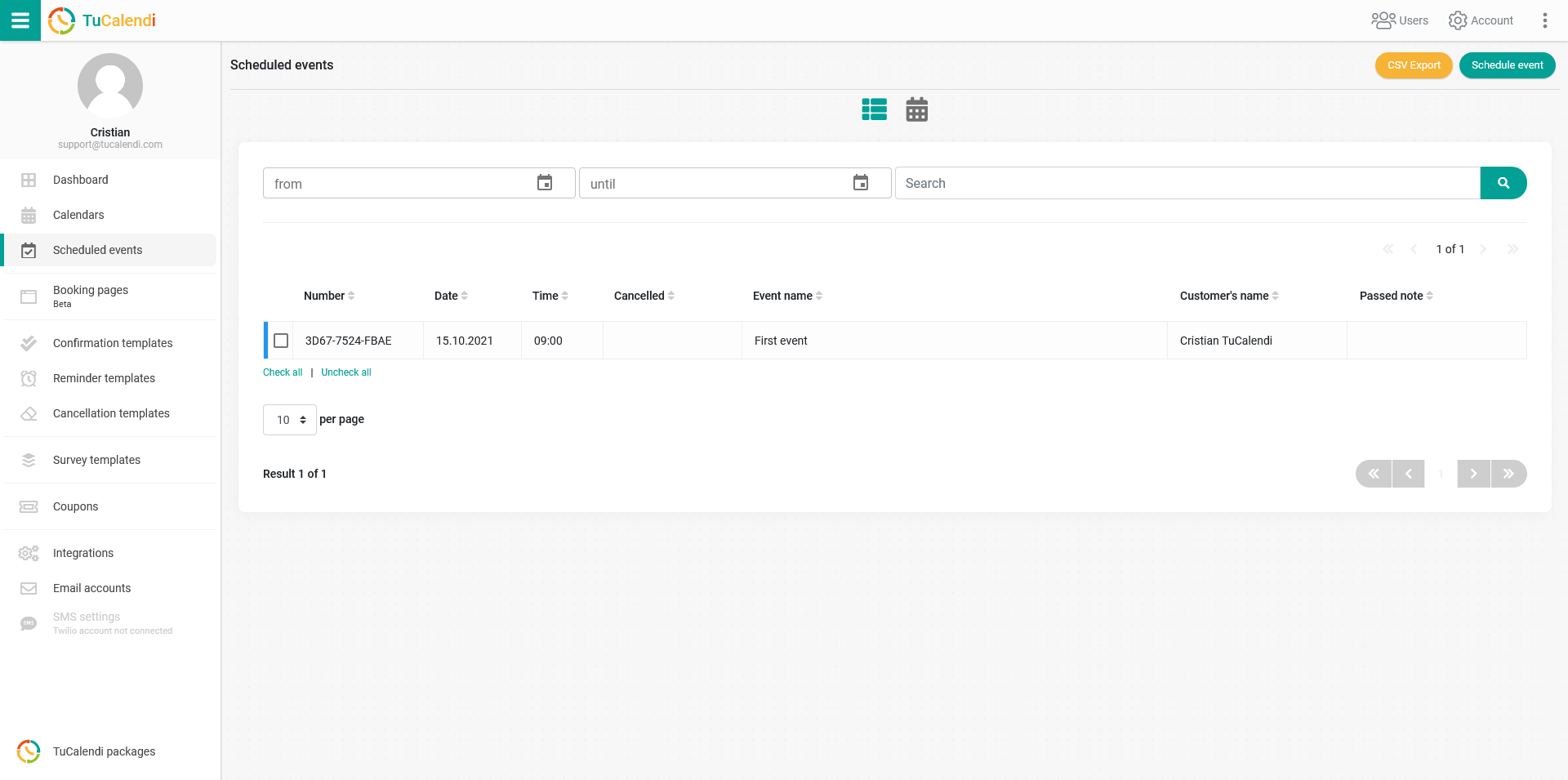
Clicking on an event takes you to the event details. If you select one or more events, the "Print" option appears at the end of the list, so you can print the details of each event if you wish.
There is also a view of scheduled events in weekly calendar format. To open it, just click on the calendar icon and you will see something like this:
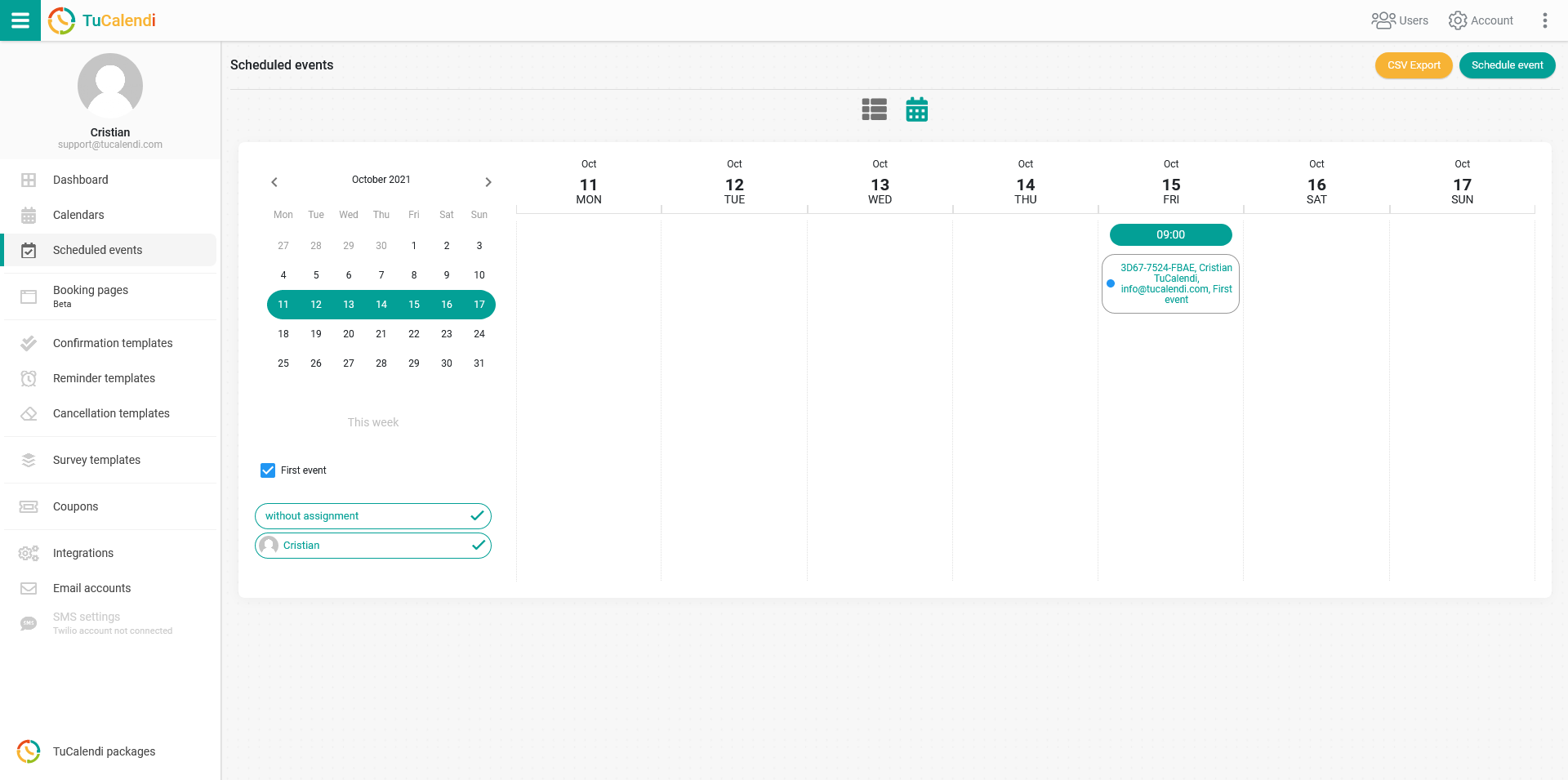
By selecting the month, the week, the different events and the users, you will see the events that have been scheduled. Click on the event reference to see the complete details of the event.