
To make it easier for you to start using TuCalendi as an online calendar with an appointment booking system for you and/or your business, we have created the onboarding tour to guide you through your first contact with the platform.
The TuCalendi onboarding tour opens the first time you log in to the control panel, but you can take the tour at any time.
Once you have logged in to TuCalendi with your username and password, you will enter the control panel.
Start tour
Whichever section of TuCalendi you are in, you will find the following options in the upper right corner of the screen.

Clicking on the three vertical dots opens a menu with the different options:
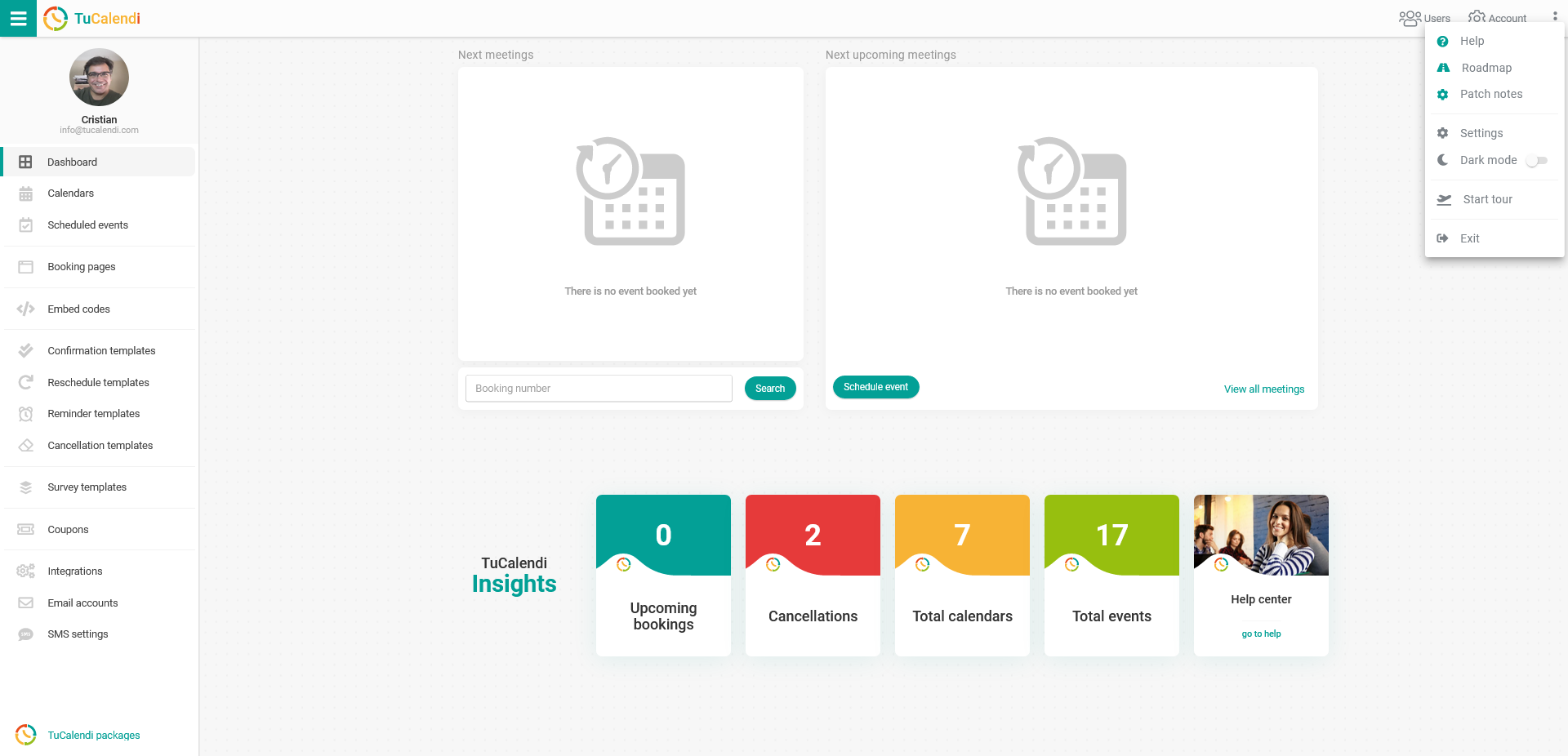
Click on "Start tour":
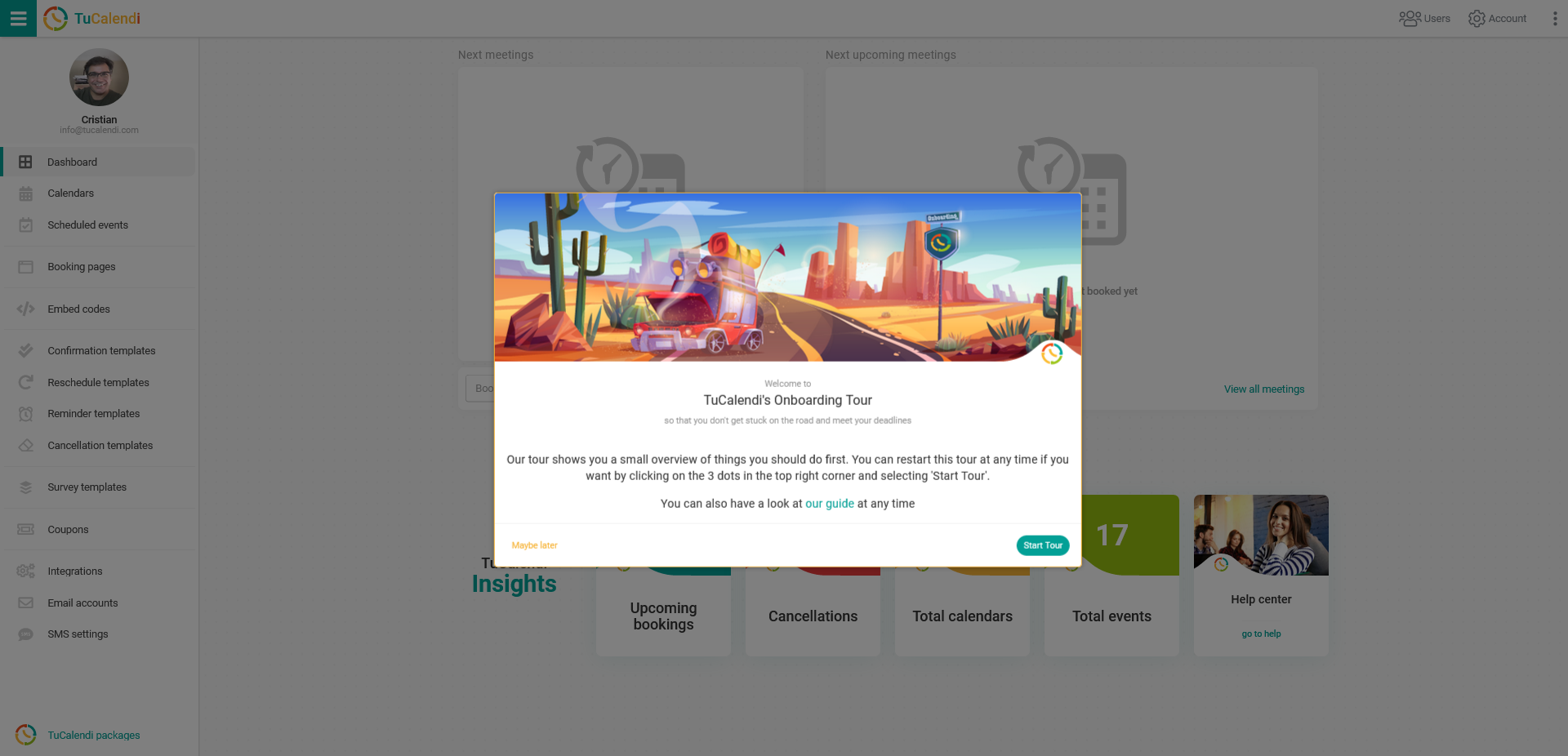
A popup opens informing you that you are entering the TuCalendi onboarding tour. You can start the tour by clicking the "Start tour" button or you can leave it for later. You can enter the onboarding tour at any time.
The onboarding tour consists of a sequence of steps that shows you what you need to do from the very beginning to start setting up TuCalendi.
Further help
If you have any questions during the tour, you can consult the help center or contact our support team, who will be happy to help you and answer any questions you may have.