
Integrate TuCalendi with Hubspot so that you have all your contacts in your CRM and can keep reaching out to them with content, products or services relevant to them.
We have made the integration process between TuCalendi and Hubspot very simple.
Log in to TuCalendi with your username and password. Select the "Integrations" option:
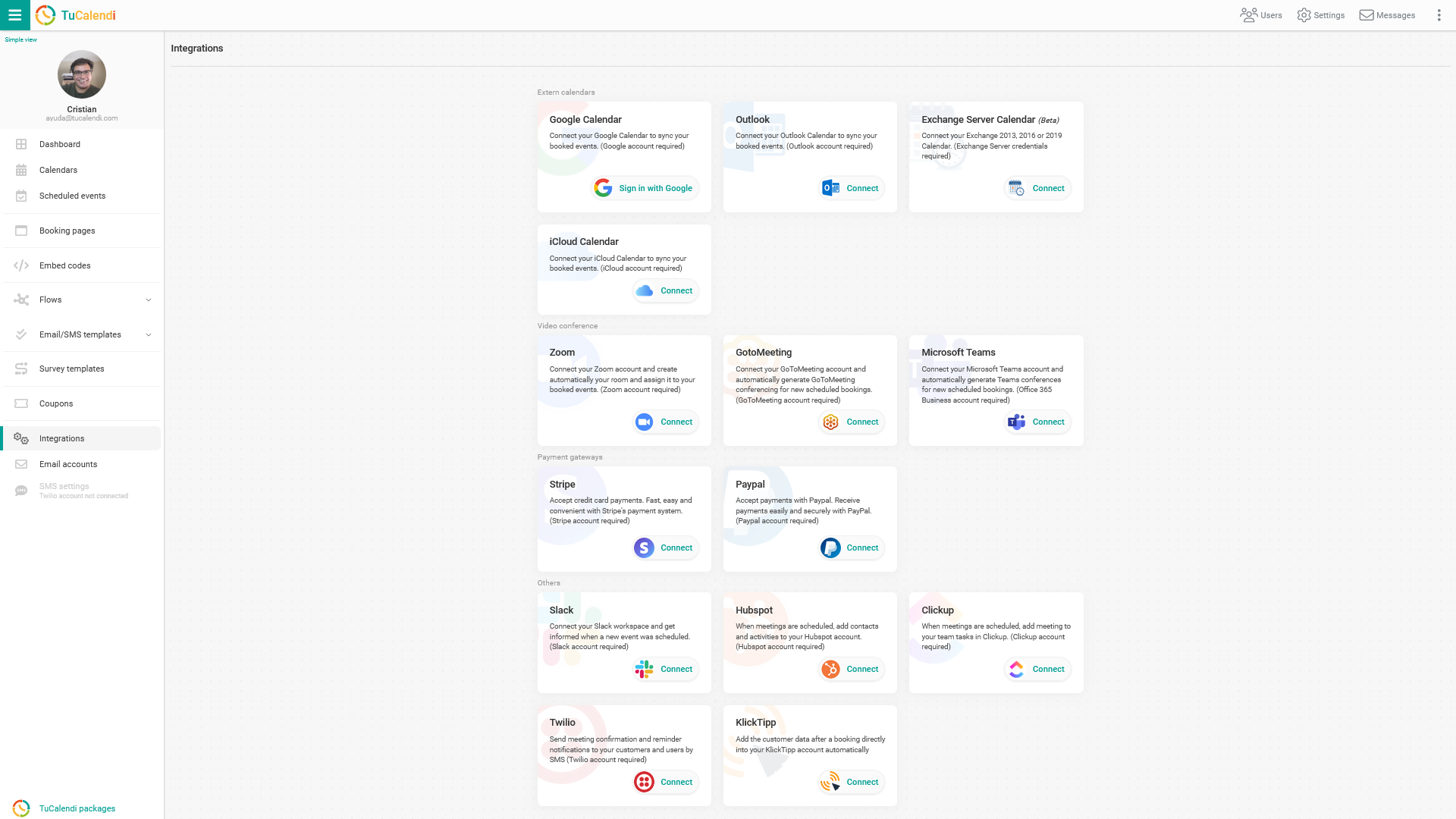
Connect to Hubspot
Select the option to connect to Hubspot.
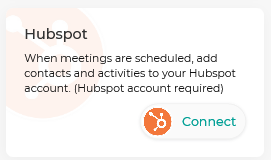
To set up the integration with Hubspot, click "Connect". You will be taken to the Hubspot confirmation page, where you enter your details and grant the necessary permissions to connect TuCalendi and Hubspot. Once the integration is enabled, all customers who book a meeting, appointment or any other event with you will be added to the CRM, along with the type of event they have booked.
Disconnect Hubspot
You can revoke TuCalendi's connection with Hubspot at any time.
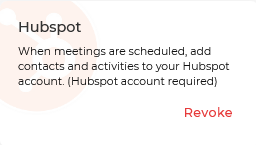
To disconnect TuCalendi from Hubspot, simply click the "Revoke" link.
NOTE: To integrate with Hubspot, you need to have a Hubspot account.