
If you want to hold virtual meetings, webinars, online consultations or any other type of event through videoconferencing, a very useful option is to integrate TuCalendi with GoToMeeting. The virtual environment will be ready from the moment the event is booked in TuCalendi.
The integration process between TuCalendi and GoToMeeting is simple.
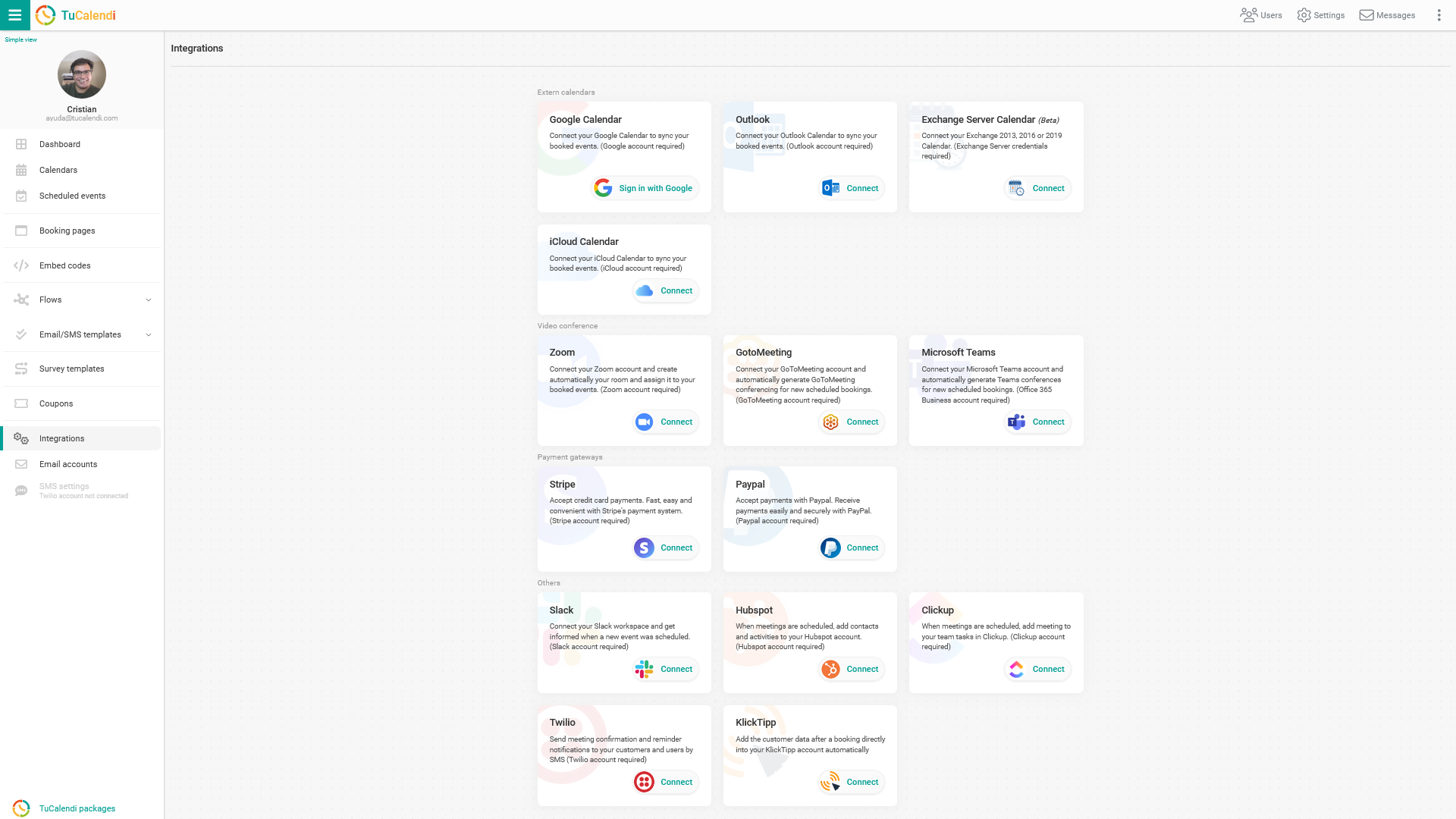
Log in with your TuCalendi username and password. Go to the "Integrations" option:
Connecting to GoToMeeting
Select the option to connect to GoToMeeting.
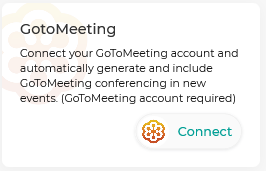
To set up the integration, click "Connect". You will be taken to the GoToMeeting confirmation page to grant the necessary permissions that allow TuCalendi and GoToMeeting to work together. Once the integration is enabled, you can connect your virtual meeting rooms with TuCalendi, and every time a new event with an associated video conferencing session is scheduled, the event room is prepared in GoToMeeting.
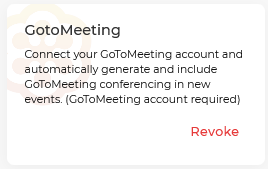
Disconnect GoToMeeting
You can revoke the integration between TuCalendi and GoToMeeting at any time.
Troubleshooting
If you have any problems or questions about the GoToMeeting integration, contact us at help@tucalendi.com, put "GoToMeeting Integration" in the subject line and tell us what happened.
Once you have integrated TuCalendi with GoToMeeting, you will be able to connect events that require a virtual session.
NOTE: To perform this integration, you need a GoToMeeting account.