
If you are a Microsoft Exchange user, you can integrate Microsoft Exchange Calendar with TuCalendi to synchronize the meetings, appointments or events your customers book through TuCalendi with your Exchange calendar.
TuCalendi needs permission from the owner of the Microsoft Exchange account to access the Microsoft Exchange Server Calendar. For this, we have prepared a very simple process to integrate Exchange Calendar and TuCalendi.
Log in to TuCalendi with your username and password. Choose the "Integrations" option.
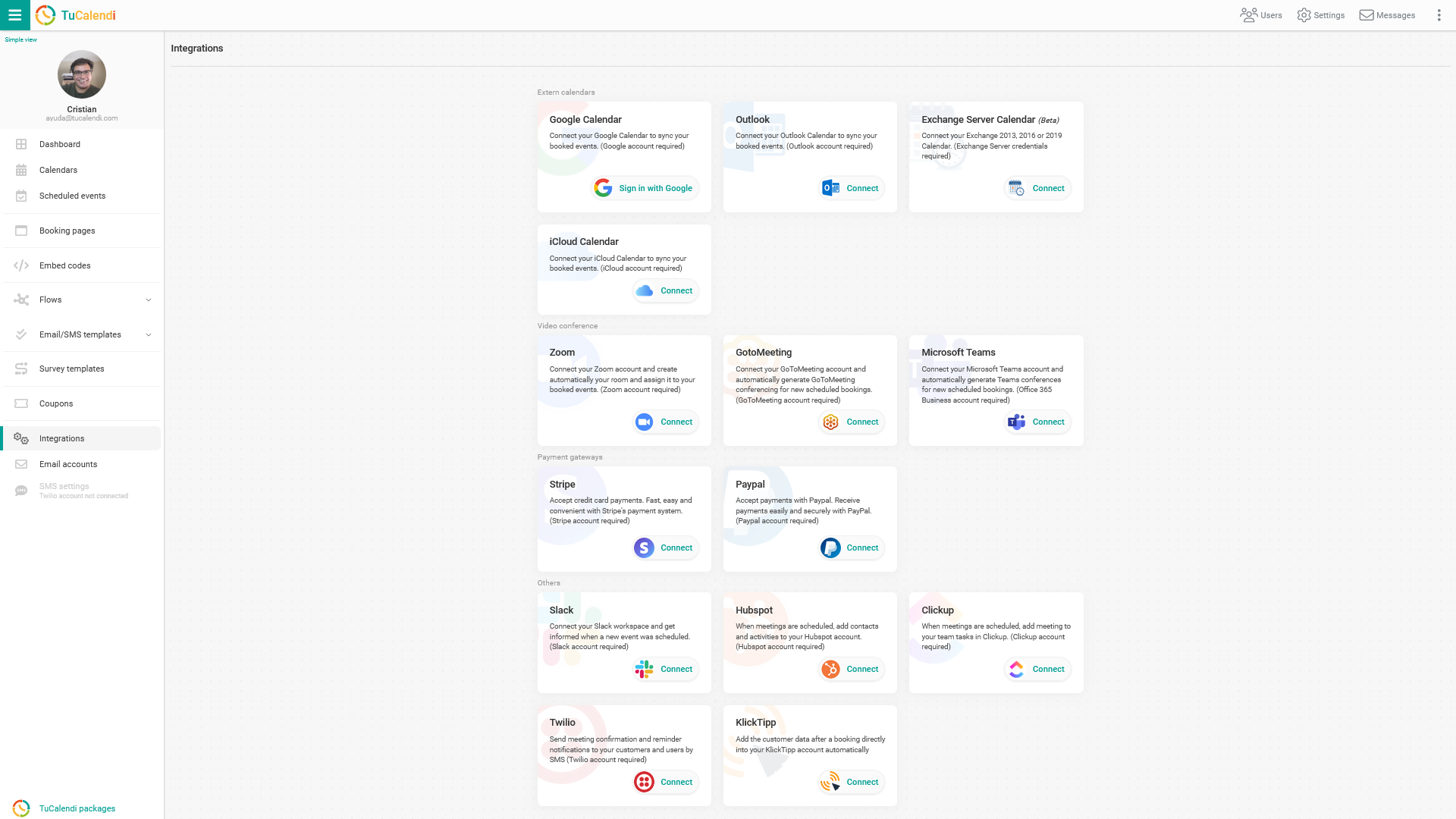
Integrate with Microsoft Exchange Calendar
Go to the "Exchange server Calendar" integration option.
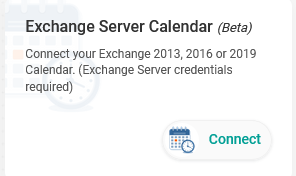
To integrate with Exchange Server Calendar, click "Connect" and enter the details of your Exchange server:
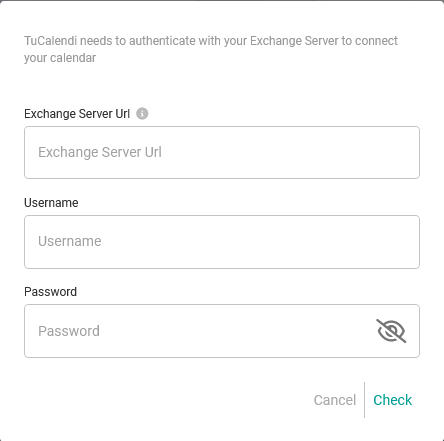
You need to enter the following data:
- URL of the Exchange server.
- Your username.
- Your password.
If you do not know this information, contact your Microsoft Exchange Server provider.
Once you have it, click "Check" to verify that the credentials you entered are correct:
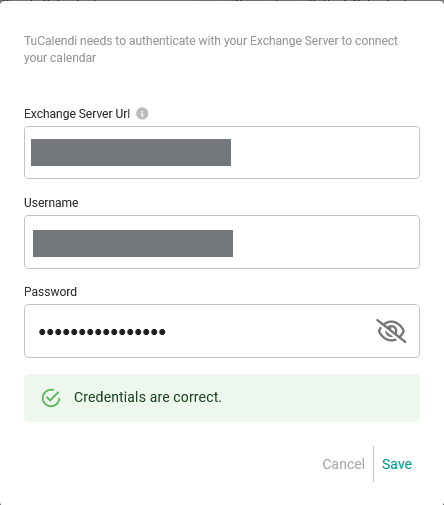
Click "Save" and you have now integrated Microsoft Exchange Calendar with TuCalendi.
Disconnect Microsoft Exchange Calendar
At any time, if you decide not to continue with this integration, you can revoke the permissions and disconnect TuCalendi from Microsoft Exchange Server Calendar.
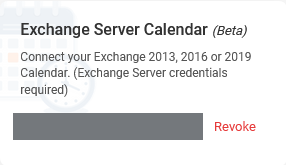
To do this, simply click "Revoke".
IMPORTANT: Once you have integrated Microsoft Exchange Calendar with TuCalendi, you must connect the events you want to synchronize.