
Integrate TuCalendi with Slack to create communication channels with your team from the moment an event booking is added to your calendar.
We have prepared a very simple process to integrate TuCalendi and Slack.
Log in to TuCalendi with your username and password. Select the "Integrations" option:
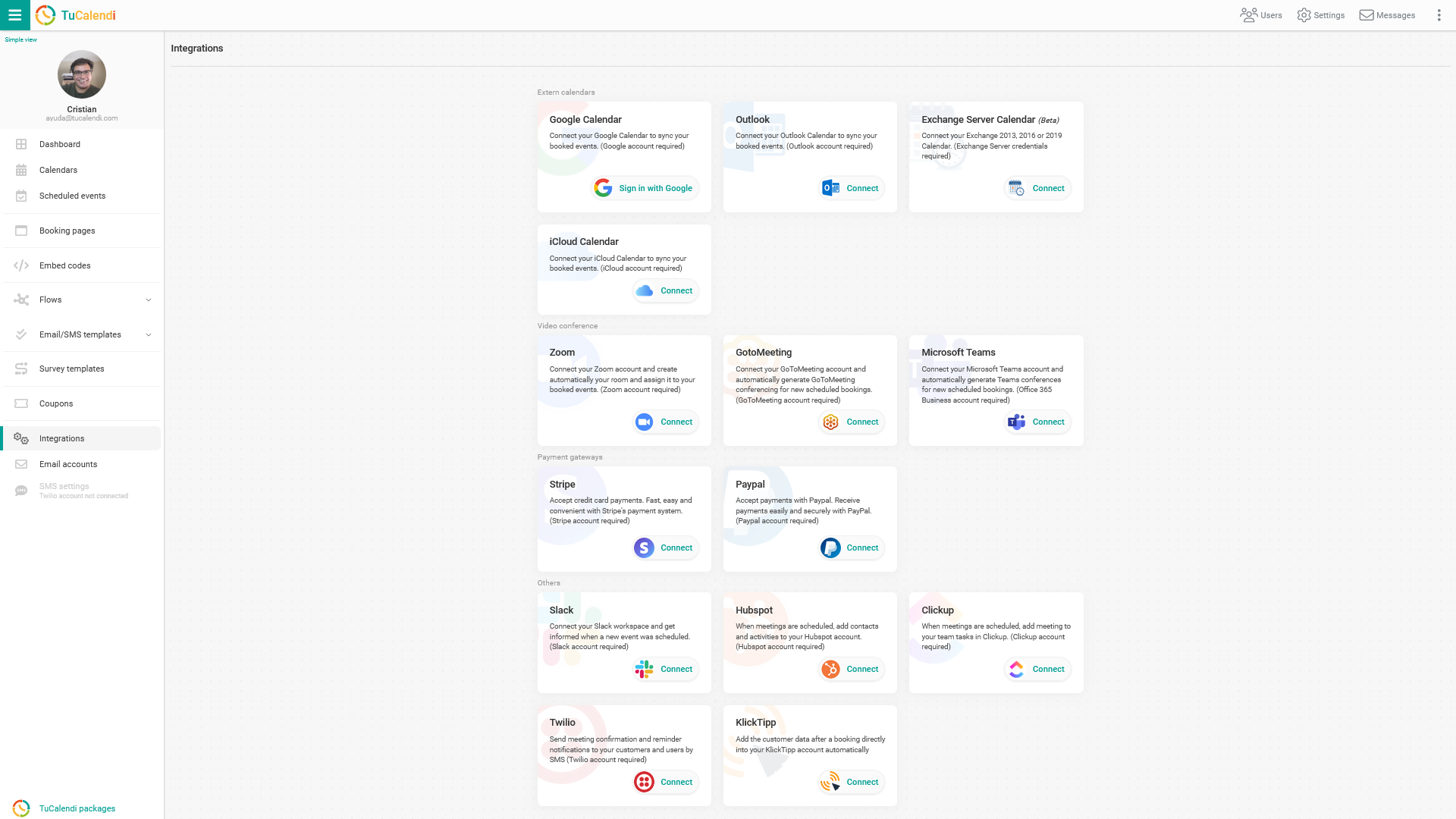
Select the option to connect to Slack.
To set up the integration with Slack, click "Connect". You will be taken to the Slack confirmation page, where you grant the necessary permissions that allow the connection between TuCalendi and Slack. By enabling the integration, you connect your Slack workspace with TuCalendi and you will be notified every time a new event is scheduled.
You can revoke the TuCalendi connection with Slack at any time.
NOTE: To integrate with Slack, you need a Slack account with your workspace.