
By integrating Twilio and TuCalendi, get ready for a new communication channel with your clients from your online calendar. With Twilio, one of the leading global cloud communication platforms, and the TuCalendi integration, you can send SMS notifications to your clients' cell phones when they book meetings, appointments or any other event you organize from your online calendar.
A direct channel with your customers that will surprise and delight them with the personal communication they want.
NOTE: To integrate Twilio with TuCalendi, you need your own Twilio account to be able to send personalized SMS.
We have implemented a super easy process to integrate Twilio with TuCalendi.
Just log in with your username and password and choose the "Integrations" option.
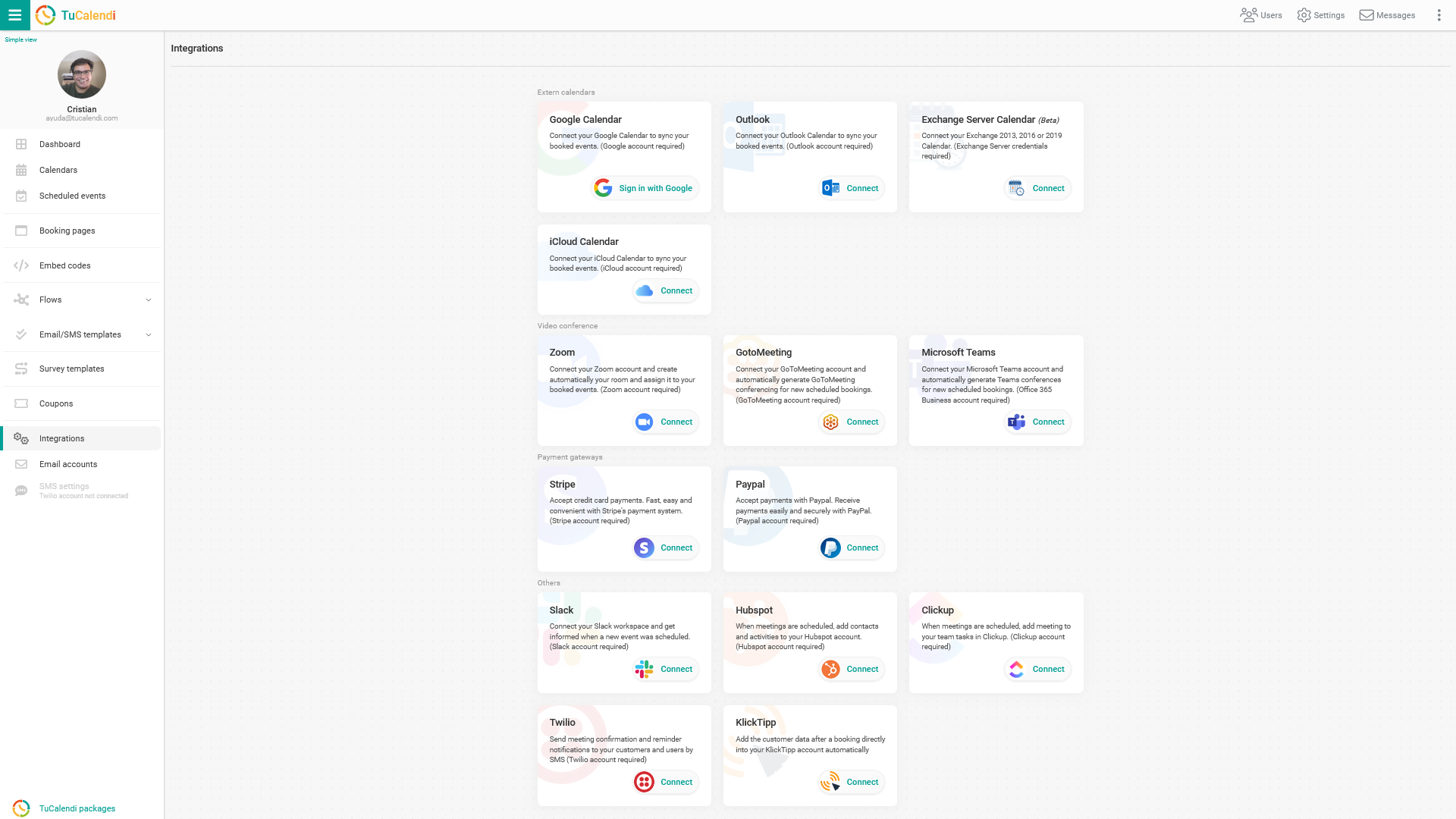
Integrate with Twilio
Open your Twilio console dashboard, where you will find your Account SID and Auth Token. Copy them and paste them into your TuCalendi Twilio connect settings.

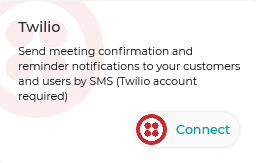
Go back to your TuCalendi control panel, find "Twilio" under Integrations and click "Connect".
Now paste the ACCOUNT SID and the AUTH TOKEN into the TuCalendi Twilio connect window.
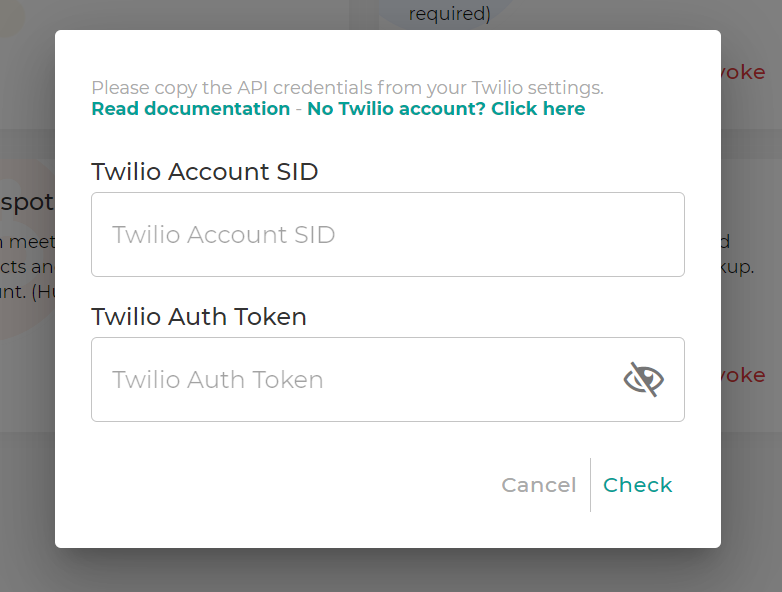
After you have pasted the Twilio ACCOUNT SID and the Twilio AUTH TOKEN into the settings, click "Check" to see if the credentials are valid. We will then automatically validate these credentials with Twilio. If you receive an error, please double check that you have entered everything correctly. If the credentials are valid, you will see the corresponding account name and the save button will appear. Click "Save" to activate your Twilio account in TuCalendi.
By enabling the integration, you can send SMS notifications. If you assign the Twilio integration to an event, you can automatically send confirmations, reminders and cancellation notifications by SMS to your customer or group attendees for every scheduled meeting.
IMPORTANT: You must have your own Twilio account to be able to send SMS.
Once the integration is done, you must configure your Twilio account in TuCalendi.
Disconnect Twilio
You can revoke the integration between Twilio and TuCalendi at any time.
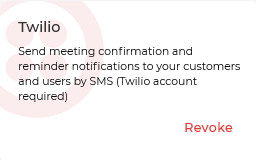
To remove the integration, simply click "Revoke".
IMPORTANT: Once the integration between Twilio and TuCalendi is done, you must connect the events for which you want to send SMS notifications. Also prepare the SMS templates for the notifications.