
Choosing the categories in which you want to appear in the marketplace is essential, so that when potential customers search or use the filters in the marketplace, your entry is shown for the services you offer in your business.
Let's see how easy it is to add categories to an entry in the marketplace.
Log in with your username and password to TuCalendi. Go to the "Booking pages" option:
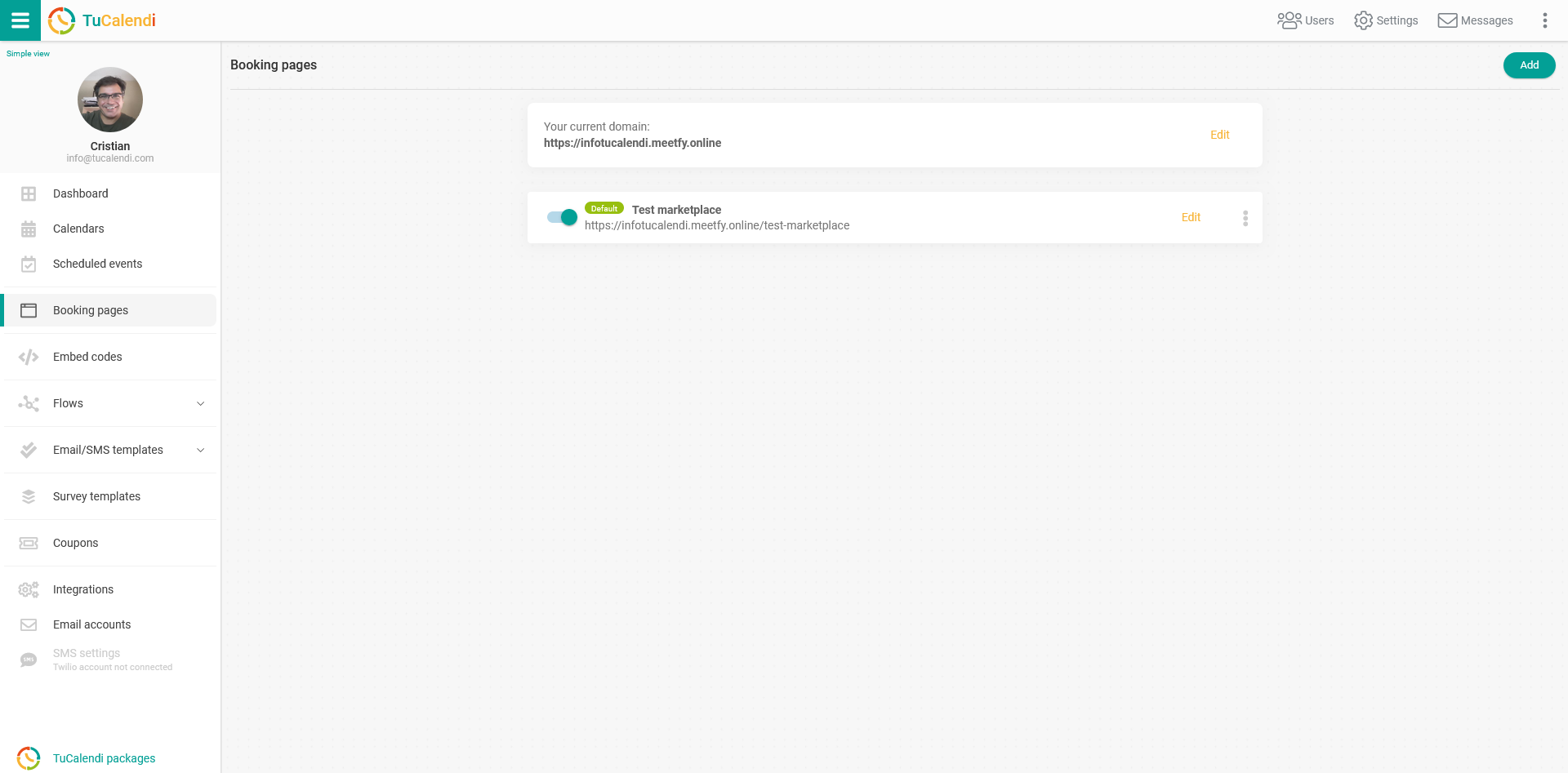
To configure the marketplace entry, find the booking page you want to publish in the marketplace and click "Edit".
All configuration options appear in the horizontal menu of the booking page.
Click "Marketplace":
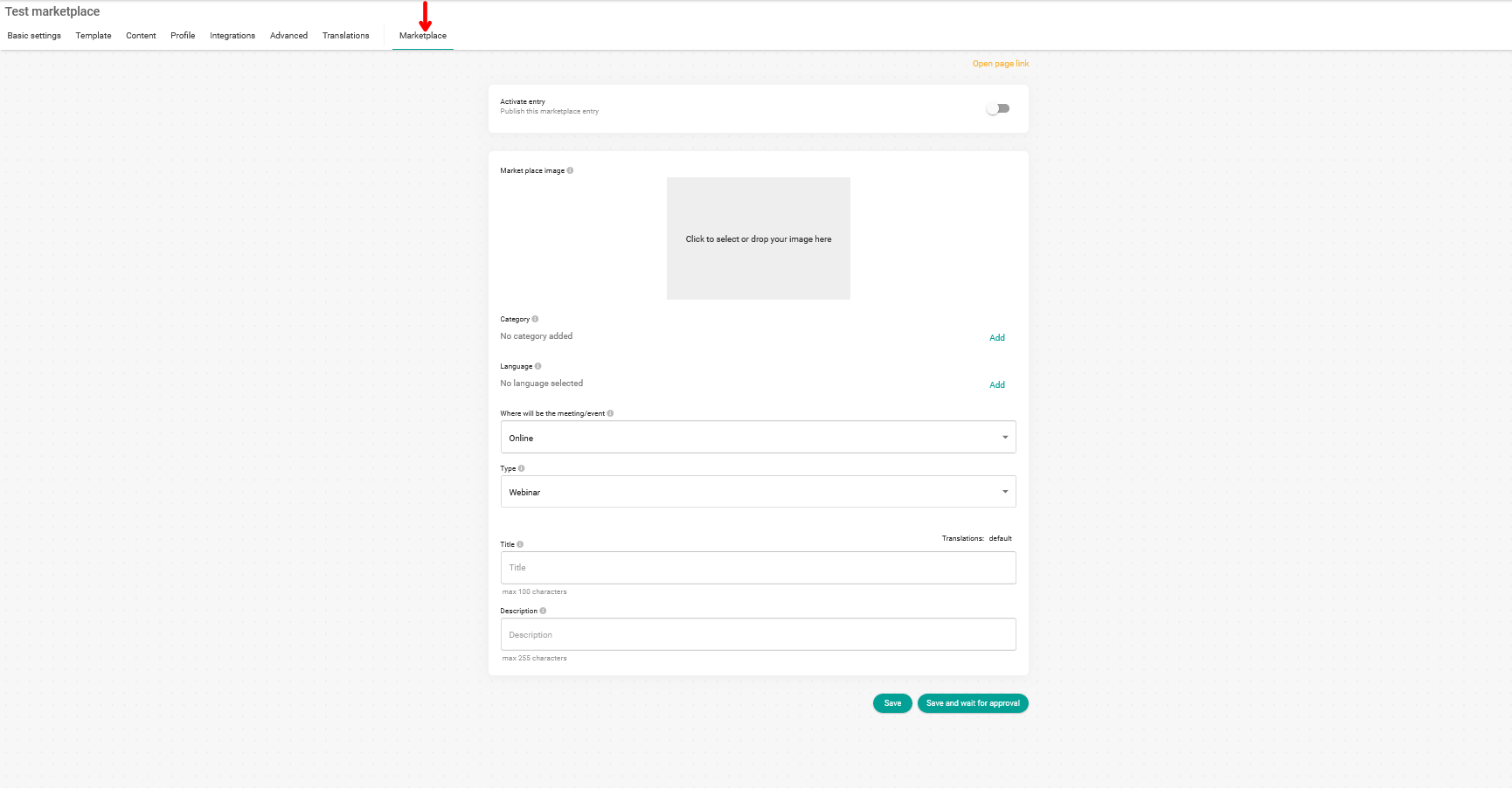
In the "Category" field, click "Add" to see all the available categories:

Just choose the categories in which you want to appear in marketplace searches:
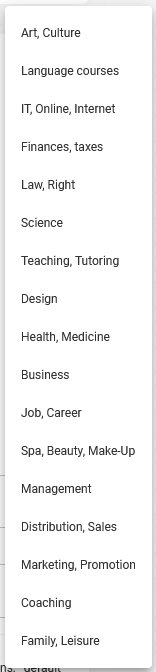
You can choose up to three different categories.
The categories must be selected individually and will be displayed in the categories field once you have selected them:

Click "Save" if you haven't finished configuring the marketplace entry yet, so you don't lose the changes you have made.
If you already have all the information ready for the marketplace, you need to activate the entry:

Click "Save and wait for approval" so our team can review the entry and activate your presence in the marketplace.
The approval of a new marketplace entry can take up to 24 hours after the request.