
When you configure your entry in the marketplace, it is important that you add the language or languages in which you offer your services. This gives more information to people looking for a specific service in the marketplace, since they will be able to filter by the language in which they want to be attended.
Adding the languages for an entry in the marketplace is very simple.
Log in to TuCalendi with your username and password. Go to the "Booking pages" option:
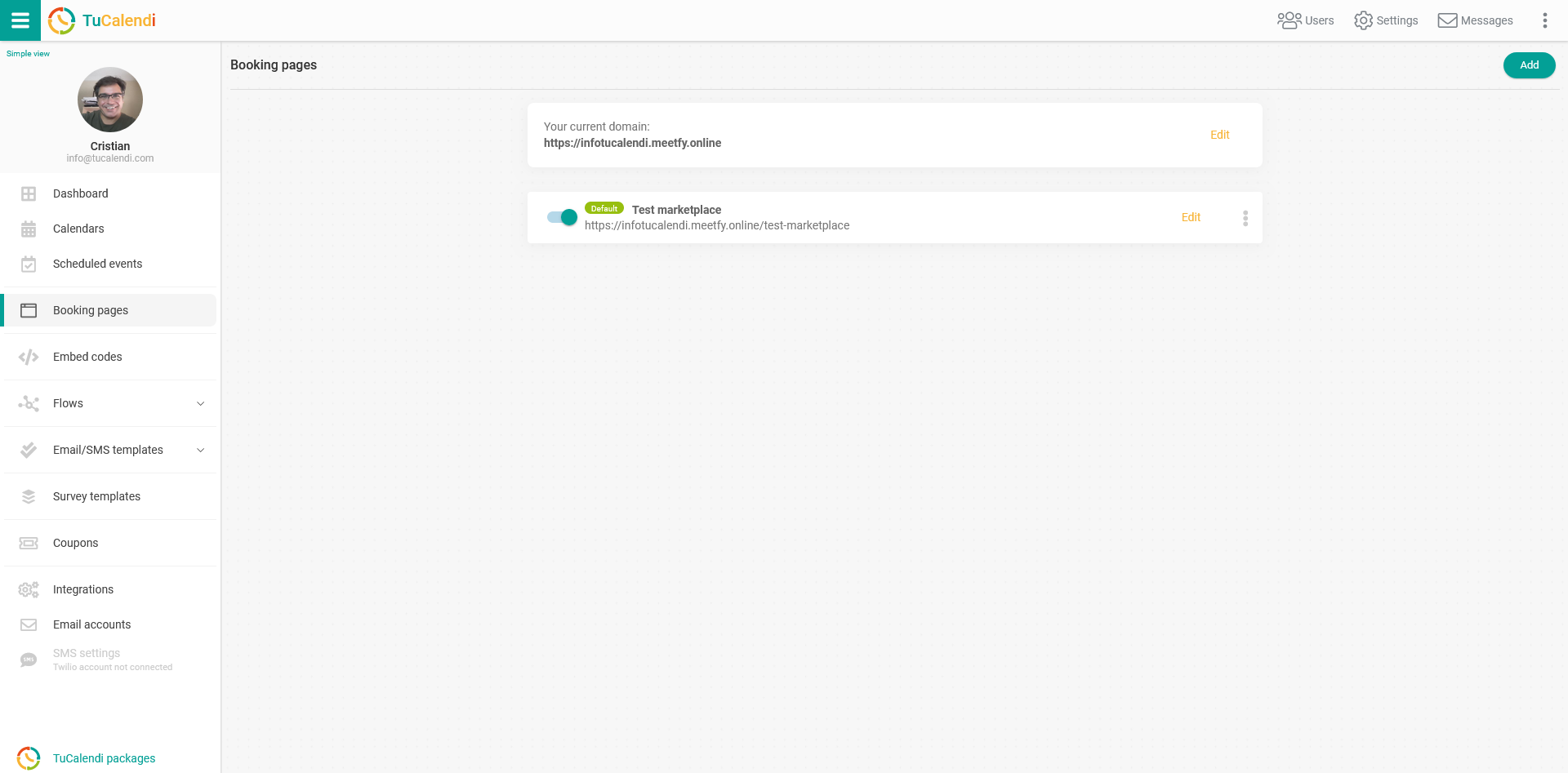
To configure the marketplace entry, locate the booking page you want to publish in the marketplace and click on "Edit".
All the configuration options appear in the horizontal menu of the booking page.
Click on "Marketplace":
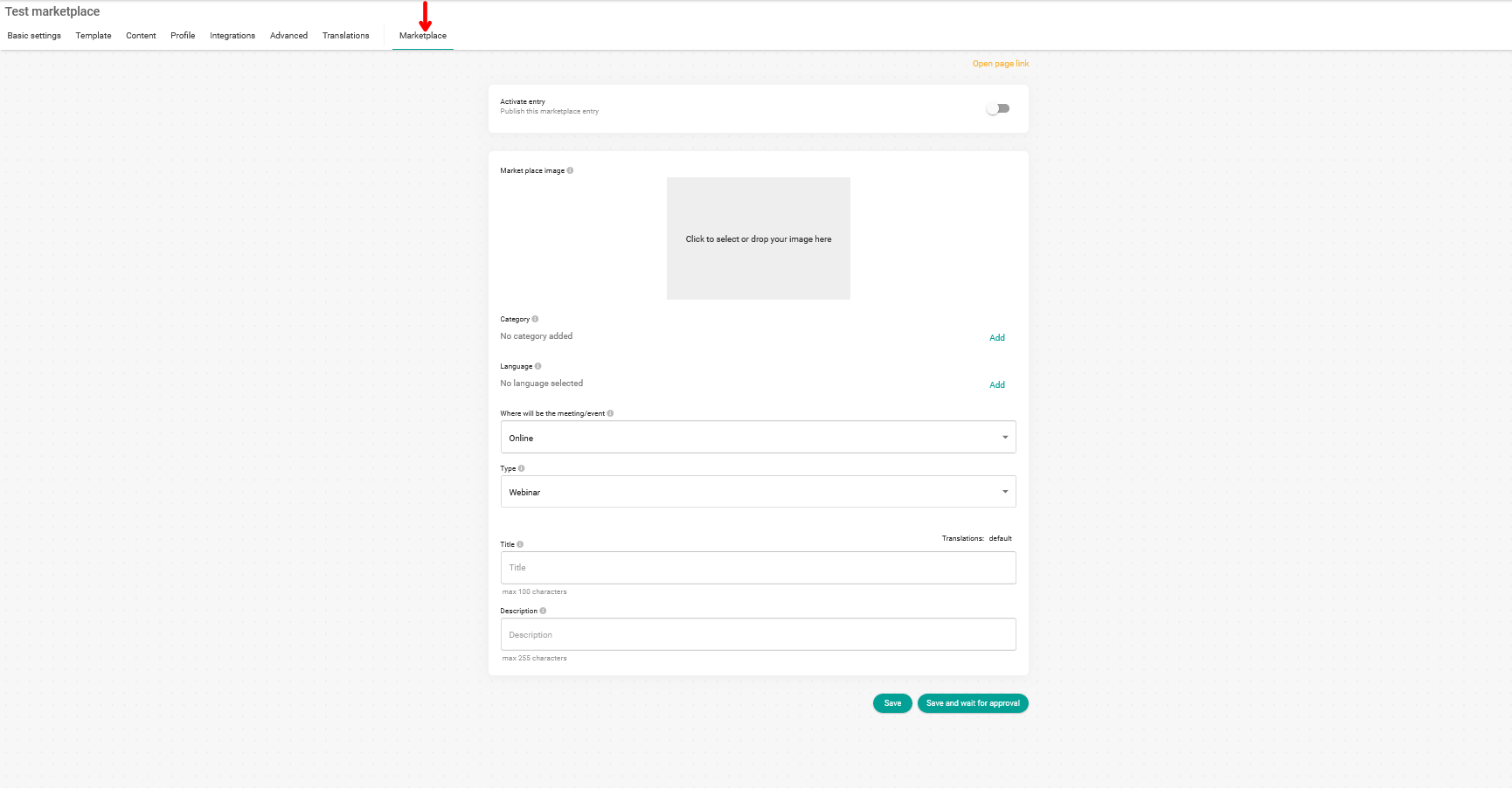
In the "Language" field, click on "Add" to see all the available languages:

Just select the languages in which you offer your services, so your entry is displayed in the marketplace searches when users filter by a particular language:

You can choose up to five different languages.
Languages must be added individually and will be displayed in the language field once they have been selected:

If you have not finished configuring the marketplace entry yet, click on "Save" so you don't lose the changes you have made.
If you already have all the information for the marketplace, you must activate the entry:

Click on "Save and wait for approval" so our team can check the entry and activate your presence in the marketplace.
The approval of a new marketplace entry can take up to 24 hours after the request.