
The services you provide can be online, through a video platform, or face-to-face in a physical location such as your office. In the marketplace you can select where the meeting will take place so that the users who are going to book with you know where their meeting with you will be.
Configuring where the meeting will take place is very quick.
Log in with your username and password to TuCalendi. Go to the "Booking Pages" option:
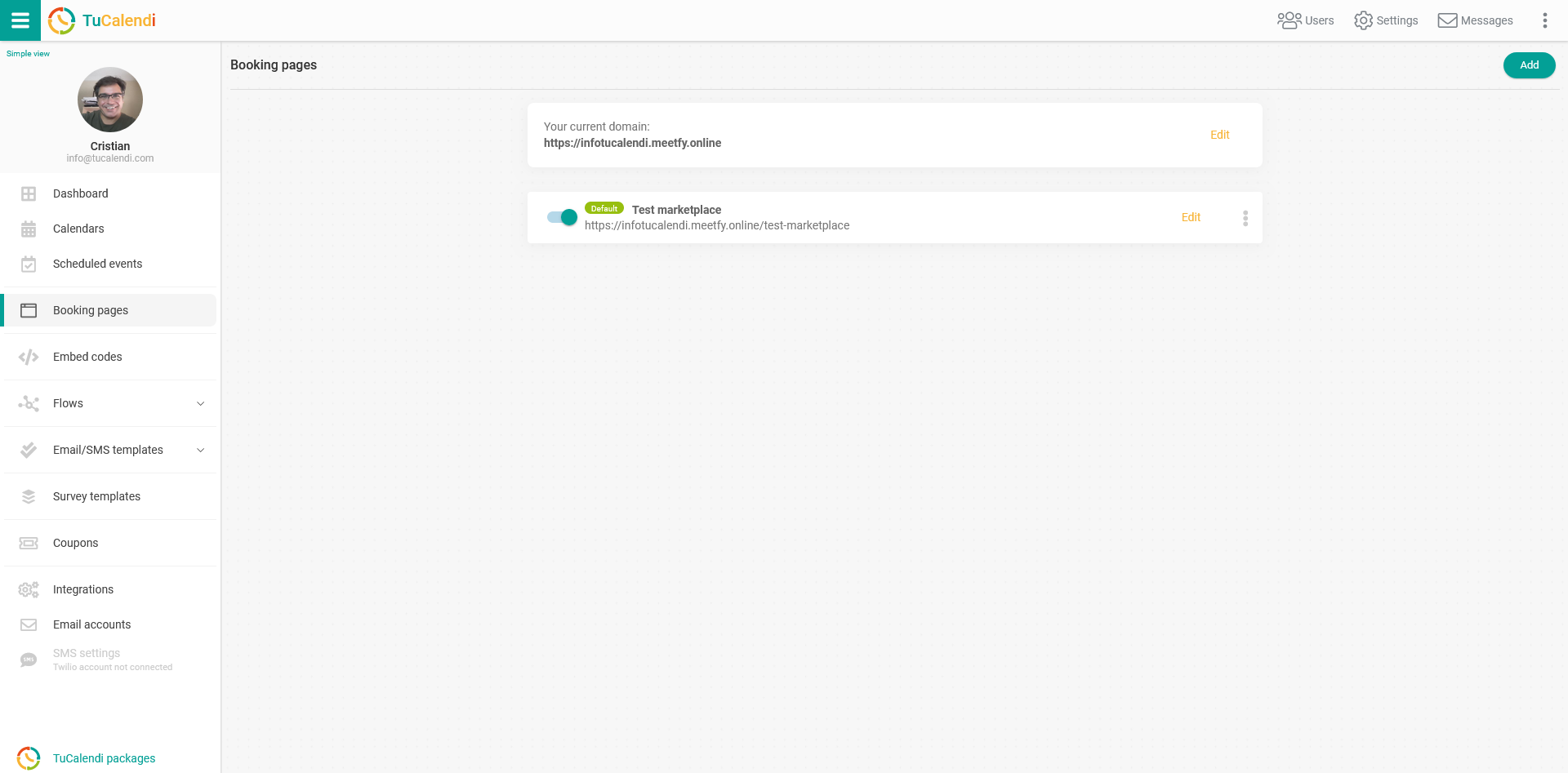
To configure the marketplace entry, locate the booking page you want to publish in the marketplace and click "Edit".
In the horizontal menu of the booking page, all the configuration options appear.
Click on "Marketplace":
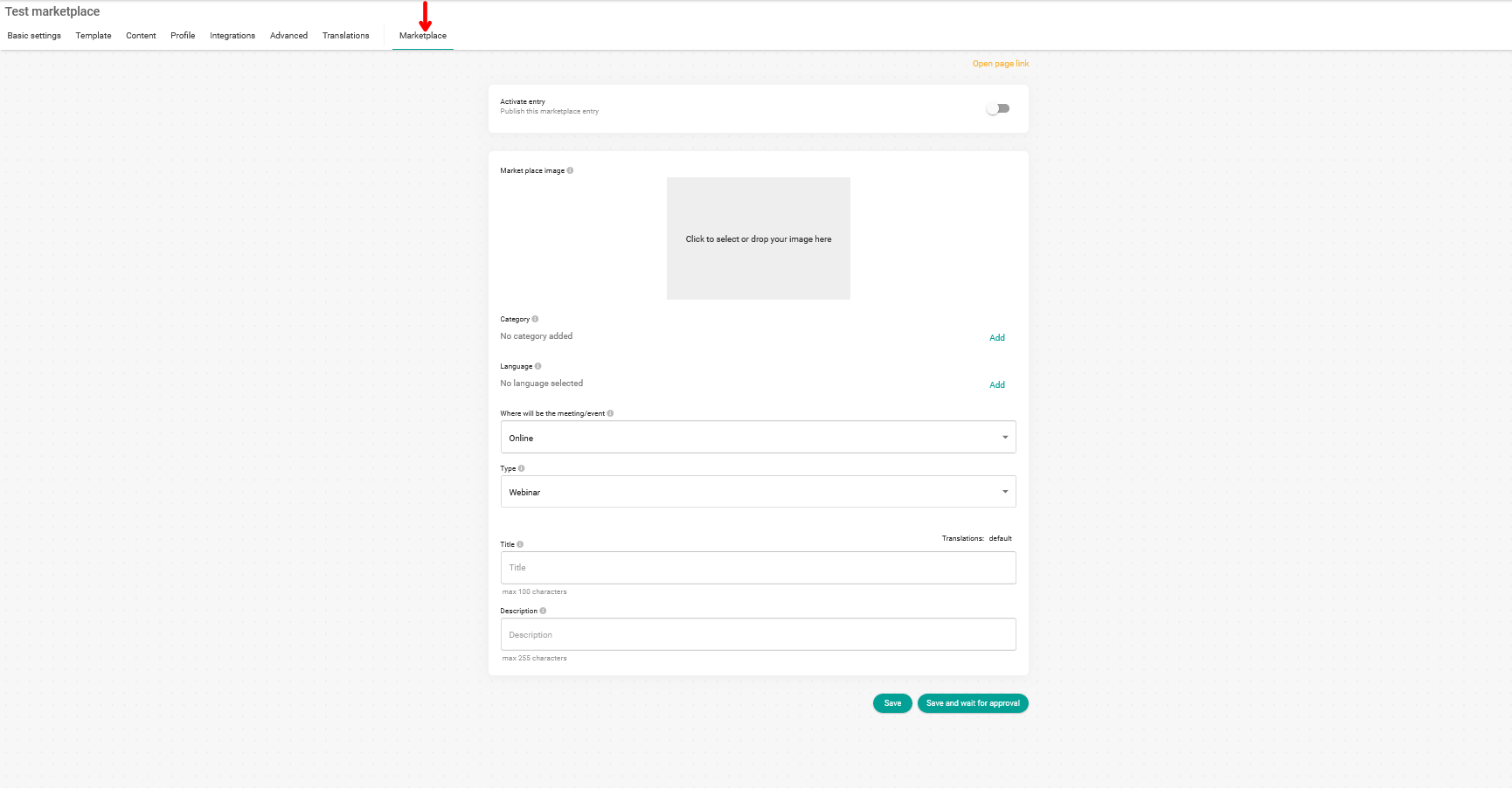
In the "Where will the meeting/event" field, click to display the menu with the options:

From the available options, you only need to select the location that suits your services:
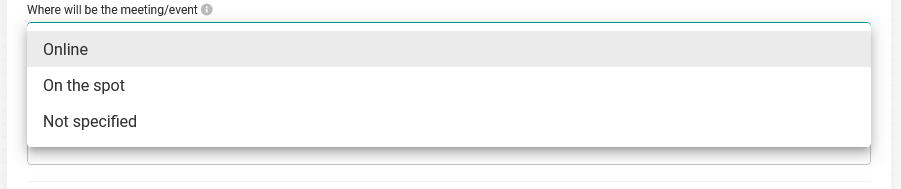
If you choose to have the meeting "Online", the customer will know that the service you provide is done through a video platform and can be anywhere in the world.
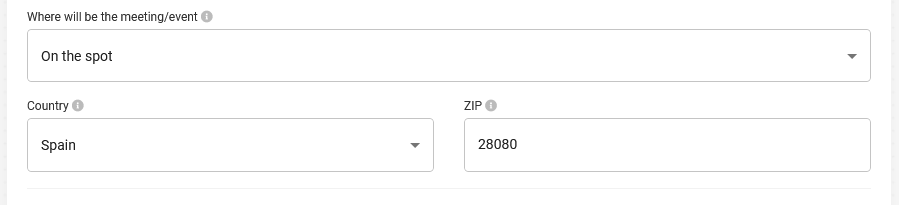
On the other hand, if the service you provide is "On the spot" and you select this option, you must indicate the country where you are located and the zip code so that customers are informed:
Click on "Save" if you have not finished configuring the marketplace entry yet, so you do not lose the changes you have made.
If you already have all the information for the marketplace, you must activate the entry:

Click on "Save and wait for approval" so our team can check the entry and activate your presence in the marketplace.
The approval of a new marketplace entry can take up to 24 hours after the request.