
Changing your password is a very simple process that you can do once you have logged in with your TuCalendi username and password and accessed your account settings menu.
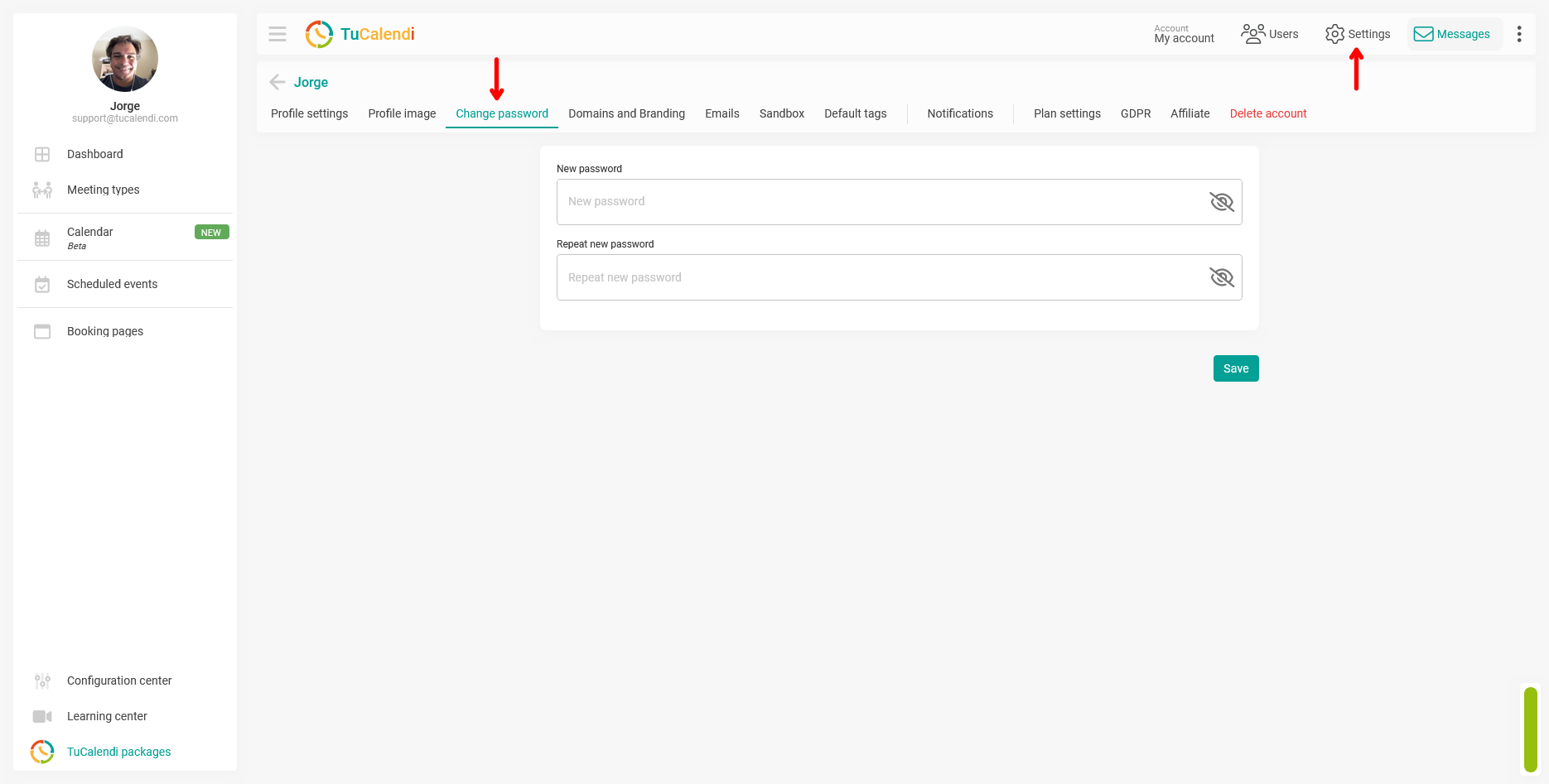
Simply click on "Change password". Then you will need to enter the new password you want and click on "Save" button.