
After you have purchased your TuCalendi codes, this article will show you how to activate the TuCalendi codes. Activating the codes is very simple.
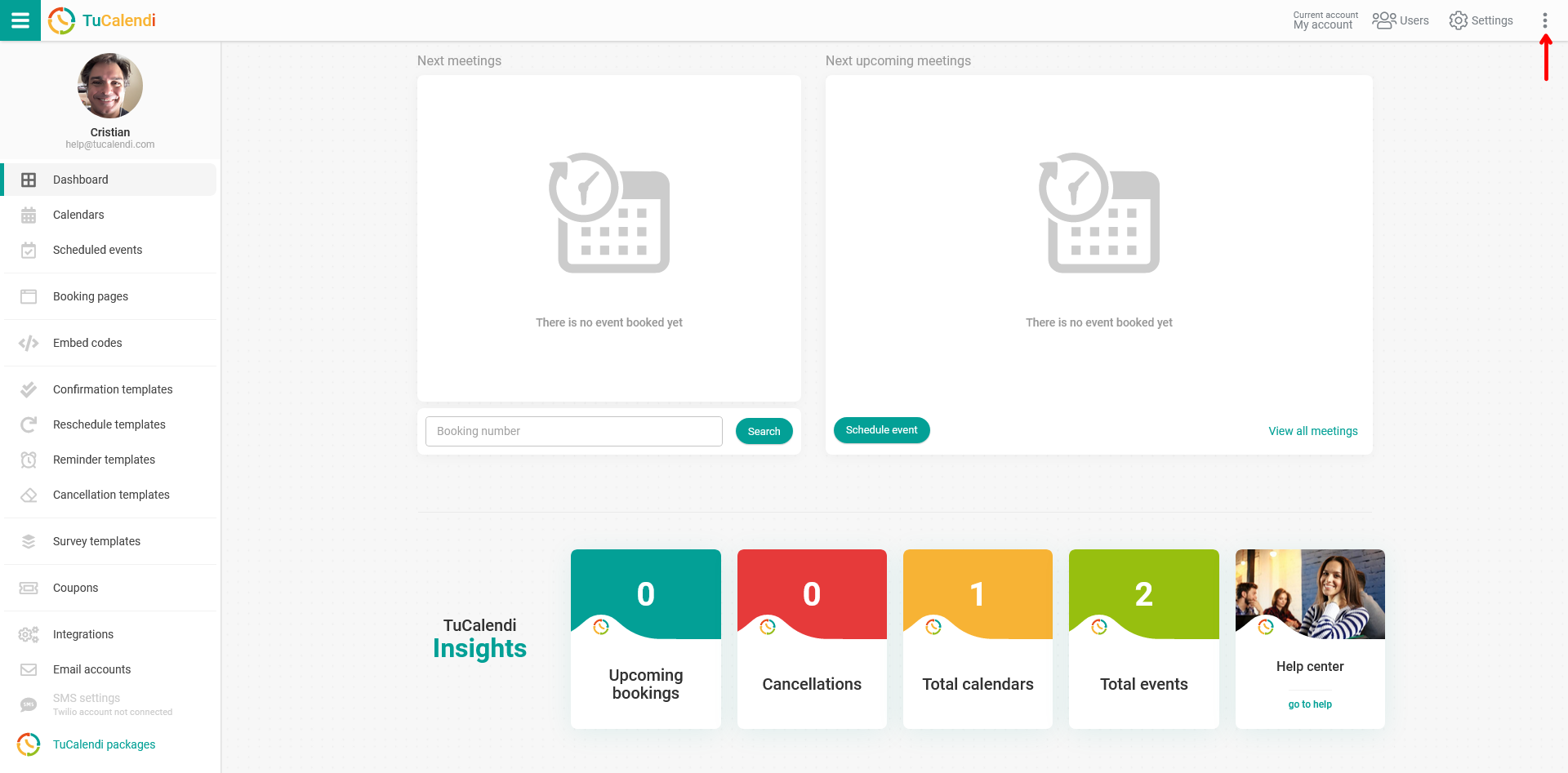
Log in to your TuCalendi account with your username and password. Once you are in the dashboard, click on the three vertical dots at the top right of the menu.
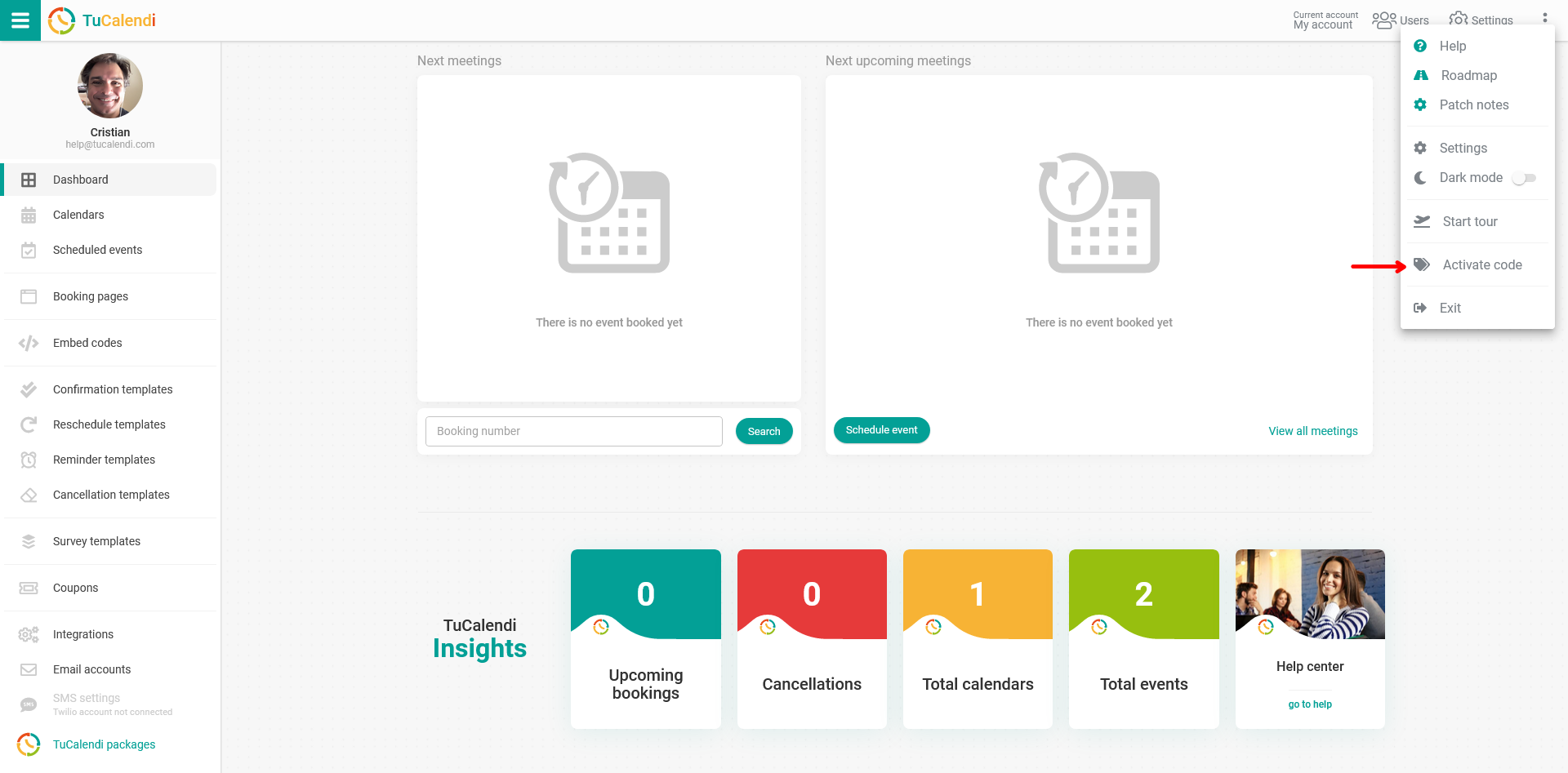
In the pop-up menu that opens, click on the "Activate Code" option so that you can redeem your codes.
In the window that appears, enter the TuCalendi code that you received by email at the time of purchase in the "Code" field.
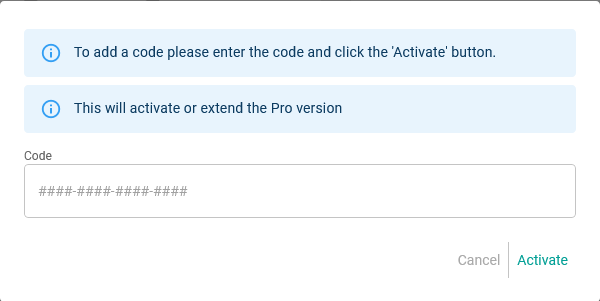
Click on "Activate" and your account will be switched to the Pro Plan for the duration of the purchased code. If you have purchased multiple codes, you will need to repeat this step for each code when you want to redeem it. Each code you enter will extend the Pro version for the corresponding time period covered by the code.
NOTE: Codes cannot be used on TuCalendi accounts that have an active subscription or are LTD.