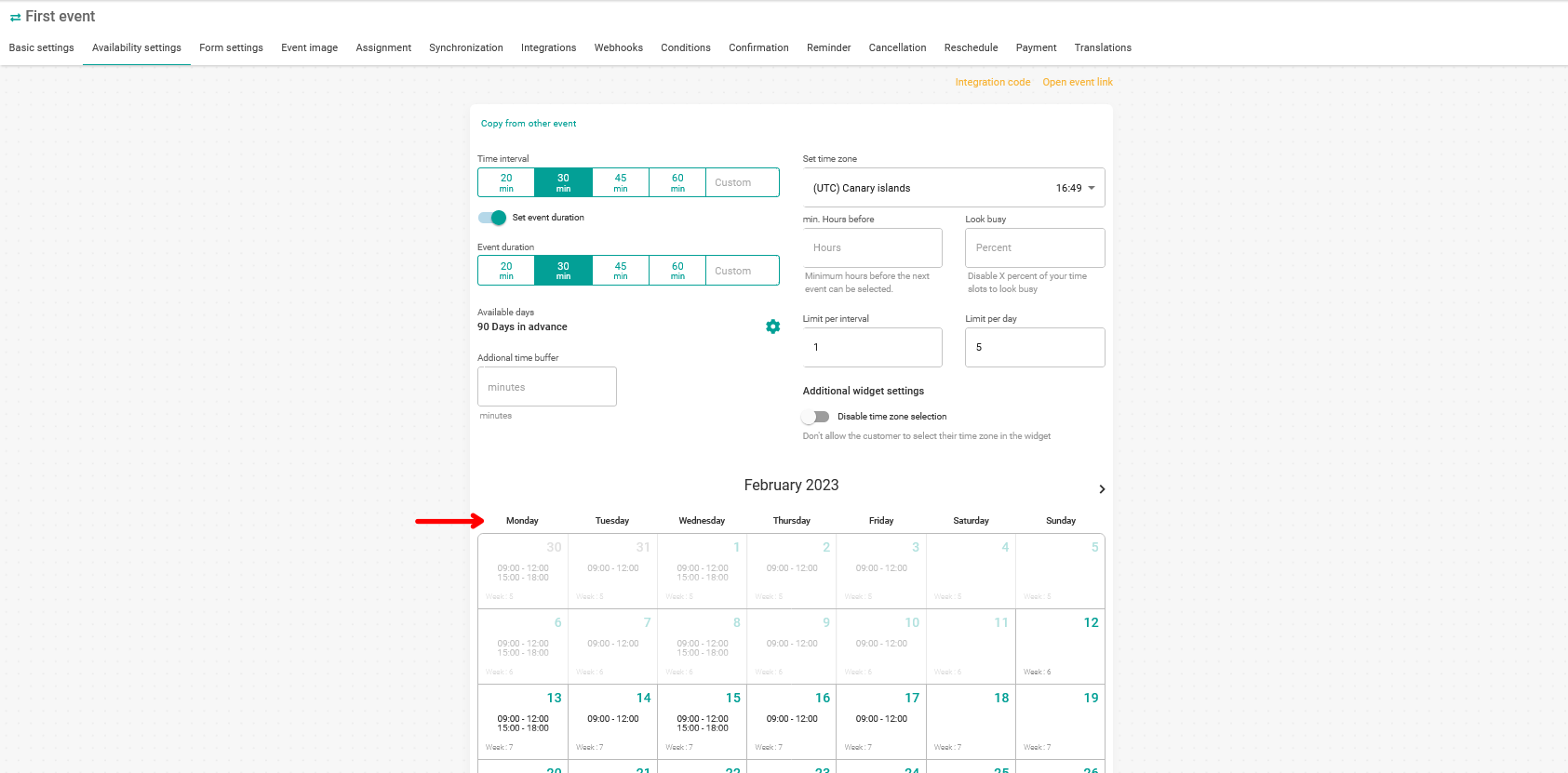
Some users have told us that they were sometimes confused and made mistakes when setting the availability of event dates and times, due to the start day of the week in the availability settings calendar. To avoid these possible errors, you can now select the start day of the week for the control panel.
Log in to TuCalendi with your username and password. Go to your account settings.
Click on "Profile settings":
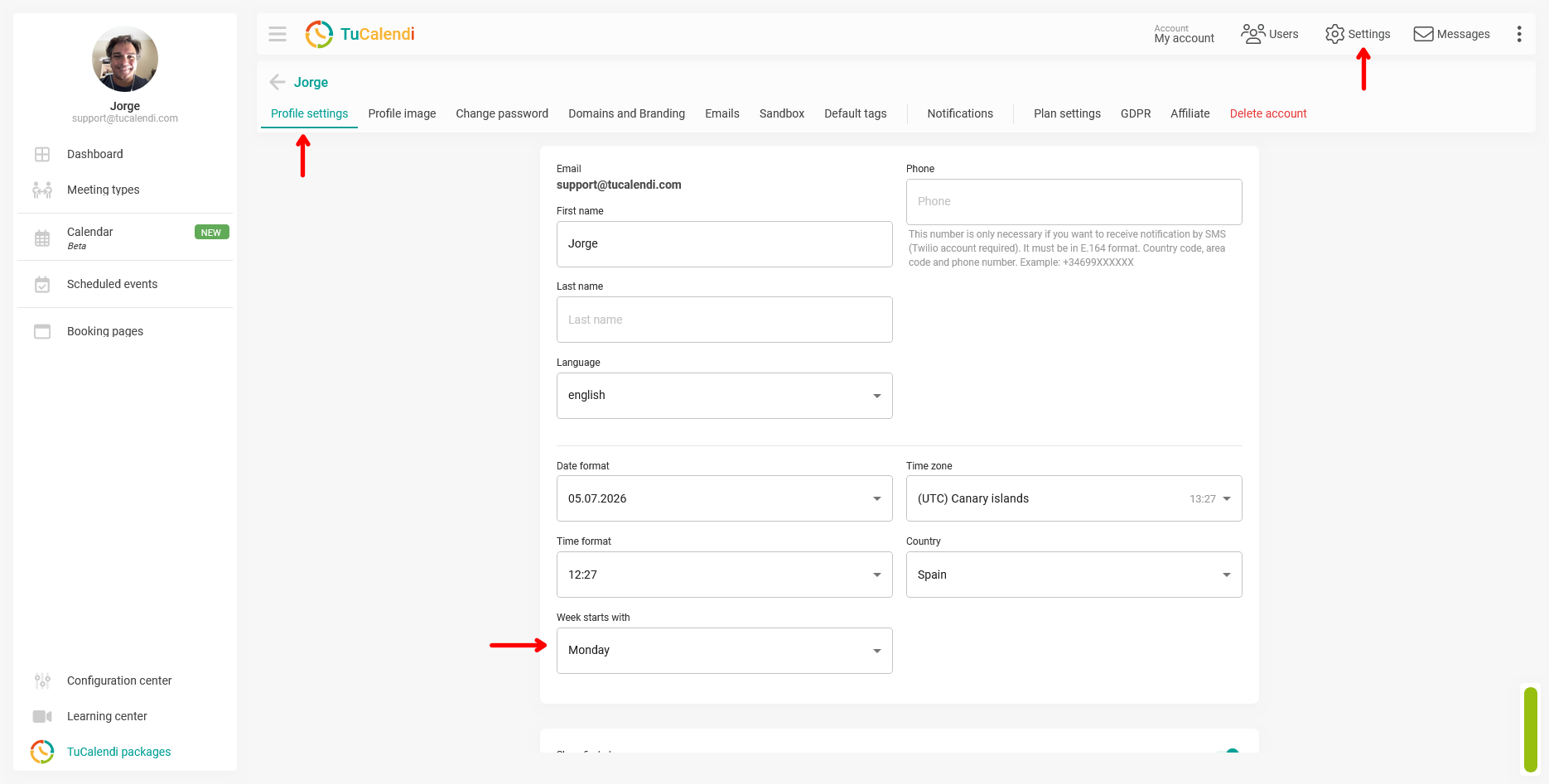
In the "Week starts with" field you can select "Monday" or "Sunday".
Once you have chosen, click on "Save" for your change to take effect.
The day you select will be the one that appears first in the event availability settings option: