
When you have a work team, TuCalendi's roles and permissions system is a fundamental component for managing calendars, events and reservations.
Roles are groups of users that share specific permissions. Permissions are privileges or actions that a user or group of users can perform. They regulate access and management capabilities on the platform, from simple reading to full system administration.
There are two types of groups, and in each group you add users with the corresponding permissions:
System groups
These are the predefined groups in TuCalendi. You can't delete them, and you can't create new system groups. In system groups, you can only add or remove users who will be part of these groups.
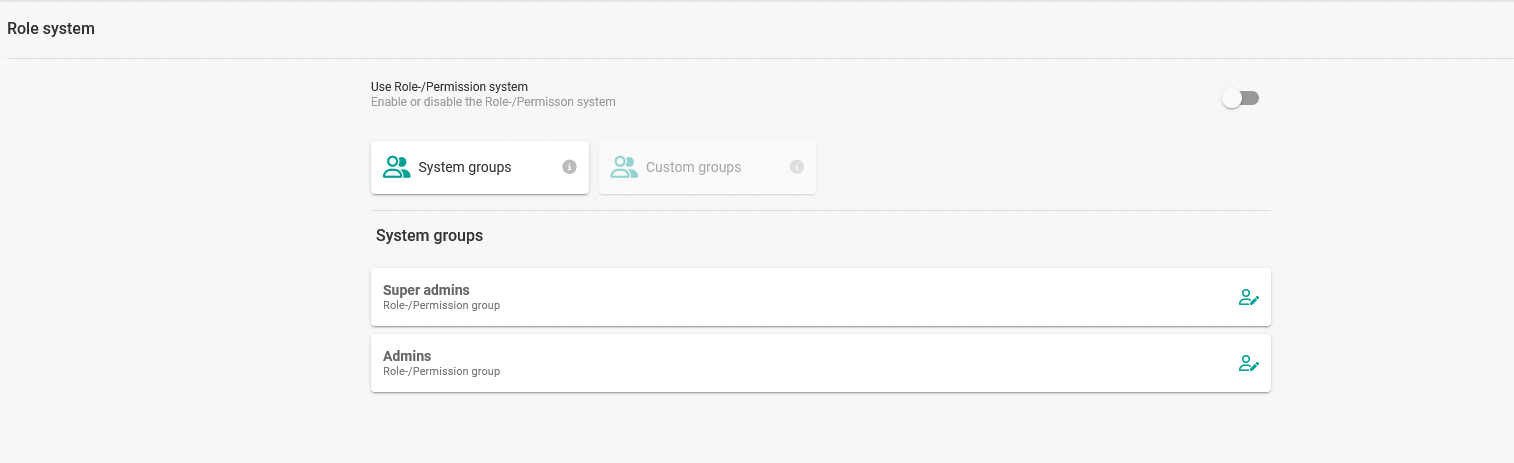
The permissions of each system group are as follows:
- Super admins: Users in this group have the same privileges as the account owner, except that they can't delete the TuCalendi account.
- Admins: These users can manage all TuCalendi functions or features, except for the account settings.
A TuCalendi account can only have one owner, but it can have multiple Super admins and also different Admins for account management.
Custom groups
These are groups you can create, modify or delete. In them, you can add or remove different team members and assign them the corresponding permissions.
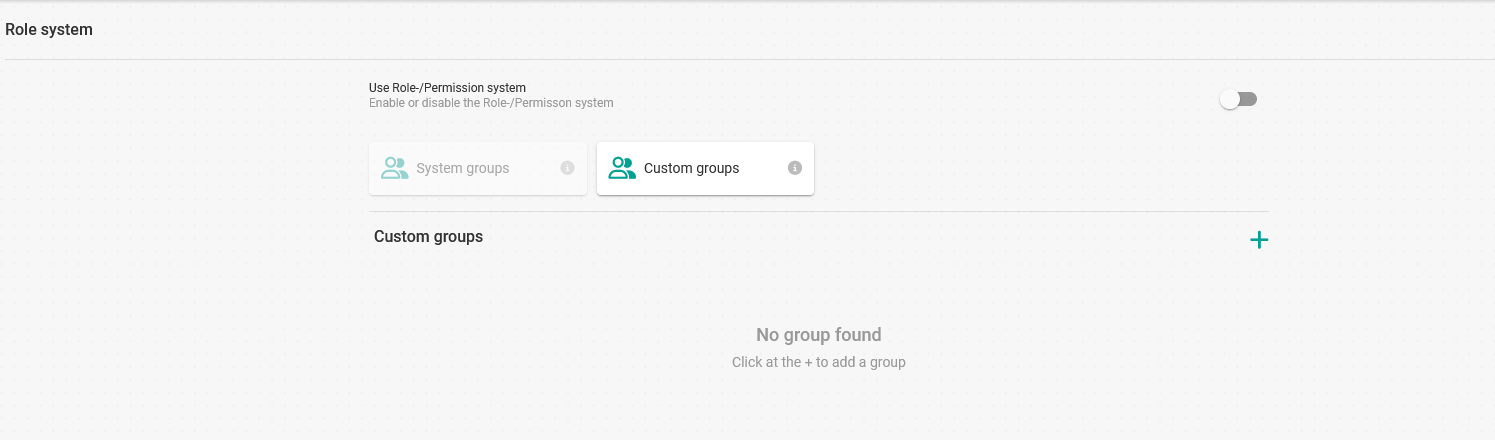
Within custom groups there are two roles:
- Group administrators: These are users who can manage the group, creating calendars or events for the group members.
- Users: These are the work team members who don't need to manage anything on behalf of other users. They have read permissions, although you can also give them permission to manage their own events.
A group administrator can belong to several custom groups.