
Due to the internal structure of the booking page functionality and the server configuration, when you first access the main domain of your booking page you get a 404 page not found error. You can fix this very quickly with the option we have developed that lets you set up the booking page on the main domain.
In just two steps you can set the booking page to appear on your main domain or on the subdomain you have created with the CNAME record.
The option to create a CNAME record for your booking page is only available on TuCalendi paid plans.
Log in to TuCalendi with your username and password. Go to the "Booking pages" option:
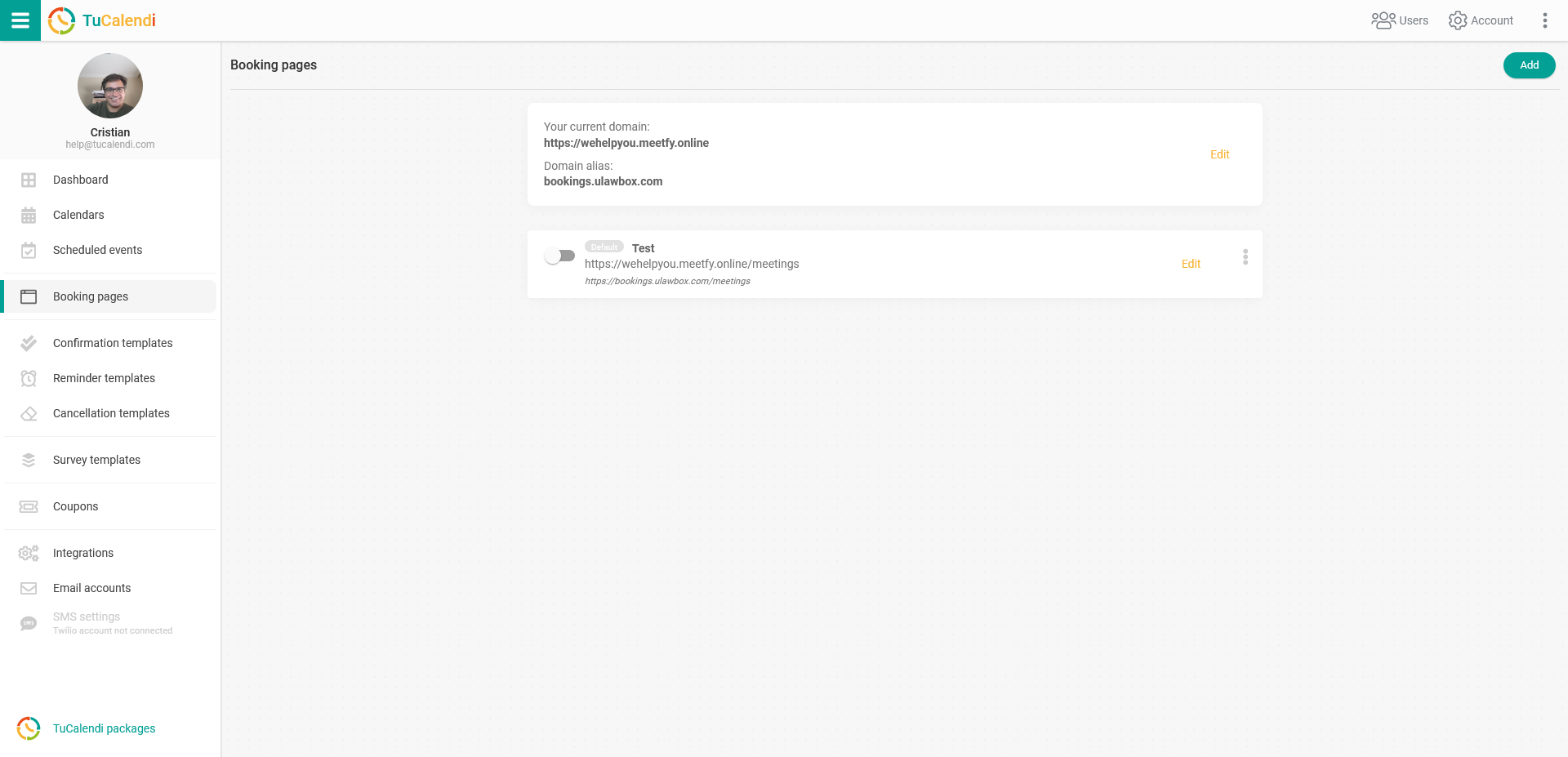
On the booking page you want to appear on your main meetfy.online domain, check the "Default" option.
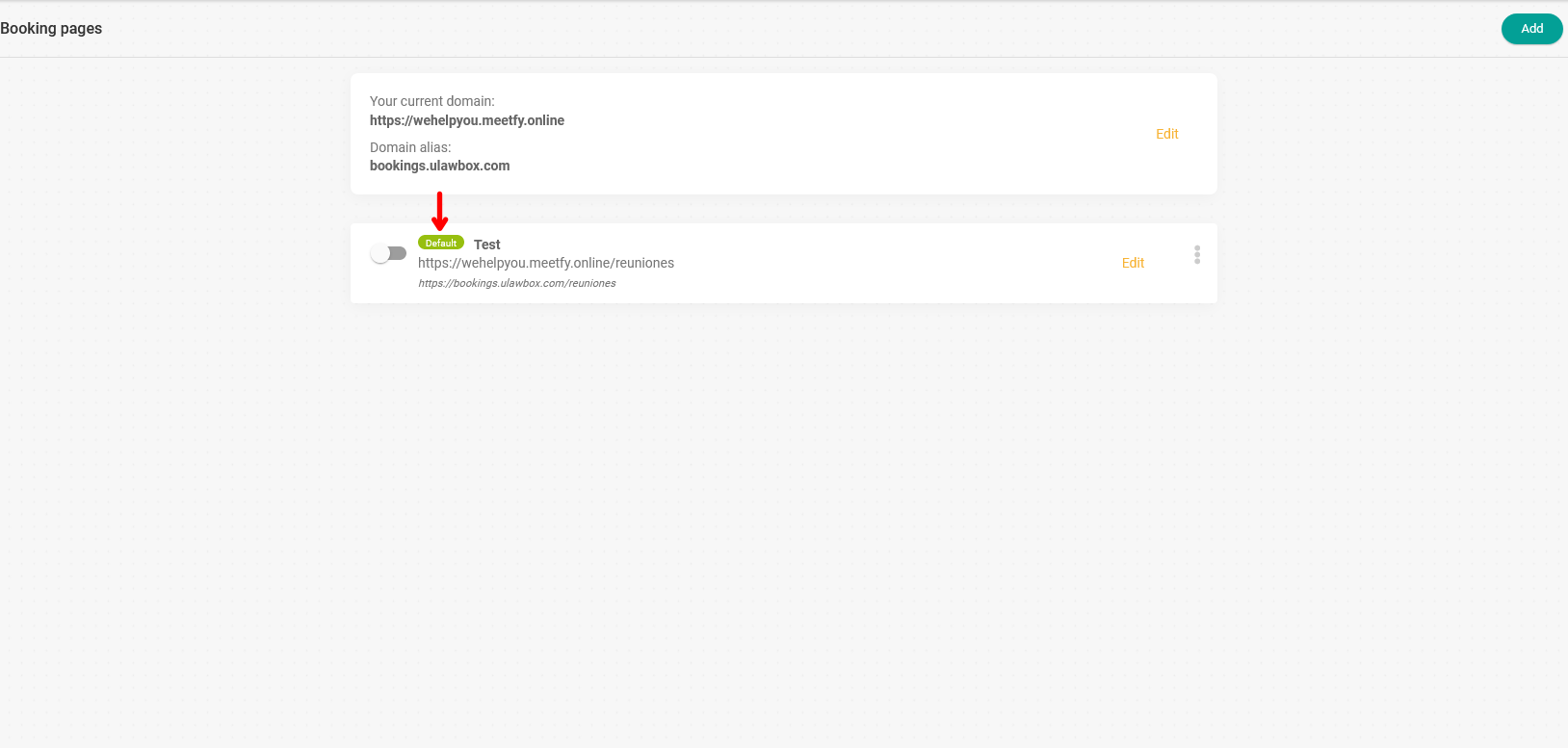
From then on, when you enter your meetfy.online domain or the subdomain you have created with the CNAME record in your web browser's address bar, the booking page you have selected will appear.