
We have prepared an easy to understand, intuitive and clean Dashboard.
When you log in to TuCalendi with your username and password, the information displayed gives you a quick overview of what's going on.
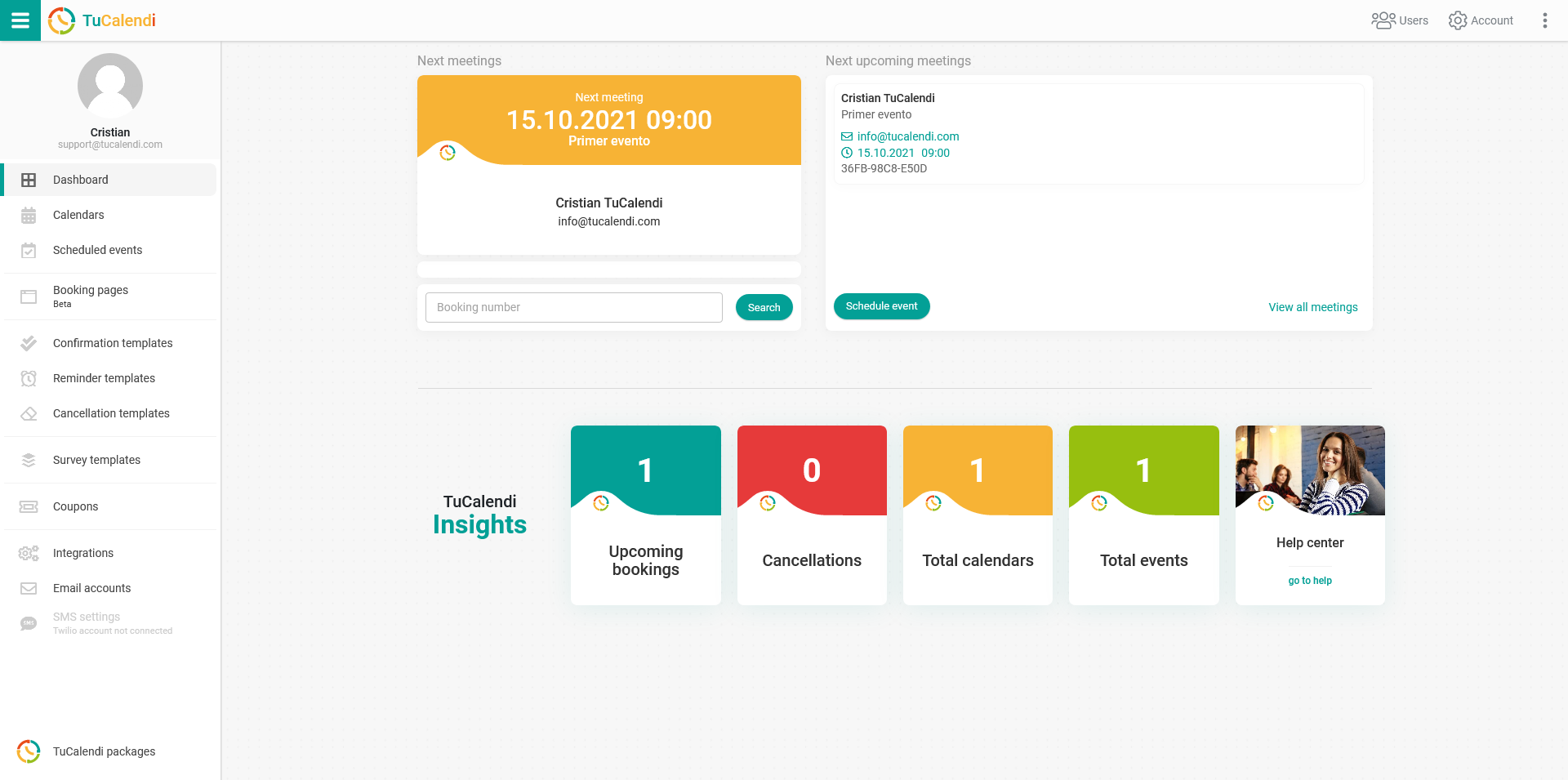
The next meeting is highlighted.
A list of the next 6 booked events. Click on an event to display its individual details.
In addition, there are two buttons:
- Schedule event: Lets you make a manual booking for any event.
- Summary: Gives you access to all scheduled events.
A booking search engine. If a client calls you with a question about their reservation, simply enter the reservation number to access its complete details.
Blocks where you can find relevant information:
- The number of scheduled bookings.
- The number of cancellations.
- The number of calendars you have created.
- The number of events you have created.
- Access to the help center.