
We have added a new type of field to the custom fields of form flows. These are hidden fields, and you can add them when creating a form flow.
What are hidden fields
Hidden fields are a type of custom field that you add to the form flow. They let you store information when your customers make a booking with you. A hidden field is not visible to the person making the booking from the widget or the booking page.
What hidden fields are used for
Hidden fields are used to identify information about the people who make bookings, to work with the data and to keep track of the information related to each booking.
For example, you can add a hidden field to track bookings for an event you use in a certain campaign, or include a value without customers having to fill in the field.
Let's see how to add a hidden field to a form flow.
Log in to TuCalendi with your username and password. In the side menu, click on "Flows":
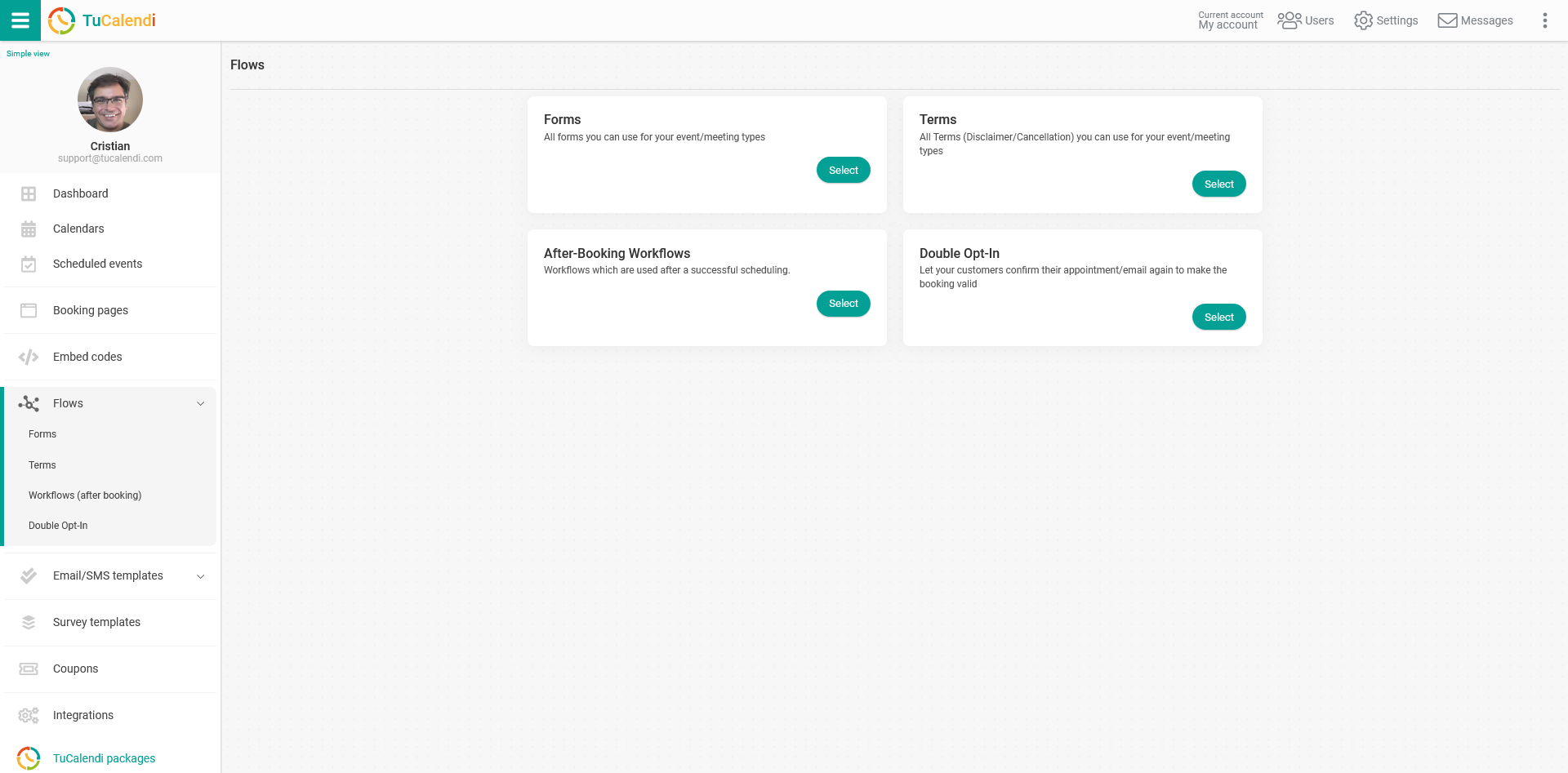
In the "Forms" option, click on "Select":
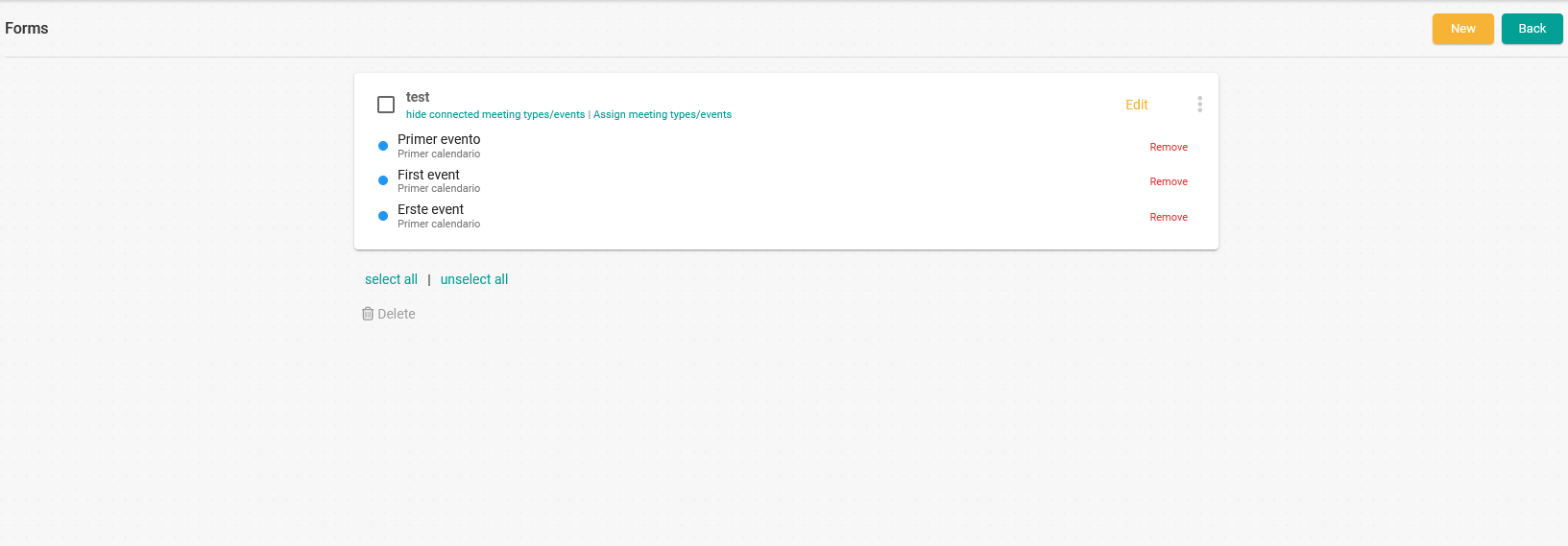
A form flow appears because we have previously created it and assigned the events.
To add new fields to the form flow, click on "Edit" in the corresponding flow:
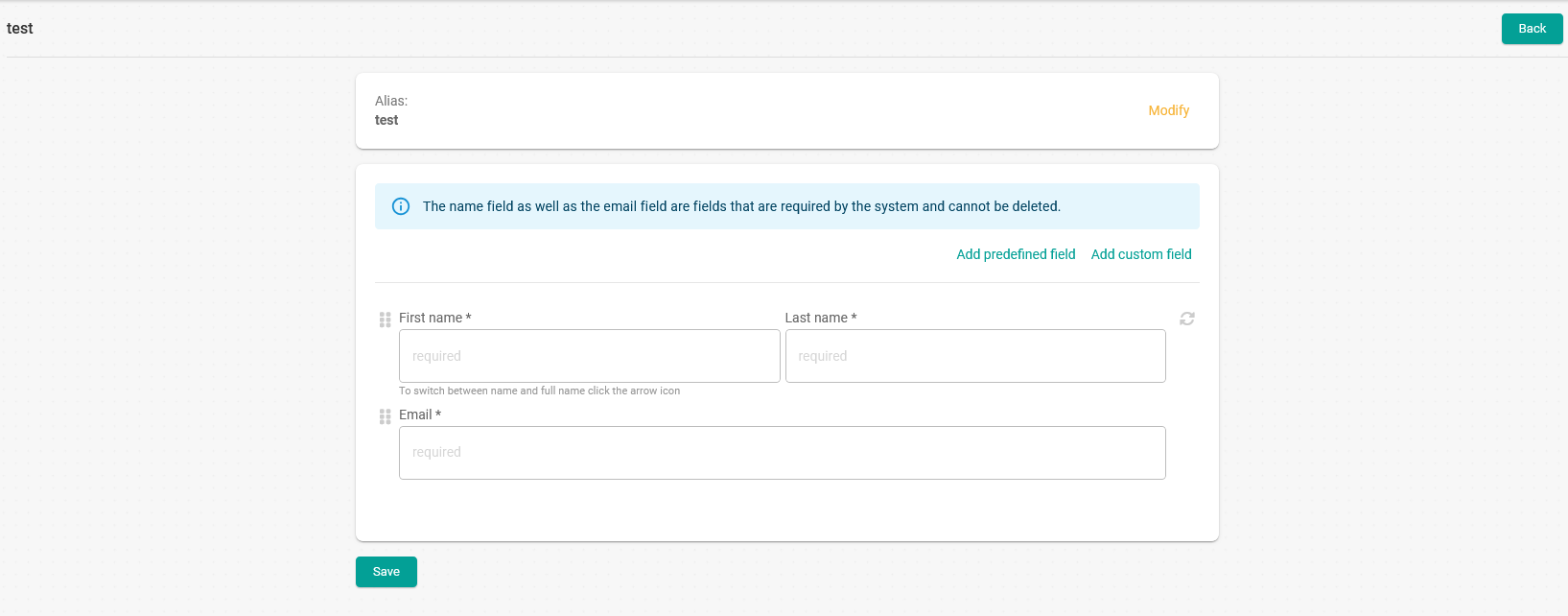
Click on "Add custom field" to open the menu with all available custom field options.
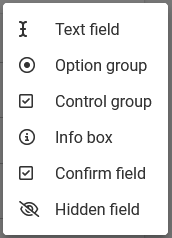
Select "Hidden field":
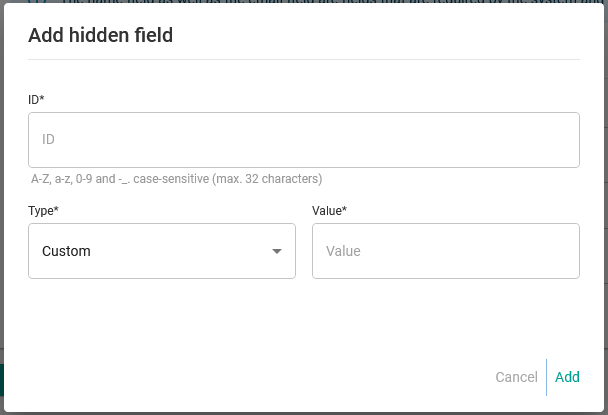
You only need to enter the "ID" of the field and choose the "Type" of hidden field.
If you have chosen "Custom" as the hidden field type, you must enter the value the field will have.
Once your field is ready, click "Add" and the fields you add will be displayed in the form flow:
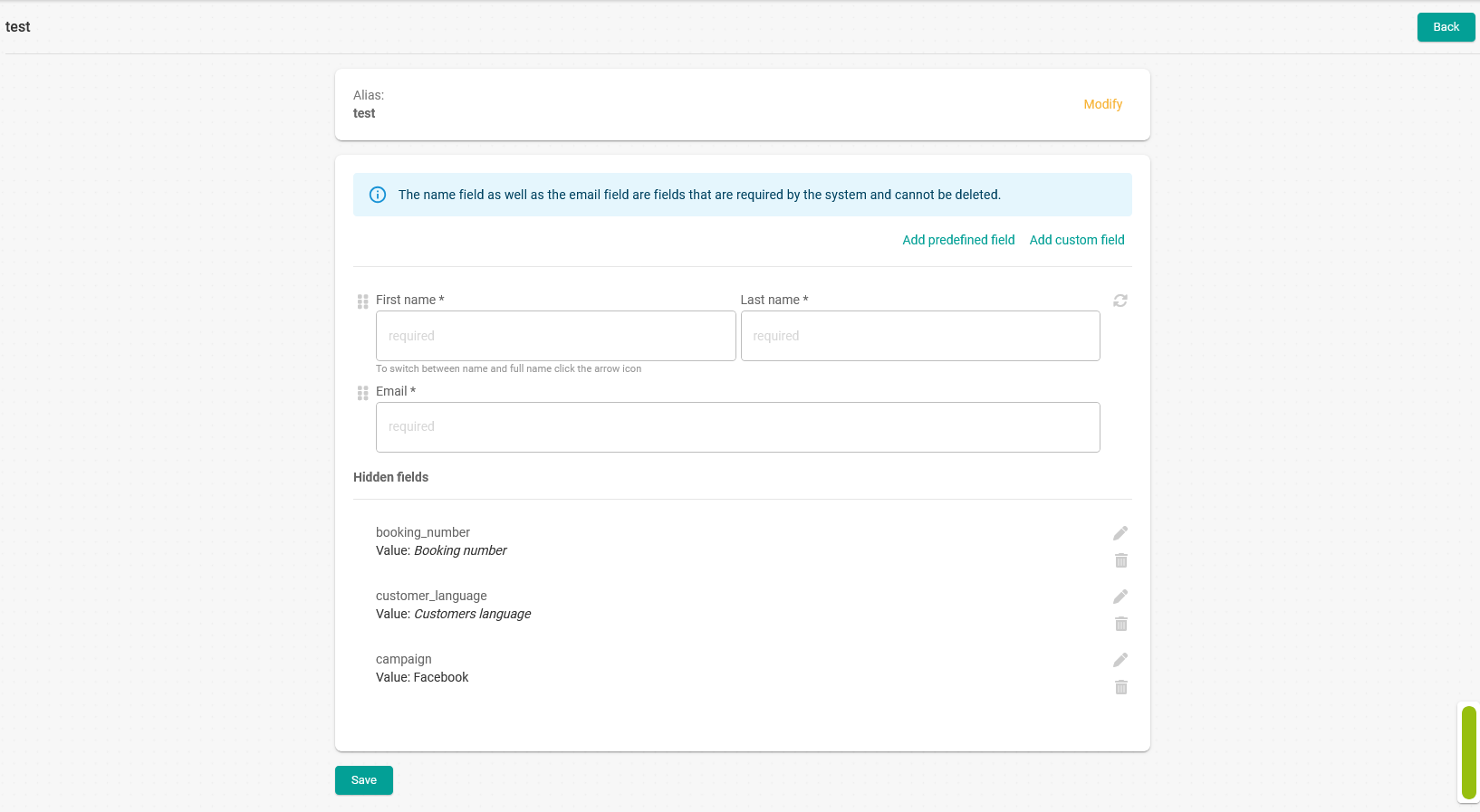
In this example, we have added two hidden fields with system information (booking number and customer language) and one custom field with the value "Facebook".
When you have added all the fields, click on the "Save" button and the form with the hidden fields will be created.
From now on, the information from the hidden fields will be included in the details of the received bookings.