
By integrating Mailchimp with TuCalendi, you can send the information of people who book with you in TuCalendi to Mailchimp and automate email marketing tasks such as sending follow-up emails or other campaigns.
NOTE: To integrate with Mailchimp, you need to have your own Mailchimp account.
We have created a simple process for you to integrate TuCalendi with Mailchimp.
Log in to TuCalendi with your username and password. In the side menu, go to the "Integrations" option:
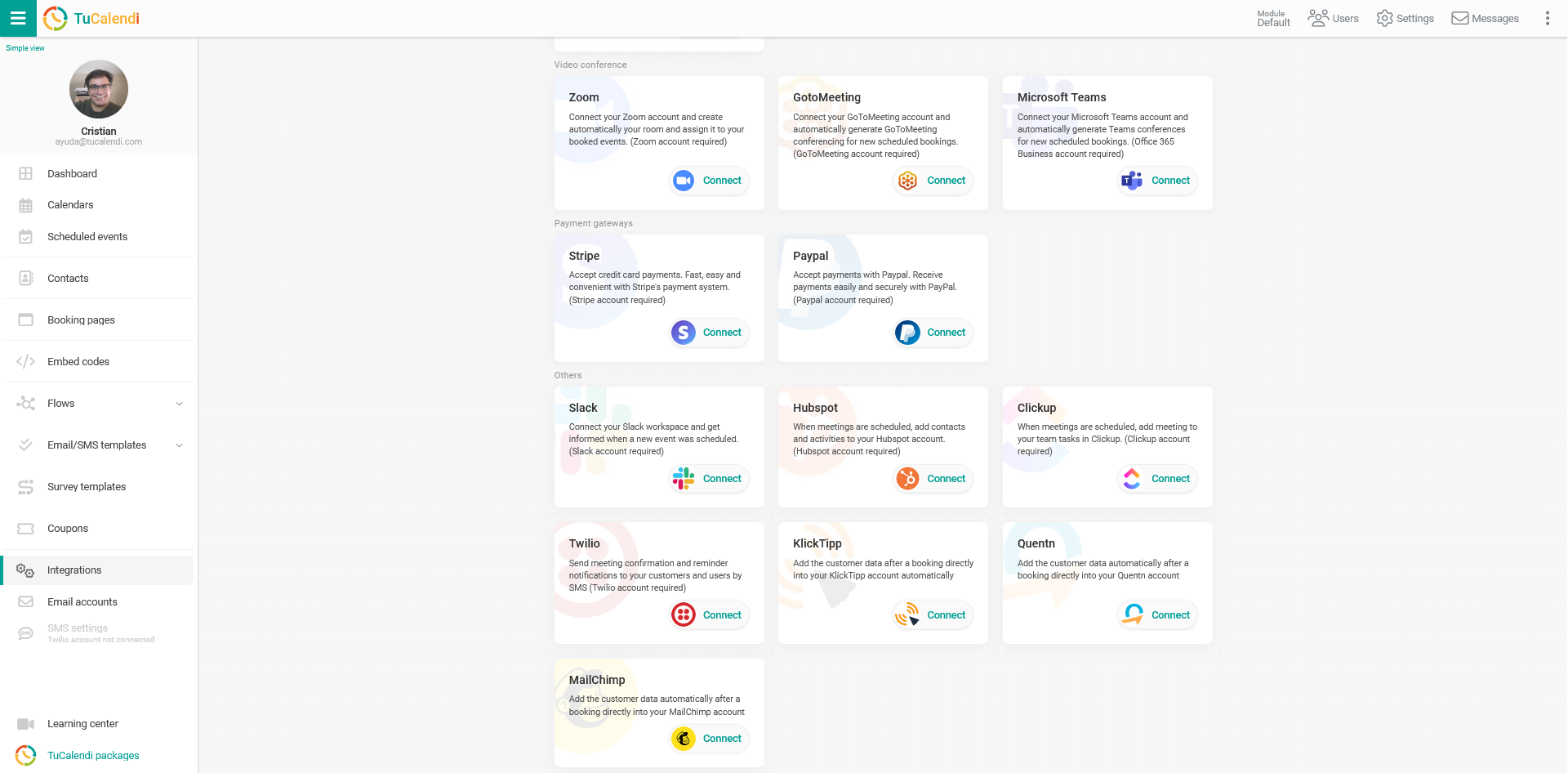
Find the option to connect with Mailchimp:
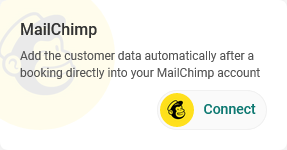
To set up the integration with Mailchimp, click "Connect" and the following popup will open:
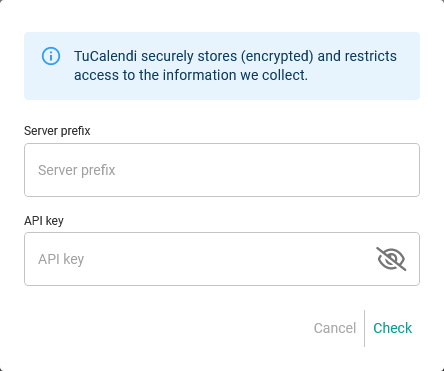
You will need to enter the requested data:
- Server prefix.
- API key.
Then click "Check".
You can find the server prefix in the browser URL when you log in to your Mailchimp account with your username and password.
For example, in the Mailchimp URL:
https://us17.admin.mailchimp.com/account/profile/
the server prefix is us17.
The API key must be created from your Mailchimp account profile.
Once the integration is done, you can revoke the connection between TuCalendi and Mailchimp at any time.
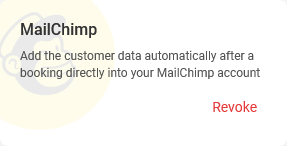
Simply click "Revoke".
IMPORTANT: Once you have set up the integration between TuCalendi and Mailchimp, you must connect the events you want to use the integration with.