
If you're a Microsoft 365 user and use Microsoft Teams for your virtual meetings, you can integrate Microsoft Teams with TuCalendi. This way, the entire process of booking virtual meetings or appointments, online consultations or any virtual event you organize will be completely automated from your TuCalendi online calendar.
IMPORTANT: To integrate TuCalendi with Microsoft Teams, you need a Microsoft 365 Business account.
We've prepared a very simple process for integrating TuCalendi with Microsoft Teams.
Log in to TuCalendi with your username and password. Go to the "Integrations" option:
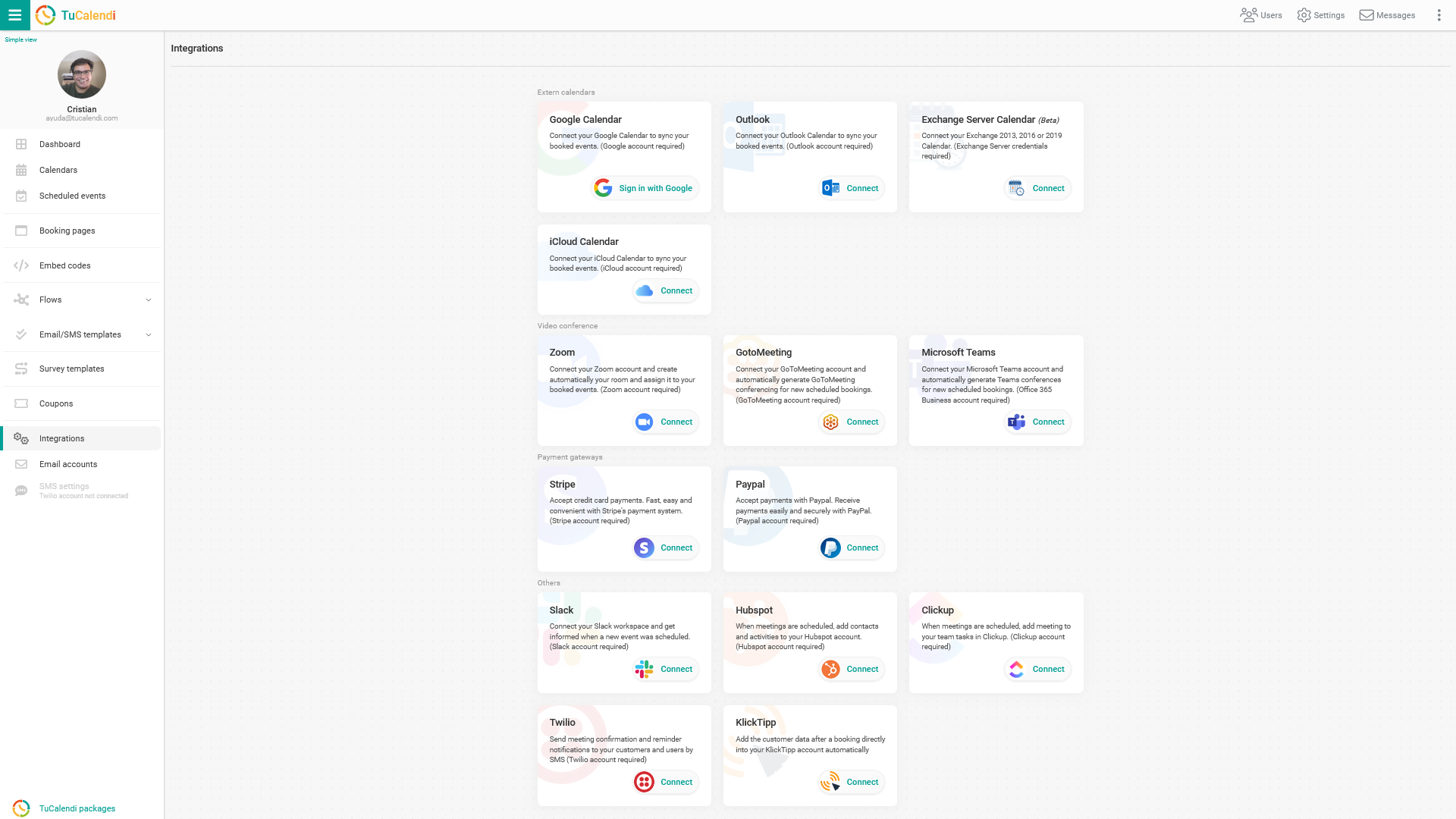
Integrate with Microsoft Teams
Select the "Microsoft Teams" option:
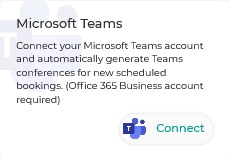
Click "Connect" and you'll be taken to the Microsoft sign-in page.
First, enter your Microsoft 365 user:
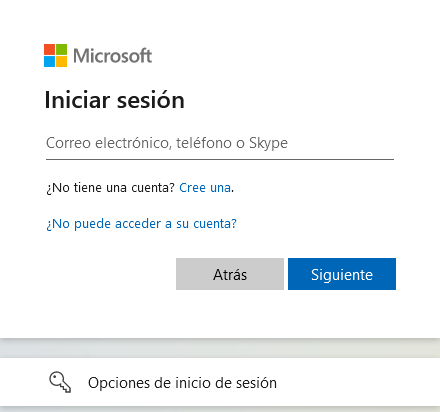
You must enter the ID associated with your onmicrosoft.com custom domain.
Once Microsoft has verified that the user exists, enter your password.
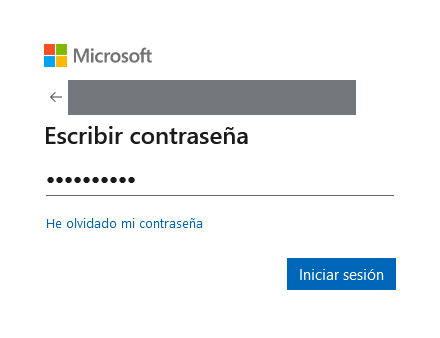
Click "Sign in" to continue and accept the integration permissions between Microsoft Teams and TuCalendi.
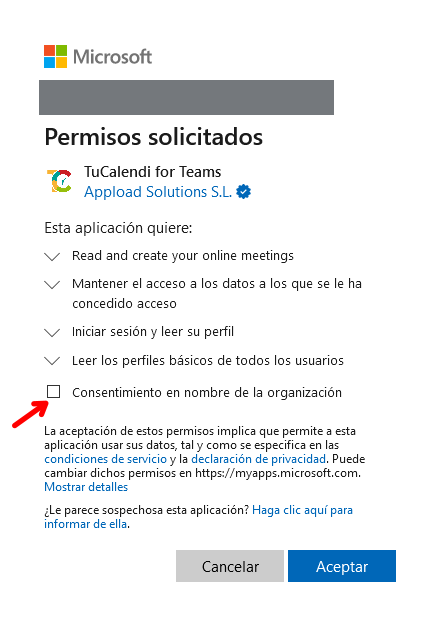
Appload Solutions, S.L. is the owner and developer of TuCalendi and a verified Microsoft Partner.
Check the box "Consent on behalf of the organization", click "Accept" and the integration between Microsoft Teams and TuCalendi is complete.
Revoking the Microsoft Teams integration
If at any time you decide not to continue with the integration between Microsoft Teams and TuCalendi, you can revoke the permissions.
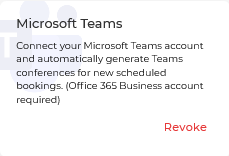
To do this, simply click "Revoke".
IMPORTANT: Once you've integrated Microsoft Teams with TuCalendi, you must connect the events for which you want to offer virtual meetings through Microsoft Teams.