
Get ready for the future of work with the integration of ClickUp and TuCalendi. ClickUp is the productivity platform that will replace all other solutions available on the market.
We have created a very simple process to integrate ClickUp into TuCalendi.
NOTE: To integrate with ClickUp, you need a ClickUp account with your workspace.
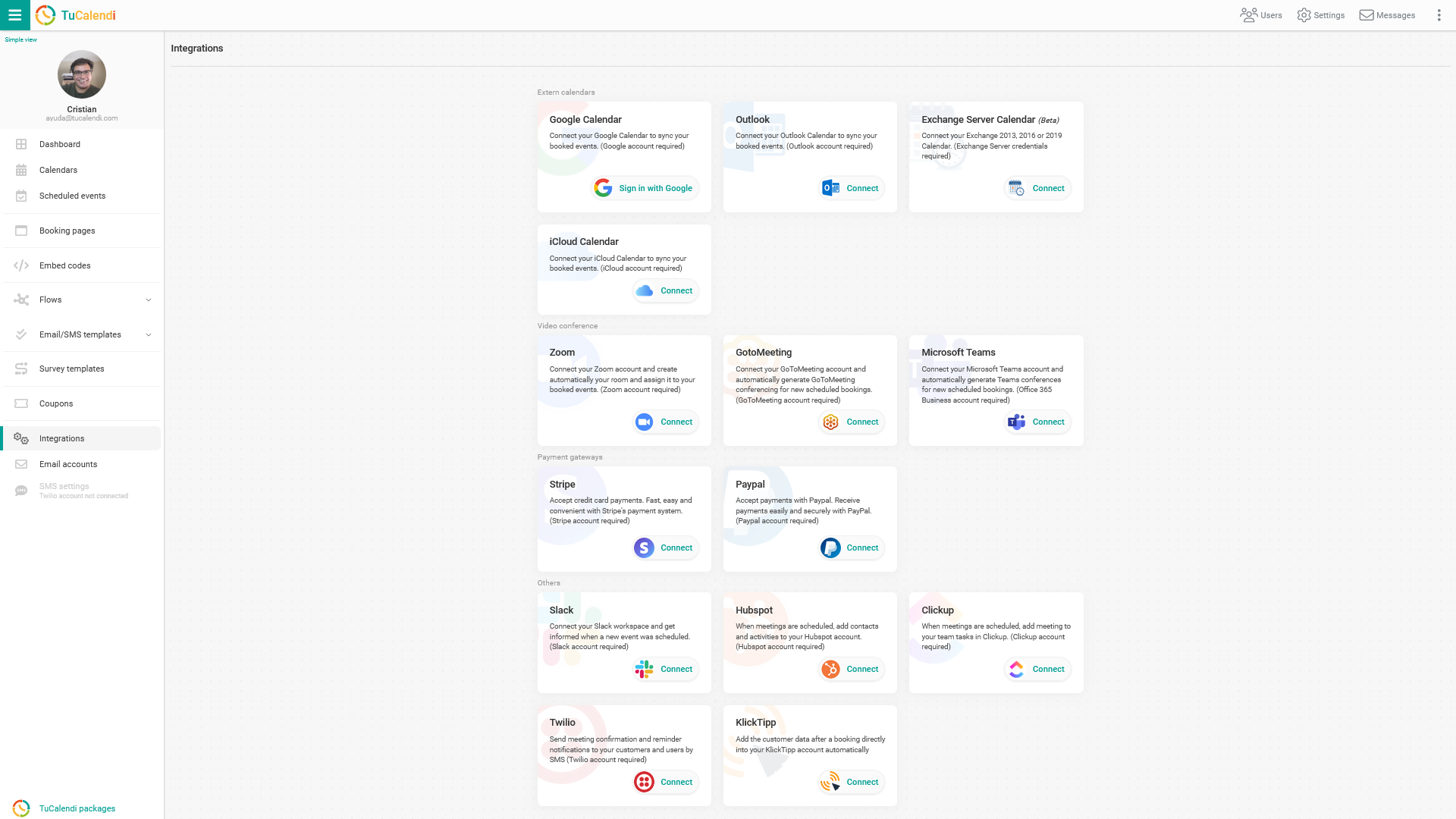
Log in to TuCalendi with your username and password. Choose the "Integrations" option:
Integrate with ClickUp
Select the option to connect to "ClickUp".
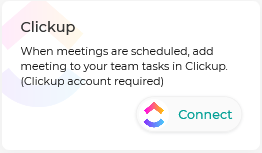
To integrate with the ClickUp platform, click "Connect". You will be taken to the ClickUp verification page, where you must confirm your details to enable the integration between TuCalendi and ClickUp. Once the integration is enabled, every time a customer schedules a meeting with you or confirms attendance at any event you have organized, a task will be created in your ClickUp workspace.
Disconnect ClickUp
You can revoke the integration between TuCalendi and ClickUp at any time.
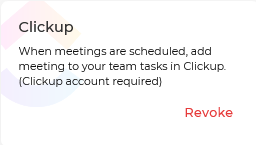
To remove the integration, simply click "Revoke".
IMPORTANT: Once the integration between TuCalendi and ClickUp is done, you must connect the events you want to integrate.