
Creating a promotional coupon with cash or session discounts for your services is very easy with TuCalendi's coupon option.
With TuCalendi you can create coupons that you can associate with events so they can be used from your online calendar.
Log in with your TuCalendi username and password. Go to the "Coupons" option.
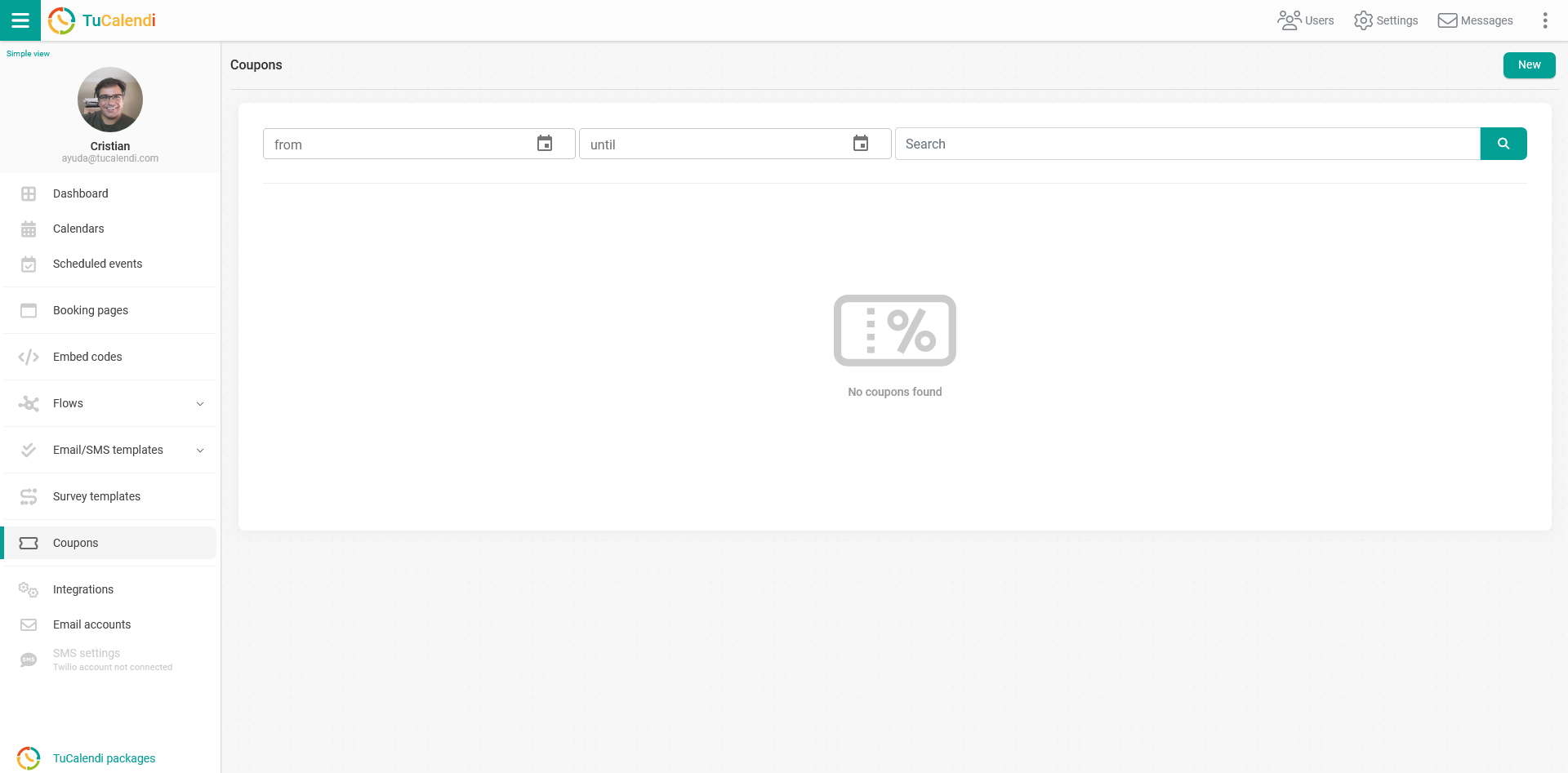
This is the screen you will see if you have not created a coupon yet.
To create a new coupon, click on "New" and you can start creating it:
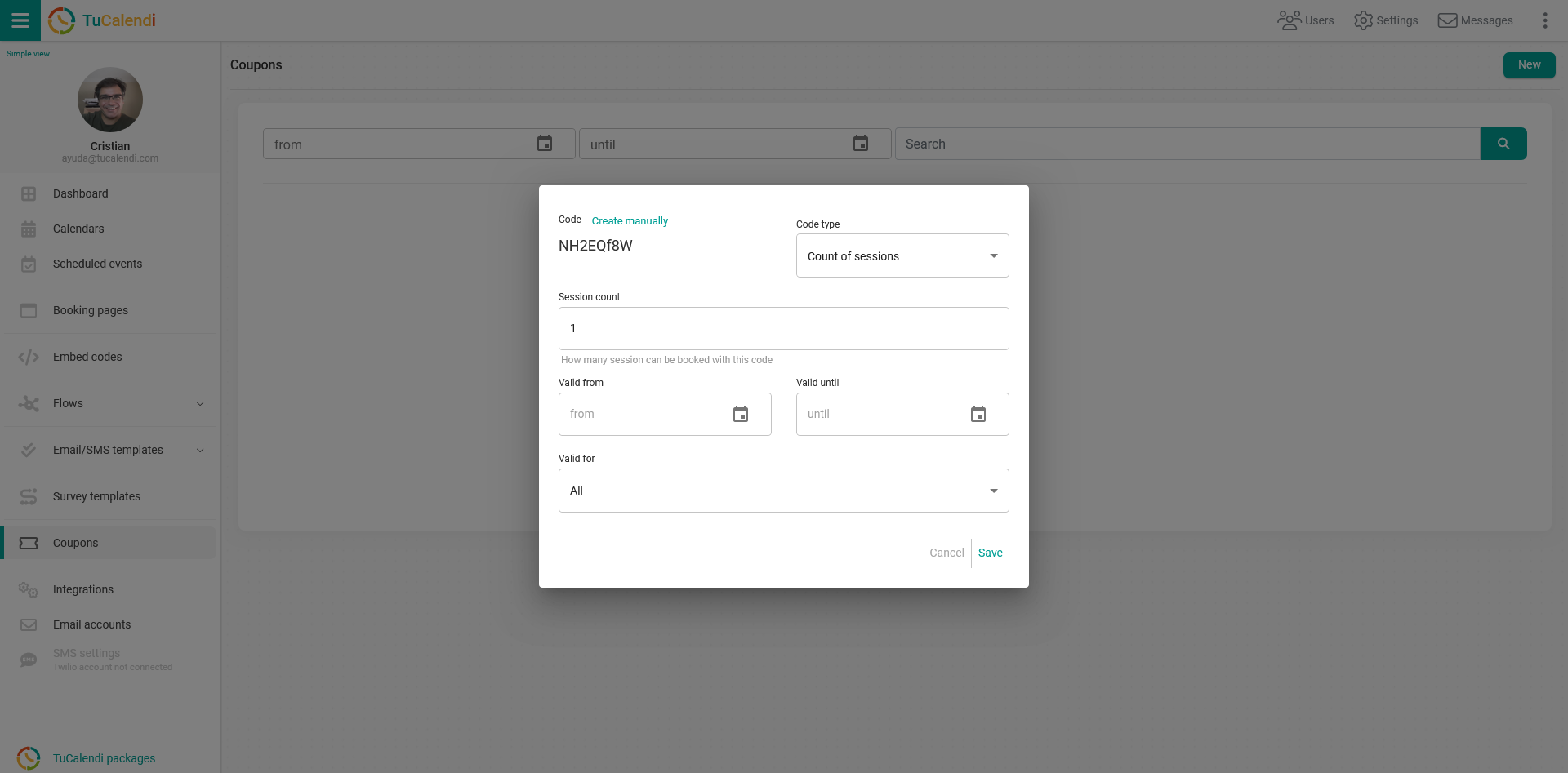
By default, the coupon code is generated automatically, but you can create the code manually by simply clicking on "Create manually".
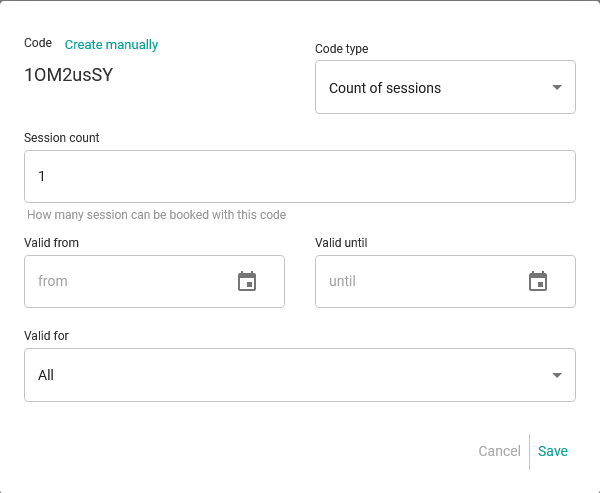
You can configure each coupon in two different ways. Click on the "Code Type" field and choose the type of code you want:
- Sessions: Offers a number of sessions per coupon.
- Discounts: Offers a fixed amount or percentage discount on each coupon.
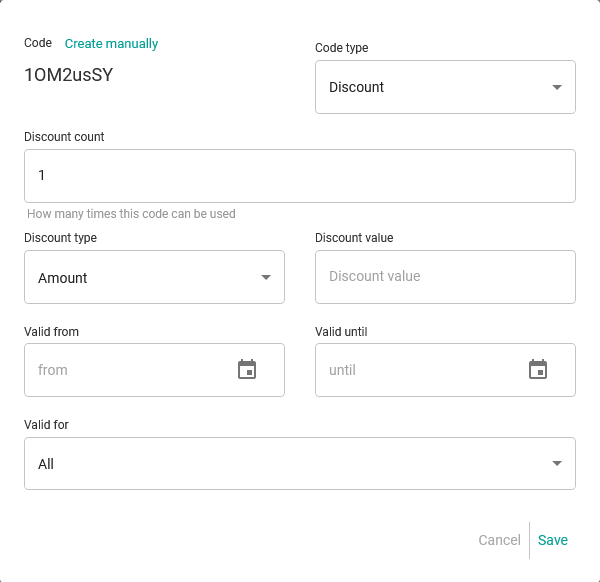
Depending on the type of coupon you select, enter the necessary information for that coupon type, set the validity period of the coupon by choosing the start date and the end date, and finally select for which events or calendars the coupon is valid.
Once you have configured the coupon, simply click on "Save" so the coupon can start being used.
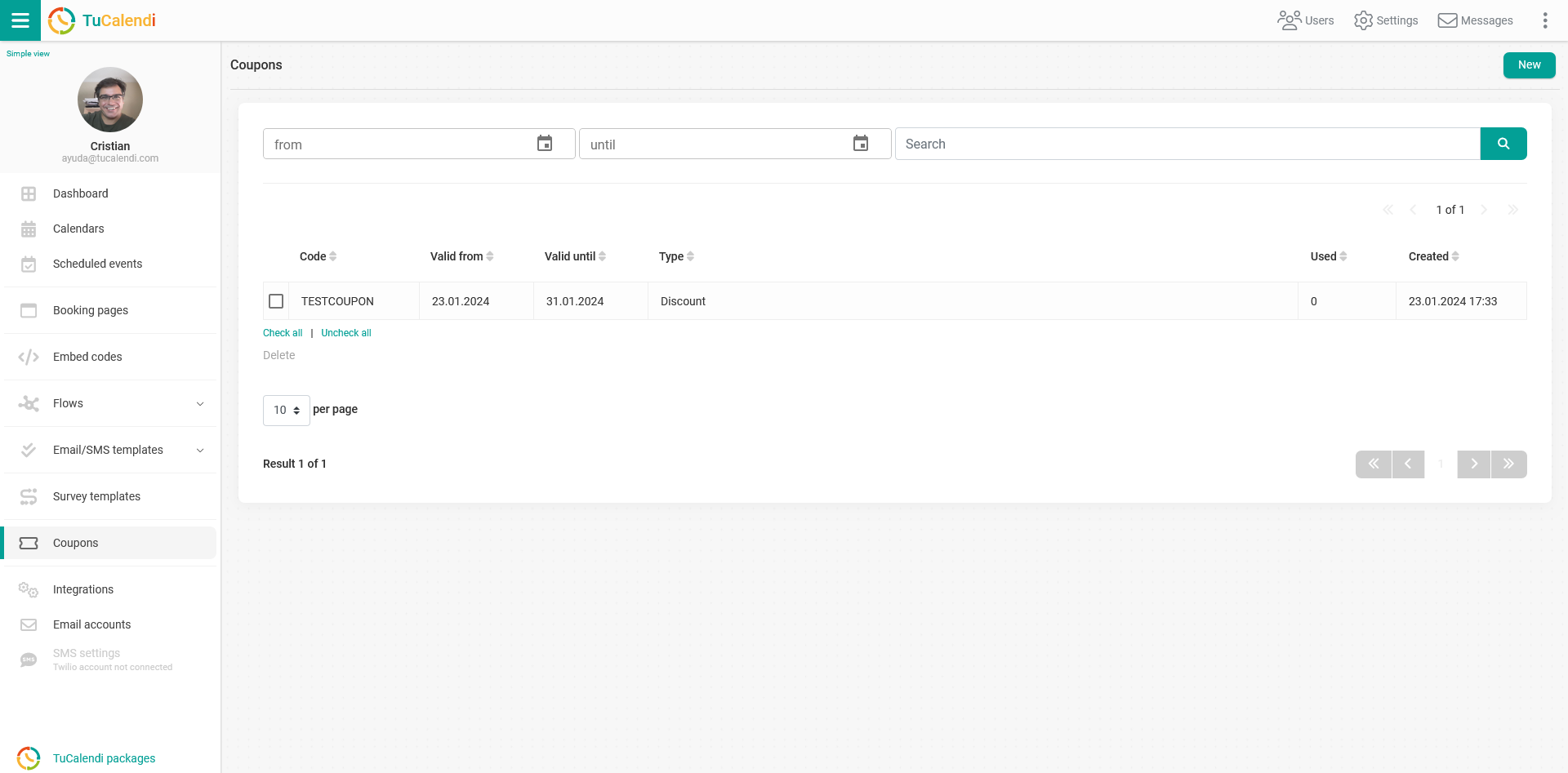
From this moment on, it appears in the list of coupons along with its related information.
For coupons to be displayed, they must be associated with the survey for which you requested the coupon.