
If you need to create a new survey and it turns out that it is almost the same as an existing one with just a few small changes, you can duplicate an existing survey. Let's see how to duplicate a survey in just 2 clicks.
Log in to TuCalendi with your username and password. Go to the "Survey Templates" option:
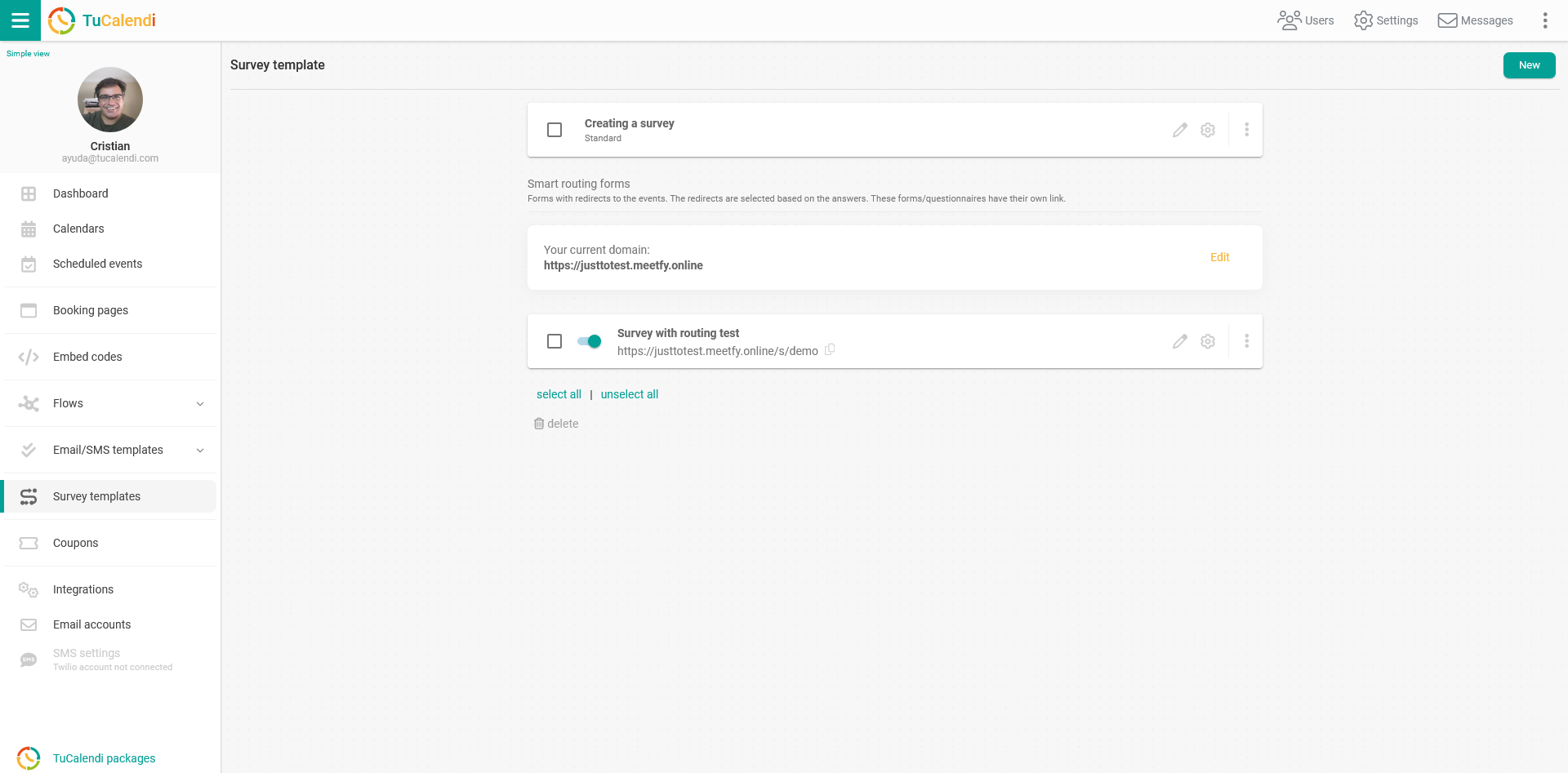
The duplicate option is available for both the standard survey and the survey with routing.
Choose the survey you want to duplicate and click on the three vertical dots:
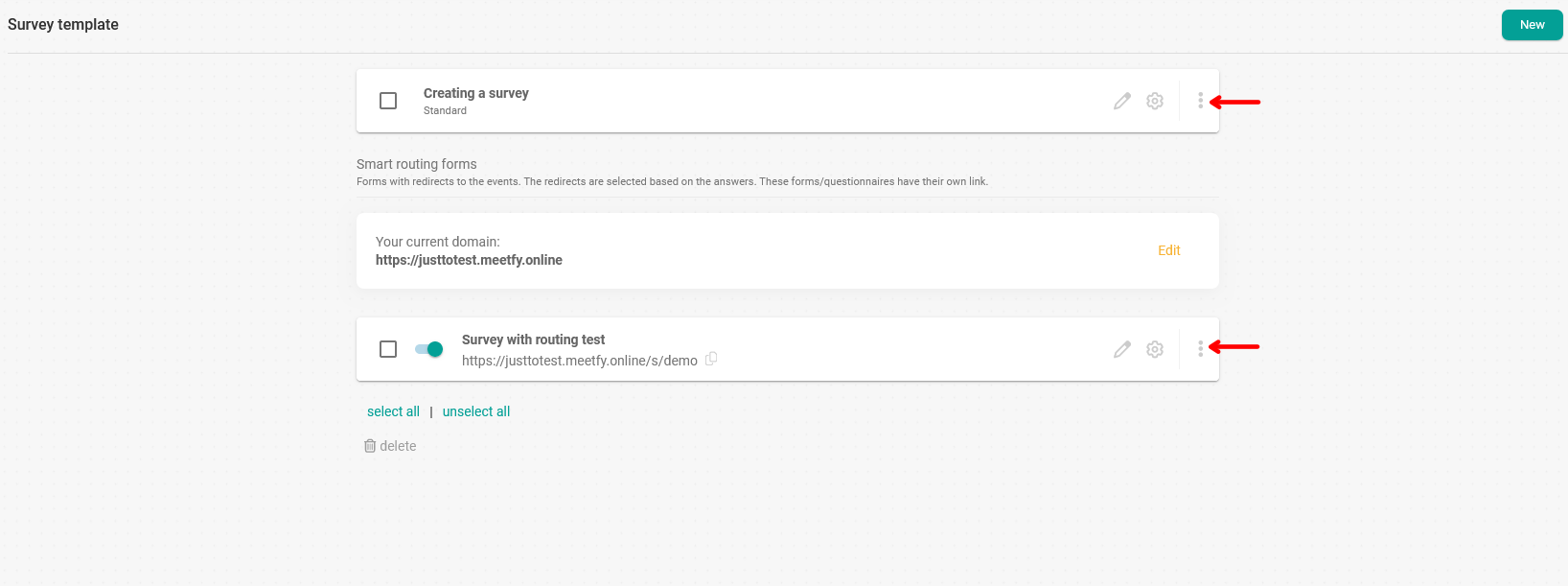
In the menu, choose the "Duplicate" option:

Enter the name or alias you want to give the new survey:
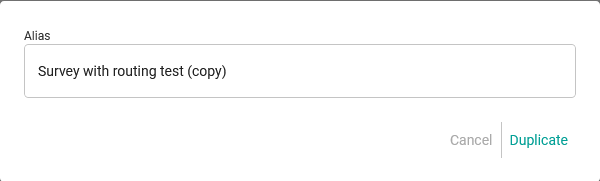
Click "Duplicate" and that's it. The survey has been duplicated and you can change only what you need to.