
Discount coupons are a great way to build customer loyalty so that your customers keep using your services, and also to create attractive offers that attract new customers.
With TuCalendi you can create coupons and associate them with events so they can be used from your online calendar.
Log in to TuCalendi with your username and password. Go to the "Coupons" option.
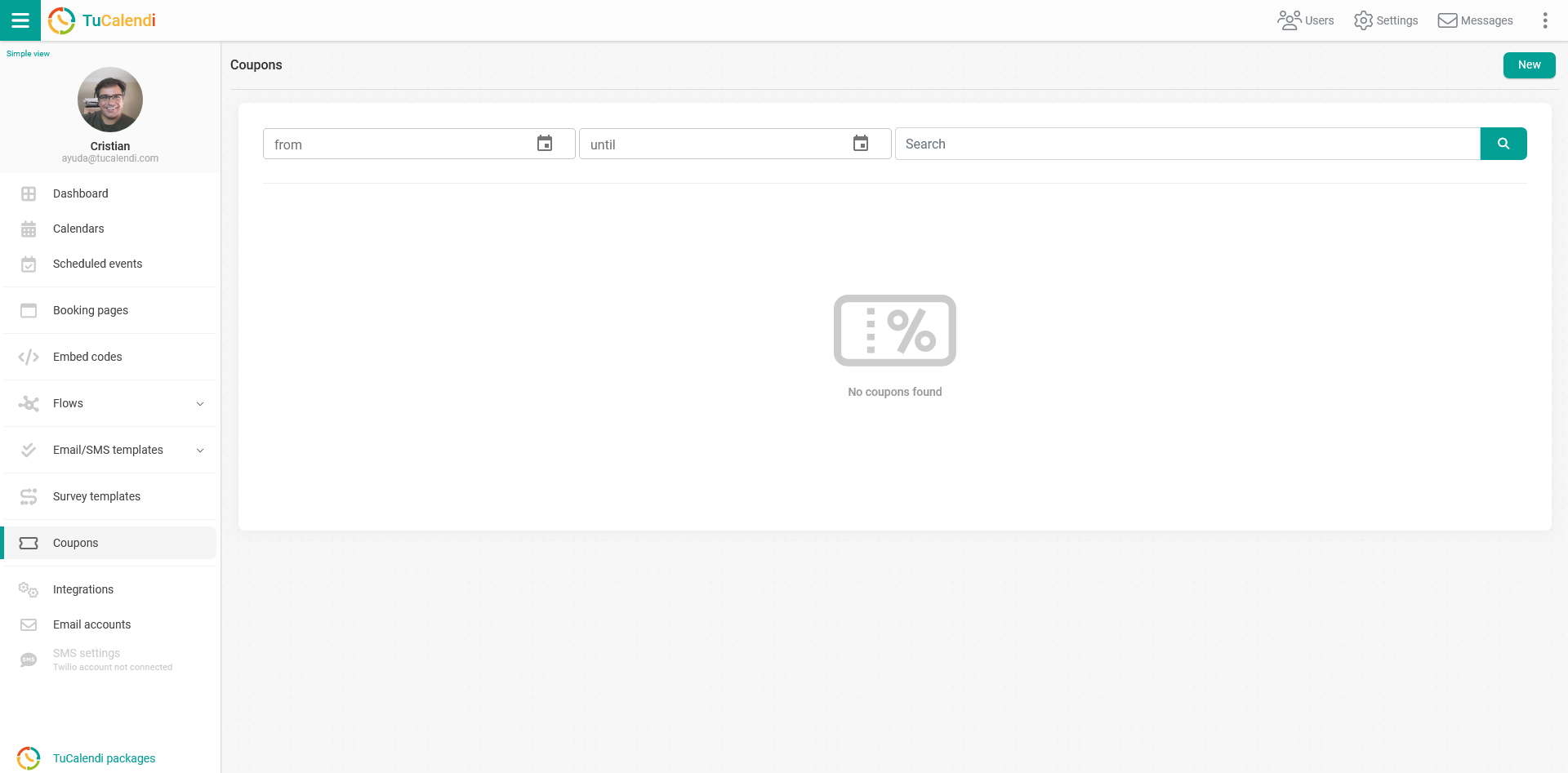
To create a new coupon, click on "New" and you can start setting it up:
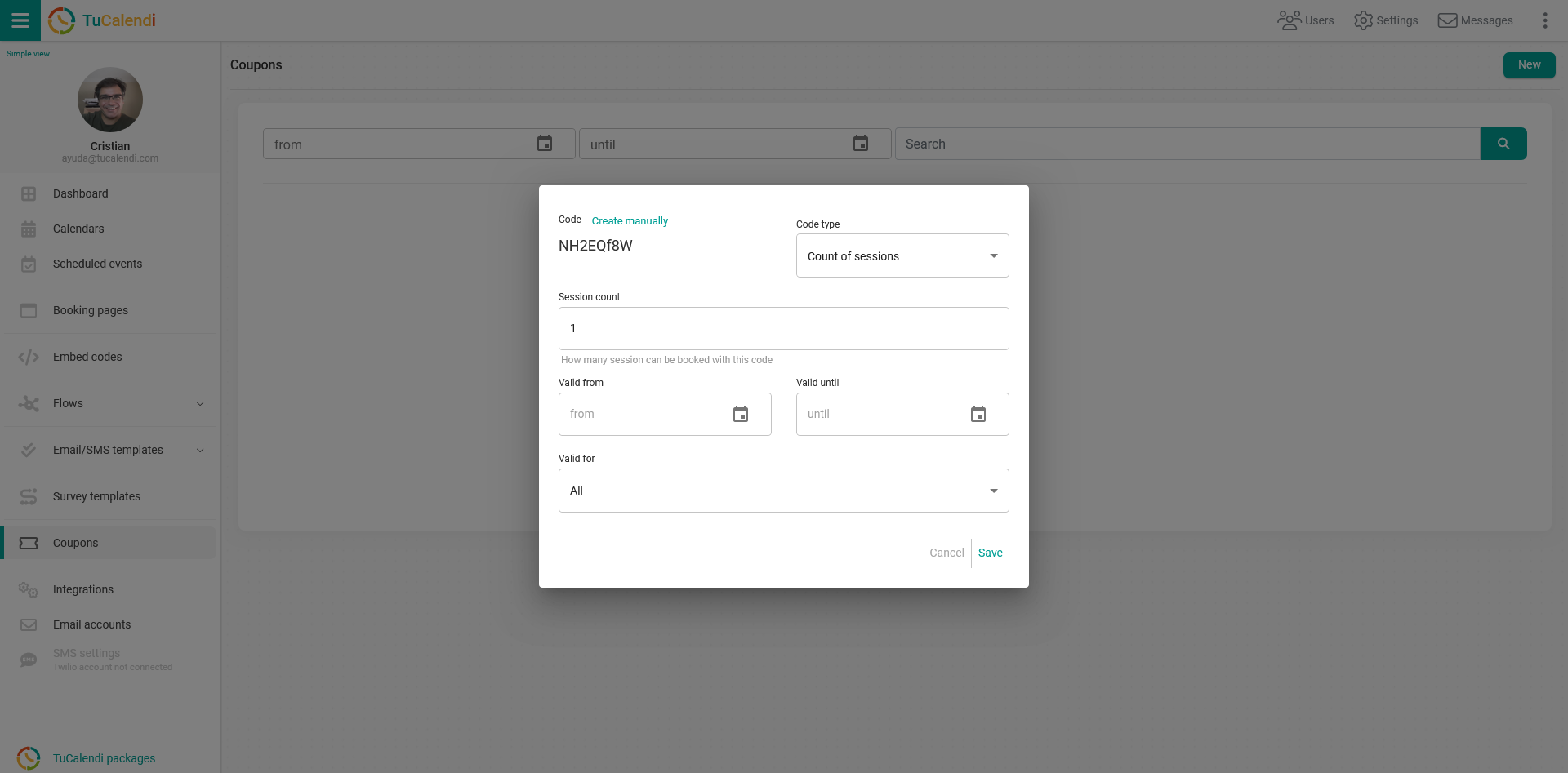
By default, the coupon code is generated automatically, but you can also create the code yourself by simply clicking on "Create manually".
You can configure each coupon in two different ways.
Click on the "Code Type" field and choose the type of code you want:
- Sessions: Offer a number of sessions per coupon.
- Discounts: Offer a fixed amount or a percentage discount on each coupon.
You also need to enter the start date and end date during which each coupon is valid.
Finally, you need to select which events or calendars the coupon is valid for.
Once you have configured the coupon, simply click on "Save" and the coupon is ready to be used.
From then on, when your users or customers fill out the survey to make a booking, they will be asked whether they have a promotional code. When they enter a valid code, they will automatically get the discount you have set up.