
If a person leaves your company or you no longer need them to be part of your TuCalendi team, you can delete their user at any time.
Log in with your TuCalendi username and password and go to the "Users" option.
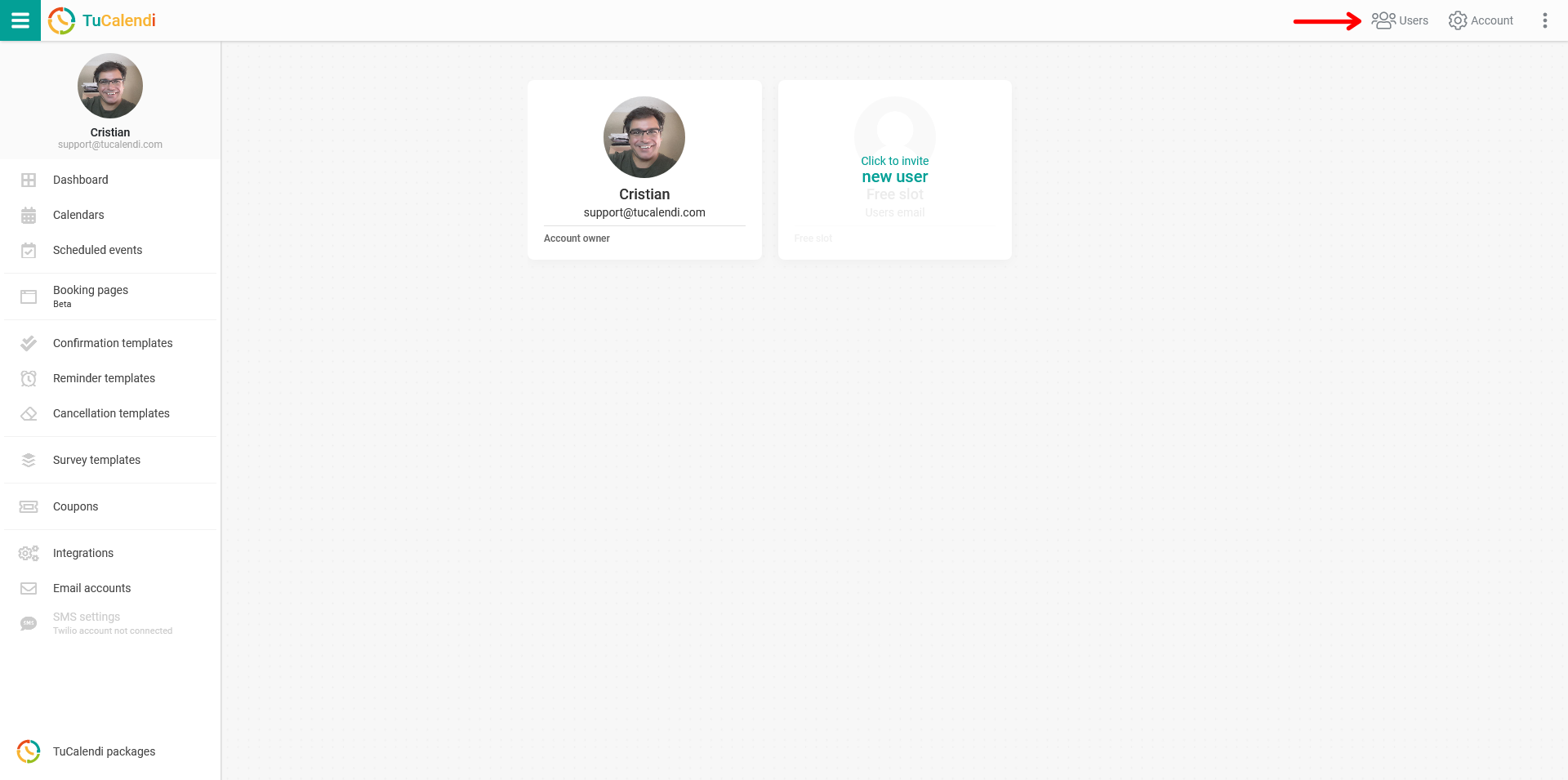
Find the user you no longer want in your TuCalendi workgroup. Click "Remove" and a pop-up window will ask you to confirm that you really want to remove the user.
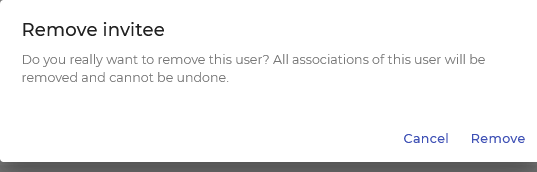
When you click "Remove", that user will be removed from your team. Everything associated with the user will also be deleted and cannot be restored.