
With TuCalendi payment plans, you can remove the widget branding. You'll find this option in the widget appearance settings.
Choose your favorite template for the widget. Then go to the "Hide branding" option.
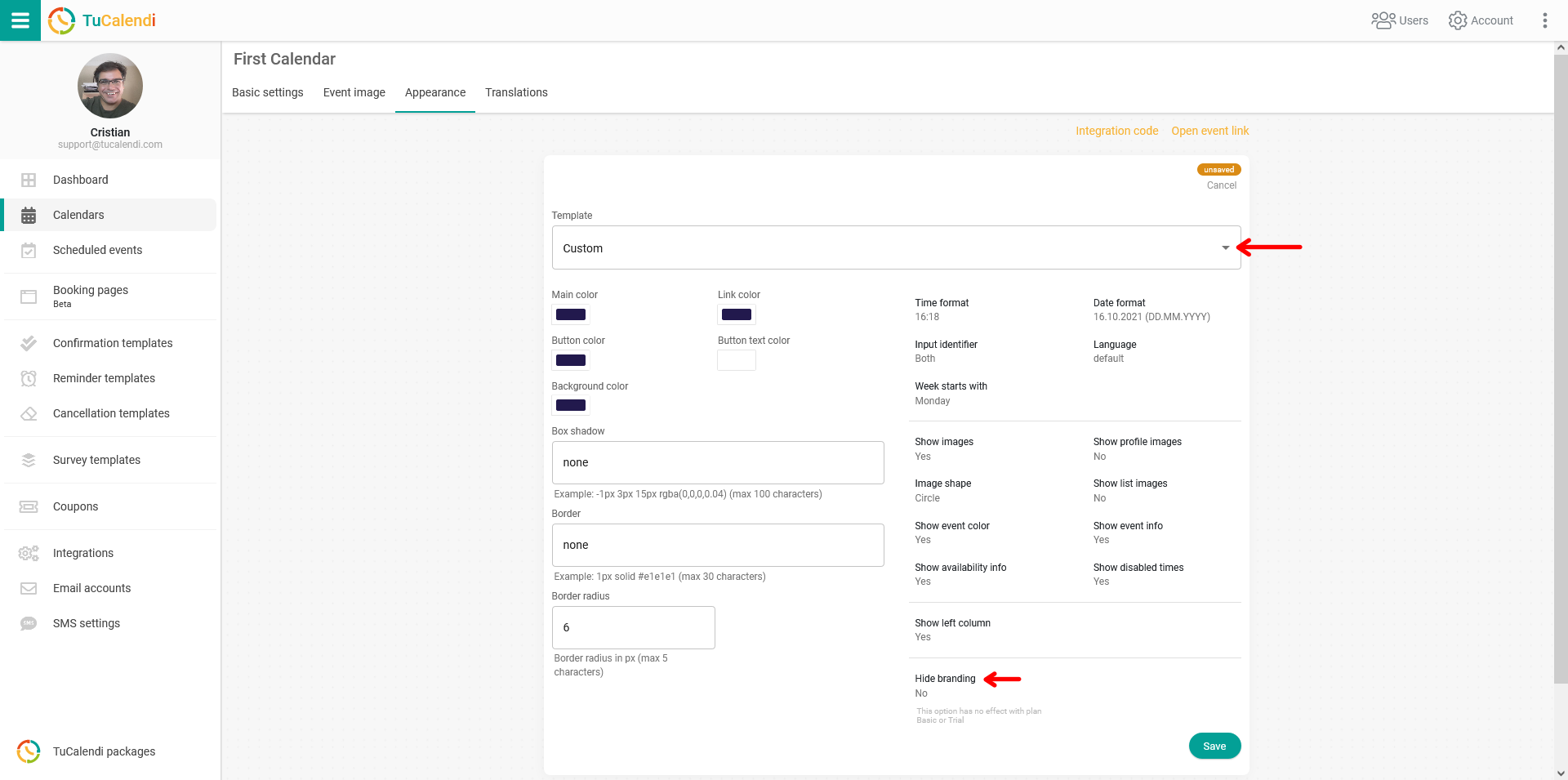
If you have a paid plan, select the "Yes" option and click "Save". From then on, the "Powered by TuCalendi" message will no longer be displayed in the widget.
This option has no effect on the Basic plan, since it's a free plan, or during the trial period set at registration.