
Another feature you can customize in the TuCalendi widget is the option to show the hours that are disabled in the calendar because they have already been occupied by bookings.
To make this change in the TuCalendi widget, go to the "Appearance" option of the widget.
Choose your favorite template for your widget. Click on the "Show disabled times" field.
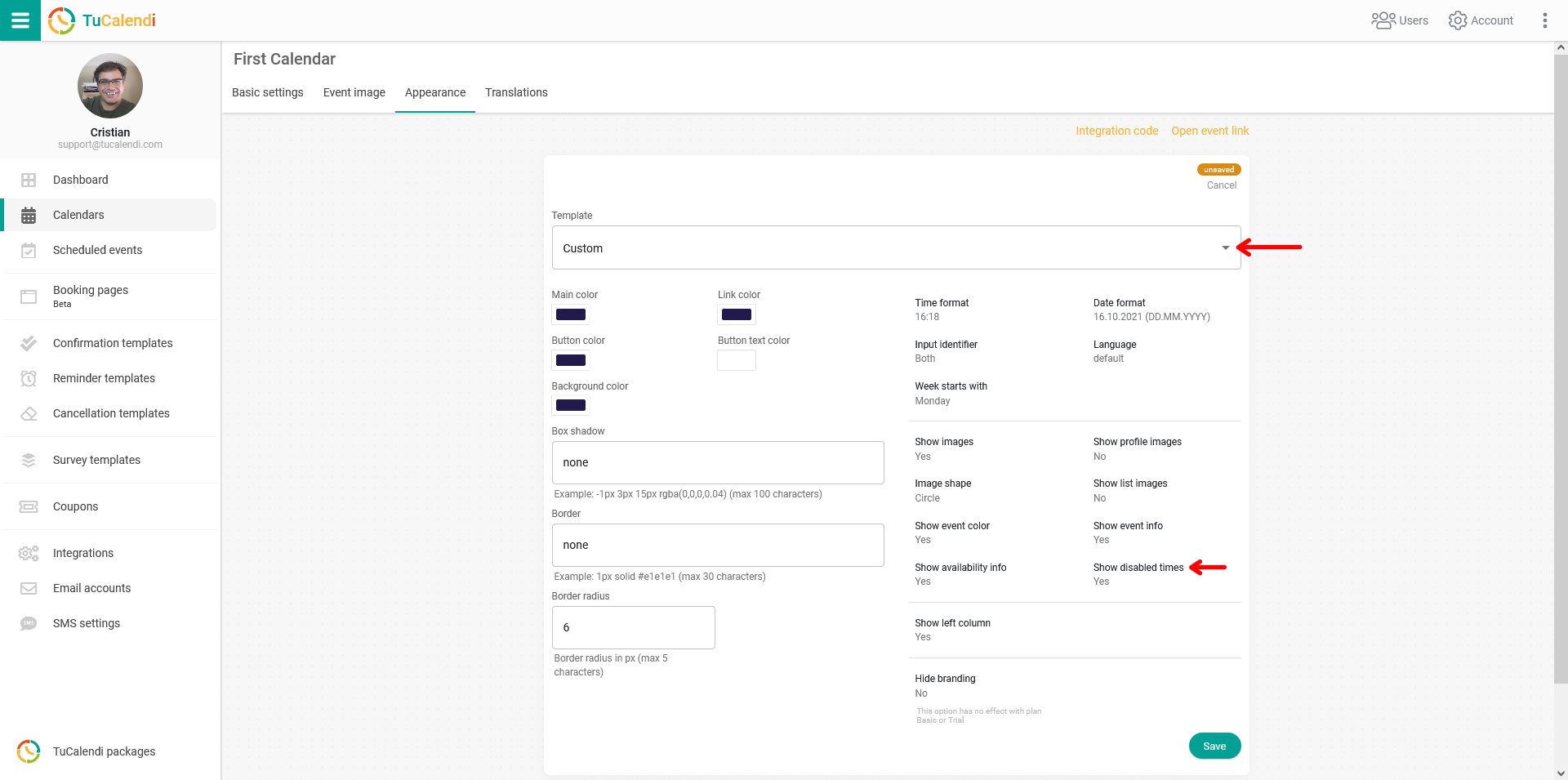
You have two options:
- Yes: busy hours are shown.
- No: busy hours are not shown.
You only have to choose how you prefer to show the hours that have already been occupied by reservations.
For the changes to take effect, click on "Save". The widget settings will be updated, and from now on the disabled hours will be displayed or hidden in the calendar according to your choice.