
We know how important it is for the widget to be in the language your customers need. That's why we've set out to offer it in as many languages as possible. Customizing the TuCalendi widget in the right language is essential.
To change the language of the TuCalendi widget, go to the "Appearance" option of the widget.
Choose your favorite template for your widget. Click on the "Language" field.
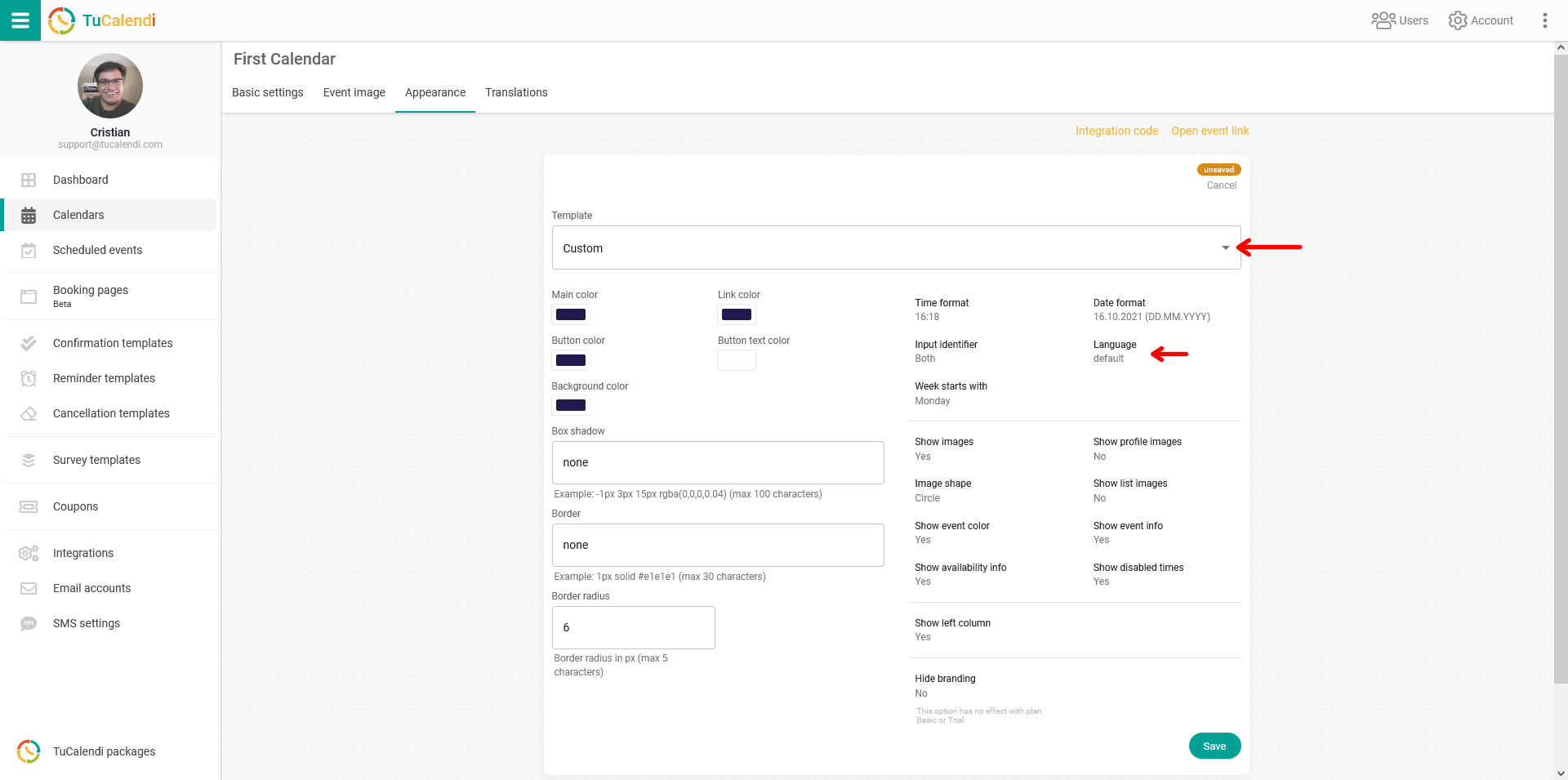
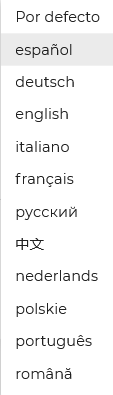
A list of available languages will be displayed. Just choose the one you need.
For the changes to take effect, click "Save". The widget configuration will be updated and the widget will now appear in the chosen language.
NOTE: Currently the widget is available in Spanish, English, German, French, Italian and Portuguese. We are adding languages rapidly.