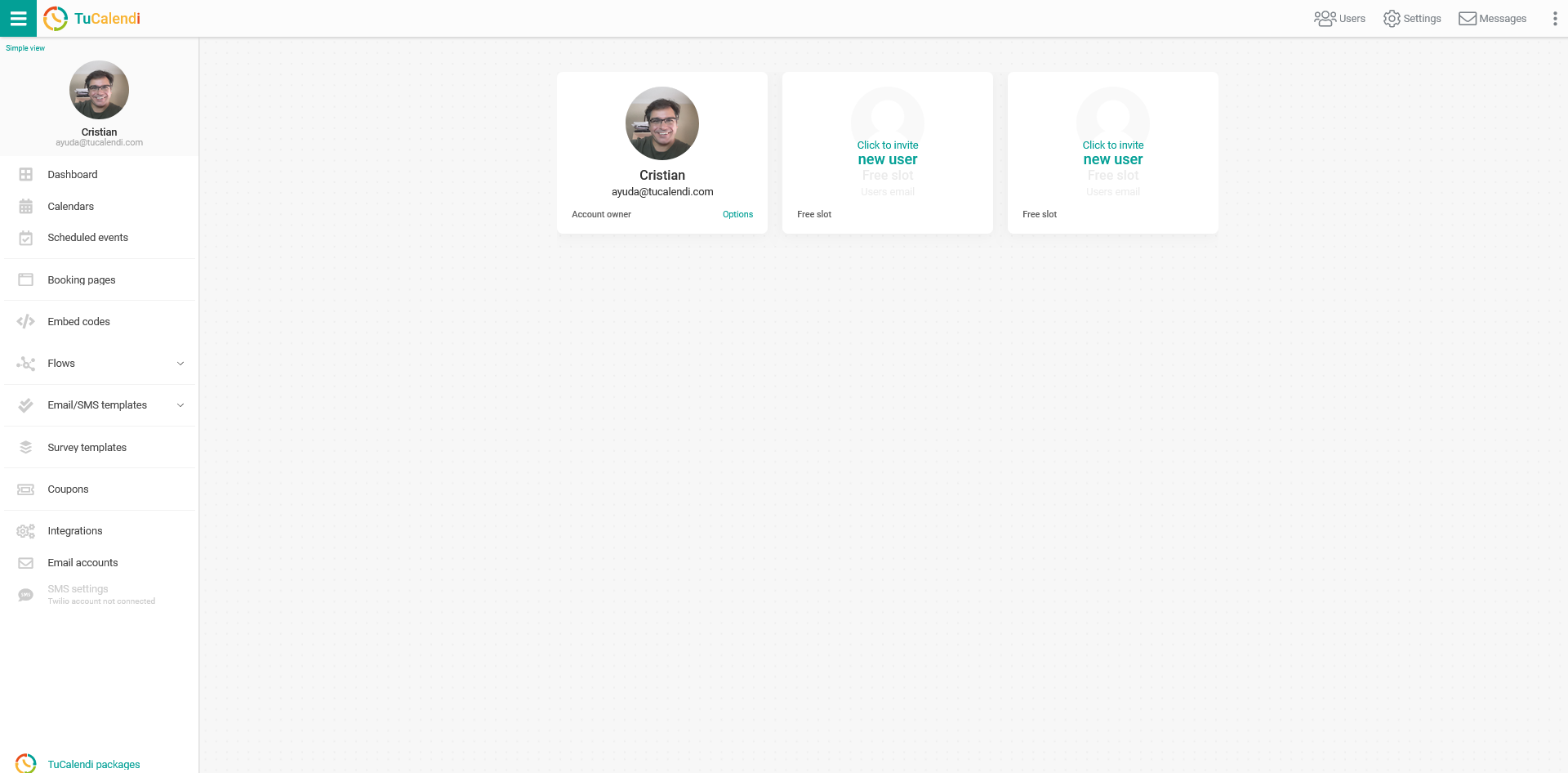
To add members to your team in TuCalendi, simply add extras to your Pro Plan account on a monthly or yearly subscription.
TuCalendi is a dynamic platform that adapts to your business growth needs.
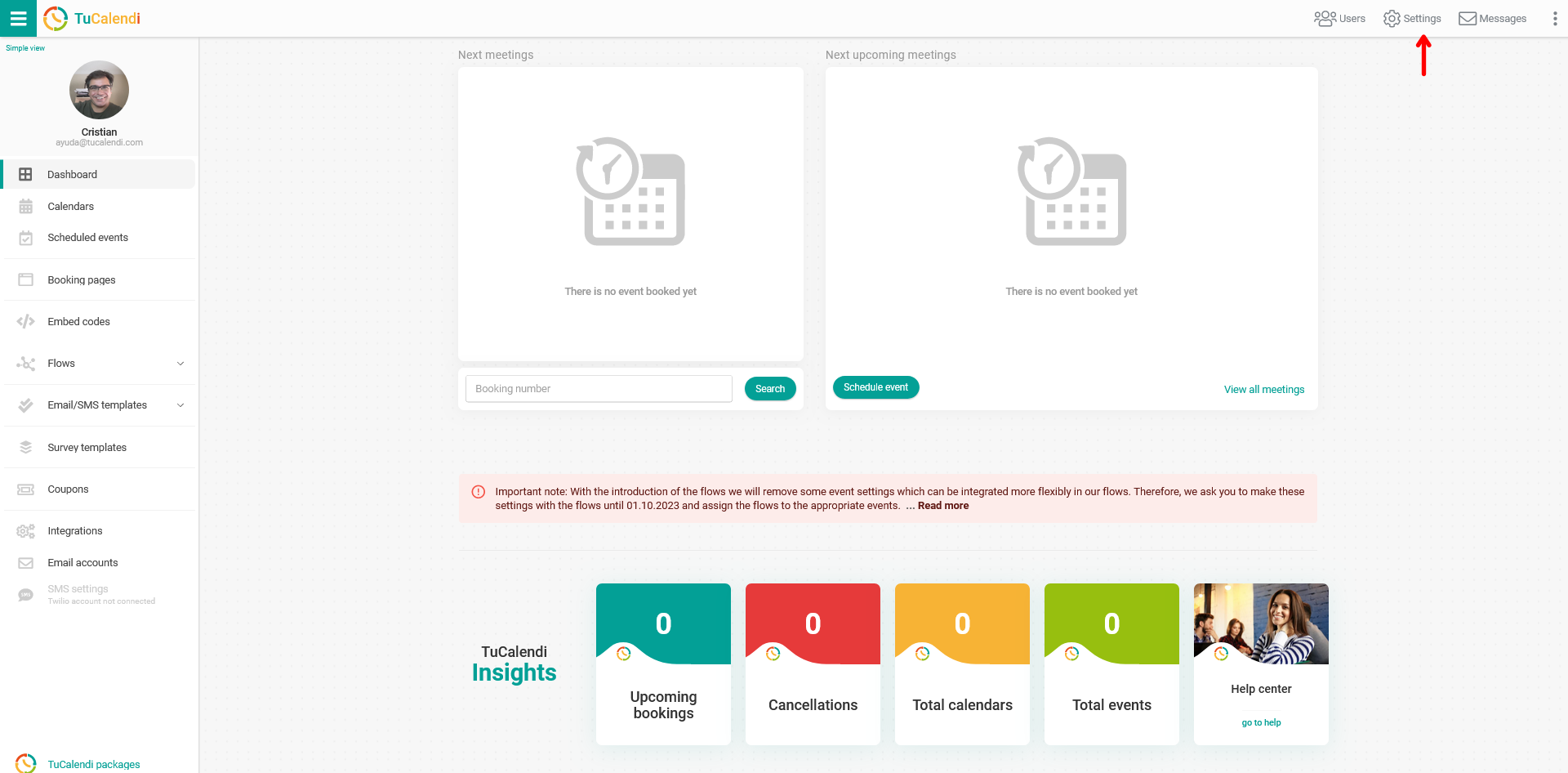
Log in to TuCalendi with your username and password. Click on the "Settings" option:
In the horizontal settings menu, open the "Plan Settings" option:
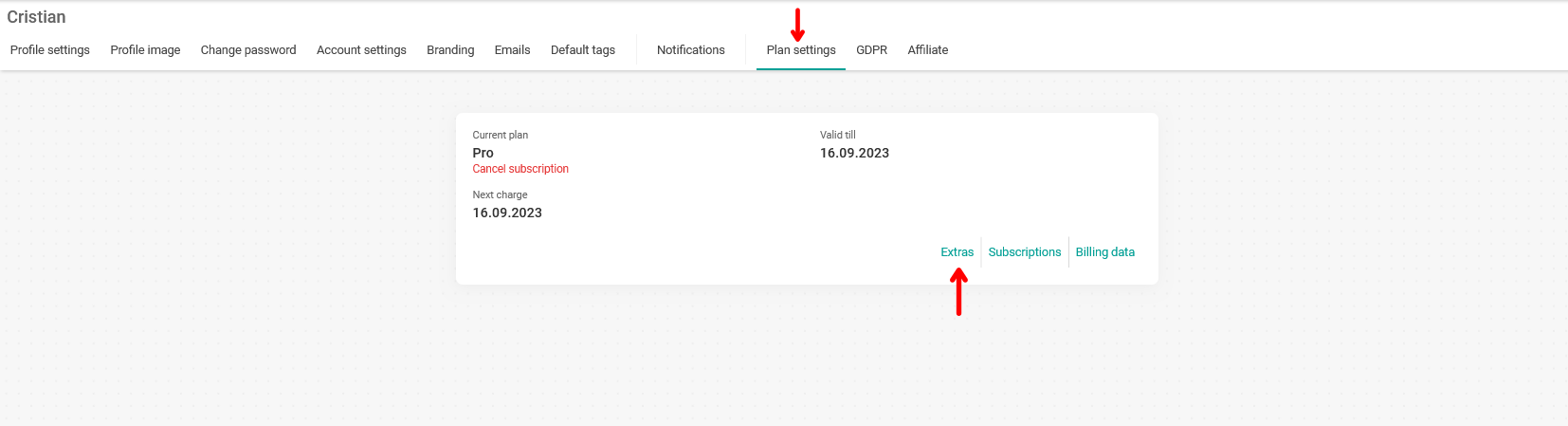
In your account information, click on the "Extras" option to start adding the users your account needs:
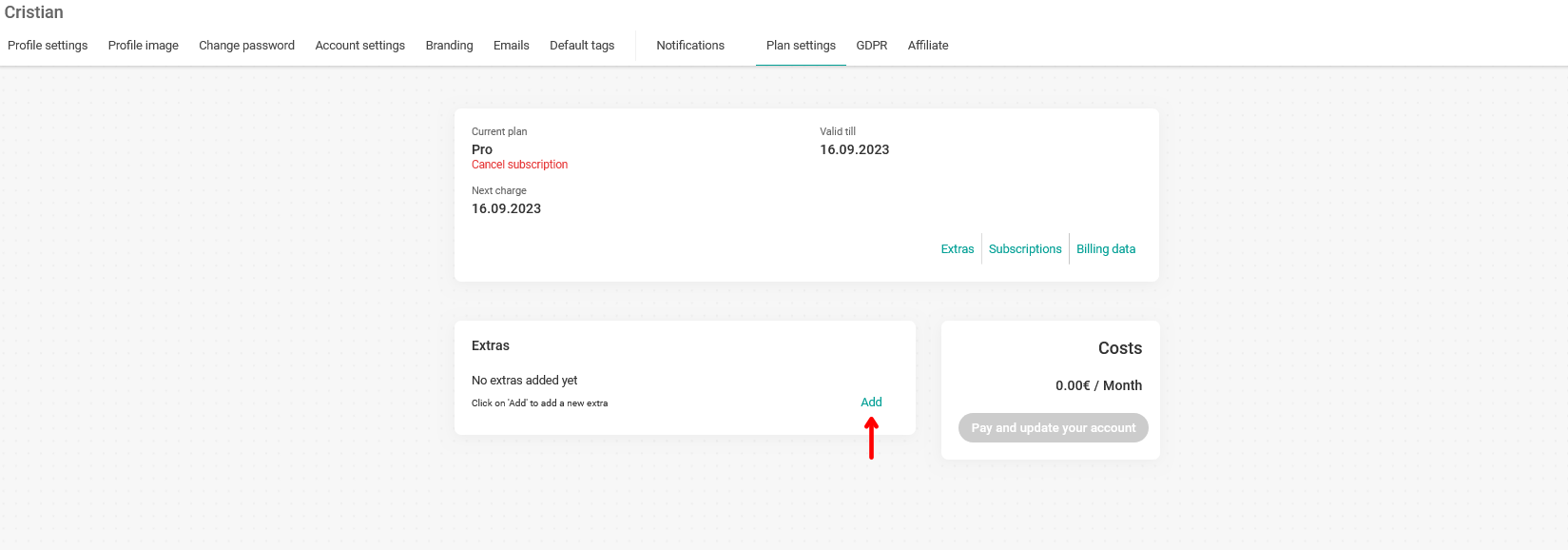
Click on "Add" to see the available extras and choose "User" to add users to your account:
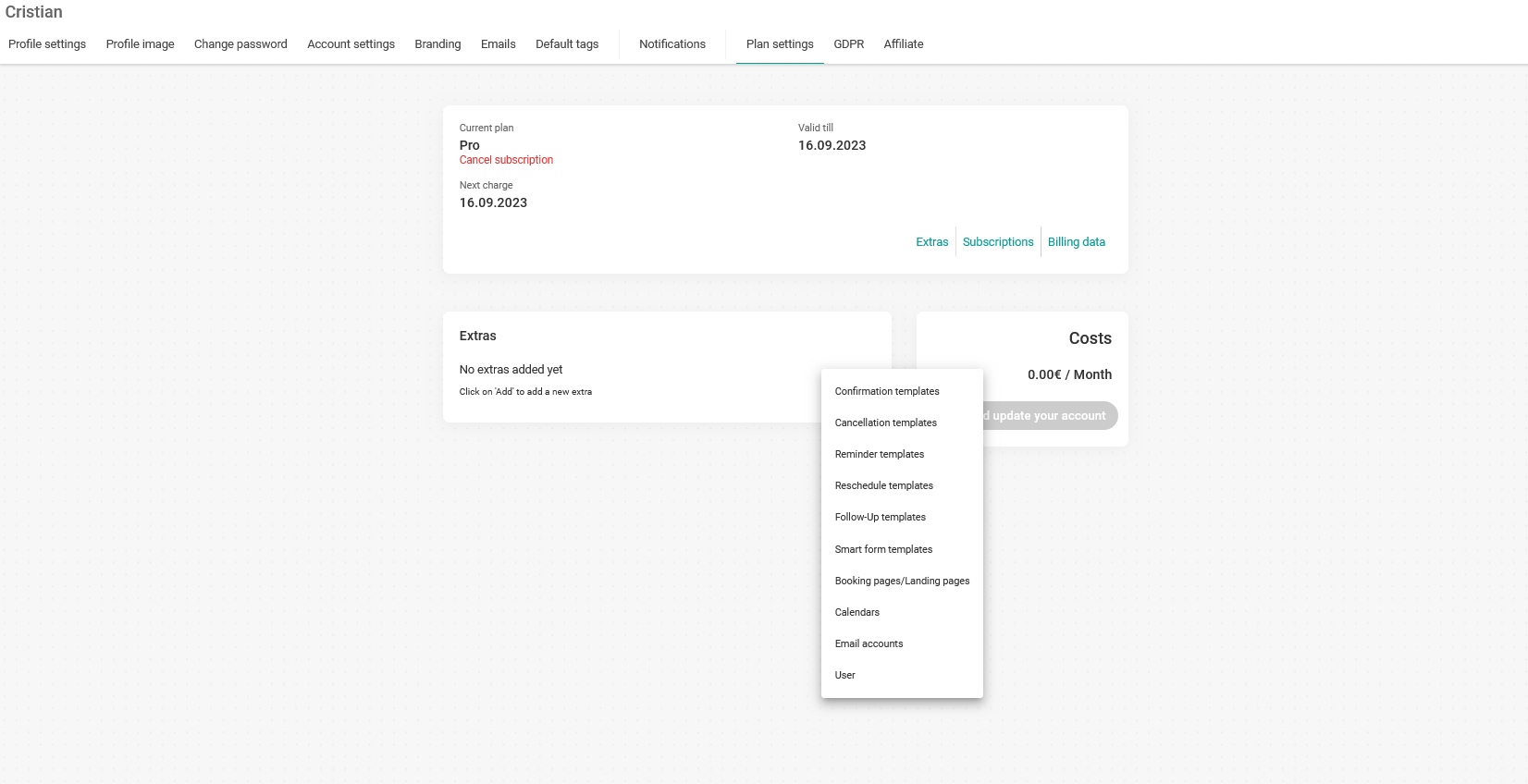
Once you have chosen the "User" option, you can enter the number of users you need in your team:
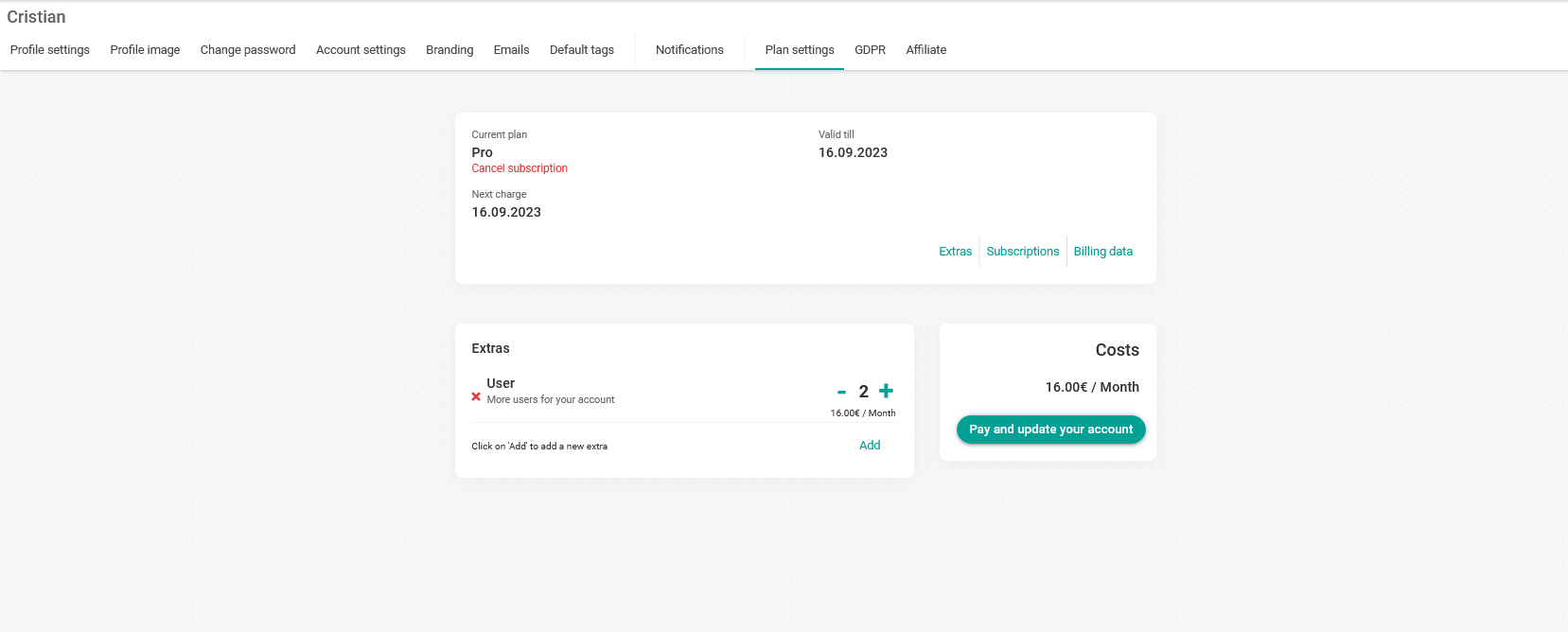
In our case, we need 2 additional users for a total of 16 €/month.
When you have added them, click on the "Pay and update your account" button. You will be taken to the payment gateway to make the payment.
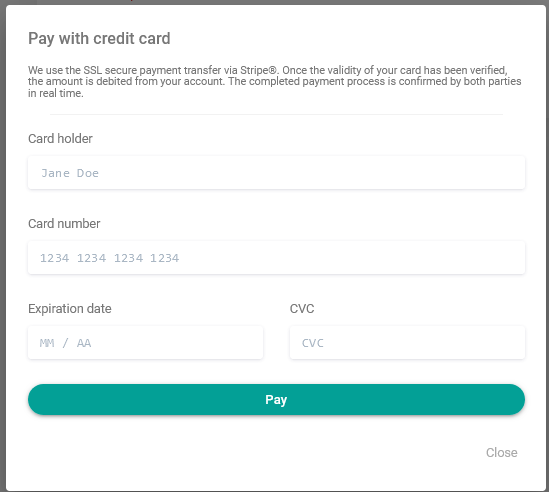
Enter your credit card details and click "Pay".
Your credit card will be charged, the monthly subscription will be created for the users you have added, and you will be able to send the invitation to the people who will be part of your team.