
To set the standard working hours for a TuCalendi user, you need to do it for each user individually from the TuCalendi Users option, since it is a global user configuration.
Log in to TuCalendi with your username and password. Go to the "Users" option:
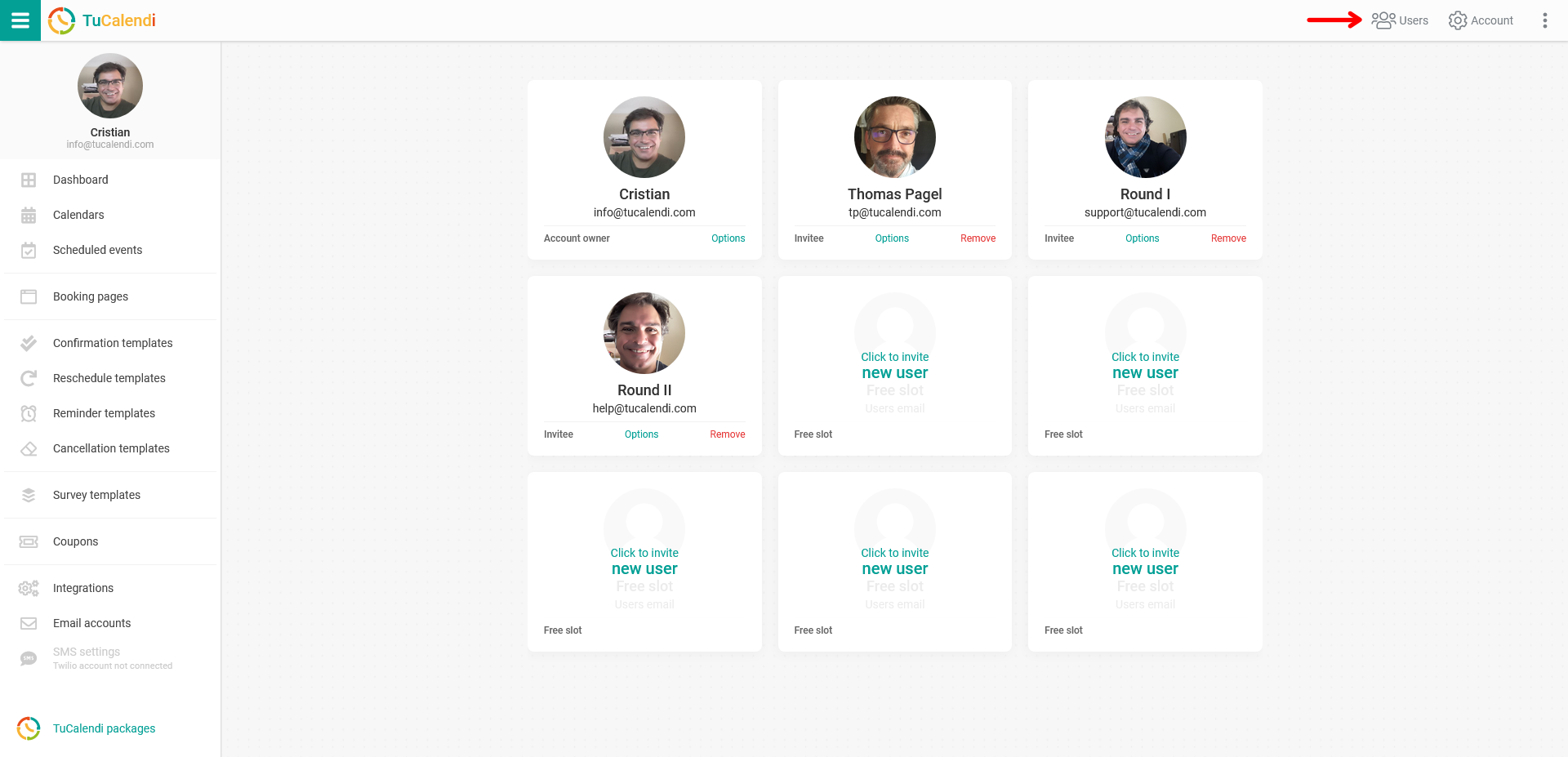
For each user you have invited to join your team, you will find "Options". Click on it to set the standard working hours:
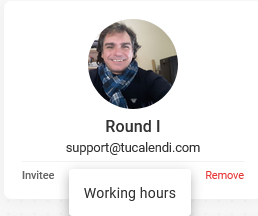
Click on "Working hours":
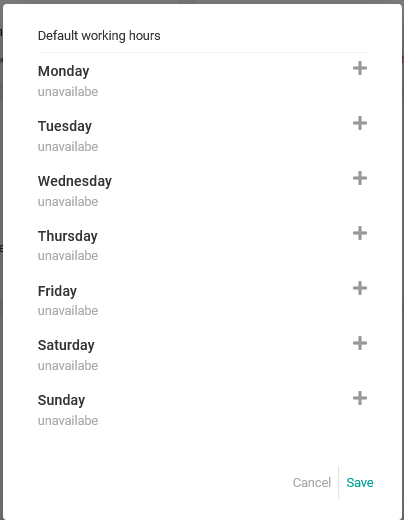
Set the time or time slots for each day for the user and click "Save" for the changes to take effect.
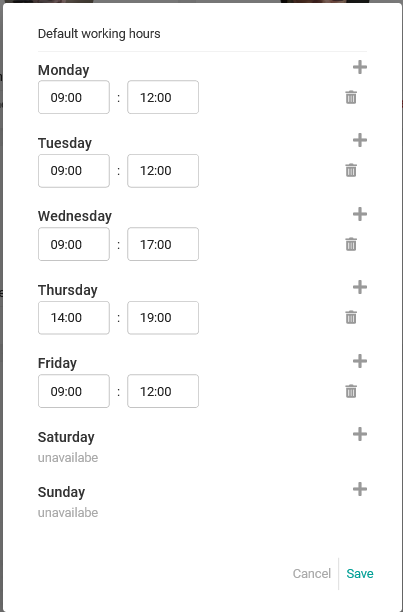
This is the standard schedule the user will have for any event that uses a Round Robin type of work.