
After you have created your PayPal application and obtained the client ID and secret key to trade live with PayPal, you can integrate PayPal to receive payments from TuCalendi.
The process to integrate TuCalendi with PayPal is simple and completely secure.
Log in to TuCalendi with your username and password. Go to the "Integrations" option.
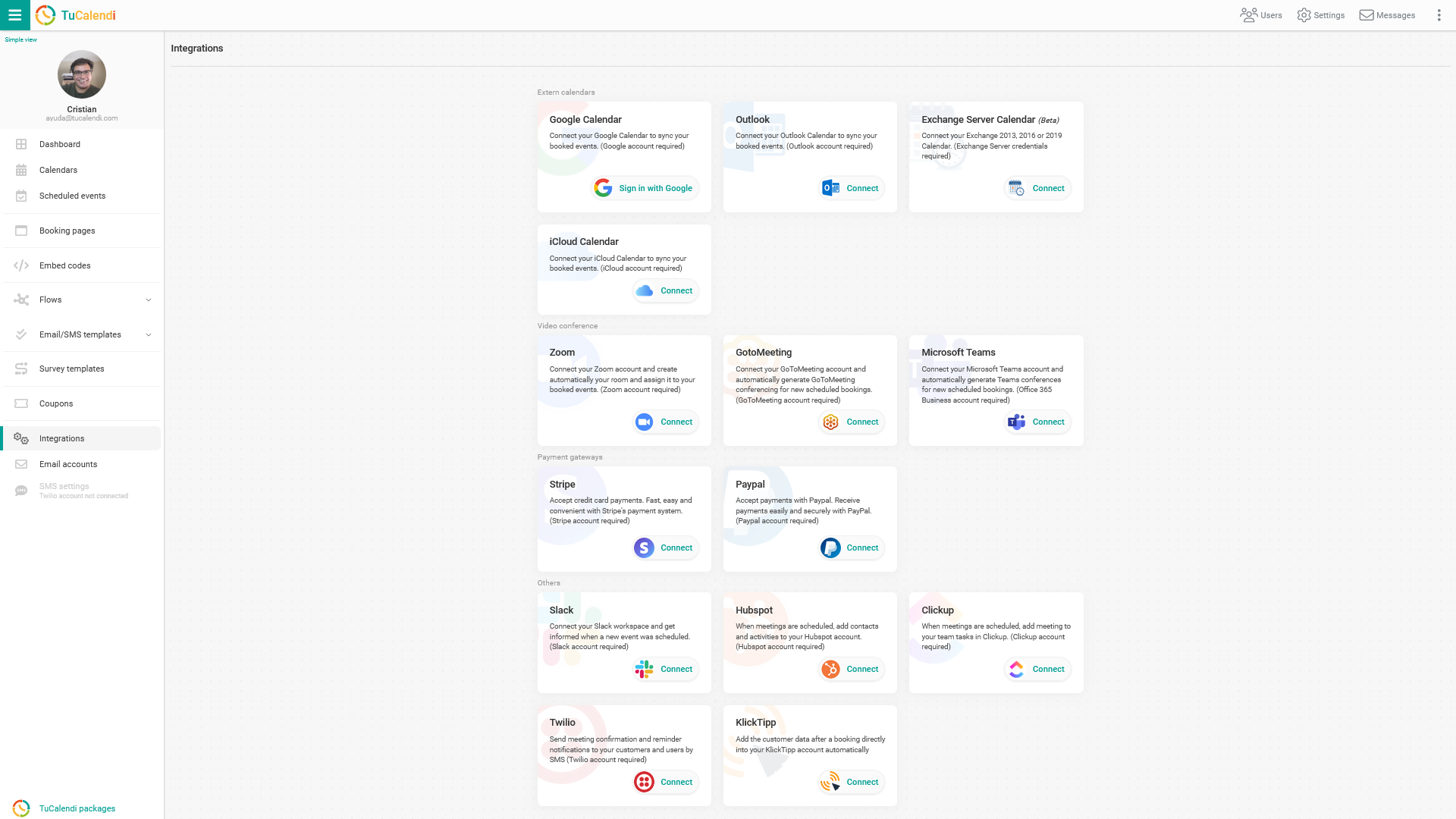
Connect PayPal
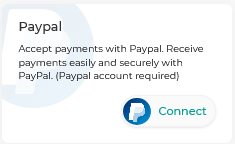
Locate the option to connect with PayPal. To integrate with the PayPal payment gateway, click "Connect".
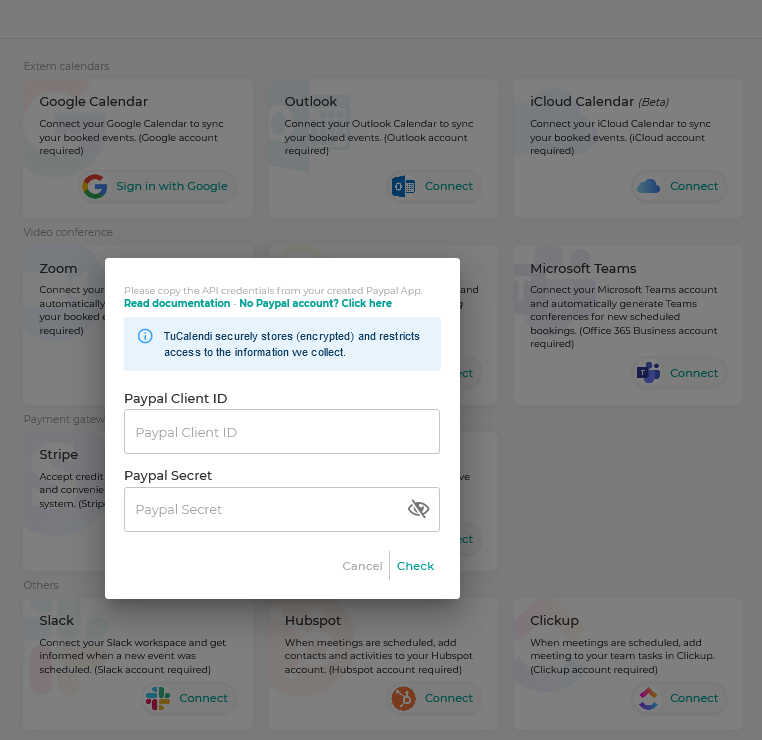
In the pop-up window that appears, you need to enter the "PayPal Client ID" and the "Secret Key" provided by PayPal when you created the TuCalendi app.
Copy the PayPal codes and paste them into the corresponding fields. Check that they are correct and click "Save".
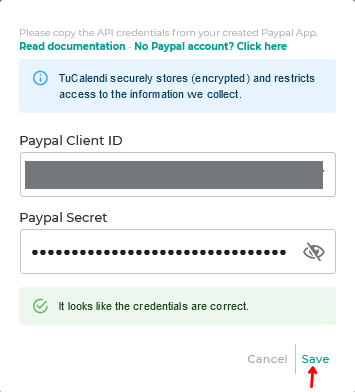
From now on, you can connect TuCalendi events that are paid events and start receiving payments as soon as your customers make a booking with you.
IMPORTANT: You must have your own PayPal business account to be able to integrate and receive payments from your online calendar.
Disconnect PayPal
If you are going to stop charging online from the calendar, you can revoke the integration between PayPal and TuCalendi at any time.
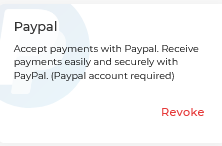
To remove the integration, simply click "Revoke".
IMPORTANT: Once the integration between PayPal and TuCalendi is done, you must connect the events from which you want to receive payments.