
In TuCalendi you can customize the internal notifications for bookings made by your customers and also for cancellations.
These internal notifications are the emails you receive in your inbox every time a customer books an appointment with you, cancels the booking or reschedules the appointment.
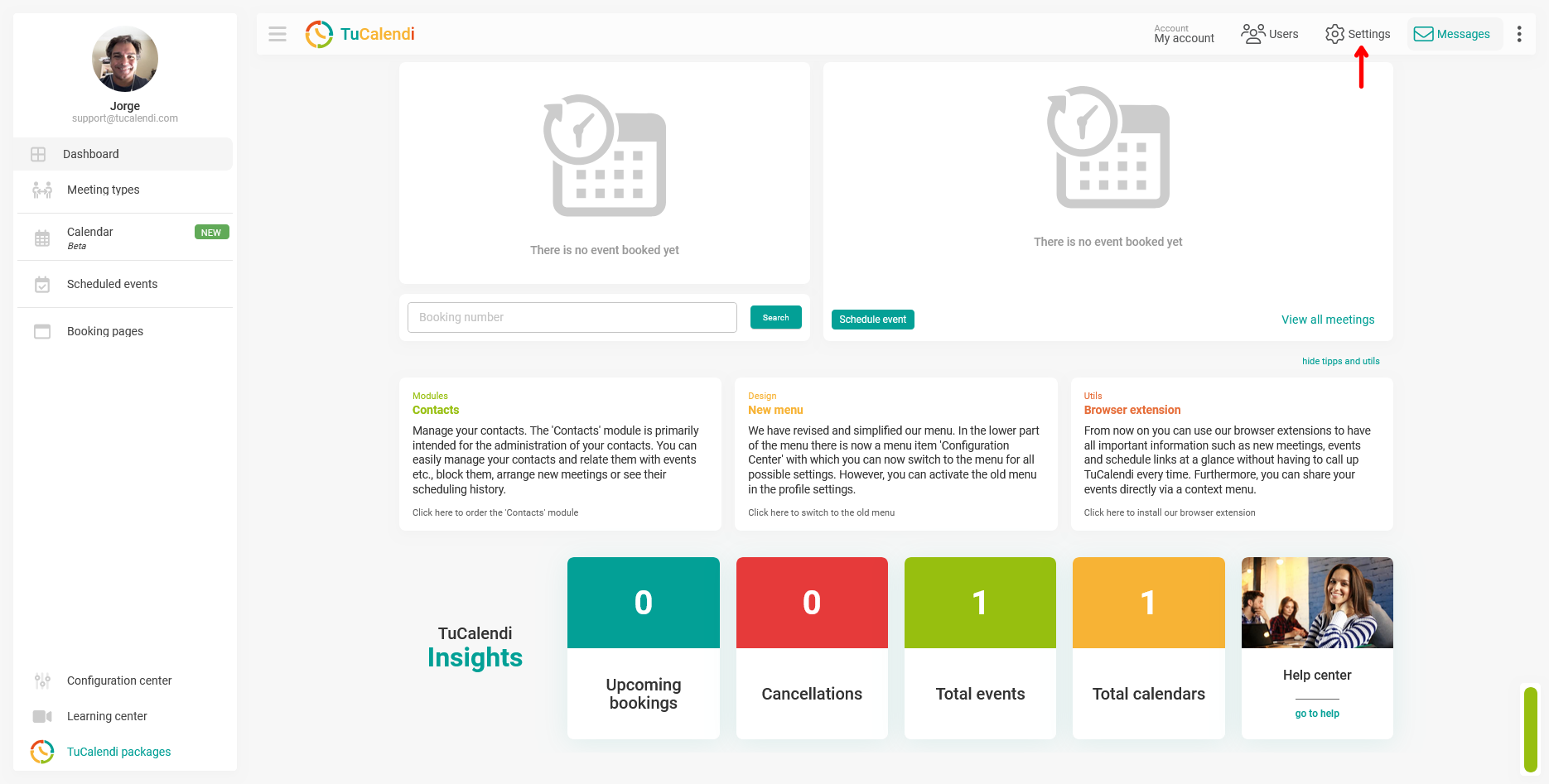
Customizing these notifications is very easy. Log in to TuCalendi and go to your account settings:
Click on "Emails".
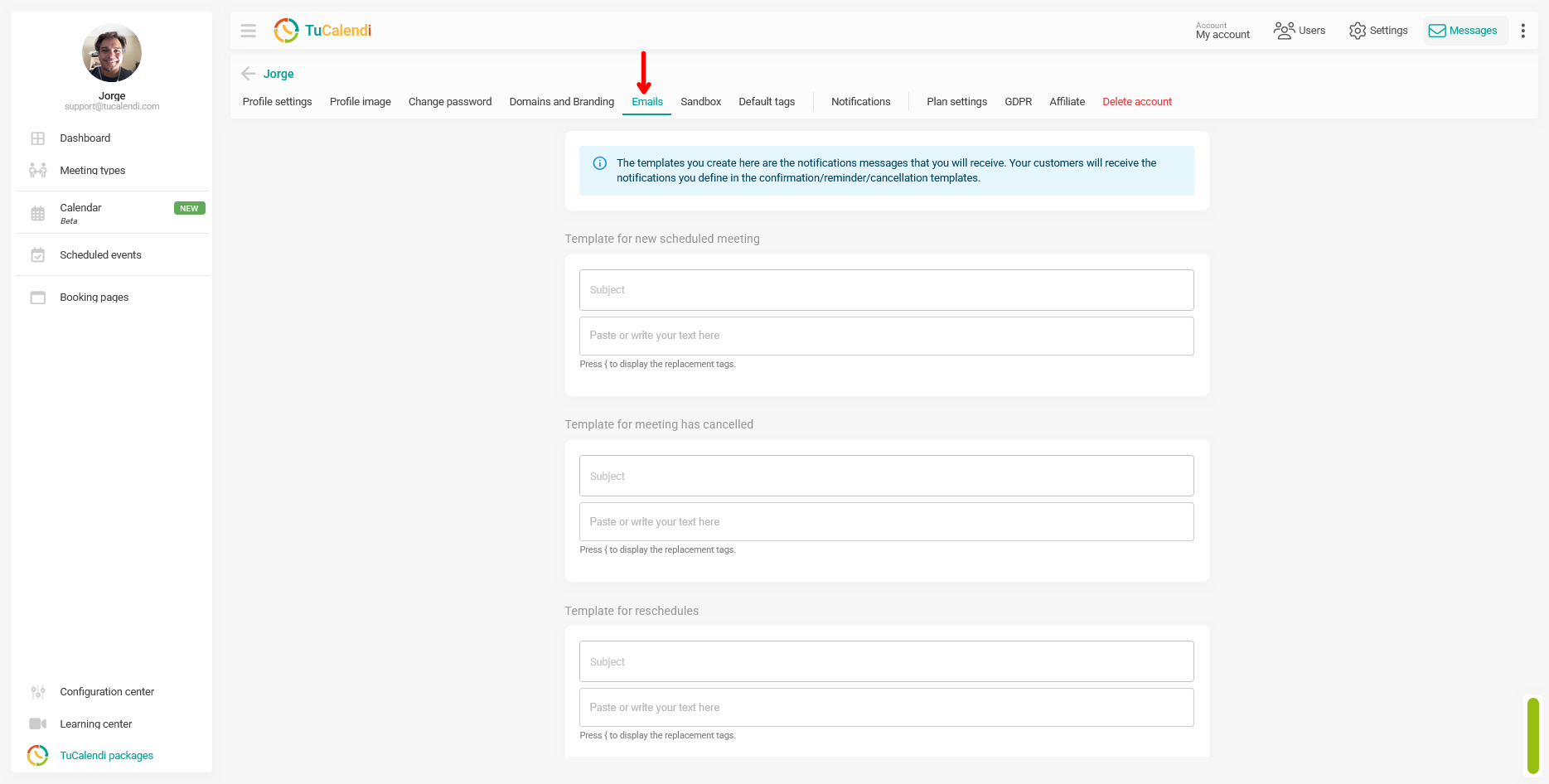
You can customize the template of the booking notification when a meeting is scheduled with you, the cancellation notification when a scheduled meeting is cancelled, or the rescheduling notification when an appointment is rescheduled. This way, you'll stay informed and won't miss anything that happens with your meetings.
You can activate or deactivate whether you want to receive internal notifications.
You can set the subject of the emails and the text you want to receive in each email. In the subject and in the body of the notification you can use the available replacement tags.
When you have made the changes you want, click on the "Save" button.