
In addition to choosing the default language that the widget will display when your customers make a reservation with you, you can also allow the selection of languages in the widget.
This means that if the default language of the widget is Spanish and you have added other languages such as English and German, your customers will be able to select the language in which they see the calendar.
To enable language selection in the TuCalendi widget, go to the widget appearance.
Choose your favorite or custom template for your widget.
Click on the "Show language selection" field:
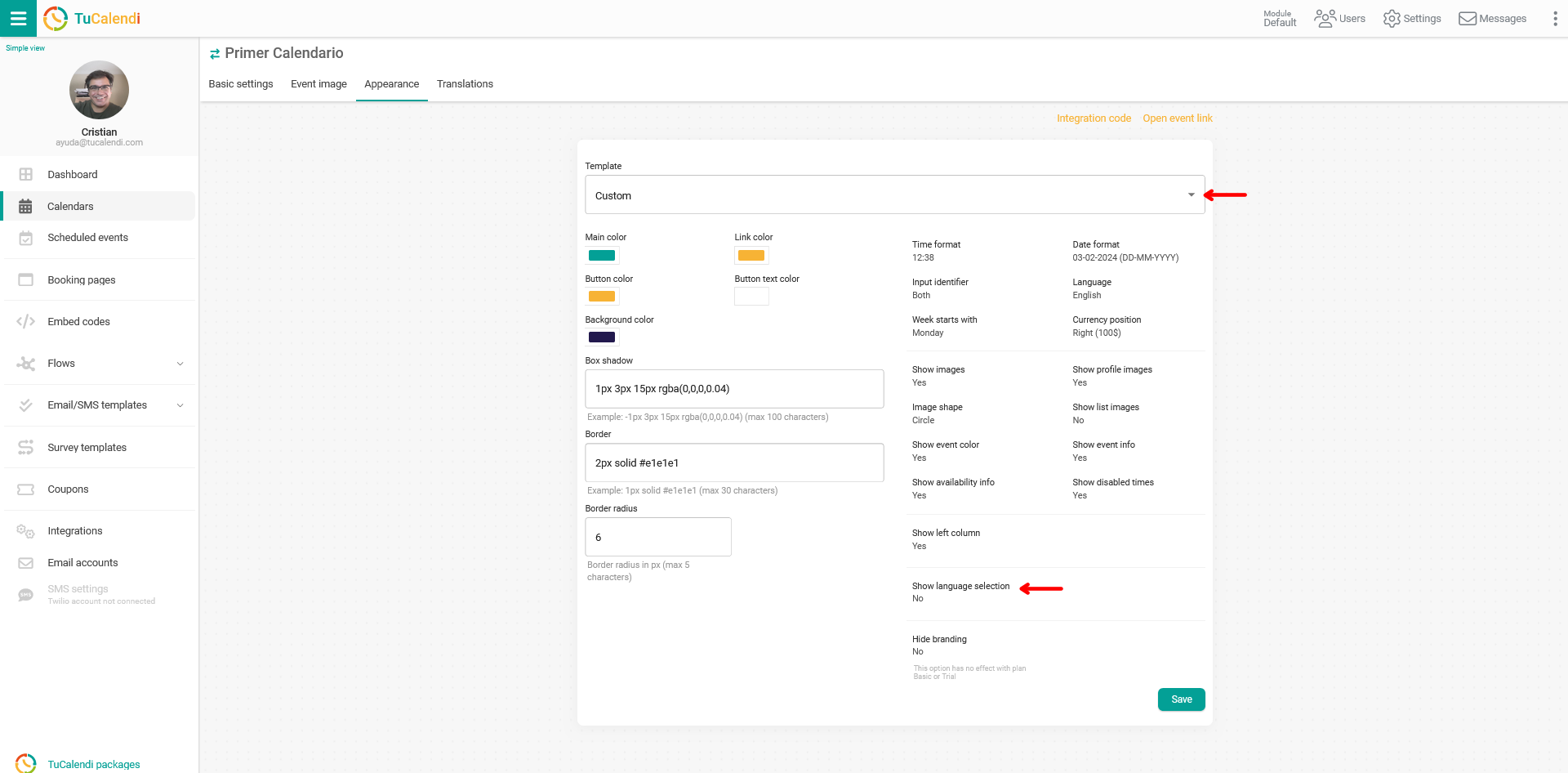
Choose "Yes" and the option to add the languages your customers will be able to select will appear:
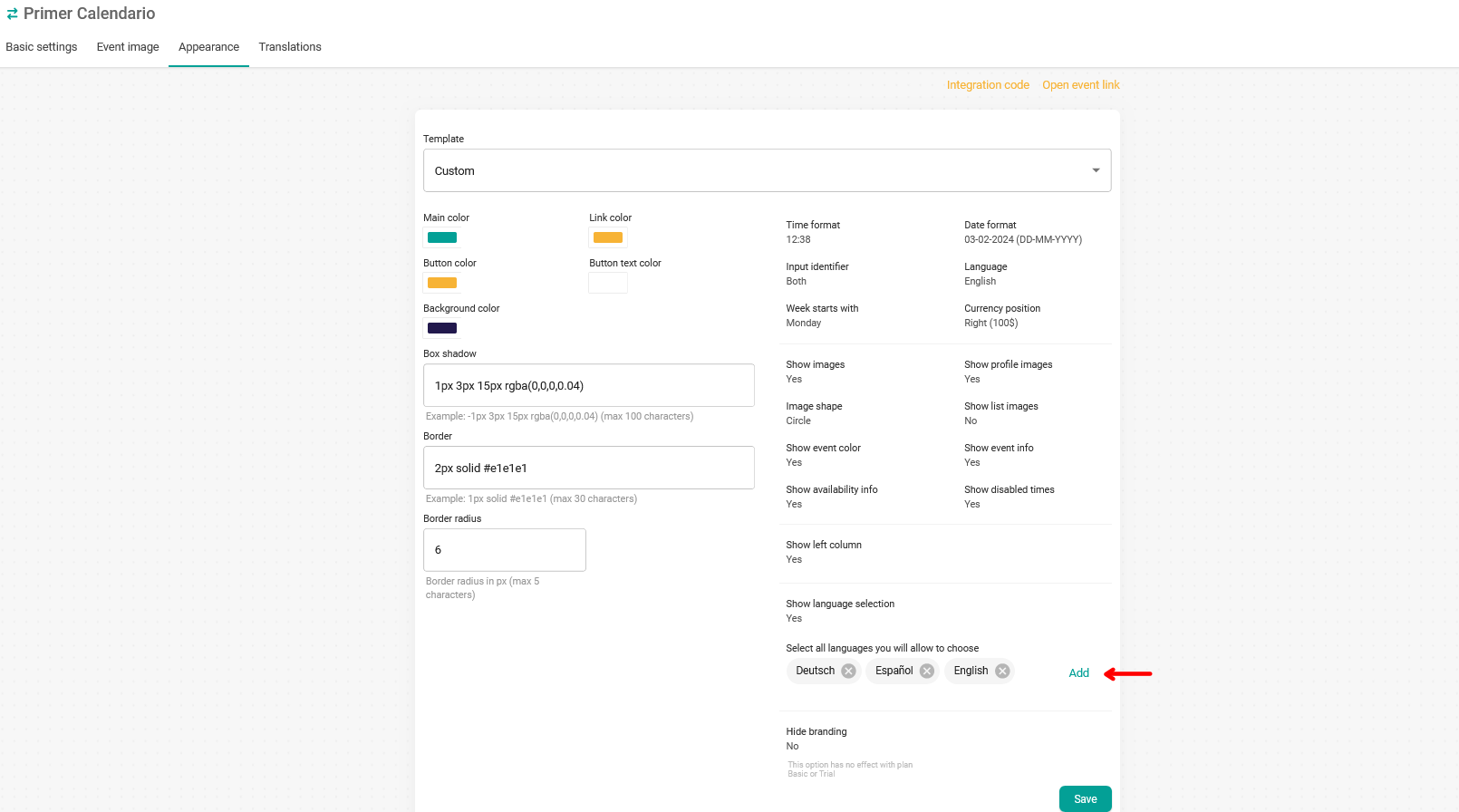
Clicking "Add" displays the available languages, and you just need to select them.
In our case, we have added English, Spanish and German.
For your changes to take effect, click on "Save". From that moment on, your customers will be able to choose the language in which the information is displayed in the widget.
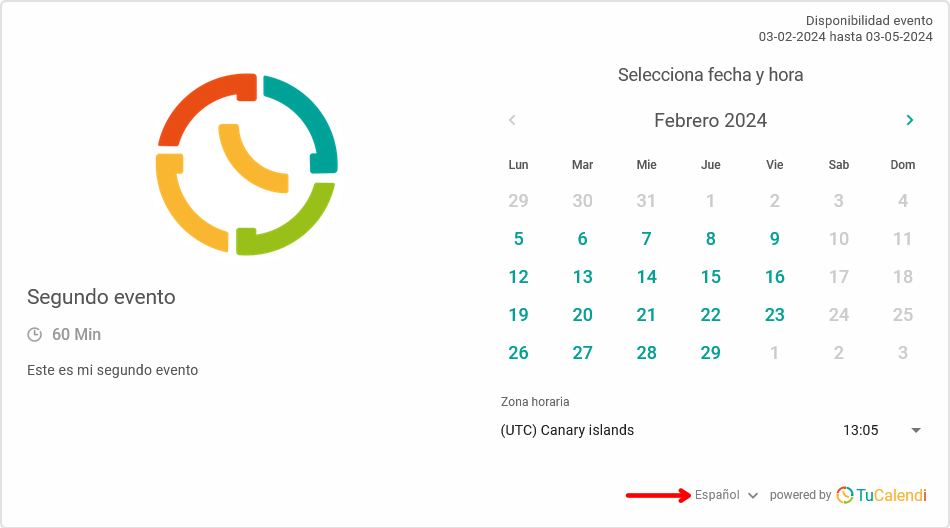
As our default language is Spanish, the widget is shown in Spanish when customers open it. When they open the language selection, they can choose any of the other added languages.
When choosing the English language, the widget automatically switches to the chosen language.
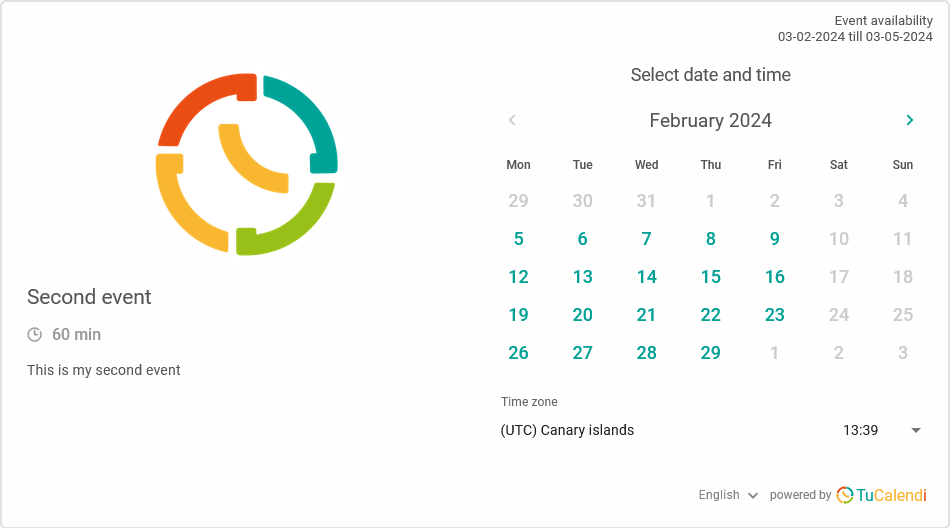
NOTE: For the event information to be displayed in the different languages, you must have added the languages you want in each event.