
With cancellation SMS templates you can customize the cancellation notifications your customers receive on their cell phone when they cancel a meeting with you. This way you can help them schedule a new appointment.
Creating the SMS that is sent to your customers when they cancel a meeting, appointment or any event they have booked with you is very easy. It is stored in TuCalendi as a custom template, and by using the replacement tags the SMS arrives tailored to each customer.
NOTE: Due to the 160 character limit of SMS, some substitution tags cannot be used in SMS. The link to the video conference room or the option to cancel a meeting must be included in the confirmation or reminder email templates.
Log in with your TuCalendi username and password. Go to the "Email/SMS Templates" option.
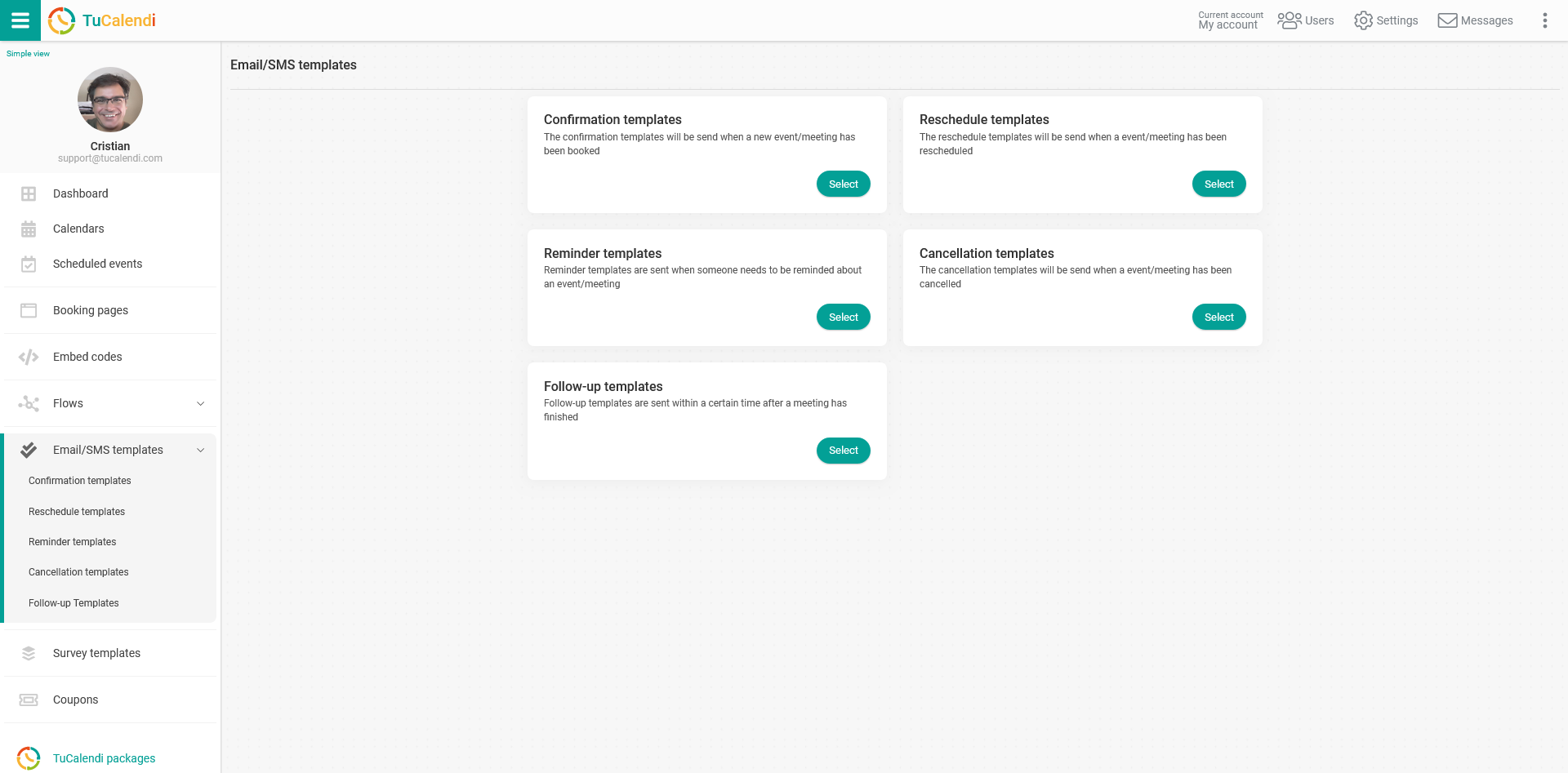
In the "Cancellation templates" option, click "Select":
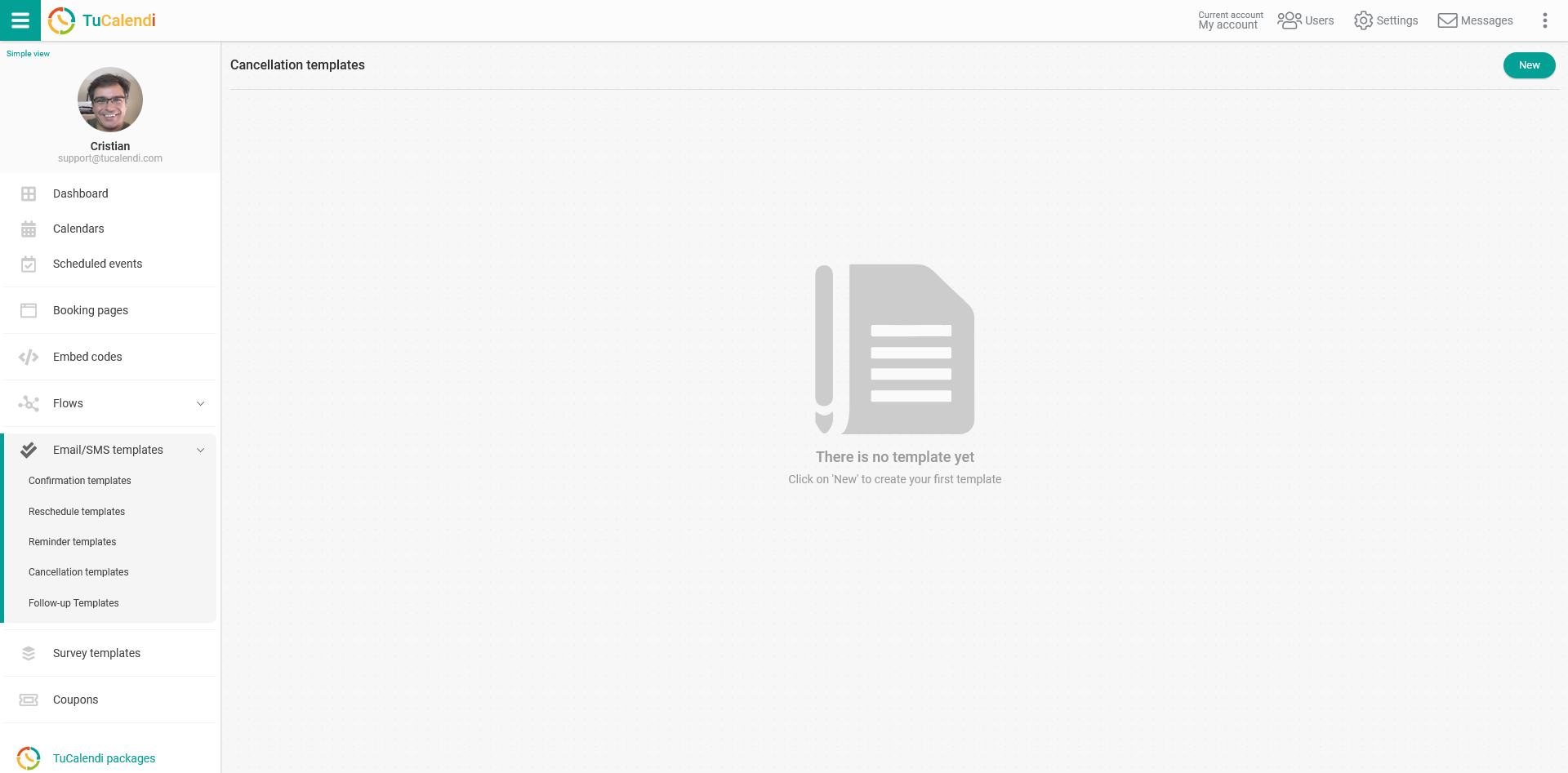
Click the "New" button and enter the name of the new template you are going to create:
If you have already created cancellation templates, just select the one you want to edit.
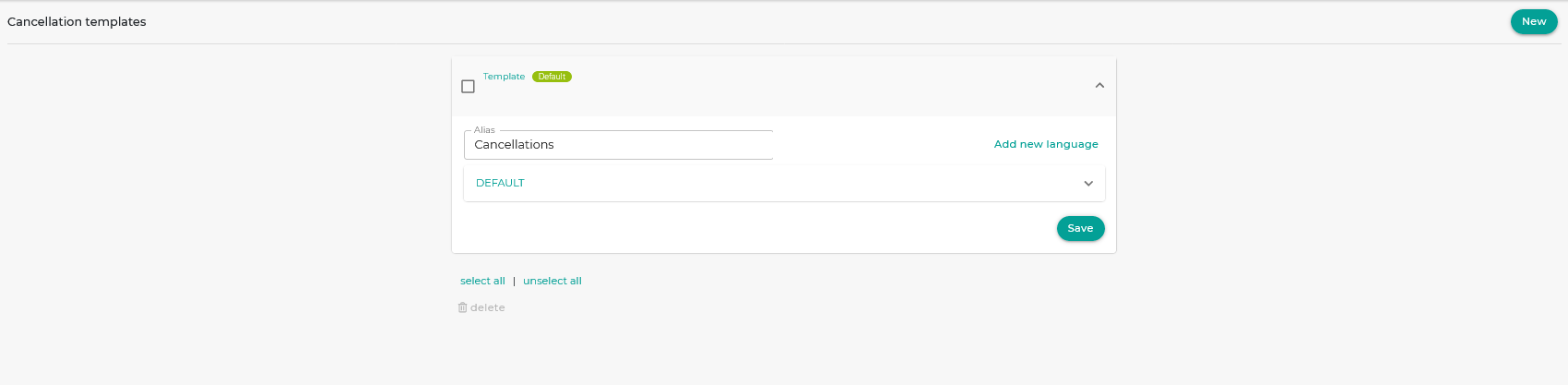
Initially the template is empty so that you can fully customize it. Click the field called "DEFAULT":
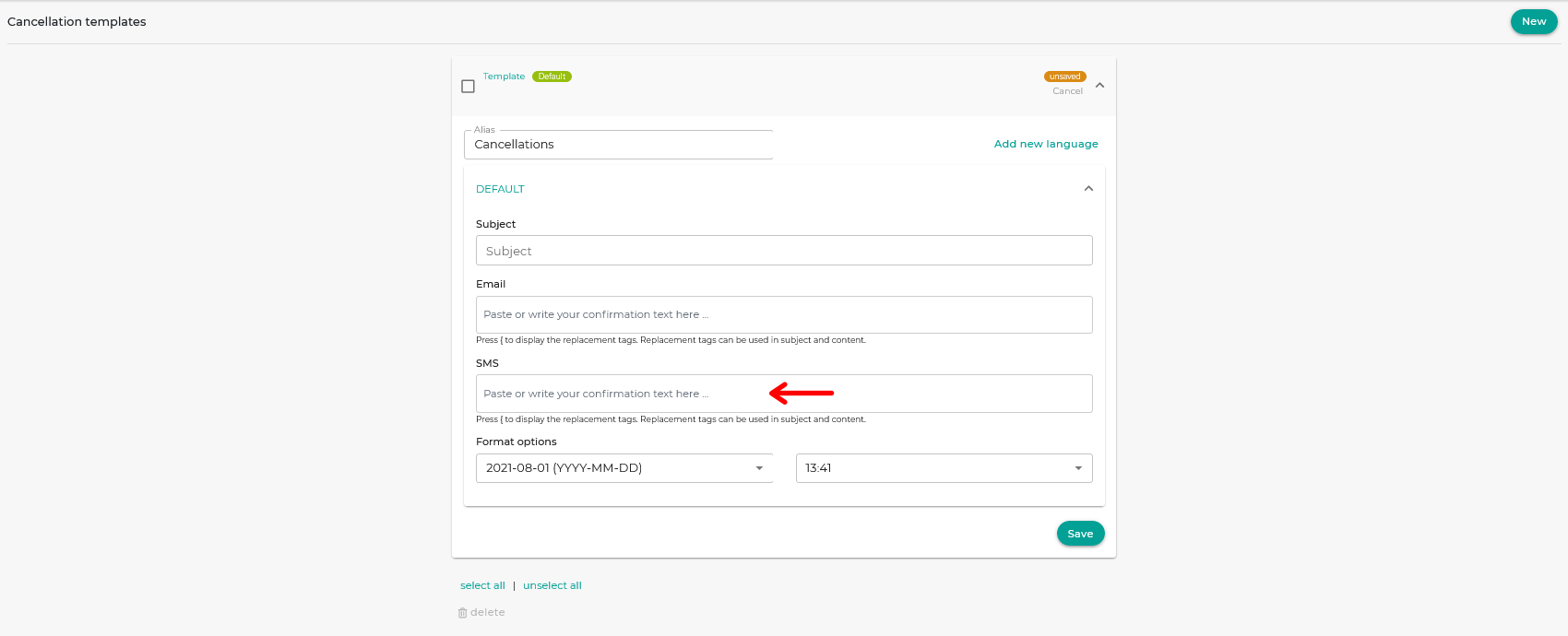
In the "SMS" block, start writing the text. Clicking on it opens a simple editor that lets you write the cancellation SMS and use the replacement tags.
To include the tags, just click the "Tags" drop-down menu in the SMS editor and choose the tags you want to include.
IMPORTANT: Remember that the SMS can have a maximum of 160 characters, and the text displayed once the tag values are filled in could exceed the maximum number of characters allowed.
When you are done, click "Save" and your SMS template is stored, so you can start using it for the cancellation SMS of your online calendar events.
Once you have created the cancellation SMS, you can associate it with your events.