

Your course has ten places, and all ten are taken. The next day, another person wants to join. Then someone cancels. Who should you offer the available place to, and how long should they have to decide?
To manage course capacity, you need a clear participant limit, an up-to-date registration record and a process for filling available places. A waiting list connects these three things: it records interest when the group is full and helps you act when a place becomes available.
Let’s use an English conversation course for ten participants as an example. The same approach works for photography workshops, creative activities and other courses with limited capacity.
1. Set capacity around the experience you want to deliver
The venue’s maximum occupancy is a limit, but it should not be your only consideration when deciding how many participants to accept.
In a conversation course, everyone needs time to speak and receive support. In a practical workshop, materials, equipment and individual attention also affect the experience.
Before opening registration, decide:
| Decision | Example |
|---|---|
| Course capacity | Ten participants |
| What one place includes | The complete eight-session programme |
| What happens when the course is full | New requests go onto a waiting list |
| Deadline for joining the course | Before the course begins |
| How an available place is offered | To one person at a time, with a response deadline |
Illustrative planning example.
Avoid increasing capacity automatically just because demand is high. First, check whether you can maintain the experience you have promised. Sometimes, opening another course is a better response than adding participants to a group that is already full.
2. Distinguish a confirmed registration from a waiting list request
Someone joining your waiting list needs to understand what that step means.
Avoid ambiguous messages such as “You’re in” if they do not yet have a place. You could use a message like this:
The course is currently full. We have added your request to the waiting list. This does not yet confirm your participation. If we can offer you a place, we will explain how to complete your registration.
Explain the allocation criteria too. If you follow the order in which requests arrive, say so. If there are language-level requirements or other conditions, make these clear beforehand.
Being on a waiting list and having a confirmed place are different things. Keeping that distinction clear prevents someone from arranging their schedule on the assumption that they are already registered.
3. Decide how you will offer available places
Choose your process before the first cancellation arrives. There are two common approaches:
| Process | When it may be suitable | What you need to establish |
|---|---|---|
| Automatic allocation | The person understands and has accepted how their participation will be confirmed. | Confirmation conditions, notifications and payment requirements, where applicable. |
| An offer with a response deadline | You need the person to confirm whether they can still attend. | How long they have to respond and what happens if they decline or do not reply. |
In our example, we will offer the available place to one person at a time. This avoids promising the same place to several people.
The deadline should give the person time to respond while leaving you enough time to organise the group. A place that becomes available three weeks before the course starts may allow a different response window from one that becomes available the day before.
4. Walk through a realistic cancellation
The course is full, and three people are on the waiting list. Five days before the first session, a participant cancels.
The process could look like this:
| Step | Action | Result |
|---|---|---|
| 1 | Check the cancellation and update the registration record. | One place is available. |
| 2 | Offer the place to the first eligible person. | The offer is awaiting a response. |
| 3 | The person accepts and completes the registration requirements. | Their place is confirmed. |
| 4 | If they decline or the deadline expires, follow your agreed process. | You can offer the place to the next person. |
An offered place is not necessarily a confirmed place. If someone needs to accept, pay or provide additional details, make it clear which step completes their registration.
If you manage the waiting list outside a booking tool, record pending offers as well. Without that information, you could offer a place that another person still has time to accept.
5. Communicate the offer with a clear action and deadline
A message about an available place should help the recipient decide without several emails back and forth. Include the course, dates, applicable price and next step.
Subject: A place is available on the conversation course
Hi Laura,
A place has become available on the English conversation course you joined the waiting list for.
Registration includes all eight sessions. Before confirming, please review the schedule and participation conditions.
You can complete your registration by the date and time stated in this offer. If you can no longer attend, please let us know so we can offer the place to someone else.
Thank you,
The course team
Example template: replace the reference to the deadline with a specific date and time.
If payment is required, explain how and when it needs to be made. Do not assume that someone has the same interest or availability as when they first joined the waiting list.
6. Decide what happens once the course has started
A place that becomes available in the second week cannot always be filled in the same way as one that becomes available before the course begins.
For a course with progressive content, someone joining late may need prior knowledge or additional preparation. For an activity with independent sessions, joining partway through may be simpler.
Decide beforehand:
- Until when you will accept new participants.
- Whether a place covers the full course or another registration option you have defined.
- What information a new participant needs to join.
- What you will do with requests you cannot accommodate in the current course.
If you are organising a complete programme, see our guide on how to manage registration for a multi-session course.
7. Manage course capacity and waiting lists with TuCalendi
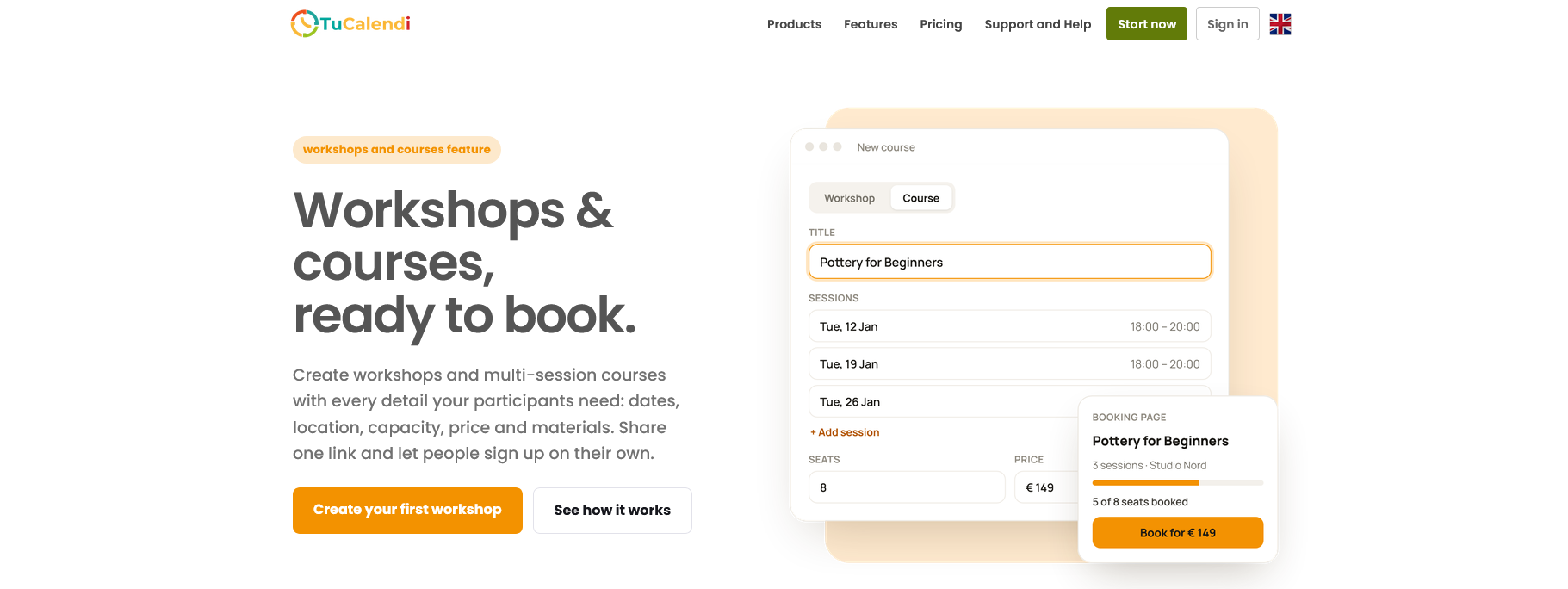
TuCalendi’s Workshops and courses feature lets you set a maximum capacity and manage a waiting list when an activity is full.
Available places can be allocated automatically or offered with a response deadline. You can also reorder the waiting list or move people forward manually. Participant management lets you review registrations, the waiting list and payments.
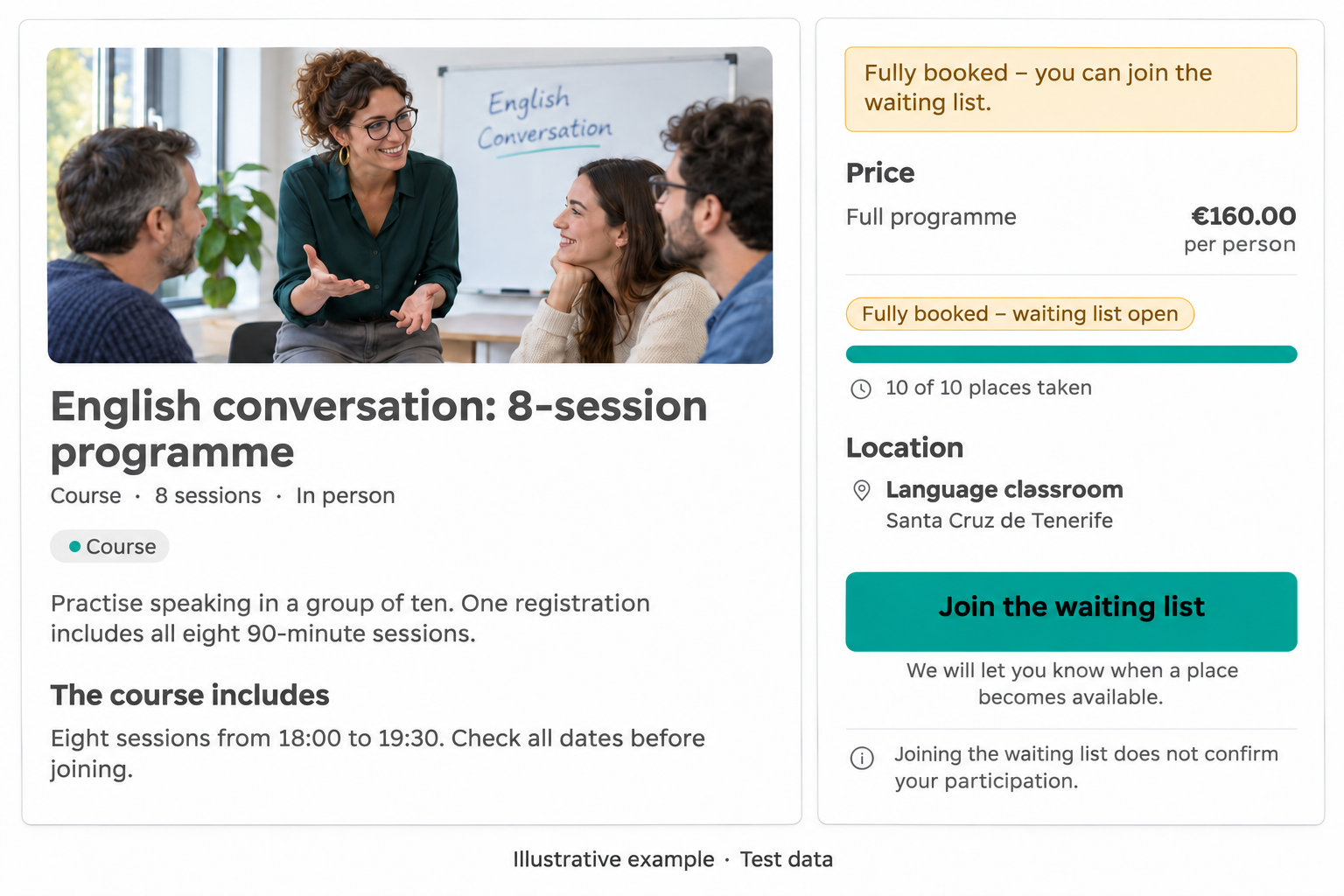
Public view of a fully booked course with a waiting list available. Test data.
To apply the example to your own activity:
- Set the course capacity to ten participants.
- Review how requests will be handled once the course is full.
- Choose how available places will be offered.
- Check the messages and response deadlines.
- Test the process before opening registration.
The tool’s settings should reflect the process you have communicated. Pay particular attention to the point at which someone moves from the waiting list to a confirmed registration. For step-by-step instructions, see the tutorial on managing the waiting list in TuCalendi.
If you are still planning the activity, our guide on how to organise a workshop and manage online registrations will help you define the programme and prepare the information participants need.
A fully booked course still needs organisation
Filling your course is good news. Managing what happens next helps you maintain the planned capacity and fill available places without creating confusion.
Before publishing, check three things: what joining the waiting list means, how a place is offered and what is required to confirm it.
Would you like to organise capacity and waiting lists for your next course? Book a demo with the TuCalendi team, and we will help you explore how to configure the process.