

What AI meeting tools actually do today and how they differ
Three years ago this was simple: an AI meeting tool recorded a conversation, transcribed it and sent you a summary afterwards. Since then the category has split into very different approaches and anyone buying today should first decide which part of the meeting they actually want to automate.
Broadly, there are four groups. Classic notetakers document what was said: transcript, summary, action items with owners. Conversation and revenue intelligence platforms go further and analyse how it was said – talk ratios, objections, deal probability and are built for sales teams. Live coaching tools intervene while the conversation is still running, at the only point where something can still change. And platform-native assistants such as Microsoft 365 Copilot sit directly inside the video conferencing tool the company already runs.
The criteria that actually decide it
- Bot or no bot: Does a visible participant join the call, or does the tool capture audio directly from your device? In sensitive client conversations that is a real difference.
- Online only, or in the room too: Many tools only work inside Zoom, Meet and Teams. If you meet clients face to face, you need microphone capture.
- What gets metered: Minutes, meetings, seats or AI credits, the billing model shapes your invoice far more than the headline price.
- Data protection: Server location, data processing agreement, certifications and above all: are your conversations used to train AI models? With some vendors the opt-out only arrives in the enterprise tier.
- Integrations: Do notes land in your CRM, Slack, Notion or ticketing system automatically, or do you have to export them?
- Languages: Every tool recognises the major ones, but quality and speaker attribution vary considerably, particularly with accents or several speakers.
A note on consent
In Germany, Austria and Switzerland, recording a conversation without the consent of everyone involved is not permitted, that applies to online meetings and in-person conversations alike, and similar rules exist across much of Europe. In practice that means announcing the recording at the start and getting a yes before the AI starts listening. Some tools actively support this, for instance with a visible recording indicator or an automatic advance notice to participants. None of this replaces legal advice, but it belongs in your selection criteria not just in your works agreement.
1. Meetfy.ai
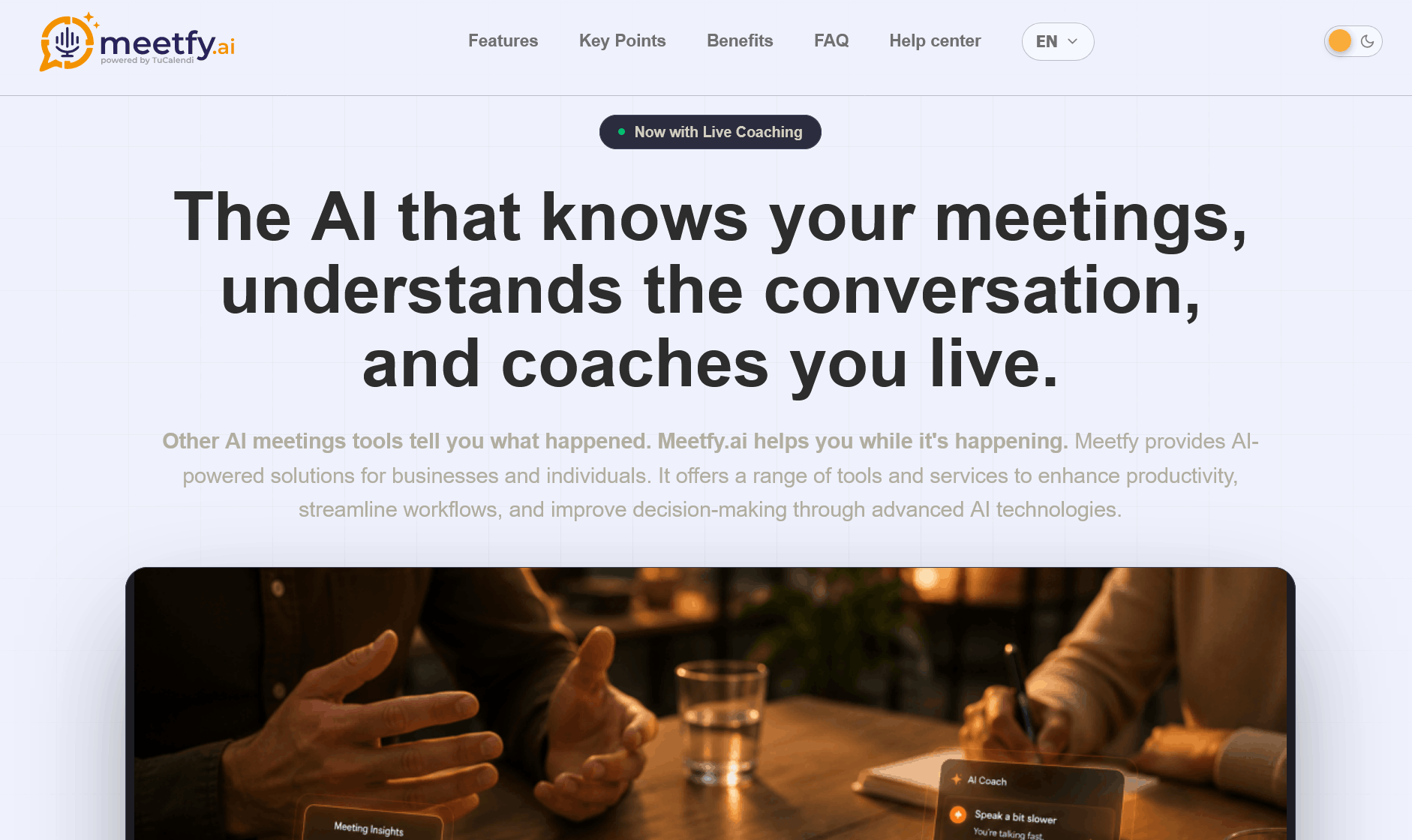
Meetfy.ai starts where most other tools stop. While classic notetakers tell you afterwards what happened, Meetfy listens live and gives you prompts while the conversation is still running. The app comes from TuCalendi and runs on iPhone and Android – with no bot dialling into the call, and it works equally for online meetings and conversations in the room.
The whole flow is built around the conversation itself. During preparation you note who you are meeting, what their goals are, which topics usually go well and which need care, plus a checklist and the objections you expect along with your planned responses. Meetfy can even draft that preparation from your last conversation with the same person. In live coaching the coach uses that context automatically: it nudges you towards points you haven't covered, flags opportunities as they appear, and warns you the moment the conversation heads somewhere sensitive. Tips appear on screen or are read quietly through your headphones. Templates cover sales discovery, closing, negotiation, one-on-ones, interviews, conflict conversations and advisory sessions or you write your own focus.
On top of that come recordings that keep running even if you lock the screen or switch apps, with a permanently visible recording indicator, and captures: photograph a whiteboard, a slide or a document mid-conversation and Meetfy folds what it sees into the summary. At the end you get a recap made up of the conversation summary, every tip you received, your own notes and the photos you took, including whether you hit your goal and worked through your checklist.
Pricing: Live coaching is billed by the minute from a credit balance you top up inside the app through the App Store or Google Play. Recordings, captures and meeting preparation don't consume credits. Only active coaching time is metered. If your balance runs low mid-session you can buy more without interrupting the coaching in progress. A TuCalendi account is required and can be created for free.
Pros
- Helps during the conversation rather than after it, the only moment when anything can still change
- Very good live transcription including captions during the meeting
- Live photo capturing during the meeting including image analysis
- Works for in-person conversations as well as online calls, with no bot in the meeting
- Preparation and checklist feed into the live coaching automatically
- Captures pull whiteboards and documents into the summary; not just what was said out loud
- Per-minute credits instead of a subscription: coach rarely, pay little
Cons
- Mobile app for iOS and Android only, no desktop app but web admin interface
- On iPhone, recording runs through the microphone; capturing both sides of an online call separately is Android only
- No CRM integration and no team-wide analytics like established revenue intelligence platforms
Who is it for? For anyone who needs more than a transcript and wants to get better in the conversation itself: sales people in discovery and closing calls, consultants and agents in client meetings, managers heading into difficult one-on-ones, and anyone who negotiates in person, where a meeting bot simply isn't an option.
2. Otter.ai
Otter.ai is one of the oldest names in the market and came out of transcription. That remains its strength: a live transcript during the meeting, speaker identification, summaries and a chat you can question the transcript with. Otter joins Zoom, Microsoft Teams and Google Meet and offers iOS and Android apps. In 2026 it added several specialised AI agents for sales, SDR, education, media and recruiting.
The decisive factor with Otter isn't the feature list but the minute allowance. Every tier caps how much gets transcribed per month, and unused minutes expire.
Pricing: The Basic plan is free but covers only 300 transcription minutes per month with a 30-minute limit per conversation, an hour-long meeting gets cut off halfway. Pro costs $16.99 per month, or around $8.33 on annual billing, and brings 1,200 minutes, 90 minutes per conversation and ten file imports a month. Business is $30 per user per month or $19.99 annually, removes the minute cap, allows four hours per meeting and three concurrent meetings; this tier bills a minimum of five seats. Enterprise adds SSO, SCIM, API and webhooks.
Pros
- Very good live transcription including captions during the meeting
- Works with all major video conferencing platforms
- Mobile apps make in-person conversations and lectures accessible too
- Low entry price on annual billing, plus a student discount
- Specialised AI agents for individual professions
Cons
- Minute caps on every tier below Business, unused minutes expire
- The 30-minute limit makes the free plan unusable for real meetings
- File imports are heavily restricted, and capped at three in total on the free plan
- Business requires a minimum of five seats
- The focus is on transcription, not on coaching or deal analysis
Who is it for? For individuals, journalists, students and teams who mainly need a reliable transcript and can estimate their monthly meeting volume well.
3. Fireflies.ai
Fireflies sends a bot into your meetings that records, transcribes and summarises, in over 100 languages. Unusual for this market: unlimited transcription and unlimited basic summaries are included in every tier, the free one included. The tiers differ on storage, automation, analytics and security instead.
What makes it interesting for sales and recruiting teams is the conversation intelligence from the Business tier upwards, the connections to Salesforce, HubSpot and Zoho, and AskFred, an assistant that answers questions across multiple meetings. One detail worth knowing: the advanced AI features – AskFred, enhanced summaries, action-item extraction, run on a monthly credit allowance (20 on Pro, 30 on Business, 50 on Enterprise). Once it's used up, those features pause until the next cycle or you buy more credits.
Pricing: Free costs nothing but stores only 400 minutes for the entire team. Pro is $10 per seat per month on annual billing ($18 monthly), Business $19 ($29 monthly) with unlimited storage, conversation intelligence and team analytics, and Enterprise $39 per seat – annual billing only – including SSO, SCIM, audit logs and HIPAA.
Pros
- Unlimited transcription on every tier, including the free one
- Over 100 languages, strong coverage for international teams
- Solid CRM integrations from the Pro tier upwards
- AskFred answers questions spanning multiple meetings
- Lowest entry price among the major notetakers
Cons
- AI credits meter exactly the features you bought the tool for
- The free plan stores just 400 minutes for the whole team and blocks transcript downloads
- Monthly billing costs roughly 40 percent more than annual
- The bot is visible in the call, not always welcome in sensitive meetings
- Enterprise features such as SSO are expensive and annual-only
Who is it for? For sales, customer success and recruiting teams running a high volume of calls who want notes written into the CRM automatically and have no problem with a visible bot.
4. Fathom
Fathom built its reputation on an exceptionally generous free offering: unlimited recordings, unlimited transcription and unlimited storage across Zoom, Google Meet and Microsoft Teams. The catch sits somewhere else – advanced AI summaries are capped at five calls per month on the free plan. After that you get the basic chronological template.
The paid tiers remove that limit. They add more than fifteen meeting templates, including sales frameworks such as BANT and Sandler, automatically generated action items, follow-up email drafts and the "Ask Fathom" assistant. The Business tier adds native field sync with Salesforce and HubSpot, a deal view and AI scorecards for coaching. Since the 2026 platform update you can also choose per meeting whether a visible bot joins or the desktop app records bot-free. Worth noting: Fathom offers a 90-day money-back guarantee on all paid plans.
Pricing: Free forever with five advanced summaries per month. Premium $20 per user per month, or $16 on annual billing. Team Edition $19, or $15 annually, with a two-seat minimum. Business $34, or $25 annually, with CRM sync and coaching features.
Pros
- Unlimited recording and transcription at no cost, the strongest free plan in the category
- Record with or without a visible bot, your choice per meeting
- Sales templates and automatic follow-up drafts
- 90-day money-back guarantee on all paid plans
- The team tier is cheaper per seat than the individual tier
Cons
- The five-summary limit makes the free plan frustrating for heavy users
- Team and Business tiers require at least two seats
- Users occasionally report missing details in summaries
- Collaboration features such as shared folders only arrive in higher tiers
- US vendor – requires a data protection review in a European context
Who is it for? For individuals with a moderate meeting load who want to start for free, and for small sales teams who need CRM sync at a fair per-seat price.
5. Granola
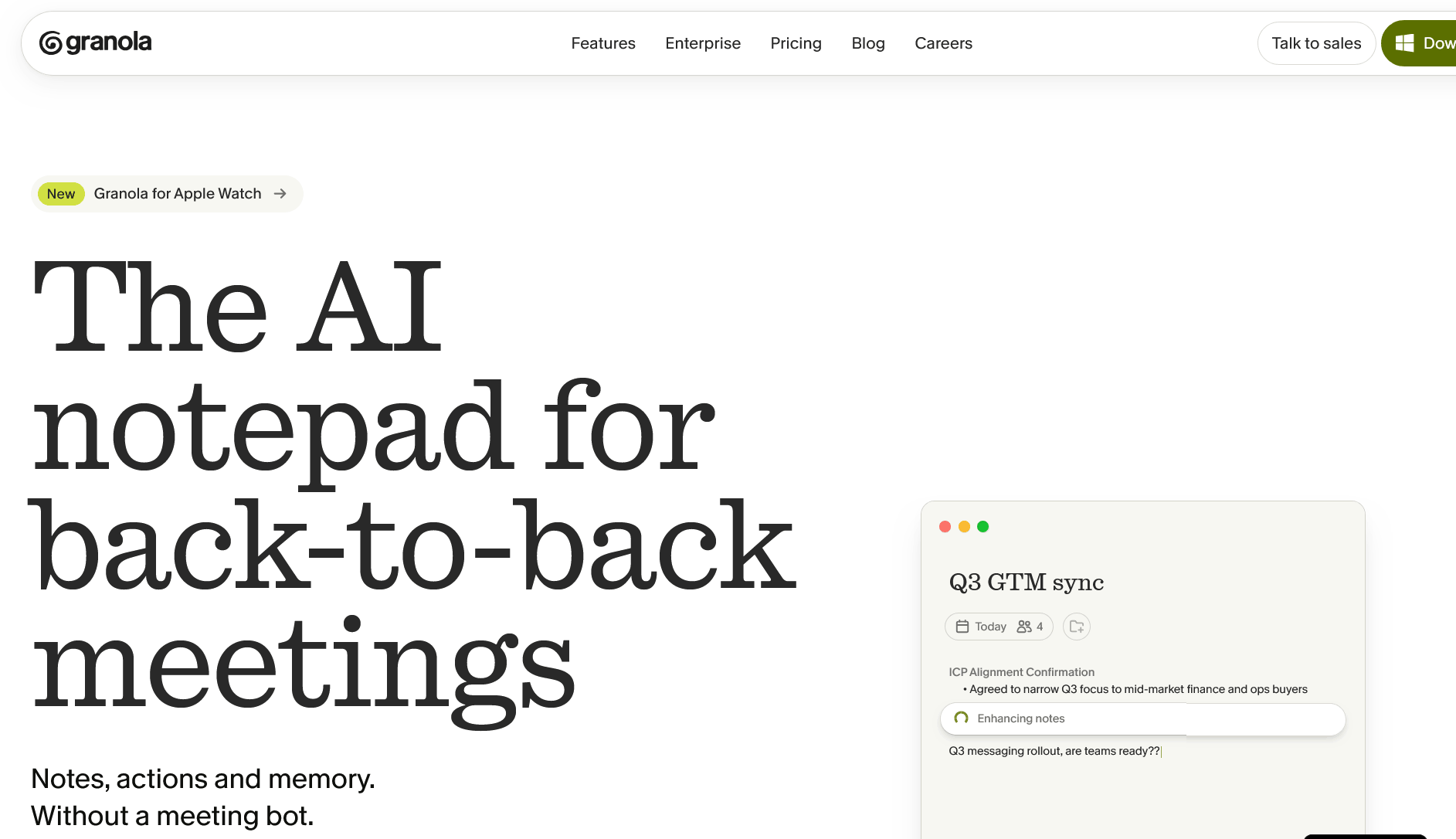
London-based Granola deliberately does things differently: no bot dials in, the desktop app captures your computer's system audio instead. The other side cannot tell that an AI tool is running. The second difference is conceptual: Granola doesn't replace your notes, it enhances them. You type bullet points during the conversation and the AI turns them into a structured write-up afterwards. Type nothing and you get correspondingly little out of it.
The app runs on macOS, Windows and iOS and works with anything that puts audio through your speakers Zoom, Google Meet, Teams, Slack Huddles, Webex. A chat searches across meetings and folders, and notes can be pushed to Notion, HubSpot, Attio, Affinity, Slack and Zapier; via the Model Context Protocol, Granola can also be connected to other AI tools. In 2026 the company simplified its tiers and now positions itself not as a notetaker but as a context layer for a company's meeting knowledge.
Pricing: The Basic plan is free but limits meeting history. Business costs $14 per user per month, removes the history cap and brings better AI models, integrations and central billing. Enterprise is $35 per user per month and adds SSO, admin controls, API access and enabled organisation-wide by default, the opt-out from having your data used for model training.
Pros
- No visible bot in the meeting, works platform-independently via system audio
- Excellent note quality if you take notes anyway
- Affordable Business tier with no minute caps
- Integrations with Notion, HubSpot, Slack, plus connectivity over MCP
- Mac, Windows and iOS are supported
Cons
- If you don't type during the meeting, you get very little out of the tool
- Speaker attribution is a weak spot with three or more participants
- The opt-out from AI training is only on by default in the Enterprise tier
- No annual discount, the per-seat price is the same either way
- No Android app, and the desktop application is mandatory
Who is it for? For solo professionals, founders and consultants who run a lot of one-on-one conversations, take notes anyway and don't want a bot in their calls.
6. tl;dv
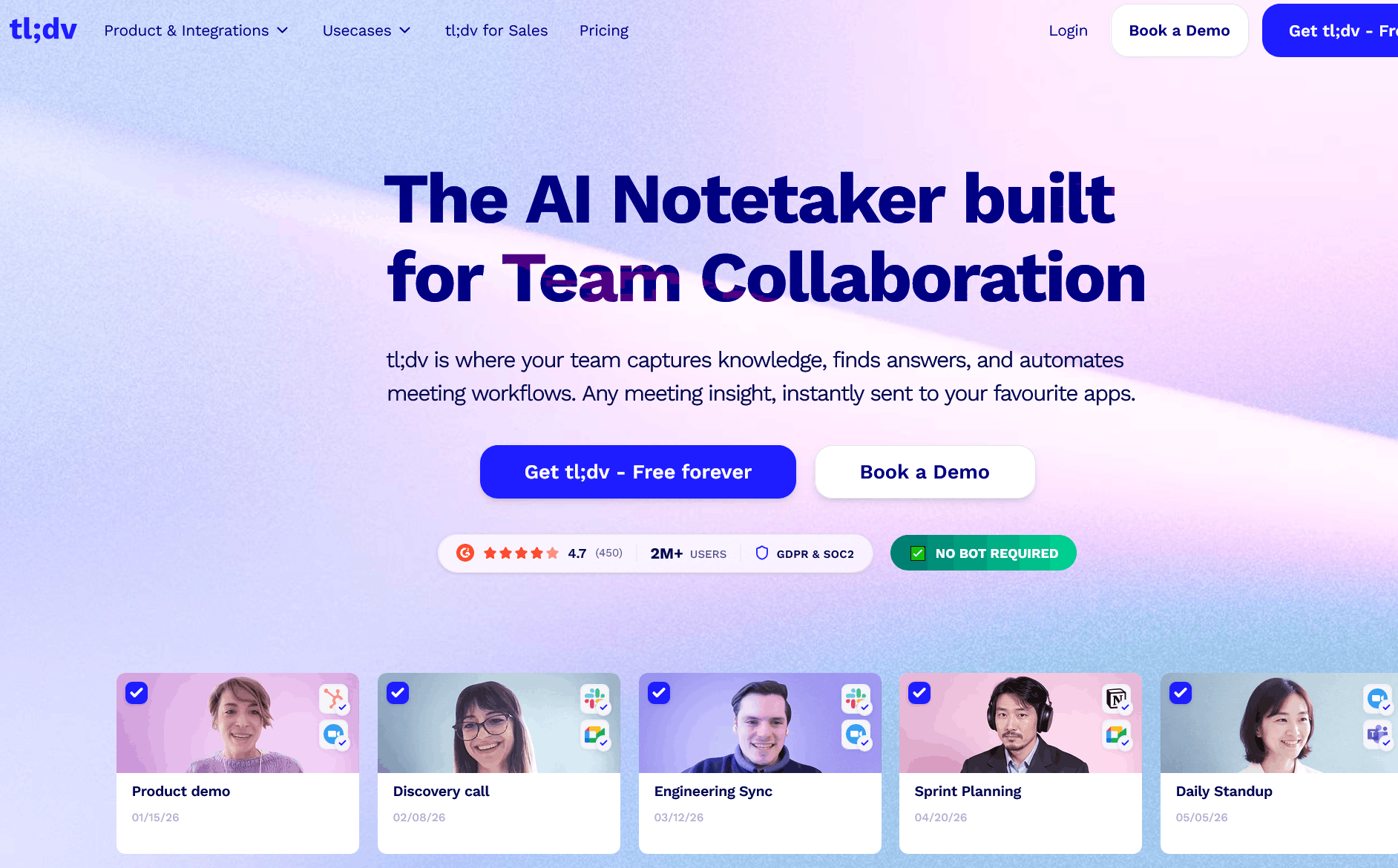
Behind tl;dv "too long; didn't view" sits tldx Solutions GmbH in Aachen, Germany. For European teams that matters: data is held on EU servers in ISO 27001-certified data centres, the company states SOC 2 and GDPR compliance, cites alignment with the EU AI Act, and says recordings are not used to train its own AI models. What still needs checking is the AI processing itself, which depending on your settings can run outside the EU – a point for the data protection review in regulated industries.
Functionally tl;dv covers the full spectrum: recording and transcription in over 30 languages for Zoom, Google Meet and Teams, summaries following templates such as MEDDICC or BANT, shareable clips and highlights, global search across all meetings, and connections to HubSpot, Salesforce, Slack, Notion and thousands of other services. The Business tier lifts all this to revenue intelligence level: a coaching hub with playbook tracking, objection analysis, rep scorecards and cross-meeting analytics that answer questions like "which objections came up most this month?" across your entire call history. Bot-free recording is available through the desktop app for Mac and Windows.
Pricing: The free tier records without limit but caps AI notes, queries and reports. Pro is around $18 per seat per month on annual billing (roughly $29 monthly), Business around $59 annually ($98 monthly), and Enterprise on request – including privately hosted AI, SSO and SCIM. Note that tl;dv does not publish prices in euros.
Pros
- German vendor with EU hosting and a clear statement on model training
- Sales coaching and cross-meeting analytics in the Business tier
- Bot-free recording available through the desktop app
- Clips and highlights make sharing individual passages easy
- Very broad integration catalogue including CRM
Cons
- A large price gap between Pro and Business, with nothing in between
- The free plan runs on limits that are partly lifetime rather than monthly
- Billing in US dollars only, so there is exchange-rate exposure
- AI processing may happen outside the EU depending on your settings
- Three-hour cap per session on all plans
Who is it for? For European sales and consulting teams who need EU hosting and want more than a transcript namely coaching and analysis across many conversations.
7. jamie
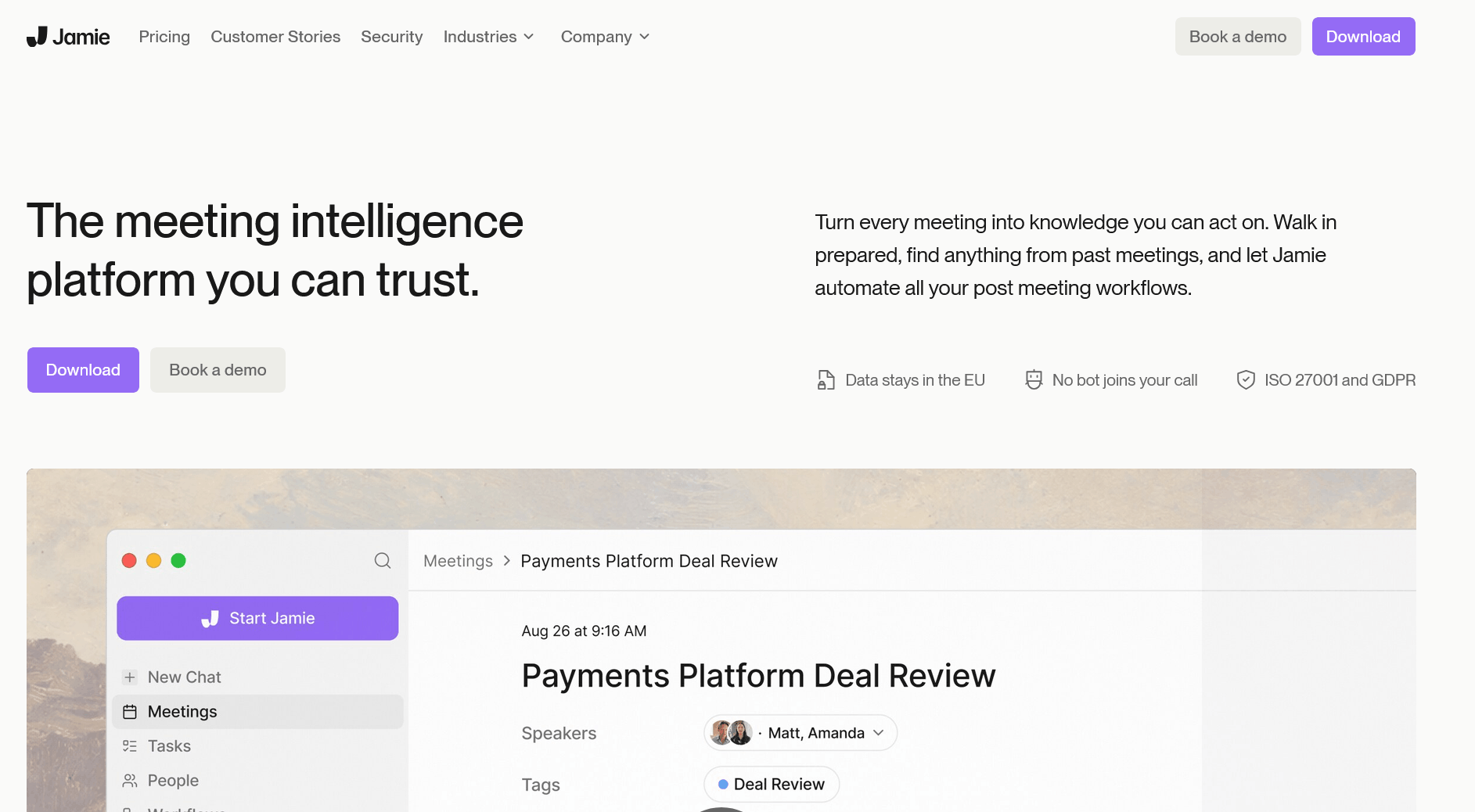
jamie is a German AI meeting assistant that works without a bot: the desktop app for macOS and Windows and the iOS app capture audio directly from the device – online and in the meeting room alike. Notes, transcripts and action items are produced in over 100 languages.
On data protection jamie goes further than most competitors, and does so across every tier rather than only in the enterprise package: storage and processing happen in Europe, audio is deleted once a transcript exists, data is not used to train AI models, and the company holds ISO 27001 certification as an organisation, not via a hosting provider's certificate. Optionally, jamie emails participants a recording-consent notice 24 hours before the meeting, which solves the consent question neatly in practice. An assistant sidebar searches your meeting history and drafts follow-up emails.
Pricing: The free tier allows ten meetings a month at a maximum of 30 minutes each. Paid tiers are tiered by meeting allowance and start at roughly €24 to €25 per month for around 20 meetings, rising to about €47 for around 50 meetings and about €99 for unlimited use; above those sit a per-seat Team tier and an Enterprise offering with SSO and a data processing agreement. Since jamie has restructured its pricing several times recently, it's worth checking the current pricing page.
Pros
- Data held in Germany, ISO 27001 at company level, no model training – on every tier
- No bot in the call, and it works for in-person meetings too
- Automatic consent notification ahead of the meeting
- Over 100 languages with automatic detection
- Audio is deleted once transcription is complete
Cons
- Comparatively expensive for the feature set on offer
- No video recording, audio and text only
- Integrations are limited; CRM connections require higher tiers
- No sales coaching or deal analysis features for revenue teams
- No Android app
Who is it for? For law firms, medical practices, consultancies, HR departments and anyone for whom the data protection review is the hardest criterion – and who will trade away video recording and CRM depth for it.
8. Avoma
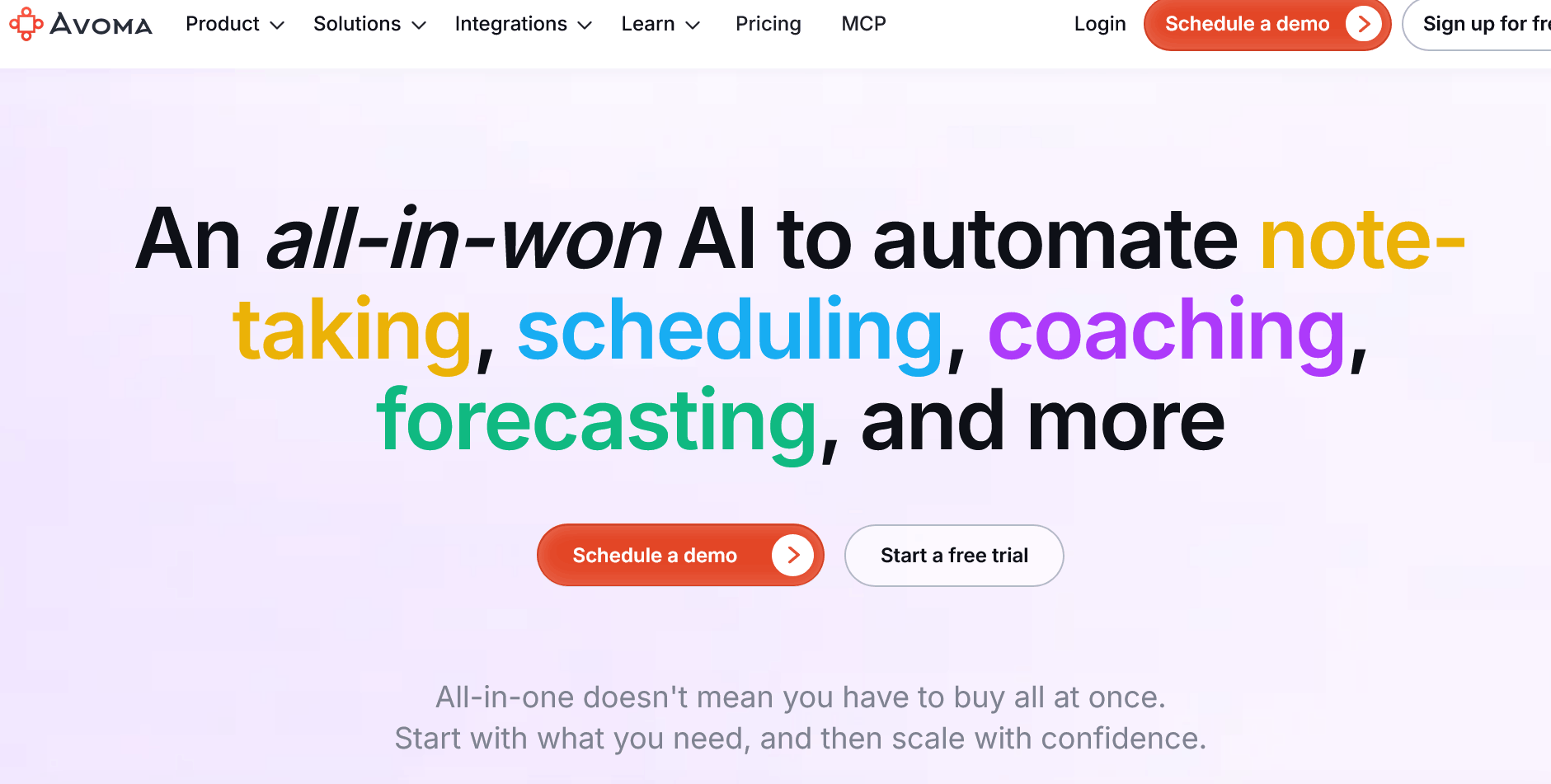
Avoma bundles what sales organisations usually buy from three or four vendors: a notetaker, a scheduler with lead routing, conversation intelligence and revenue intelligence. The assistant joins Zoom, Meet, Teams and GoToMeeting calls, produces transcripts with speaker identification, smart chapters and template-driven summaries, drafts follow-up emails and writes structured fields back to Salesforce and HubSpot – following methodologies such as MEDDIC, SPICED, BANT or Sandler.
The most important thing to understand before buying is the plan structure. The base tiers cover notes and scheduling. The actual sales features call scoring, coaching insights, deal risk, forecasting, sit in paid add-on modules charged per seat on top. The advertised entry price and the real invoice therefore diverge considerably. On the plus side: viewers and collaborators are free permanently, so you only pay for the people who actually record.
Pricing: Startup $19 per recorder seat per month on annual billing, Organization $29, Enterprise $39. The Conversation Intelligence and Revenue Intelligence modules each cost $29 per seat per month annually; a lead router is $19. Bundling both analytics modules earns a 10 percent discount, all three 15 percent. A fully equipped sales seat therefore lands at roughly $77 per month. There is no permanently free tier, but there is a 14-day trial.
Pros
- Replaces several tools: notetaker, scheduler, coaching and forecasting in one contract
- Transparent, publicly listed pricing, unusual in this category
- Free viewer seats noticeably reduce total cost
- Two-way sync with Salesforce, HubSpot, Pipedrive and other CRMs
- Considerably cheaper than classic enterprise platforms at a similar feature breadth
Cons
- The advertised entry price bears little relation to the real invoice
- No free tier, only a two-week trial
- Users repeatedly report reliability problems with the recording bot
- Scope and setup are over-specified for small teams
- Pricing in US dollars only, with a clear focus on the US market
Who is it for? For sales organisations of roughly ten to a hundred people who need coaching and pipeline analysis but don't want to pay for an enterprise platform.
9. Circleback
Circleback concentrates on the part of a meeting that actually matters afterwards: who owes what to whom, and by when. Rather than another summary, the tool produces action items with named owners – and then routes the output automatically to wherever the work continues. Recording happens either through a bot or bot-free via the desktop app; for in-person conversations there are phone and Apple Watch apps.
Notable for technical teams: the API, a Model Context Protocol server and a command-line interface are accessible even on the free tier. At the end of August 2026 Circleback restructured its plans and introduced a permanently free one – explicitly not a trial. Existing meetings can be imported from other tools, so your history survives the switch.
Pricing: Free covers AI notes and action items for unlimited online and in-person meetings, speaker-labelled transcripts, limited automations and API, MCP and CLI access – capped at 30 days of meeting and recording history. Pro costs $15 per user per month, lifts the history cap, adds a year of recording storage, all integrations including Notion, HubSpot, Salesforce, Attio and webhooks, plus custom AI insights. Business is $25 with role management, unlimited free viewers and custom retention; Enterprise is $35.
Pros
- Action items with clear owners instead of vague summaries
- Permanently free tier with unlimited meetings
- API, MCP and CLI already on the free plan – unusually open
- Bot or bot-free, online and in-person, including an Apple Watch app
- History import from other tools when you switch
Cons
- The 30-day history on the free plan is the deliberate conversion point
- No sales coaching or forecasting features for revenue organisations
- No European server location stated
- A small team behind the product – a factor in long-term contracts
- Pricing in US dollars only
Who is it for? For project teams, agencies and consultancies where every meeting produces concrete tasks – and for technical teams that want to process meeting data further via API or MCP.
10. Microsoft 365 Copilot in Teams
If you already work in Microsoft Teams, you strictly speaking don't need another tool for meeting summaries. Microsoft 365 Copilot sits right inside the call, answers questions during the conversation such as "what did I miss in the last ten minutes?", produces recaps with action items afterwards, and carries that context on into Word, Outlook, Excel and PowerPoint. Add to that customisable recap templates, visual references to shared screen content, and the Facilitator agent that takes notes as the meeting runs.
Two things are worth knowing. First, Copilot is an add-on licence, not a standalone product – without a suitable Microsoft 365 subscription, nothing works. Second, everything hangs on transcription: if it isn't running, Copilot stays silent in the meeting. Since late 2026 Copilot no longer saves transcripts automatically, so organisers have to start transcription themselves. A lighter alternative is Teams Premium with its Intelligent Recap, though without real-time assistance and without custom recap templates.
Pricing: Microsoft 365 Copilot costs $30 per user per month on annual billing in the enterprise context. For smaller companies there is Microsoft 365 Copilot Business as an add-on to Business Basic, Standard, Premium and Microsoft 365 Apps for up to 300 users, listed at $21 per user per month on an annual subscription, with promotional pricing at times. Both sit on top of your existing Microsoft 365 licence.
Pros
- No additional vendor and no new data processor – data stays in your Microsoft tenant
- Real-time assistance during the meeting, not just a summary afterwards
- Context flows straight on into Word, Outlook and PowerPoint
- Administered centrally through your existing IT function
- The Facilitator agent takes collaborative notes as the conversation runs
Cons
- Considerably more expensive than specialised notetakers – and only available as an add-on licence
- Works exclusively in Teams, not in Zoom or Google Meet
- Without transcription enabled, Copilot delivers nothing
- Summaries are tied to the language of the meeting
- No free entry point for trying it out
Who is it for? For companies fully standardised on Microsoft 365 that don't want to hand meeting data to a third party and are budgeting the licence for other Copilot features anyway.
The ten tools side by side
| Tool | Free plan | Entry price (paid) | Bot in the call? | Strongest at |
|---|---|---|---|---|
| Meetfy.ai | Pay-as-you-go credits | per minute | No | Live coaching mid-conversation |
| Otter.ai | Yes, 300 min/month | $8.33 / user / month | Yes | Live transcription |
| Fireflies.ai | Yes, storage capped | $10 / seat / month | Yes | CRM connectivity, 100+ languages |
| Fathom | Yes, very generous | $16 / user / month | Optional | Free usage, sales templates |
| Granola | Yes, history capped | $14 / user / month | No | Note quality without a bot |
| tl;dv | Yes, AI features capped | approx. $18 / seat / month | Optional | EU hosting, sales coaching |
| jamie | Yes, 10 meetings/month | approx. €24 / month | No | Data protection, consent |
| Avoma | No, 14-day trial | $19 / seat / month | Yes | Revenue intelligence |
| Circleback | Yes, 30-day history | $15 / user / month | Optional | Action items, API and MCP |
| Microsoft 365 Copilot | No | from $21 / user / month | Built in | Microsoft environments |
Conclusion: the question first, then the tool
The ten tools in this list solve different problems, and the most expensive mistake when buying is solving the wrong one. If you simply want a record of what was discussed, Fathom, Otter.ai and Fireflies all serve you well and all three let you start for free. If you take good notes yourself and want no bot in the call, Granola is the fit. If every meeting produces concrete tasks, Circleback. Sales organisations that need coaching and forecasting should look at Avoma or tl;dv, and anyone living inside Teams should check Microsoft 365 Copilot first. If the data protection review comes first, jamie and tl;dv are the European answers. And if you only occasionally need a record inside a single platform, the built-in options may well be enough – Zoom's AI Companion, for instance.
What stands out is what all of these tools have in common: they work once the conversation is over. They tell you the client sounded sceptical, that a topic never came up, or that you did two thirds of the talking – at a point when none of it can be changed. That is exactly where Meetfy.ai comes in: prompts arrive while the conversation is still running, discreetly through your headphones, grounded in your own preparation and with no bot in the room. For sales calls, client meetings and difficult one-on-ones, that is a different kind of lever than the best transcript in the world.
Our advice: run two tools in parallel across the same week of conversations – one for documentation, one for the conversation itself. After that you will know fairly precisely where your time is actually going.