

What is appointment scheduling – and why does almost every business need it?
Appointment scheduling software lets customers, colleagues or candidates book a slot in your calendar on their own. Instead of three emails back and forth ("Does Tuesday work? No, how about Thursday?"), you share a link or embed a booking widget on your website. The person booking sees only your genuinely free times, picks a slot, and the appointment lands in both calendars automatically, along with a confirmation email, a video conferencing link and a reminder.
What sounds like a minor convenience is a real efficiency lever in practice. Coordinating a single appointment by email easily eats ten to fifteen minutes of fragmented attention. At 20 appointments a month, that adds up to several working hours nobody can bill for. Then there is the no-show problem: missed appointments are a direct loss of revenue for clinics, law firms, salons, coaches and sales teams. Automated email and SMS reminders, along with deposits taken at booking, measurably reduce that rate.
Why scheduling matters more in the age of AI and not less
There is an obvious assumption doing the rounds: once AI assistants coordinate our meetings, booking tools become redundant. The opposite is true. An AI agent cannot guess when you are free. It needs a machine-readable source of truth real availability from your calendar, plus your rules: buffers between appointments, minimum notice, the maximum number of bookings per day, which meeting type belongs to which person. And it needs an interface through which it is actually allowed to book. That layer is exactly what a scheduling tool provides. Without it, even the best assistant falls back on what already frustrates people today: non-binding suggestions over email that nobody confirms.
Vendors are already building that layer out. Calendly's AI assistant Callie coordinates meetings, while its Notetaker captures the meeting itself. TuCalendi.com markets “Meetfy.ai” an AI agent that takes real-time notes during meetings and discussions and provides you with live, on-the-spot tips to make the meeting more efficient and effective.. The practical conclusion holds regardless of which tool you pick: if you run a clean booking page today, with well-maintained availability rules and an open interface, you are ready for this shift – and equally well placed for the customer who would rather just click a link themselves. A shared calendar link or a phone number on your website does neither.
The key features at a glance
- Calendar synchronisation: Two-way sync with Google, Outlook/Microsoft 365, iCloud or CalDAV prevents double bookings.
- Booking page and widget: A public page on your own subdomain plus an embeddable widget for your website.
- Appointment types: One-on-ones, group sessions, classes, recurring appointments and round-robin distribution across a team.
- Notifications and workflows: Confirmations, reminders, follow-ups, cancellation and rescheduling logic, ideally with your own templates.
- Payments: Deposits or full payment at booking via Stripe, PayPal or a built-in point-of-sale system.
- Integrations: Video conferencing, CRM, email marketing, automation platforms, webhooks and an API.
- Data protection: Server location, data processing agreement and GDPR compliance, in Europe a deal-breaker, not a nice-to-have.
Questions to answer before you choose
Before comparing tools, take an honest look at your own scenario. Are customers booking with one person, or with a team across several locations? Do clients pay upfront? Do you need classic service appointments with a till and staff scheduling or simply a link for sales calls? And how are you billed: per user, per booking or per location? This is precisely where the ten tools in this list differ most.
1. TuCalendi
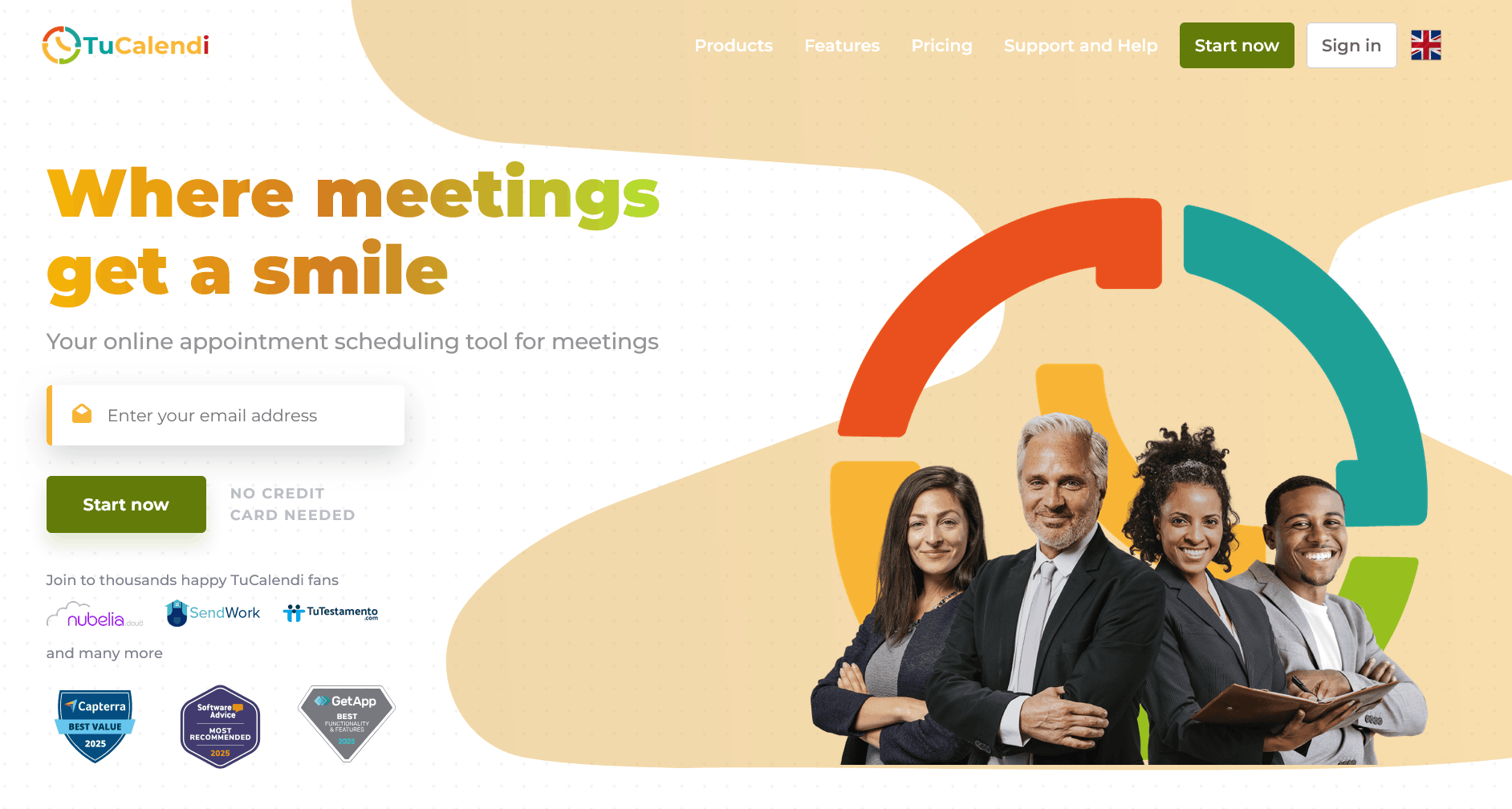
TuCalendi is a European appointment scheduling tool based in Tenerife, Spain, aimed at freelancers, service providers and teams who want a fully customisable booking flow without sending their data to the US. The concept is built around what TuCalendi calls Events Hubs: each hub bundles a booking page, any number of meeting types and the associated calendars, notifications and integrations.
Functionally, TuCalendi covers the entire booking chain – from Smart Routing Forms that guide prospects to the right meeting type based on their answers, through polls and surveys, to coupons, single-use links and manual booking confirmation. Calendars connect to Google, Outlook, iCloud, Microsoft Exchange and CalDAV; for video meetings there is Zoom, Microsoft Teams, Google Meet and GoToMeeting. Payments run through Stripe or PayPal, SMS reminders through Twilio. On top of that come browser extensions for Chrome, Firefox and Edge and a multilingual widget – handy for anyone taking bookings internationally.
Pricing: The Basic plan is free forever and includes one Events Hub, one Google Calendar, one booking page, a custom subdomain and unlimited meeting types. The Pro plan costs €8 per seat per month (€79 billed yearly, with a further discount on a three-year term) and adds six Events Hubs, CNAME support, multiple calendars and integrations, payment providers and workflows. For larger organisations there is an Enterprise plan with multibranding, multiple subdomains and additional setup. As an alternative to a subscription, TuCalendi codes unlock the Pro version for one to twelve months – from €10 for one month up to €99 for twelve.
Pros
- European vendor with a clear GDPR focus – relevant for law firms, medical practices and public bodies
- Genuinely free plan with unlimited meeting types rather than a time-limited trial
- Smart Routing Forms, polls and coupons – features many competitors reserve for enterprise tiers
- Extensive branding: custom subdomain, CNAME and your own templates for every type of email
- Codes instead of a subscription – predictable costs with no recurring commitment
Cons
- Less well known than Calendly – fewer third-party tutorials and community resources
- Some integrations (Zapier, Pabbly, Flowmattic) run via webhooks rather than native apps
- Multiple templates, booking pages and payment providers are reserved for the Pro plan
Who is it for? For freelancers, consultancies, law firms, medical practices and smaller teams in Europe who care about data protection, their own branding and fair pricing – and who need more than a simple booking link but don't want a heavyweight industry-specific system.
2. Calendly
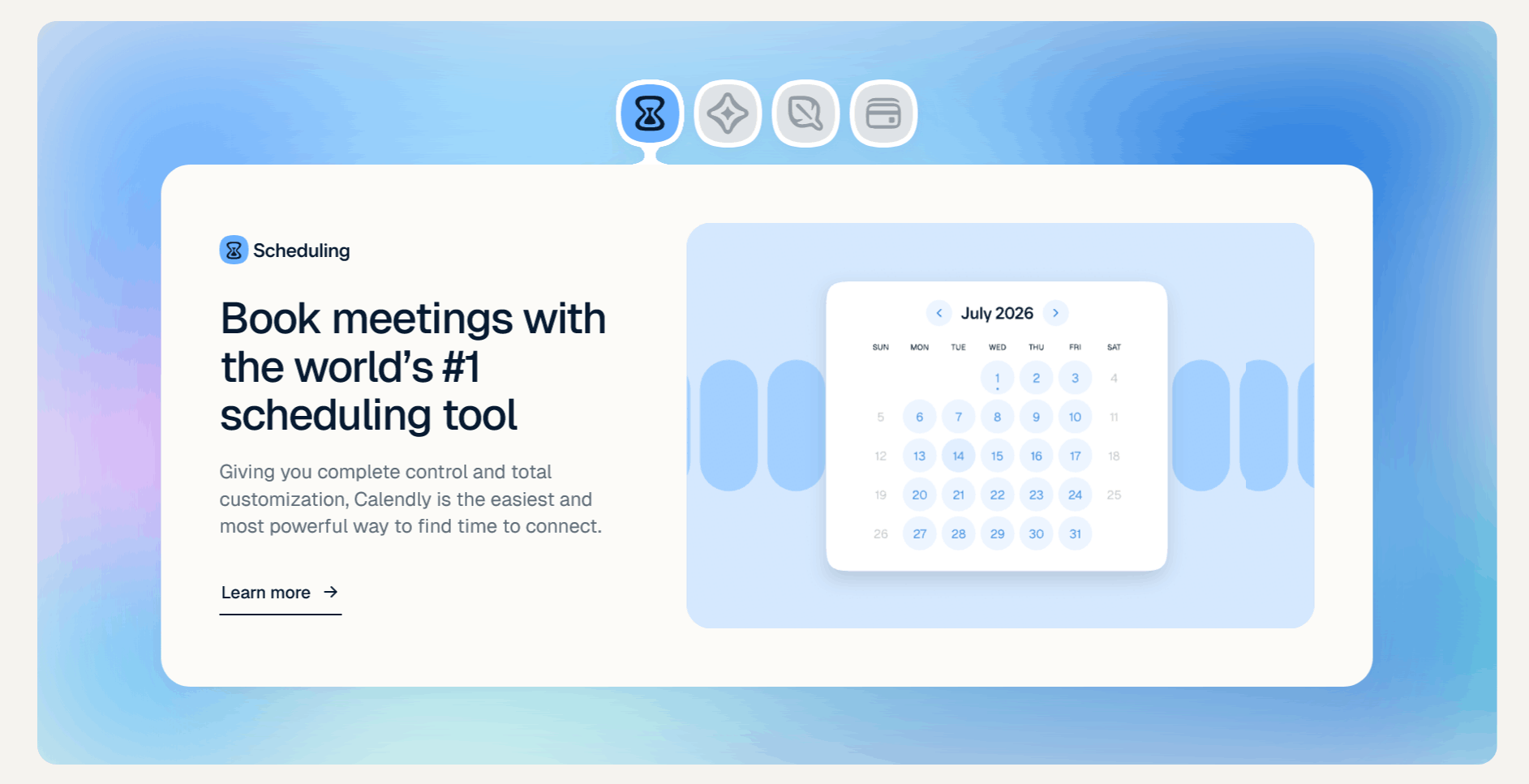
Calendly is the best-known tool in the category and has effectively made "booking link" a standard part of business vocabulary. The focus is clearly on meetings rather than classic service appointments: sales calls, demos, interviews, client conversations. Its integration into sales and recruiting stacks is correspondingly strong.
These days Calendly describes itself less as a scheduler and more as a platform for everything around the meeting. Alongside scheduling there is a Notetaker that joins Zoom, Google Meet and Teams calls and produces recaps and transcripts, an AI assistant called Callie that coordinates meetings over email, plus Contacts and Payments for relationship history, payment links, packages and invoices. Teams get round-robin distribution, routing forms, centrally managed event types and connections to Salesforce, HubSpot, Marketo and Pardot.
Pricing: The Free plan covers one event type, one calendar connection and a customisable booking page. Standard costs $10 per seat per month and adds unlimited event types, up to six calendars, automations, reminders and payments via Stripe and PayPal. Teams costs $16 per seat per month and adds round-robin, lead routing and central management. Enterprise starts at $15,000 per year from 50 seats. Notetaker and Callie are paid add-ons to the Standard and Teams plans.
Pros
- Extremely polished booking experience – most recipients already know how it works
- Strong CRM connectivity with Salesforce, HubSpot and marketing automation
- Meeting polls, routing forms and round-robin for sales and recruiting teams
- Additional AI features for meeting recaps and email coordination
- Very broad integration and app ecosystem, including browser extensions
Cons
- The free plan is tightly capped at a single event type
- Per-seat pricing – costs add up quickly on larger teams
- Removing Calendly branding requires a paid plan
- Poorly suited to classic service businesses with a till, resources and staff rosters
- US vendor – requires a data protection review in a European context
Who is it for? For sales, marketing and recruiting teams, and for anyone coordinating a high volume of external meetings who wants an established, frictionless standard tool – budget permitting.
3. Cal.com
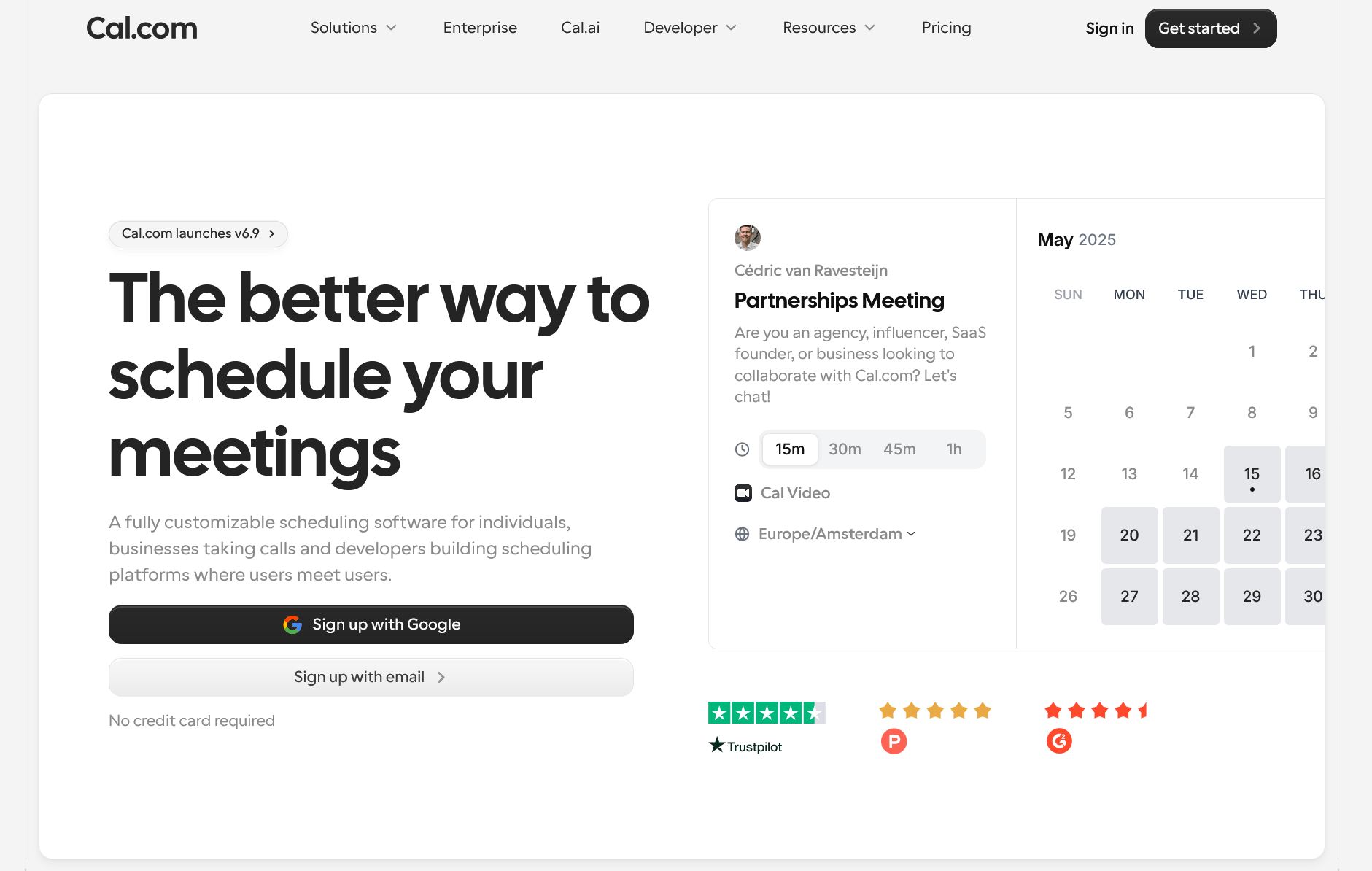
Cal.com started out as an open-source alternative to Calendly and has grown into scheduling infrastructure: alongside the finished application there is a public API, embeddable React components ("Atoms") and a self-hosting option via GitHub and Docker. For development teams who want to embed scheduling deep inside their own product, that is a genuine differentiator.
The feature set is substantial: unlimited event types and calendar connections even on the free plan, over 100 integrations, two-way sync with Salesforce and HubSpot, payments via Stripe and PayPal, and a one-click import of existing Calendly events. Teams get round-robin with weighting, collective and managed event types, recurring events, routing forms and booking analytics. At organisation level there are unlimited sub-teams, a company subdomain, SAML SSO, SCIM, role-based permissions and SOC 2, HIPAA and ISO 27001 compliance. Cal.com also markets Cal.ai, an AI phone agent billed on usage.
Pricing: Free for a single user, Teams from $12 per user per month billed annually, Organizations from $28 per user per month, Enterprise on request. Both team plans come with a 14-day trial; paying annually saves around 25 percent. Self-hosting is free in licensing terms but carries real costs for servers, updates and operations.
Pros
- Very generous free plan with unlimited event types and calendars
- Self-hosting available – full data sovereignty for technically capable teams
- API, webhooks and embeddable components for your own products
- Choice of US or EU hosting plus extensive compliance certifications
- Fast migration thanks to the Calendly import
Cons
- Self-hosting is only cheap on paper – running and maintaining it costs time and money
- Lots of settings and options; setup is less self-explanatory than with leaner tools
- Key enterprise features such as SAML SSO and Salesforce routing only arrive on the Organizations plan
- Cal.ai is billed on usage – hard to budget for at high call volumes
- No focus on retail premises, point-of-sale or staff rostering
Who is it for? For tech companies, agencies and development teams who want to customise, embed or self-host scheduling – and for individuals looking for a powerful free plan.
4. Acuity Scheduling
Acuity Scheduling has been part of Squarespace since the 2021 acquisition and is one of the most established tools for service-led businesses: coaches, photographers, therapists, studios and clinics. Unlike most competitors, Acuity doesn't bill per user but per account, with a set number of calendars or staff members included.
The tool covers pre-appointment intake forms, appointment packages, subscriptions and memberships, group sessions and classes, gift certificates and payments. Calendars sync with Google, Outlook and iCloud. SMS reminders, class and group booking and removing Acuity branding are available from the middle tier upwards. The top plan adds multiple time zones, API access, advanced workflows and an optional HIPAA configuration including a Business Associate Agreement – relevant primarily to the US healthcare market.
Pricing: Emerging from $16 per month billed annually (one calendar), Growing from $27 (up to six staff members, SMS reminders, packages and memberships), Powerhouse from $49 (up to 36 staff members, API, HIPAA option), plus an Enterprise tier on request. Monthly billing costs roughly 20 percent more. There is no permanently free plan, only a seven-day trial.
Pros
- Priced per account rather than per user – considerably cheaper than seat models for larger teams
- Very mature features for service providers: packages, subscriptions, classes, gift certificates
- Intake forms collect everything you need before the appointment starts
- Seamless pairing with Squarespace websites
- HIPAA option with a BAA on the top plan
Cons
- No free plan – after seven days you pay
- SMS reminders and branding removal only from the middle tier
- API access restricted to the most expensive plan
- The interface feels dated in places
- Staff limits per plan – growth forces an upgrade
Who is it for? For service businesses with several staff members and repeat clients – coaching practices, photography studios, physiotherapy or beauty salons – that want to sell packages and memberships and would rather not pay per head.
5. SimplyBook.me
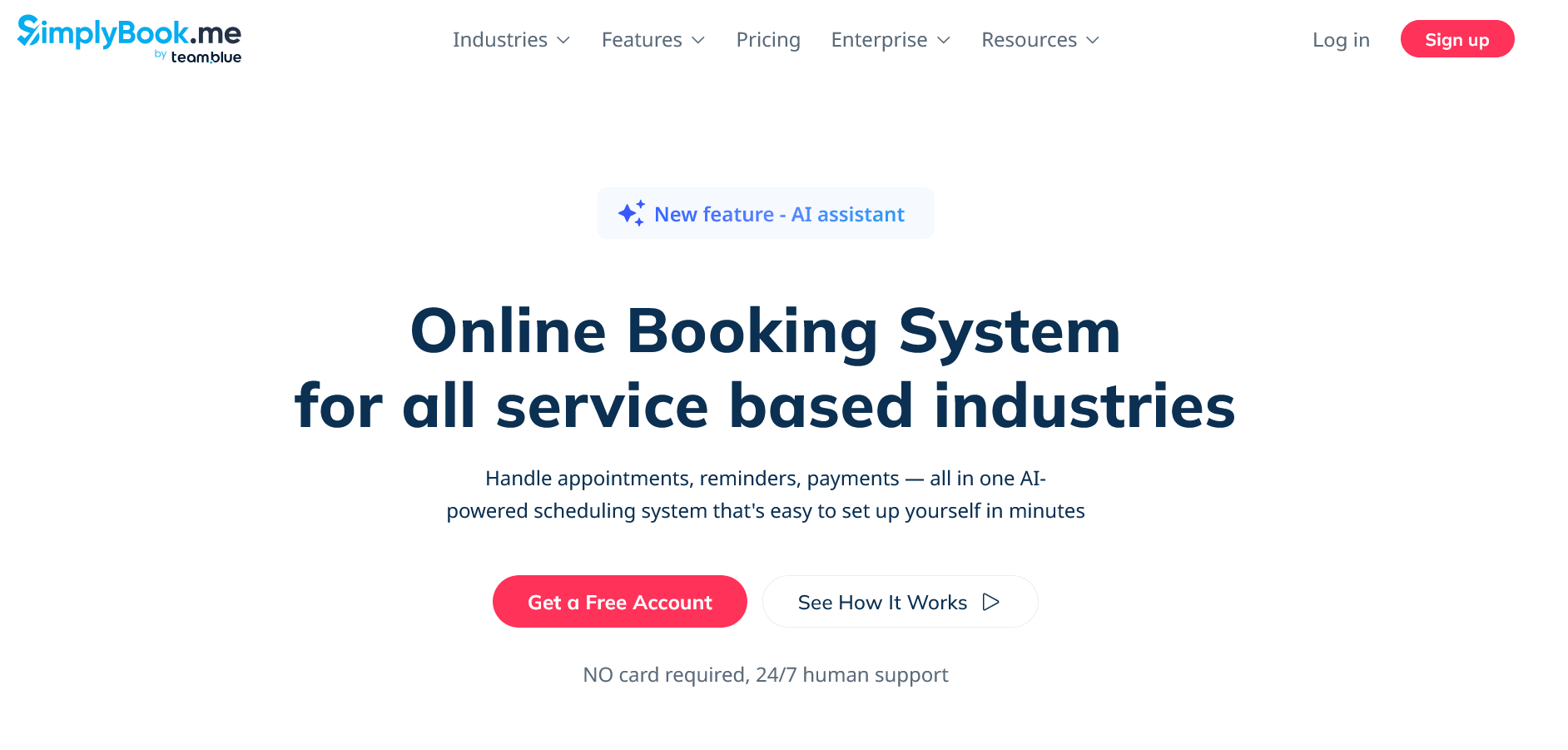
SimplyBook.me takes an unusual approach: rather than fixing features into tiers, it offers a catalogue of more than 70 "custom features", of which each plan lets you activate a certain number. The list includes memberships, gift cards, class booking, intake forms, multiple locations, staff commissions, loyalty programmes, Instagram and Facebook booking and a HIPAA option.
Billing is based on booking volume and the number of service providers rather than on users. That makes the tool attractive for businesses with many staff but a manageable appointment load – and more expensive for those with very high volume. The feature set also includes a point of sale, deposits and tips, a multilingual booking portal and apps for both staff and clients.
Pricing: The Free plan allows 50 bookings per month, one service provider and one custom feature. Basic is €13.90 per month (100 bookings, five providers, three features), Standard €29.90 (500 bookings, 15 providers, eight features) and Premium €59.90 (2,000 bookings, 30 providers, unlimited features, white label). Annual billing saves around 17 percent; larger organisations can request an Enterprise tier. Additional booking allowances can be purchased separately.
Pros
- Enormous feature range – from classes and gift cards to multi-location management
- Billed by bookings rather than per user, ideal for larger teams with moderate volume
- Usable free plan with a genuine booking system
- Multilingual and internationally positioned
- Built-in point of sale, deposits and tips even on the cheaper plans
Cons
- Booking limits can run out mid-month – requiring a top-up or an upgrade
- The feature allowance forces trade-offs: every function you enable occupies a slot
- The pricing structure needs explaining and is harder to budget than seat models
- The sheer number of modules makes the interface feel cluttered
- SMS credits and certain extras cost more on top
Who is it for? For salons, studios, clinics and leisure businesses with several staff members who need a full booking system with a till, classes and memberships – and who can estimate their monthly booking volume reasonably well.
6. Setmore
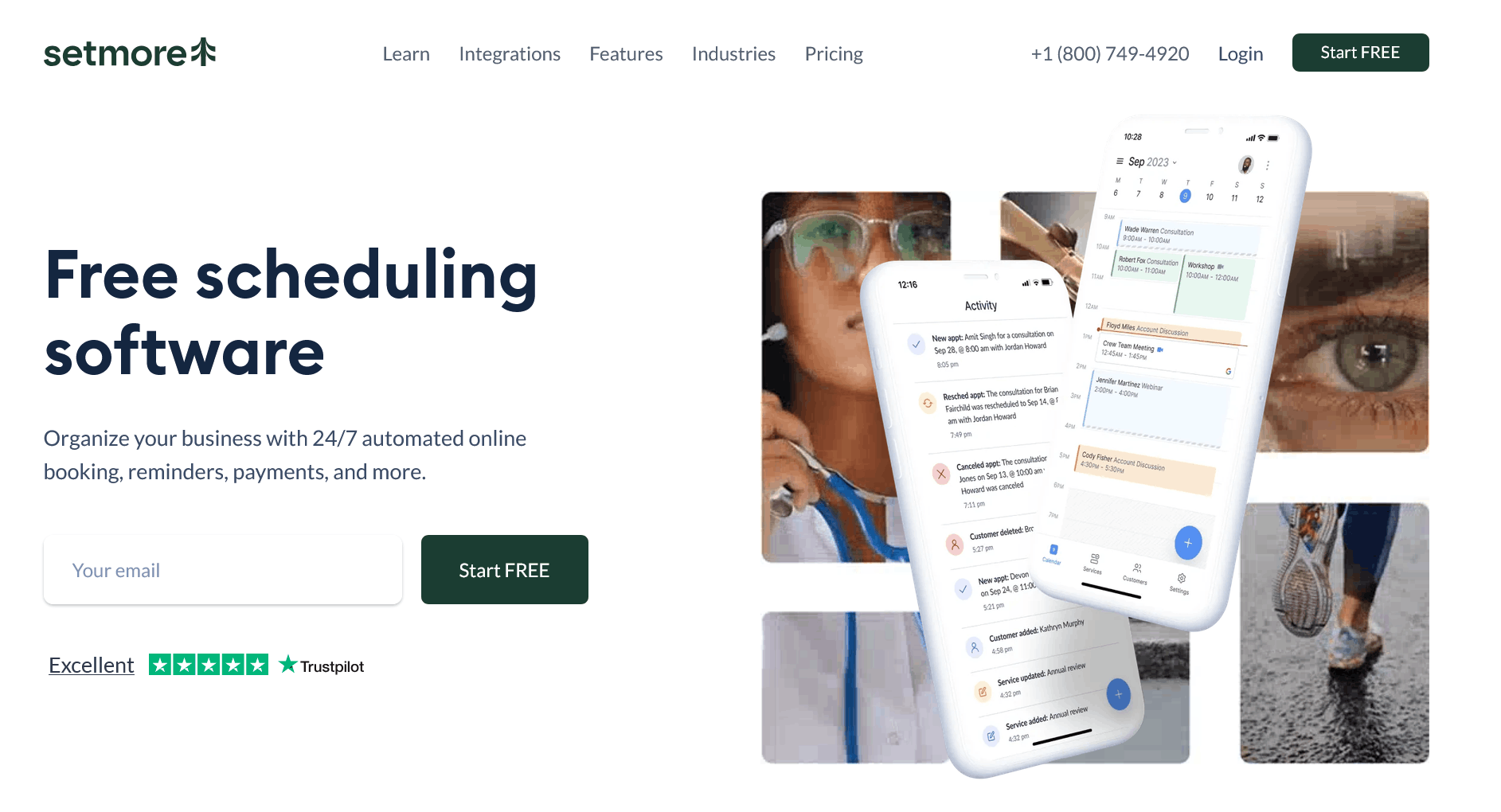
Setmore positions itself squarely on price and has one of the most generous free plans on the market: up to four users and 200 appointments per month, including payment acceptance via Stripe, Square or PayPal, a booking page with a customisable URL, email confirmations and reminders, and integrations with Salesforce, Zoho CRM, Zendesk, Slack, QuickBooks and Mailchimp. Apps for iOS and Android are included too.
The limits of the free plan are clear, though: two-way calendar sync, SMS reminders, recurring appointments, video appointments via Zoom or Google Meet and removing Setmore branding all require the Pro plan. One point that matters for budgeting: Setmore counts every staff calendar as a user, even if that person never logs in.
Pricing: Free for up to four users and 200 appointments per month. Pro costs $5 per user per month billed annually, or $12 billed monthly. For larger teams there is a Team tier with unlimited users; Setmore only quotes those terms, and Enterprise pricing, on request.
Pros
- One of the strongest free plans available: four users, payments and integrations included
- Very low entry price on the annual plan
- Quick to set up and usable without training
- Solid baseline integrations for CRM, accounting and marketing
- Mobile apps for managing appointments on the go
Cons
- No two-way calendar sync on the free plan – a real double-booking risk
- Capped at 200 appointments per month on the free tier
- Every staff calendar counts as a paid user
- No trial for Pro or Team – you either use Free or pay straight away
- Limited depth in team management, routing and reporting
Who is it for? For sole traders and small teams on a tight budget who want to be up and running quickly – barbers, tutors, consultants or small workshops with a manageable appointment load.
7. Zoho Bookings
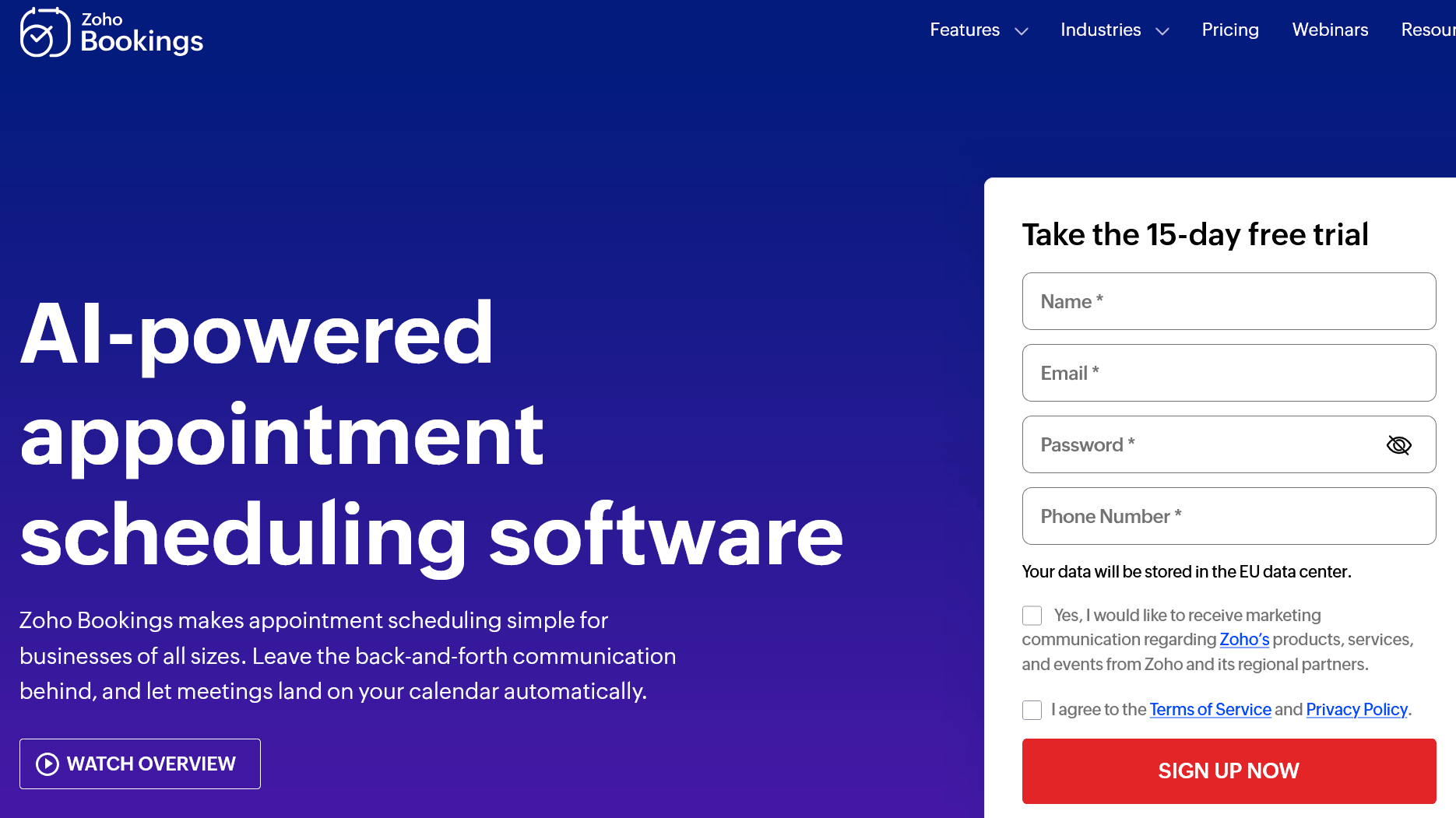
Zoho Bookings is part of the wider Zoho suite and shows its strengths above all where Zoho CRM, Zoho Meeting or Zoho One are already in use. Bookings reads directly from CRM data, creates records and syncs calendars with Zoho, Google and Microsoft 365 or Outlook.com.
The feature set ranges from one-on-one and group appointments through round-robin distribution and collective bookings with multiple hosts to workspaces, resource booking for rooms and equipment, a customer portal, online payments and revenue reports. Video appointments run via Zoho Meeting, Zoom, Google Meet or Microsoft Teams. SMS notifications, a custom domain and removing Zoho branding are reserved for the Premium plan.
Pricing: The Forever Free plan includes one staff member, one workspace, one service type, two-way calendar sync and online meetings. Basic costs $6 per staff member per month billed annually ($8 monthly), Premium $9 ($12 monthly) including three workspaces, payments and CRM sync. A Flex tier is available on request. Zoho One customers get access to the Premium plan at no extra cost.
Pros
- One of the cheapest tools with a full set of team features
- Effectively free for Zoho One customers
- Deep integration with Zoho CRM including lead assignment
- Resource booking for rooms and equipment on the Premium plan
- Two-way calendar sync even on the free tier
Cons
- The full benefit only materialises inside the Zoho ecosystem
- Fewer third-party integrations than Calendly or Cal.com
- The interface and booking pages are functional but feel dated
- Group bookings, custom domain and branding removal are Premium-only
- Zoho Meeting requires a separate subscription
Who is it for? For companies already running Zoho products, and for cost-conscious teams who want round-robin, resource booking and CRM connectivity at a low per-seat price.
8. Microsoft Bookings
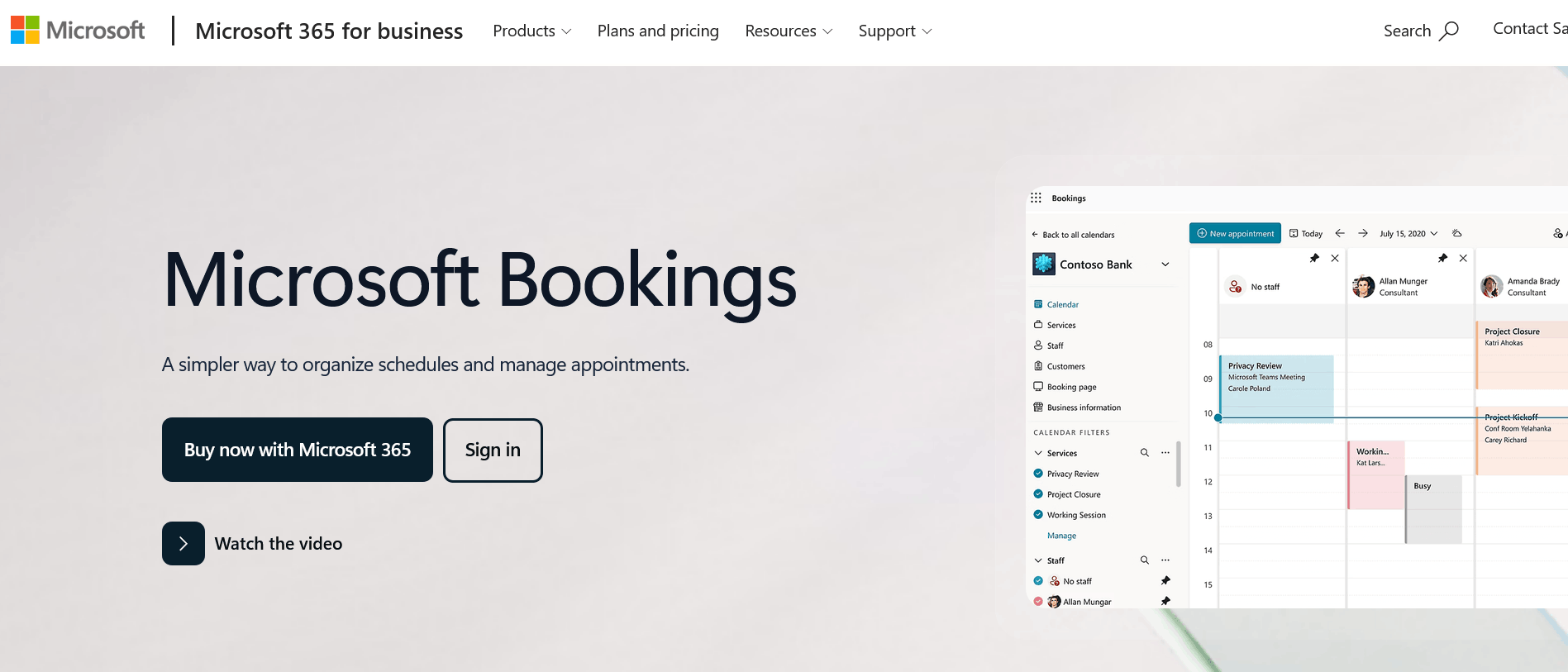
Microsoft Bookings is not a standalone product but an app inside Microsoft 365. If you already have Business Basic, Business Standard or Business Premium, you have effectively paid for it. Numerous Enterprise, frontline, education and government plans, as well as Teams Essentials and Teams Premium, include Bookings too.
Functionally it covers the standard tasks: a public booking page, services with durations and buffers, staff calendars, automatic confirmations and reminders, and Teams meetings for virtual appointments. One point that matters to anyone responsible for data protection: all Bookings data sits inside the Microsoft 365 platform in Exchange Online and follows the same compliance policies as other Microsoft 365 data. Customers don't need a Microsoft account to book; staff managing the service, however, do need the appropriate licences.
Pricing: No separate cost – Bookings is included in the subscriptions listed above. The cheapest route in is usually Microsoft 365 Business Basic, which is around $7 per user per month on an annual subscription. Microsoft does not sell the app on its own.
Pros
- Included at no extra cost in existing Microsoft 365 subscriptions
- Data stays within your established Microsoft 365 environment and compliance framework
- Seamless integration with Outlook, Exchange and Teams
- No additional contract review or new data processor required
- Central administration through your existing IT function
Cons
- Not available separately – no Microsoft 365, no Bookings
- Markedly limited options for designing the booking page
- Barely any integrations outside the Microsoft world
- No payment processing at European standard scope, and no packages or gift certificates
- Availability depends on your own tenant administrator's settings
Who is it for? For organisations already standardised on Microsoft 365 that need straightforward, compliant appointment booking without adding another vendor – advice centres, educational institutions or internal service desks, for example.
9. Square Appointments
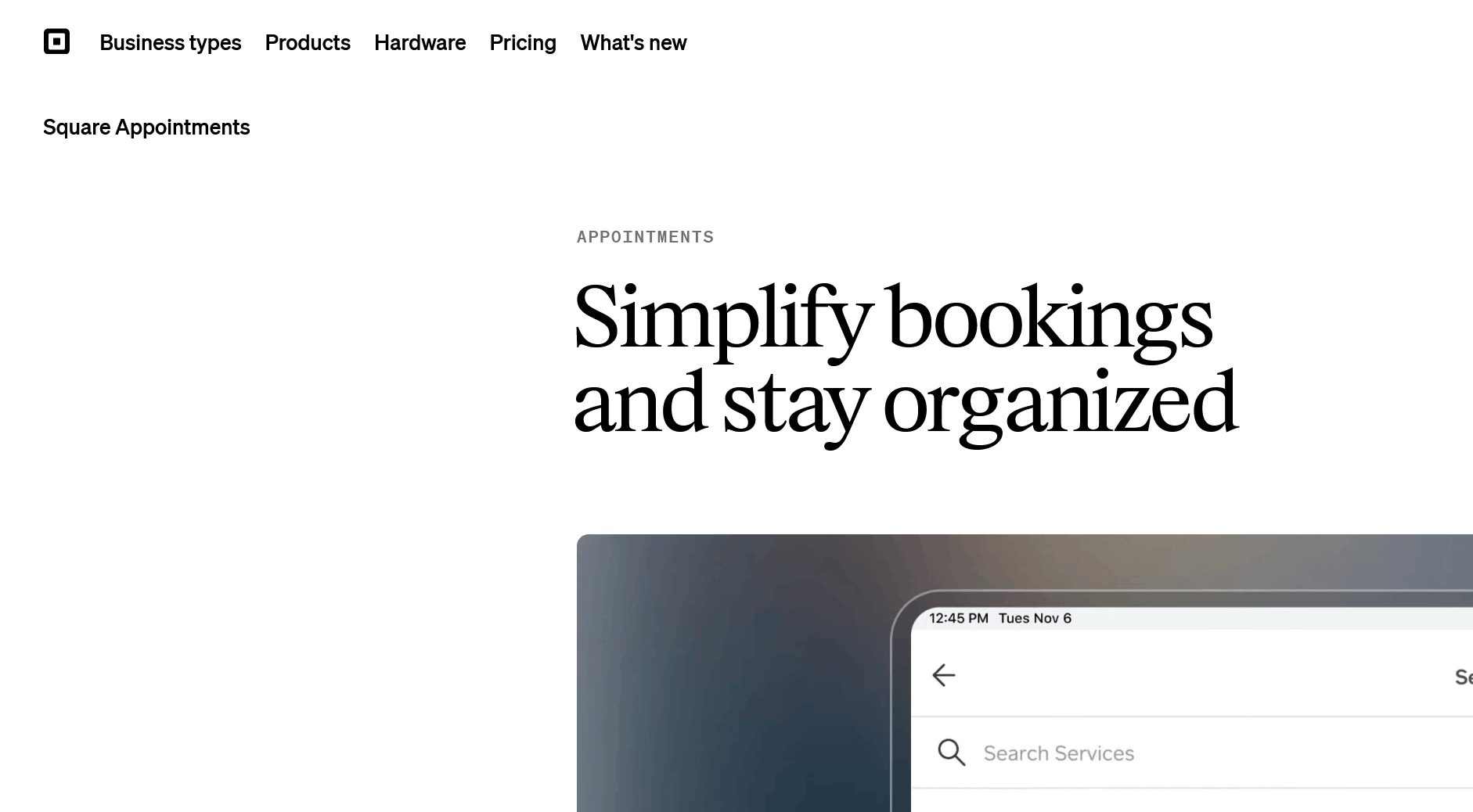
Square Appointments is less a meeting tool than an operating system for service businesses with walk-in customers. Booking, point of sale, customer management, payment processing and optionally marketing, loyalty programmes and payroll all interlock. If you serve customers in person and take payment on the spot, you get everything from one source – including hardware such as card readers and terminals.
The free plan is exceptionally strong for this category: an online booking page, unlimited staff calendars, appointment reminders, deposits and automatic contracts are all included. Costs arise through transaction fees instead. Features such as multi-staff bookings within a single visit, waitlists, cancellation policies with no-show fees, resource scheduling and advanced reporting are reserved for the paid plans.
Pricing (US figures): Free with no base fee, Plus at $49 per location per month, Premium at $149 per location per month; custom terms are available for high-volume businesses. On top come transaction fees that vary by plan and payment type – slightly higher on the free plan, lower on the paid ones. Important: the base fee applies per location, not per account.
Pros
- Strong free plan with unlimited staff calendars and deposits
- Booking and point of sale in a single solution, hardware included
- Customer profiles, sales history and marketing in the same interface
- Bookings taken directly via your website, Instagram, Facebook and Google Business Profile
- No monthly base fee for solo operators
Cons
- Billed per location – costs escalate quickly across multiple sites
- Locks you into Square as your payment processor
- Transaction fees can cost more than a subscription at high revenue
- Core team features only from the Plus plan upwards
- Considerably over-specified for purely online meetings and consultations
Who is it for? For hair salons, beauty studios, barbershops, tattoo studios and similar businesses with a physical shopfront that want appointments and payment handled in one system – ideally at a single location.
10. Doodle
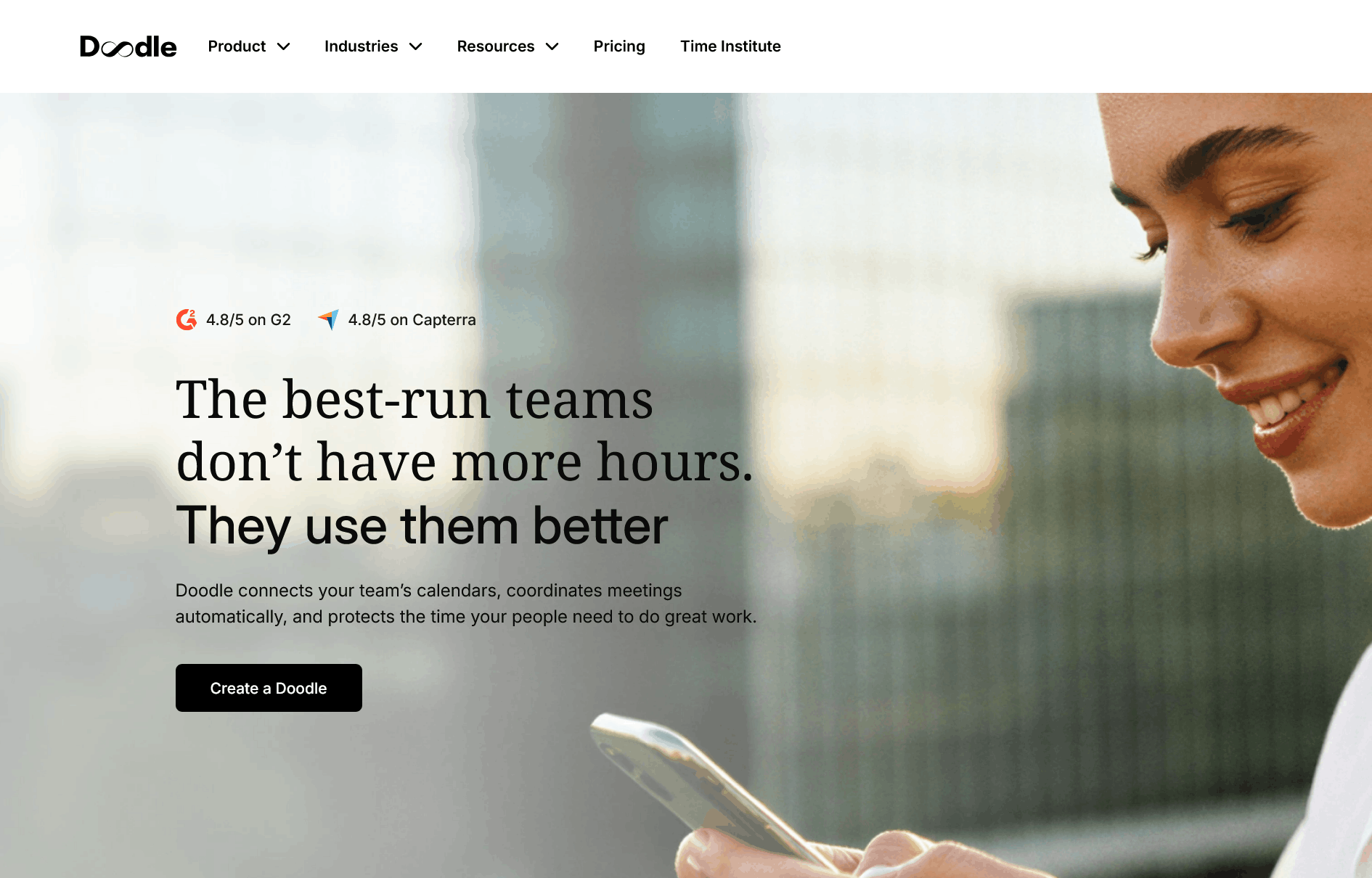
Doodle is best known for its group polls – and that remains its core strength. While every other tool in this list answers the question "when does it suit you?", Doodle solves "when does it suit all of us?". Participants need no account, which keeps the barrier as low as it gets.
Doodle has since broadened out considerably. Alongside group polls there are sign-up sheets for workshops and events, 1:1 time proposals and a classic booking page with calendar connections to Google, Outlook and Microsoft 365. Payments can be collected via Stripe, and video meetings created through Zoom, Microsoft Teams and Webex. The Team plan adds an admin console, roles and permissions, co-hosting, booking on behalf of others, activity reports, custom branding and AI-generated meeting descriptions.
Pricing: The Free plan covers one group poll, one booking page, one 1:1 and basic sign-up sheets – but with ads that your invitees see too. Pro and Team are billed per seat per month, with Doodle quoting annual discounts of roughly 24 to 26 percent; the Team plan requires a minimum of two seats. Enterprise starts at $15,000 per year and targets organisations of around 50 employees and up. For the current Pro and Team figures, check Doodle's pricing page, as they have been adjusted several times recently.
Pros
- Unbeatable for finding a time across a group – no account needed for participants
- Sign-up sheets for workshops, parents' evenings, office hours and events
- Combines polls and a classic booking page in one tool
- Well established in Europe, with Swiss roots and correspondingly high acceptance
- Stripe payments and video conferencing integrations from the Team plan
Cons
- The free plan shows ads to your invitees and permits only one active item of each kind
- Reminders, deadlines and the "if need be" vote are paid-only
- As a pure booking tool it is less capable than specialised competitors
- The mobile apps were paused in 2026 and are being rebuilt
- The Team plan requires a minimum of two seats
Who is it for? For anyone whose main headache is group scheduling: associations, schools and universities, project teams, committees and agencies that regularly coordinate across organisational boundaries.
The ten tools side by side
| Tool | Free plan | Entry price (paid) | Billing model | Strongest at |
|---|---|---|---|---|
| TuCalendi | Yes, permanent | €8 / seat / month | per seat | GDPR, branding, routing forms |
| Calendly | Yes, heavily limited | $10 / seat / month | per seat | Sales and recruiting meetings |
| Cal.com | Yes, very generous | $12 / user / month | per user | API, embedding, self-hosting |
| Acuity Scheduling | No, 7-day trial | $16 / month | per account | Packages, subscriptions, classes |
| SimplyBook.me | Yes, 50 bookings | €13.90 / month | per booking volume | Feature range, POS, classes |
| Setmore | Yes, 4 users | $5 / user / month | per user | Value for money for beginners |
| Zoho Bookings | Yes, 1 staff member | $6 / staff member / month | per staff member | Zoho ecosystem, CRM connectivity |
| Microsoft Bookings | Included with M365 | from Microsoft 365 Business Basic | via M365 licence | Microsoft environments |
| Square Appointments | Yes, with transaction fees | $49 / location / month | per location | Shopfront businesses with a till |
| Doodle | Yes, with ads | per seat, see vendor | per seat | Group scheduling |
Conclusion: which tool fits you?
There is no single "best" appointment scheduling tool – only the right one for a particular scenario. If you coordinate a lot of external meetings and have a CRM behind you, Calendly or Cal.com will serve you well. If you serve customers in person and take payment on the spot, look at Square Appointments or SimplyBook.me. If you are already embedded in an ecosystem, Microsoft Bookings or Zoho Bookings give you a solution without a new contract. And if you regularly coordinate group meetings, there is little way past Doodle.
For anyone working in Europe who values data protection, their own branding and fair pricing, TuCalendi is the obvious choice: a permanently free plan to try it out, a Pro plan at €8 per seat per month with everything you need for a professional booking flow – and a vendor that doesn't just tick the GDPR box but was built around it from the start.
Our advice on choosing: test two or three candidates with a real appointment that you walk through yourself, end to end, as the customer would. Only then will you see whether the confirmation email, the reminder, the reschedule and the cancellation work the way you want to put them in front of your clients.