
A fundamental step in setting up TuCalendi so the platform works correctly is to create TuCalendi flows and then assign your events to the corresponding flows.
Flows are the new way of configuring and working with TuCalendi events and bookings. They give you more flexibility, more speed and make the process of booking appointments or meetings more efficient. You can create and manage flows in one place and assign them to the different events in your calendars.
Flows are automations that are activated and associated with the events you have created.
TuCalendi's flow-based operation is required for all users who have an account.
To create flows, log in to TuCalendi with your username and password.
In the side menu, go to the "Flows" option:
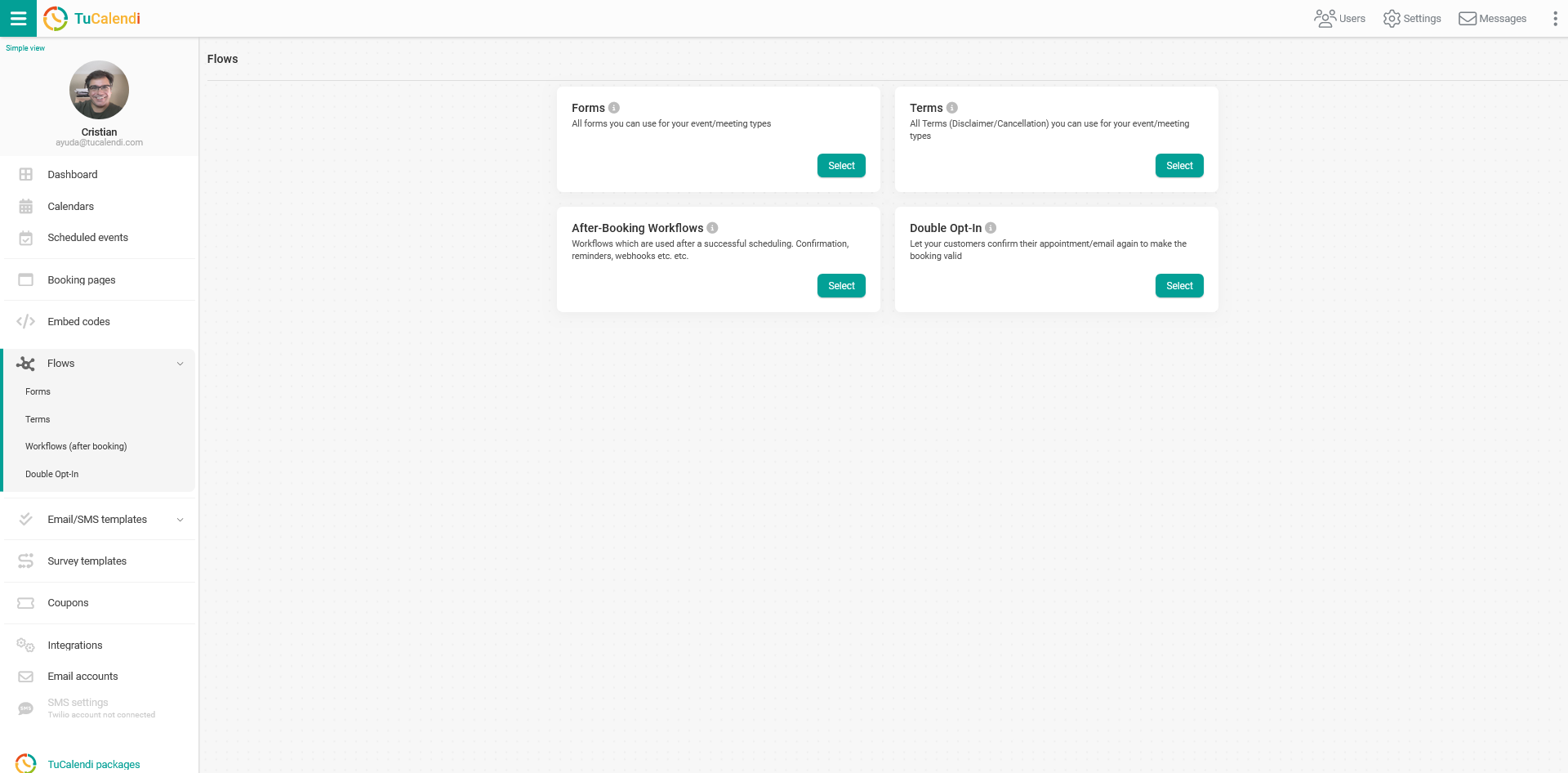
There are currently 4 different types of flows available:
- Form flow. All the forms you can use for your bookings.
- Workflows. These are the automations used after a successful booking: confirmations, reminders, rescheduling, cancellations and webhooks.
- Terms flow. These are the "Conditions or Cancellation" terms you can use for your booking types.
- Double Opt-in flow. Lets your customers confirm the booking by clicking a verification link in the confirmation email.
Once you have created the different flows, you have to associate your events with the flows so the corresponding automations start working.