
An important step to configure TuCalendi correctly is to create the email templates. Email templates are the notifications that people who book with you through TuCalendi will receive by email.
To create the email templates, log in to TuCalendi with your username and password.
In the side menu, go to the "Email/SMS Templates" option:
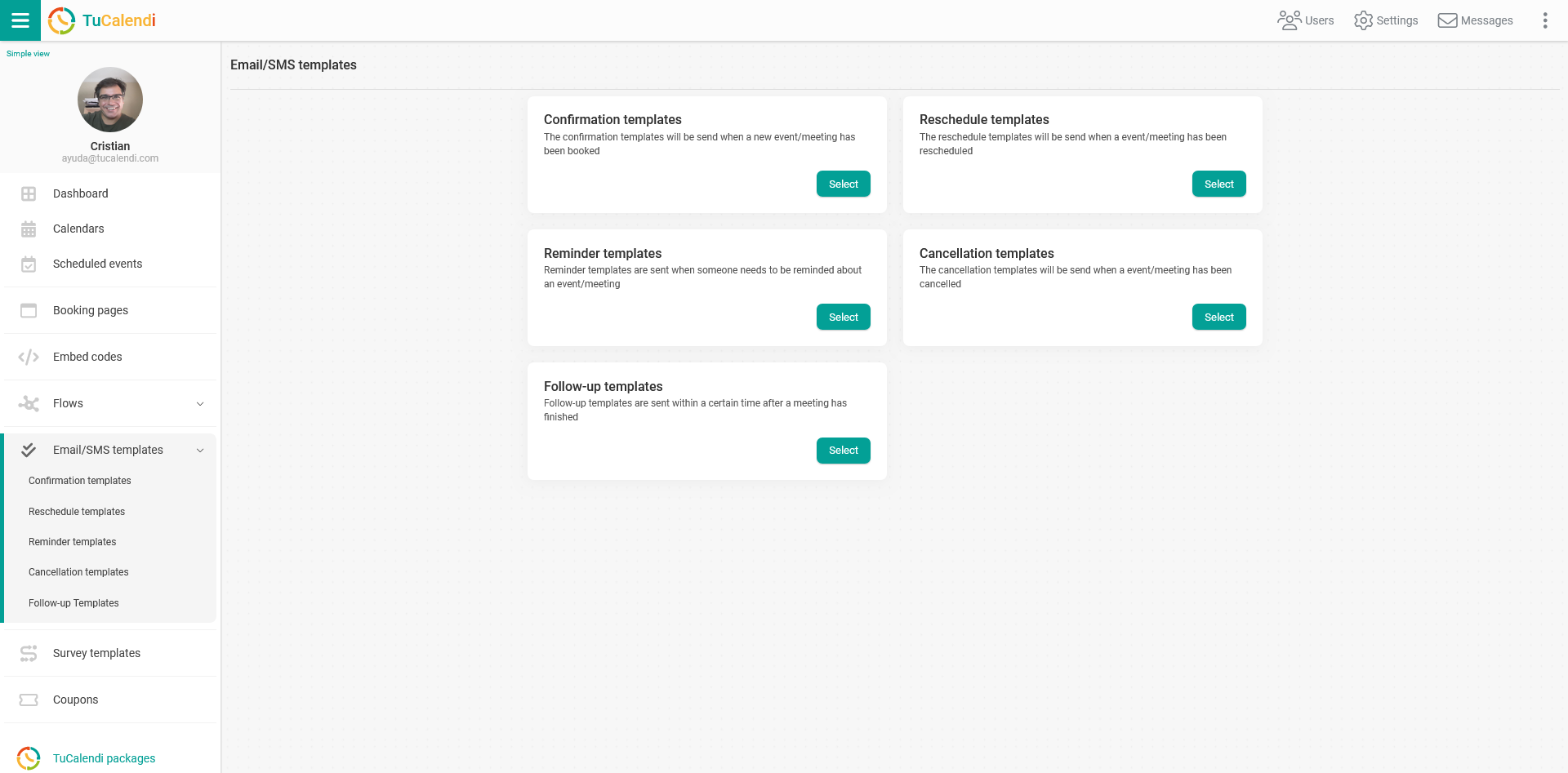
There are 5 types of email or SMS templates. These are notifications you can customize to inform your customers with the message and in the language you want at any stage of a booking.
- Confirmation templates. Confirmation templates are sent when a meeting has been booked.
- Reminder templates. Reminder templates are sent when someone needs to be reminded of a meeting.
- Rescheduling templates. Rescheduling templates are sent when a meeting has been rescheduled.
- Cancellation templates. Cancellation templates are sent when a meeting has been cancelled.
- Follow-up templates. Follow-up templates are sent within a certain period of time after a meeting ends.
Once you have created the different templates, you must associate them with the workflows. If you don't, only the default booking confirmation template, which is in English, will be sent.