
Smart surveys with routing are the new way to create TuCalendi surveys. They are a faster, more dynamic and efficient way to manage surveys.
Smart surveys with routing use a separate widget that you can also customize from the survey widget appearance.
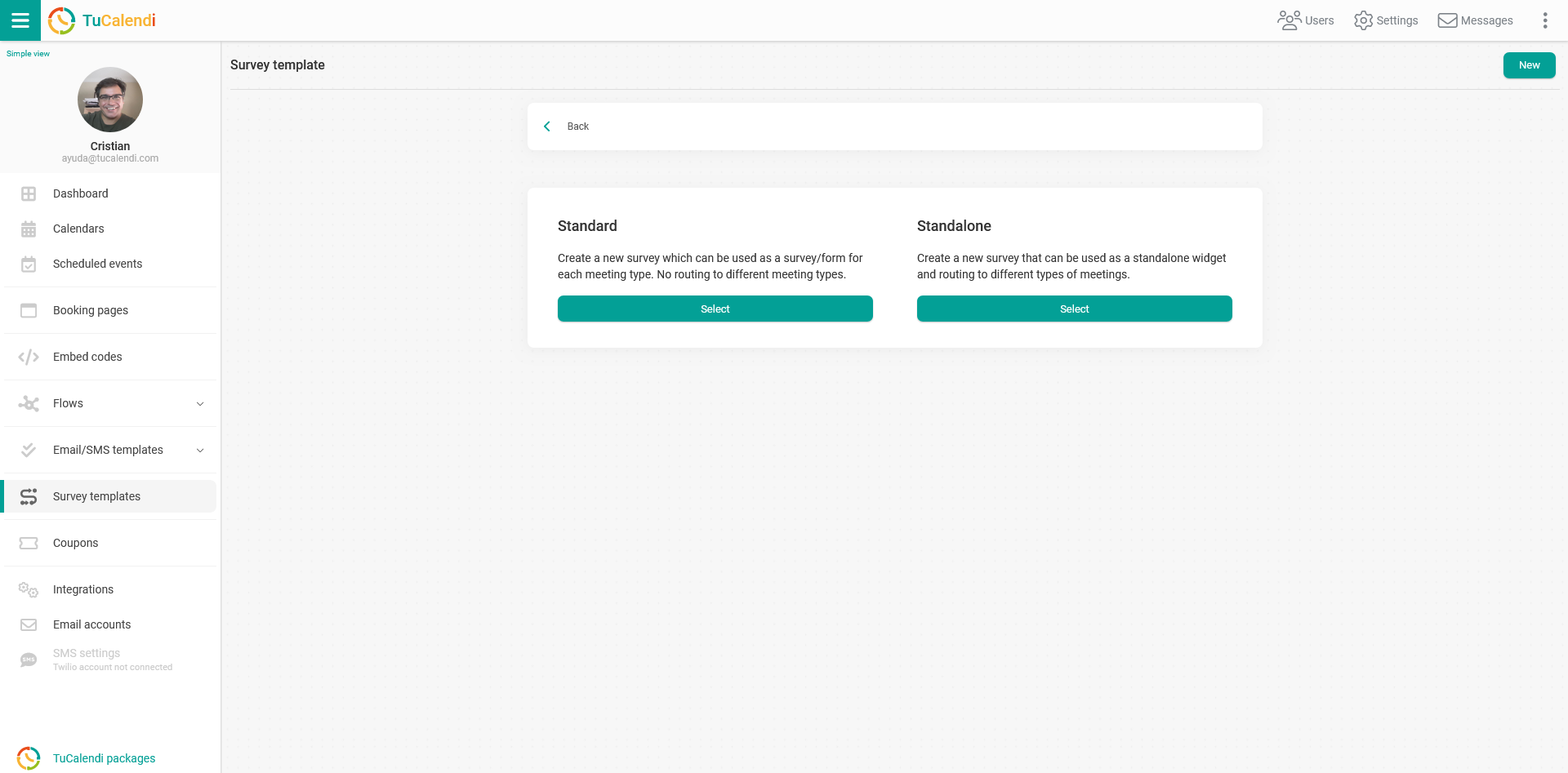
Until now, there was only the standard way to create a survey. It was based on creating the survey with the different options and then associating it with the event you wanted the survey to have. It was a simple way to collect information from your users and customers before displaying the calendar with the dates and times available for booking.
The standard way of creating surveys is still fully operational and you can continue to use it.
Now we have gone further by creating smart surveys with routing. Depending on the answers your customers give to the questions you ask, they will be directed to the different events you have created, so they can book the appointment with you or your team.
Smart surveys with routing are used as a standalone widget and are routed to different types of meetings you have created in your calendar.
This new way of creating TuCalendi surveys still offers all the possibilities available in the standard way:
- Text: A field where you can write free text.
- Options button: Users can choose one option among the existing ones.
- Set of options: To choose several options.
- Informative field: Where you can give some explanation about the survey or the answers.
- Coupon field: Adds a promotional coupon to the survey, to be applied when booking.
It also includes additional functions such as:
- Modify time to booking: Depending on the information, you can add or remove time from the meeting.
- Modify amount: Depending on the answers, you can add or subtract an amount of money from the amount charged when the reservation is confirmed.
- Assign user: Depending on the answers, the user who will attend the appointment is assigned.
Since routable surveys use a separate widget, you need to create a domain on meetfy.online to make them operational. Meetfy.online is our domain for managing booking pages and routable surveys.