

What Does Your Business Need from a Scheduling Tool?
Choosing a scheduling tool seems straightforward until you need to fit it into your company's everyday operations. A sales team needs to distribute demos among its representatives; a consulting firm needs to offer different services; and a recruitment team needs to coordinate interviews involving several participants. They all schedule appointments, but their requirements differ.
Before comparing tools, identify what is going wrong or what you want to improve in your current process. Perhaps enquiries reach the wrong person, you need to connect more calendars, or you want a booking experience that reflects your brand. Clear priorities will help you distinguish essential features from those you will rarely use.
7 Essential Factors to choose a Scheduling Tool
Calendly is one of the best-known online scheduling platforms, but different solutions offer different approaches and capabilities. If you are looking for a Calendly alternative for your business, these seven factors will help you compare your options against your team's actual needs.
1. Team Scheduling and Automatic Appointment Distribution
When several professionals share responsibilities, displaying available time slots is only part of the process.
You also need to determine who should handle each appointment, how to distribute workloads and what happens when a team member is unavailable.
Features such as round-robin scheduling help assign bookings automatically among different users.
Before choosing a platform, check whether you can manage different services, teams, availability settings and assignment rules.
2. Smart Forms Before Booking
Not everyone requesting a meeting needs to speak to the same department.
A prospective customer may need a sales demo, while someone else is looking for technical support or specialist advice.
Smart forms collect information before a booking is confirmed and guide visitors towards the appropriate appointment.
This functionality is particularly useful for consulting firms, professional service providers and businesses with several departments.
3. Integration with Your Company's Calendars
A scheduling tool should fit the way your organisation works.
Check its compatibility with Google Calendar, Outlook, Microsoft 365 and any other tools your team uses.
It is also worth checking how changes are synchronised, which calendars can be checked for conflicts and how cancellations are handled.
The aim is to avoid double bookings and reduce administrative tasks.
4. A Customisable Booking Experience
Your booking page is part of the experience you offer your customers.
A suitable solution should let you adapt colours, logos, confirmation messages and other visual elements to your brand identity.
Some businesses also need a custom domain or subdomain and the ability to embed the booking interface directly into their website.
A consistent experience helps convey professionalism and build trust.
5. Automated Communications
Confirmations, reminders, cancellations and follow-up messages are all part of an appointment's lifecycle.
Automating these communications can reduce manual work and help minimise missed appointments.
Review which notifications each tool lets you configure, which languages it supports and whether advanced features require a higher-tier plan.
6. Privacy and Data Protection
In the European Union, personal data must be processed in accordance with applicable GDPR obligations.
Before choosing a scheduling platform, review where data is hosted, which providers are involved in processing it, what contractual agreements the service offers and which mechanisms are available for managing personal information.
For businesses operating in Germany, Austria and other European markets, this assessment may form part of the technology selection process.
A platform should not automatically be considered suitable for every use case simply because its servers are located in Europe.
7. Total Cost and Room to Grow
The entry price of a scheduling system does not always reflect its final cost.
Some solutions charge per user; others set different limits on calendars, events, automations or integrations.
Before deciding, calculate what the platform would cost with your actual team size and the features you need.
It is also worth checking the options available for organisations that require more advanced configurations or integrations.
Which Scheduling Tools Are Worth Evaluating?
Your choice will depend on the type of organisation.
-
Calendly: an established scheduling platform with plans for professionals, teams and larger organisations.
-
Cal.com: particularly interesting for those who value technical integrations, APIs and flexibility.
-
Zeeg: combines appointment scheduling, routing and sales-oriented features for teams.
-
meetergo: offers scheduling and automation tools with a particular focus on the German market.
-
TuCalendi: combines booking pages, smart forms, round-robin scheduling, connected calendars and a customisable booking experience.
The best option is not necessarily the one with the most features, but the one that supports your processes with less operational complexity.
TuCalendi: Smart Scheduling for Businesses and Professionals
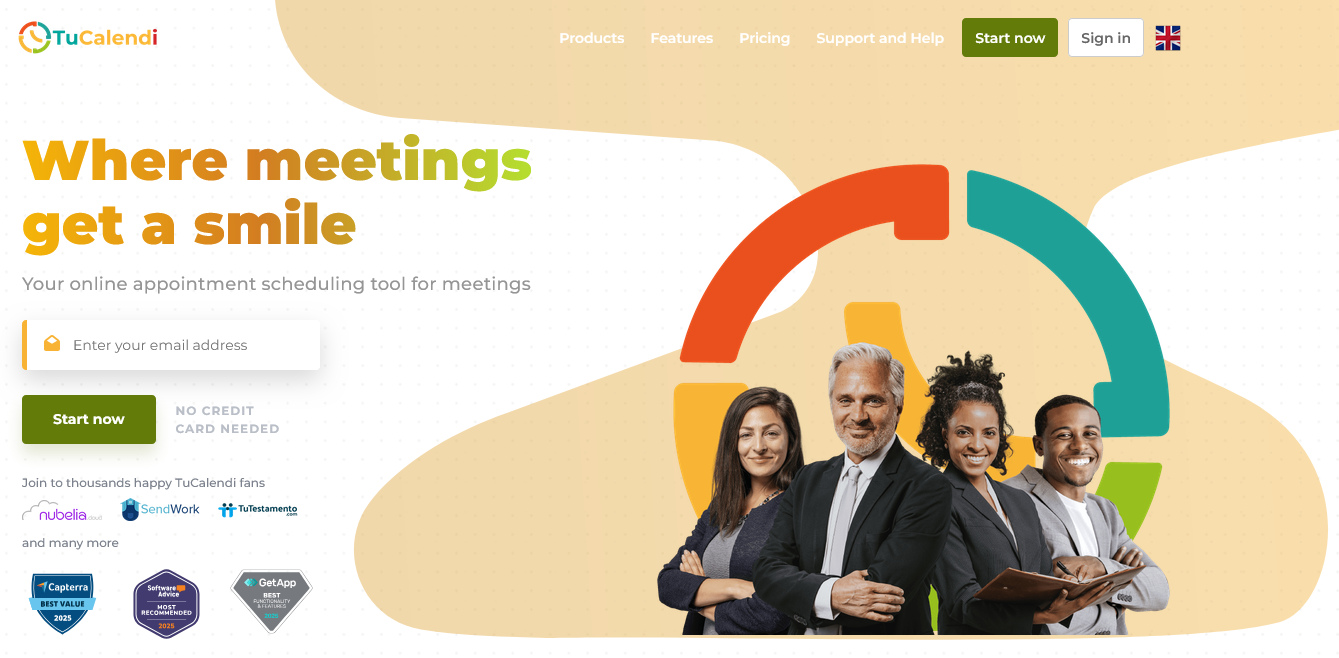
TuCalendi lets you create booking experiences tailored to different services and business requirements.
Its features include external calendar integrations, smart forms, round-robin appointment assignment, automated notifications and booking widgets that can be embedded into websites.
For businesses working with international customers, it also offers multilingual booking options.
Alongside plans for individuals and teams, TuCalendi offers enterprise solutions that can be adapted to organisations with specific requirements.
Test Your Real Workflow Before Deciding
Rather than comparing feature lists alone, recreate a typical situation from your business.
For example, set up two services, three professionals and a form that identifies the type of assistance each customer needs.
Then check calendar synchronisation, notifications and the booking experience on a mobile device.
This practical test will give you a more useful perspective than a comparison based solely on pricing.
Discover How TuCalendi Can Work for Your Team
If you need to automate bookings, distribute appointments among professionals or integrate a scheduling system into your website, explore the possibilities with the TuCalendi team.
Request a TuCalendi demo and discuss your organisation's requirements with us.